Click here for a quick-tip video.
1. If your Salon has multiple locations, select the location on the top of the screen.
NOTE: If your salon only has one location, skip this step and proceed to Step #2.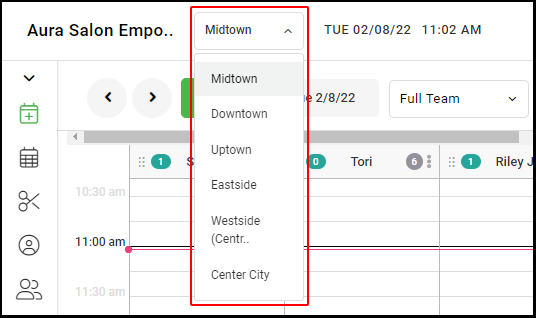
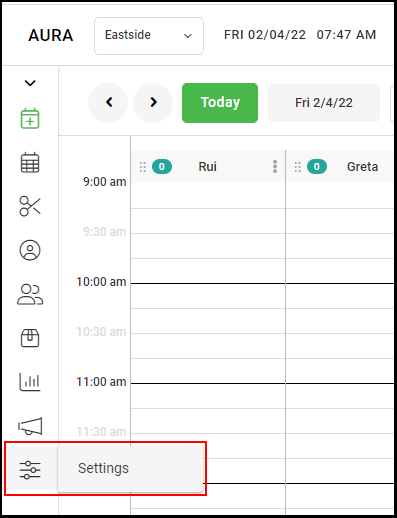
2. Go to "Settings" on the left side menu.
3. Select "Access".
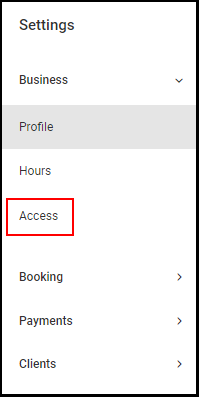
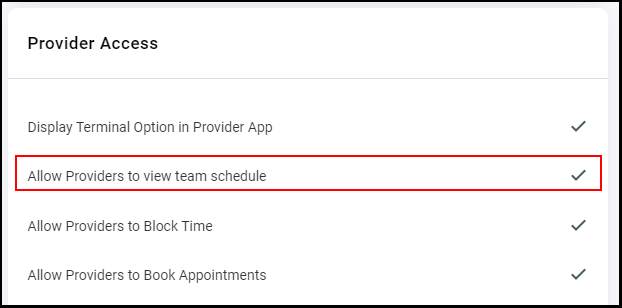
4. Check the "Allow Providers to view full schedule" if you want providers to be able to view and edit the entire salon's calendar.
NOTE: If the box is unchecked, Providers will only be able to view and edit their calendar and appointments.
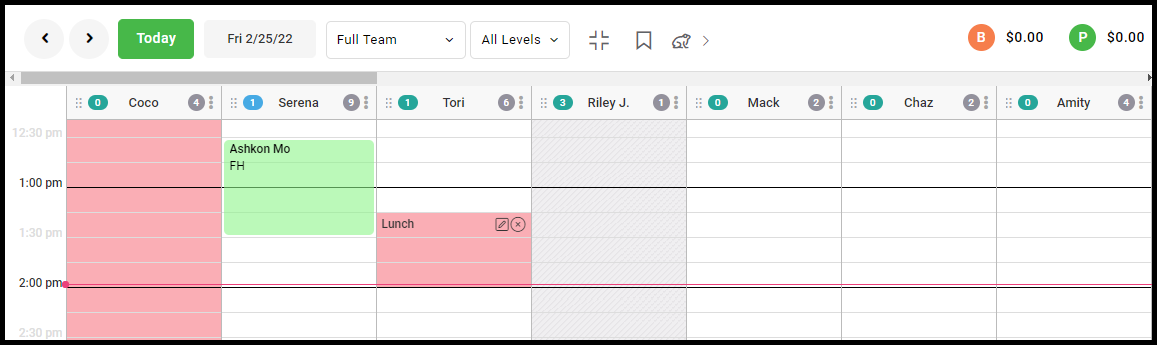
EXAMPLE 1: When this feature is checked ON, the provider schedule will appear like the below image and the full team schedule for the day will appear
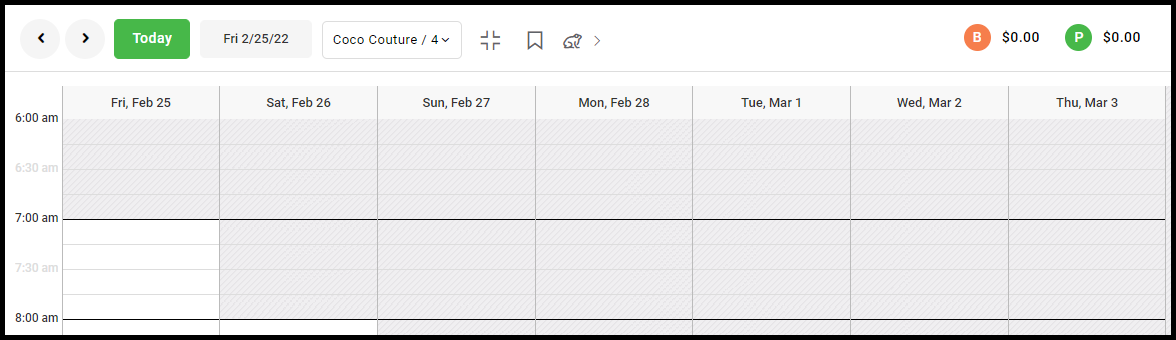
EXAMPLE 2: When this feature is checked OFF, the provider schedule will appear like the below image and show only the providers schedule.
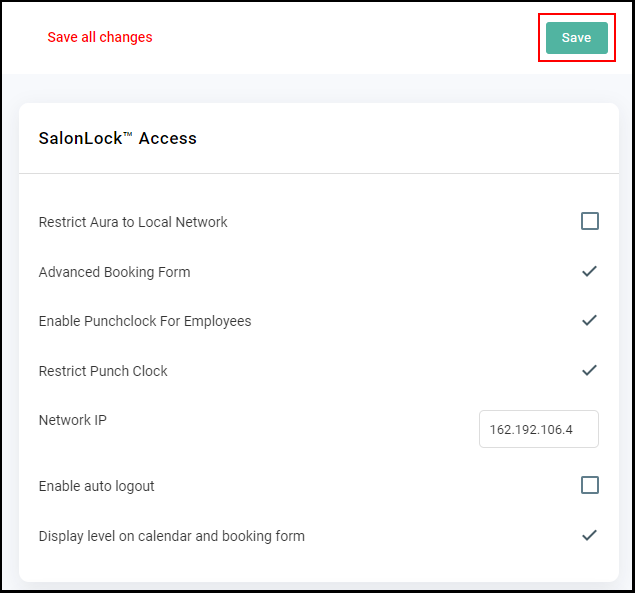
5. Click "Save".