In order to maximize AURA’s Automated Appointment and Marketing Alerts, always make sure that client profile details are up to date. This should become a standard part of the booking process with clients. Users can toggle these automated text communications on and off by following directions here.
Your Appointment Has Been Booked!
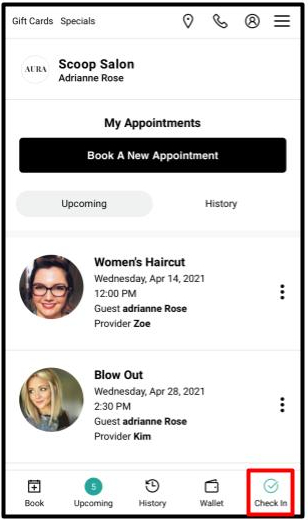
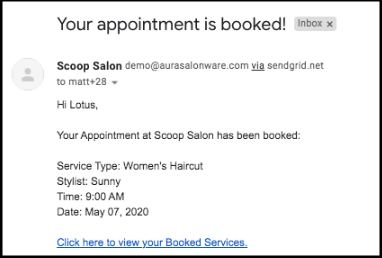
At the time of booking, a Booking Confirmation email is sent to the client that links to their appointments page in the Client App. We don’t ask for Appointment Confirmation at this time because depending on how far-out the booking is, a confirmation may be unreliable.
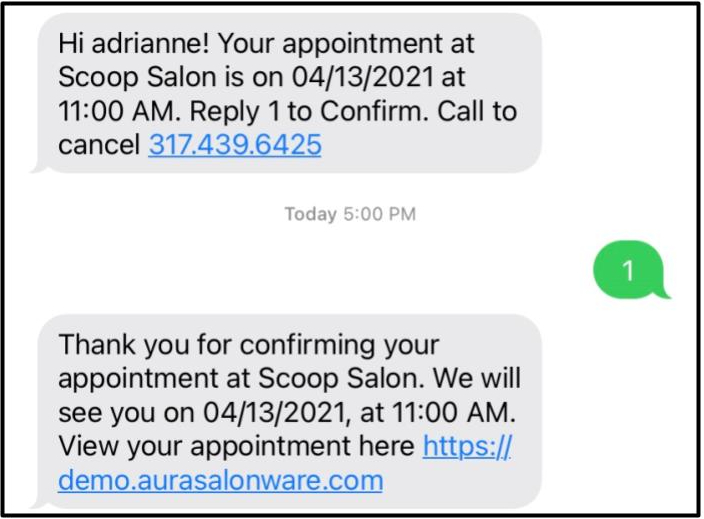
Appointment Confirmation Text
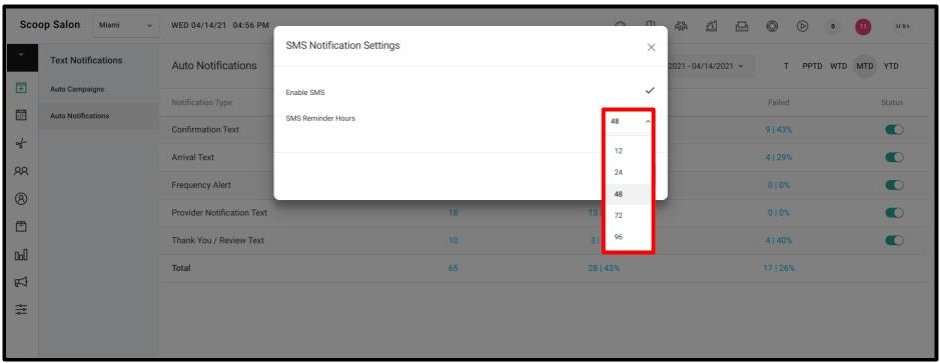
An Appointment Confirmation Text is sent to clients 12, 24, 48, 72, or 96 hours* before each appointment. Clients can confirm their appointment via text by replying “1” which automatically marks the appointment Confirmed on the Calendar.
NOTE: The timing of the appointment confirmation text can be customized in Auto Notifications under the Marketing tab by an Owner or Manager.
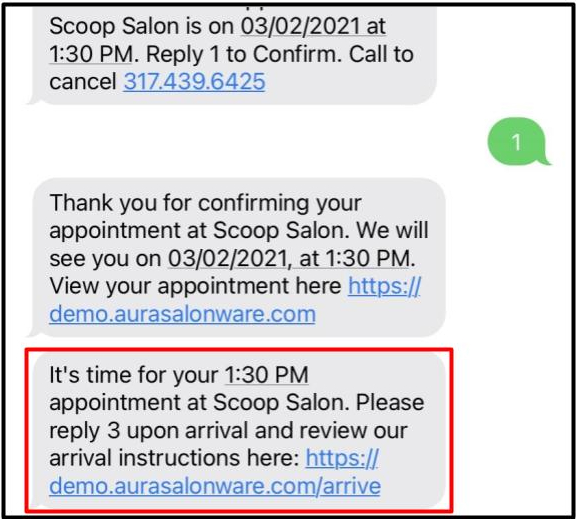
Arrival Text (with Provider Notification)
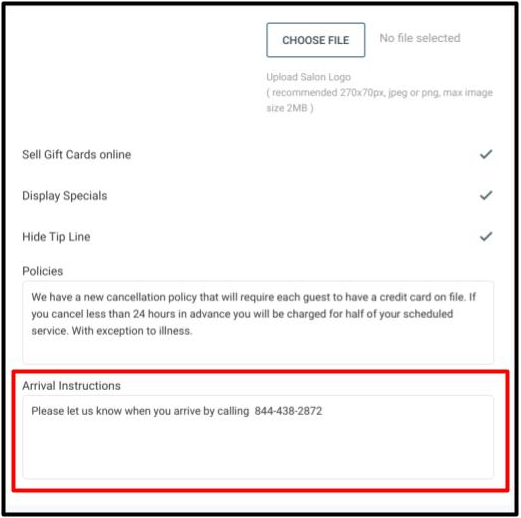
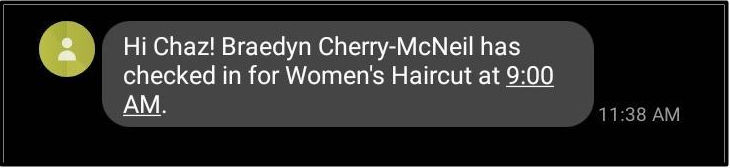
Clients receive a Arrival Text 30 minutes before each appointment, that enables them to check-in by responding to the text with a “3”. If the salon has added Arrival Instructions in the Client App section under the Salon Settings then a link with the salon's Arrival Instructions will be included in the Client Arrival Text.
The client replying 3 automatically marks the client as Arrived on the Calendar and sends a Provider Notification Text to the booked Provider. The Provider Notification Text is sent immediately. If it is a multi-service appointment, the first Provider for the visit receives the Provider Notification Text.
**Note** By law, texts can not be sent between 8 pm and 8 am, so for an appointment that is less that 48 hours away, if a client books between those times, the text will arrive the next morning.
**Note** Confirmation Texts are sent immediately when appointments are booked on the same day.
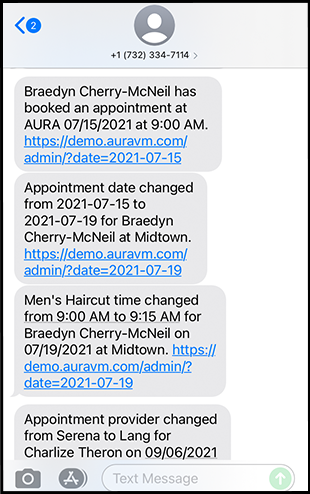
Appointment Alert to a Provider
Providers can be set to receive SMS about changes to appointments on their books via the setting in their employee profile
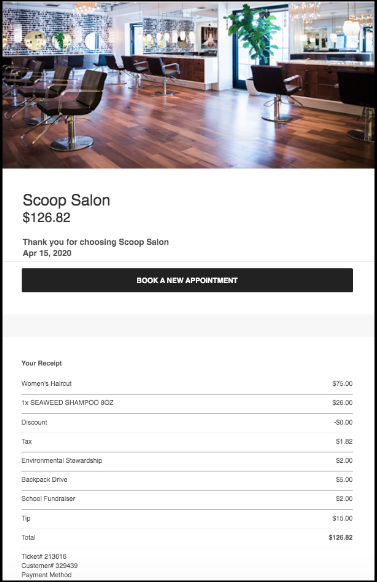
Receipt
The client is emailed an itemized receipt for their purchase immediately after paying if their email is on file
Frequency Reminder Text
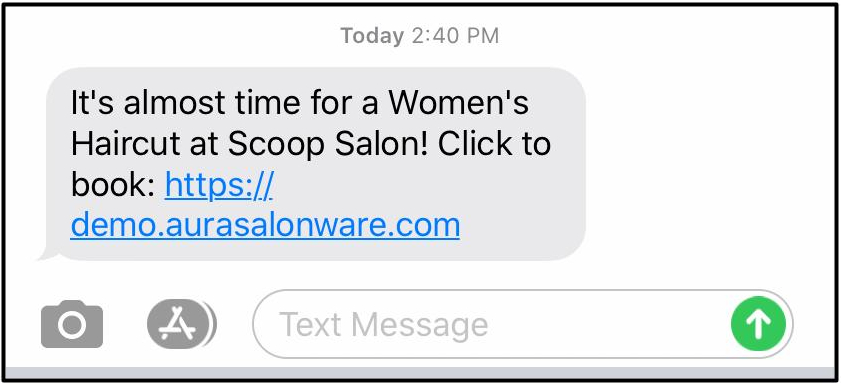
Using the Weeks between Visits and Preferred Service fields in the client profile, text messages that remind the client to book their next appointment are sent to the client. They will not go to the client if they have booked an appointment with the Preferred Service.
Card Linked Notification Text
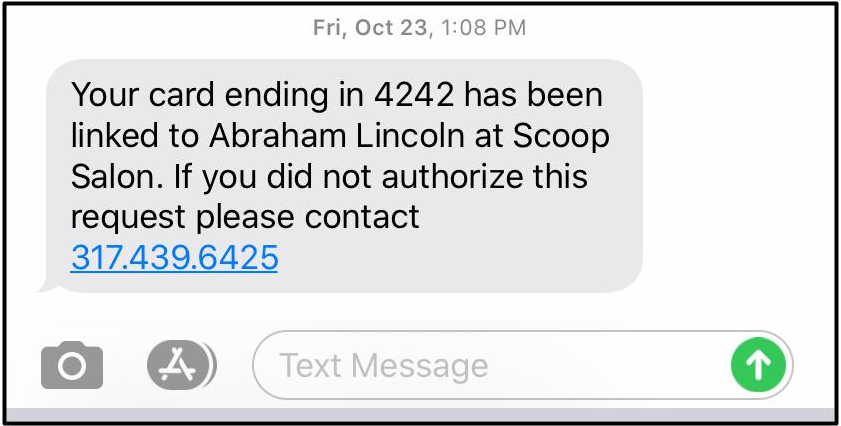
When a client's card on file is linked to a different client's account, the cardholder will receive a text notifying them that the card has been linked.
Social Buddy
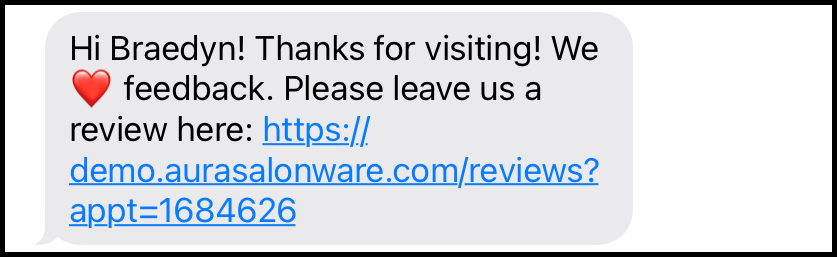
Once Managers and Owners enable Social Buddy, clients receive an SMS asking for them to leave a review internally, within AURA. If the client leaves a review of 4 or 5 stars they are prompted to leave that same review on Google or Facebook. If the client leaves a review of 1, 2, or 3 stars, they see the custom message. The Review SMS replaces the Thank You SMS for businesses that have it enabled
Learn more about Social Buddy
here.
Covid Waiver
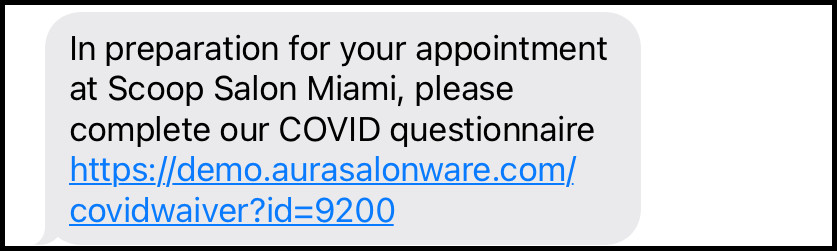
Owners and Managers can turn on COVID Waiver SMS to their clients. Record of the waiver is recorded in PDF and available to the salon.
Learn more about auto-notifications for the Covid Waiver
here.
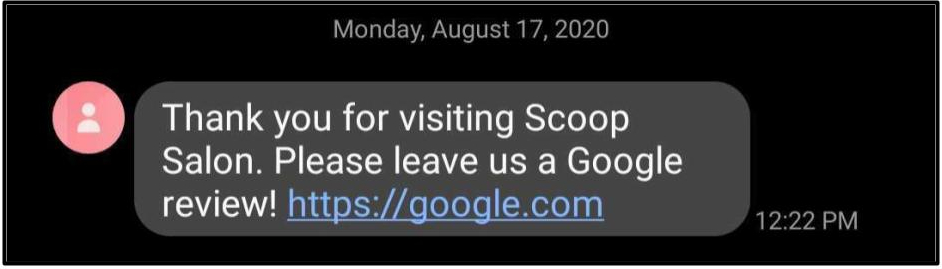
Thank you/Review Text
This text may be present depending on the system settings. It can link to your business review page on Google.