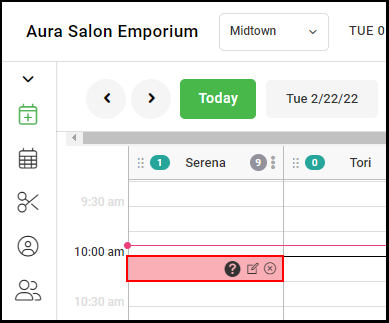
Click here to watch the video.
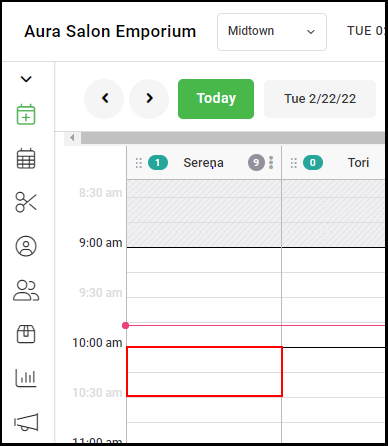
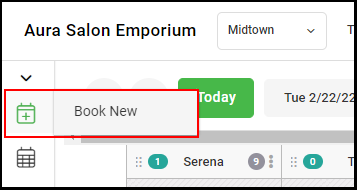
1. Select the block start time on the calendar or click book new on the side menu.
2. Select the "Block" tab on the top of the menu.
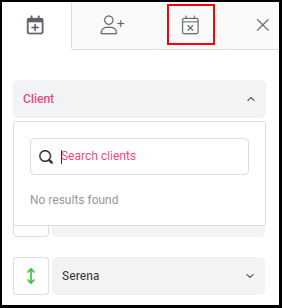
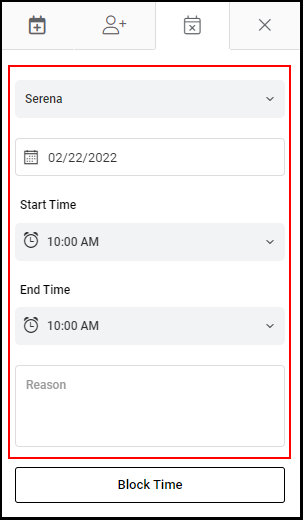
3. Select the desired provider, date, block times, and reason (optional).
NOTE: If you selected the start time from the calendar, the date, time, and provider will auto-fill.
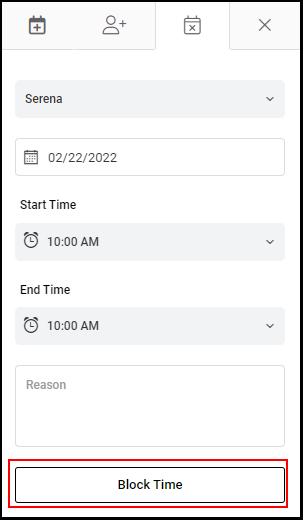
4. Click "Block Time" to add the block to the calendar.
5. The block has been added to the calendar.