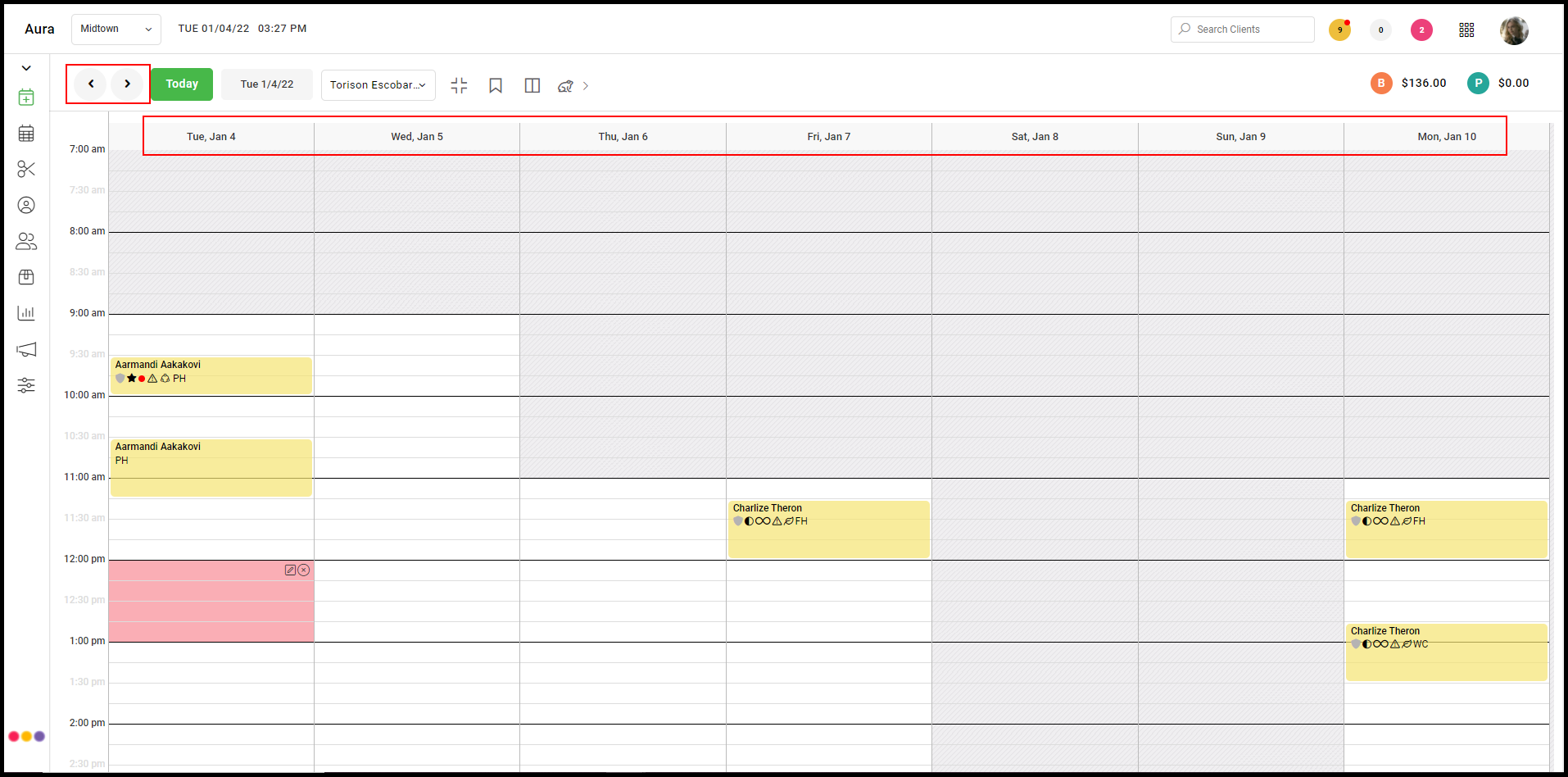
Click HERE to watch the video.
Click here for Mobile instructions.
On Desktop:
1. Start on the appointment book.
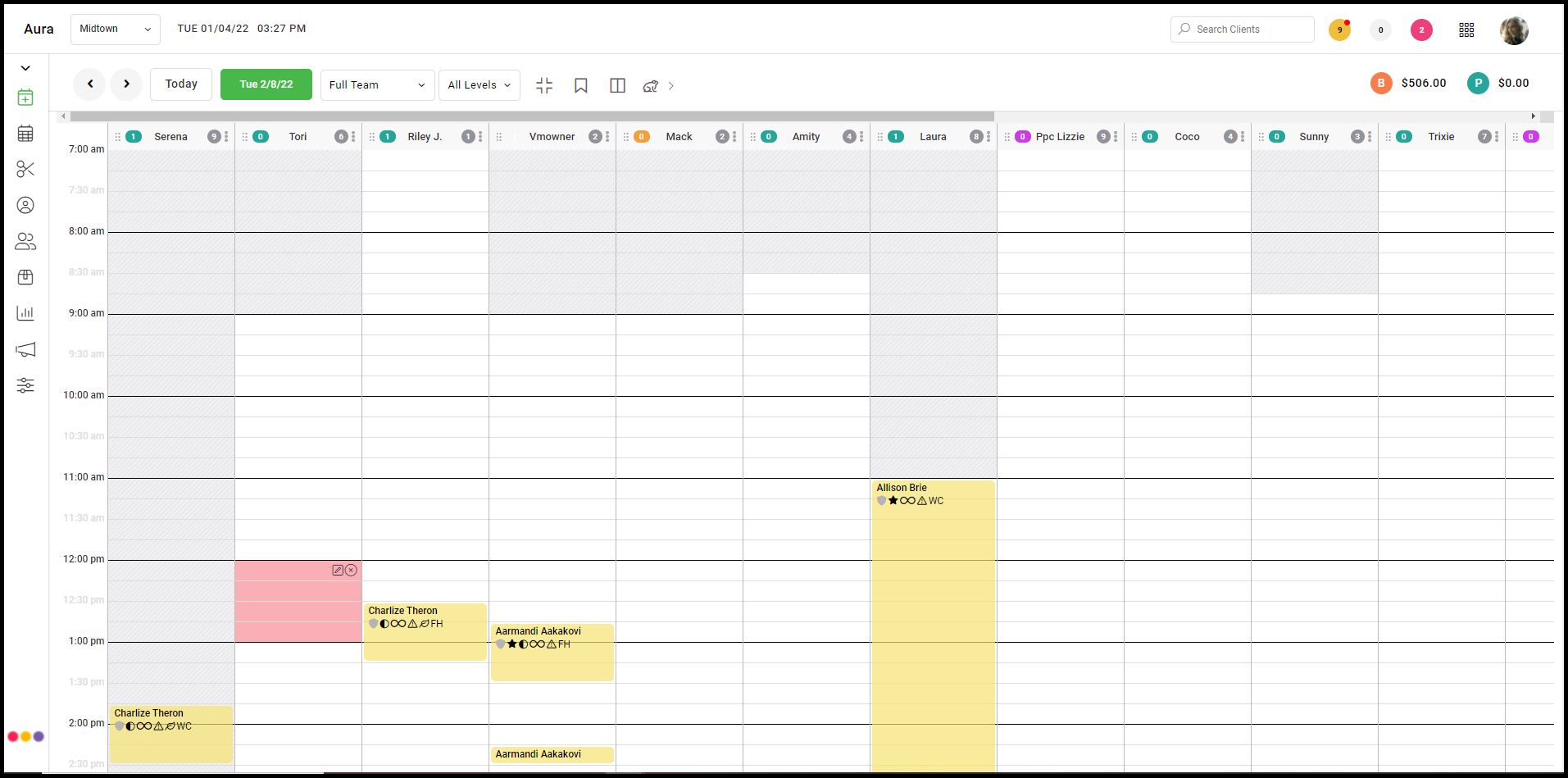
2. Click on "View Full Team" at the top.
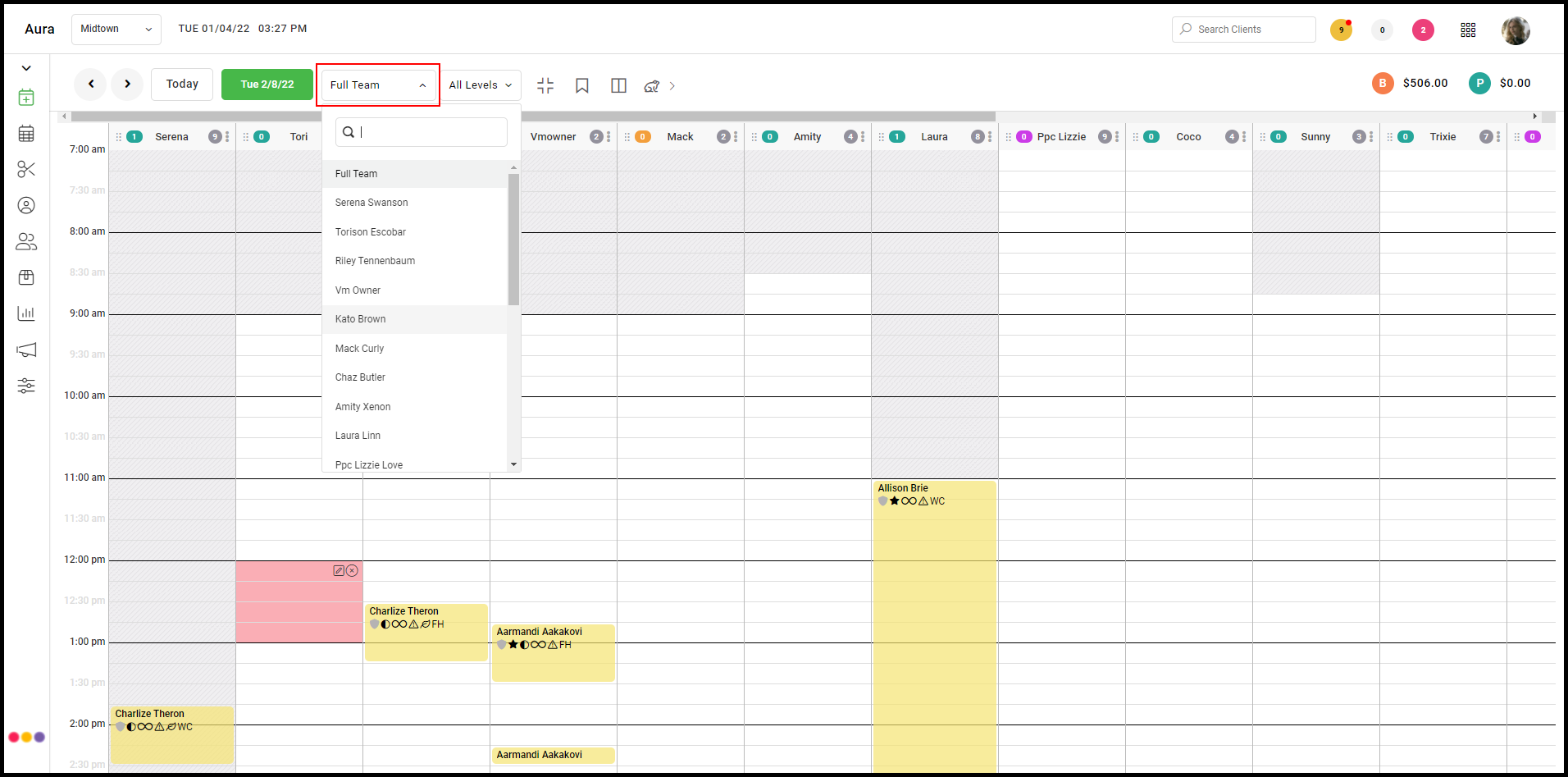
3. Select the provider to be viewed.
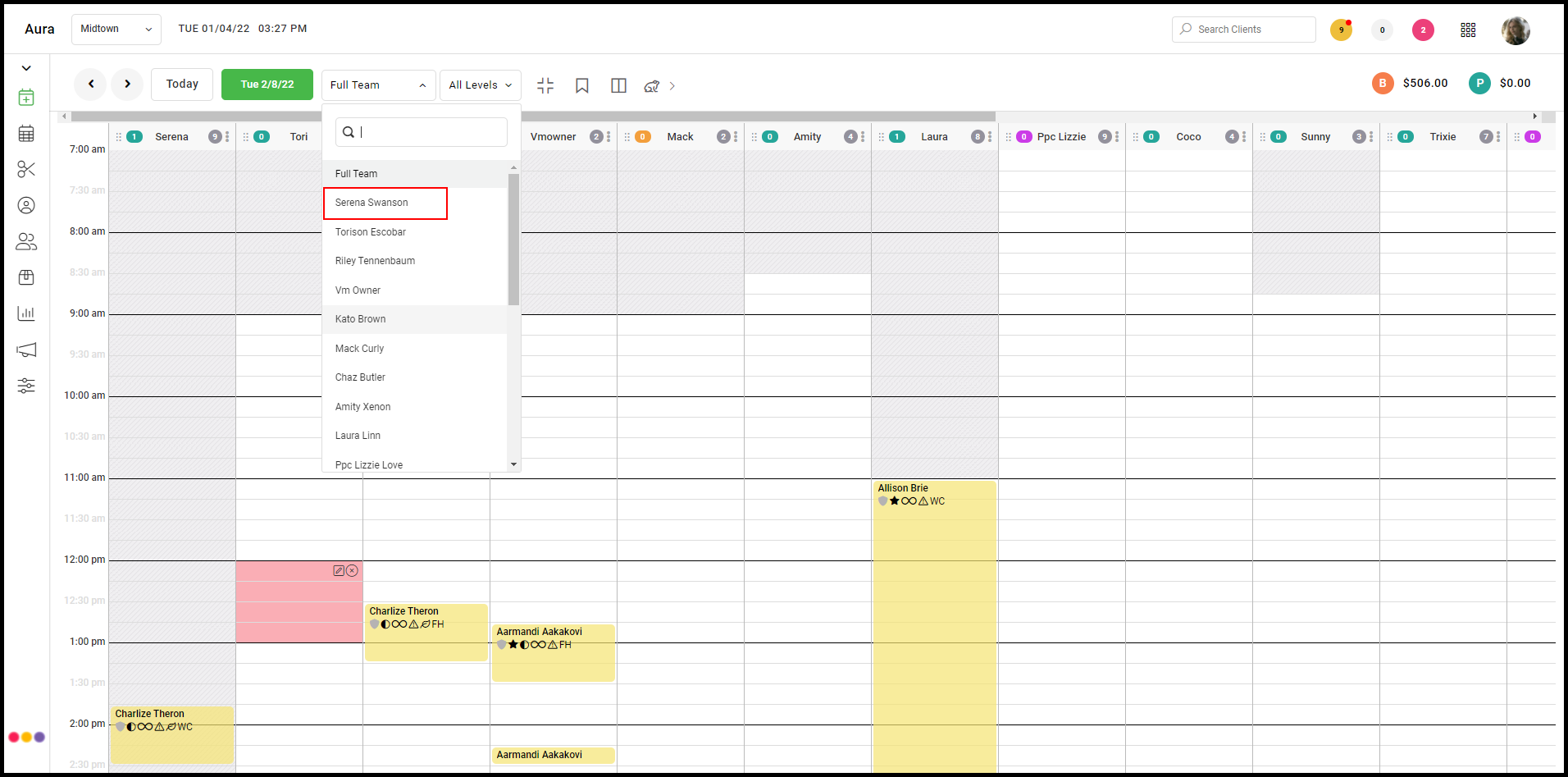
4. A full week of the chosen provider's books is displayed. Move forward and back via the left and right arrows.