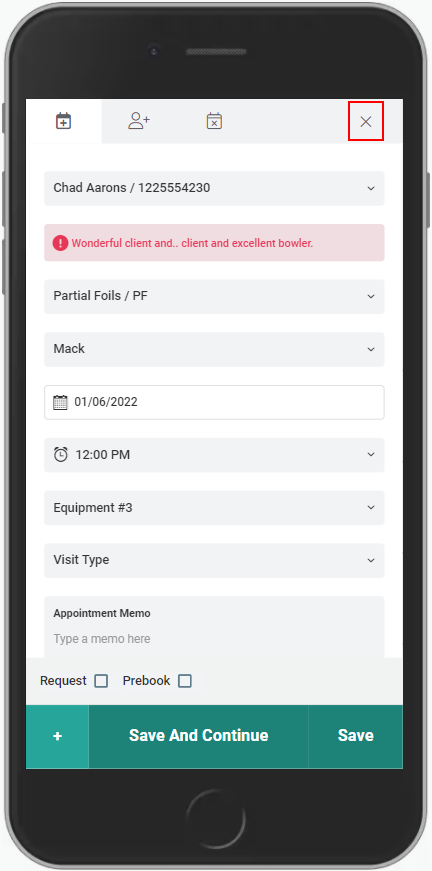
Via the method below, an appointment's Provider, Service, Date, Time, Client Note, and Appointment Memo can be changed.
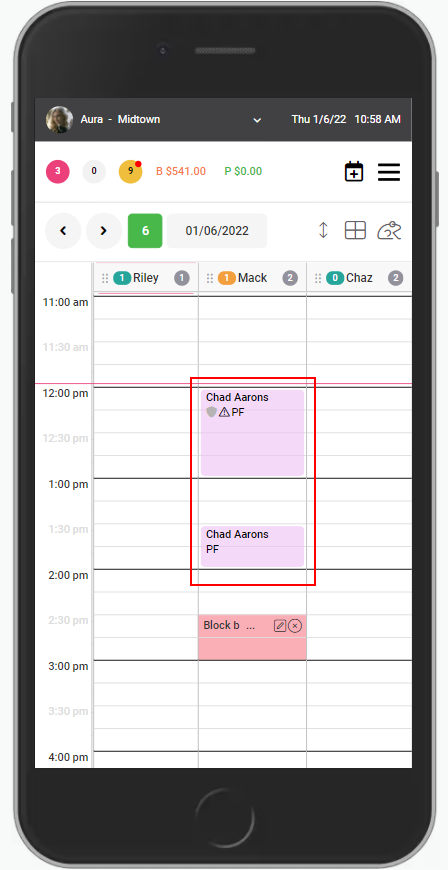
1. Select the appointment.
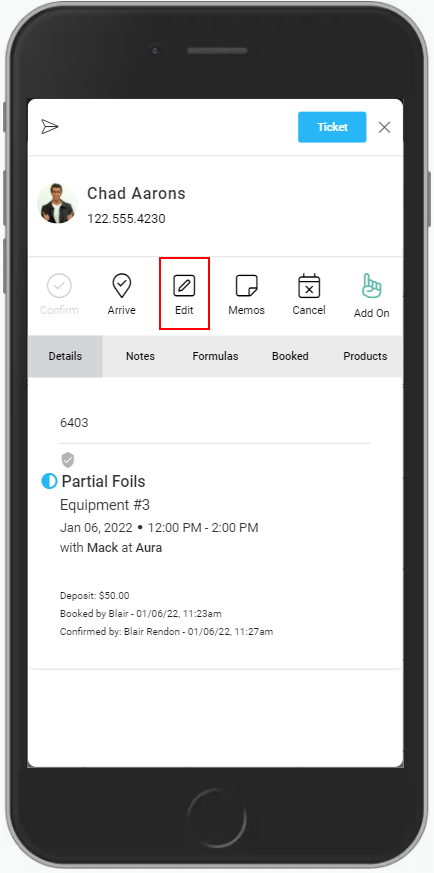
2. Select "Edit".
3. Change the Client if desired.
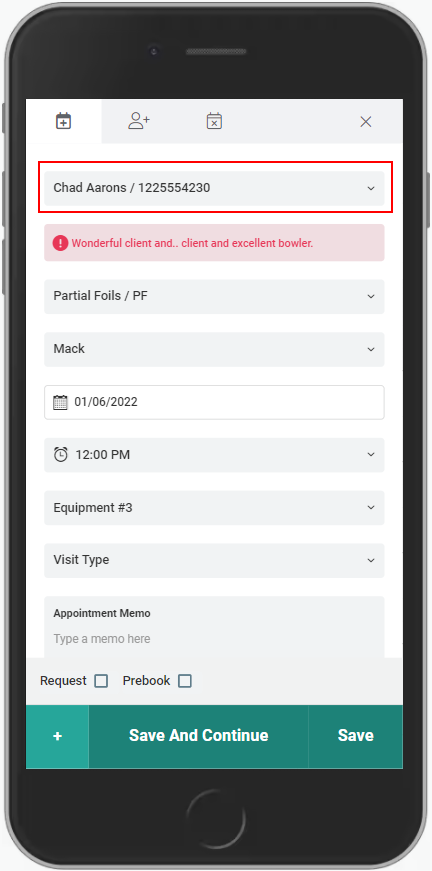
4. Edit Client Notes if desired.
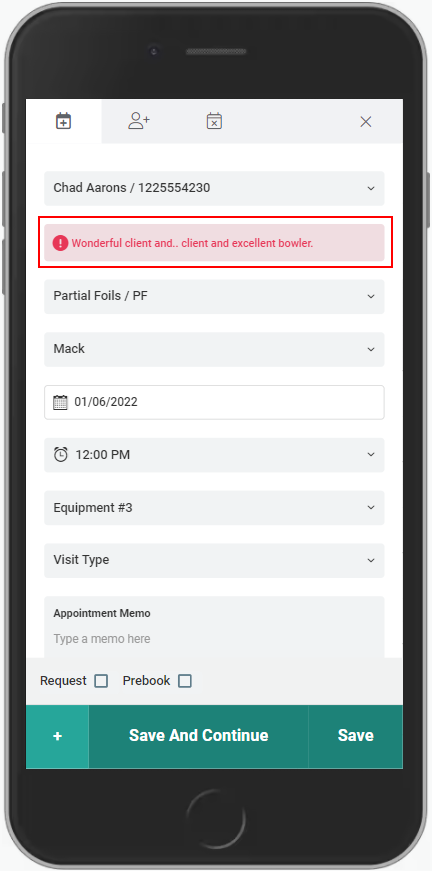
5. Change the Service if desired
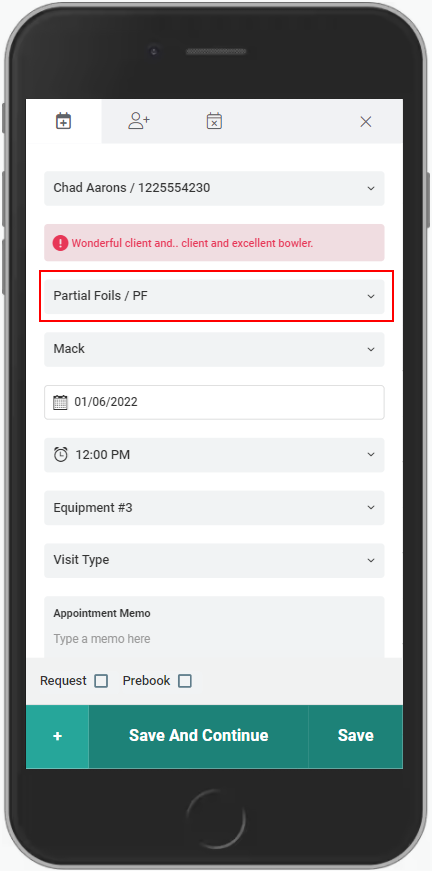
6. Change the Provider if desired
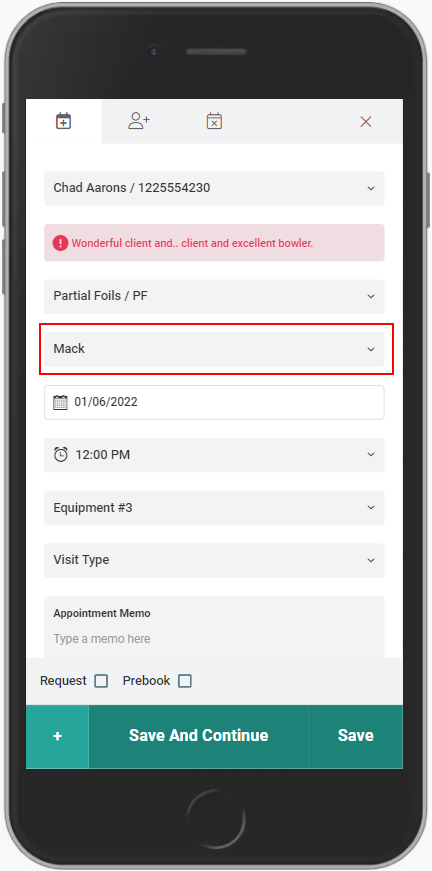
7. Change the Date if desired.
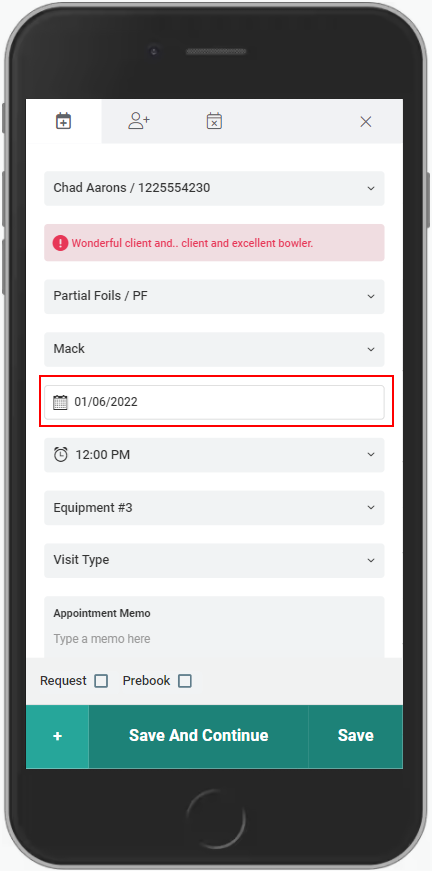
8. Change the time if desired.
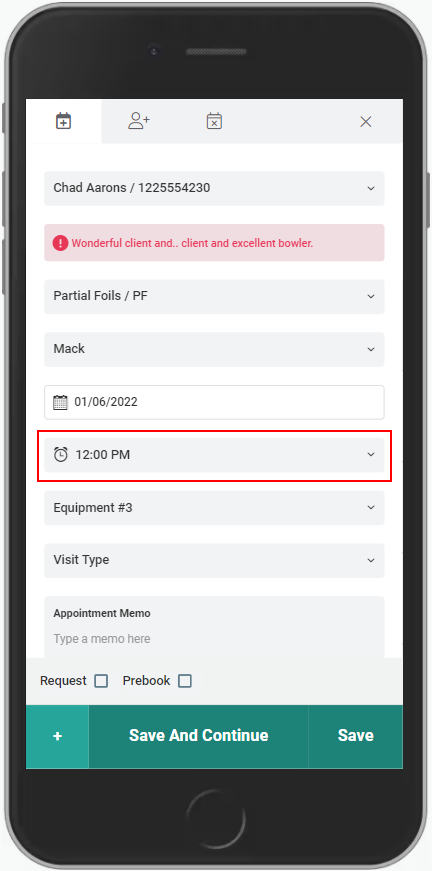
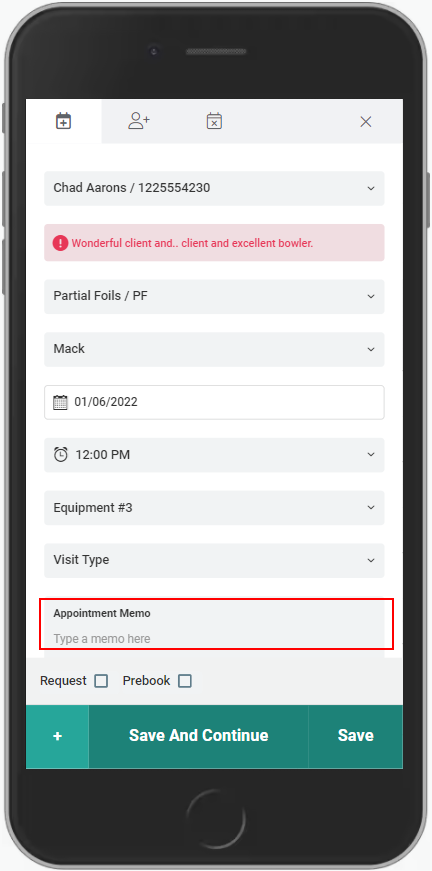
9. Edit Appointment Memos if desired.
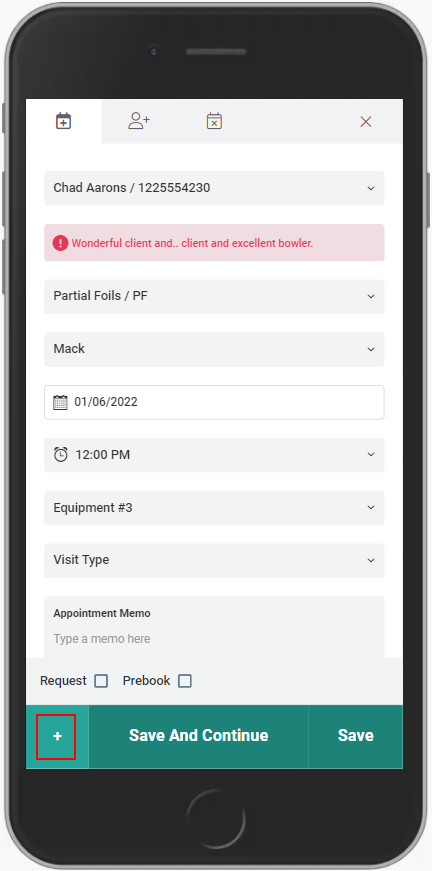
9. Add a service to the appointment if desired.
10. Select Save to update the appointment
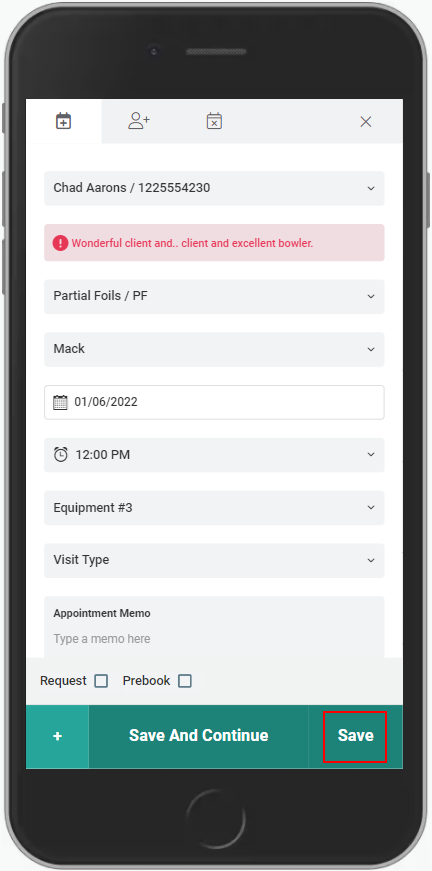
11. Or select X to cancel the changes and return to the appointment book