By using the Adjust function, appointments can be shortened or lengthened.
Related Topics:
Learn how to change appointment length on desktop.
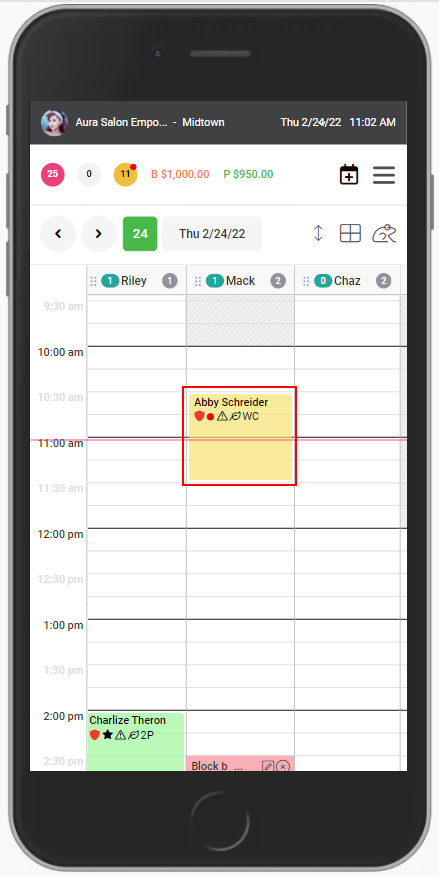
1. Select the appointment to be adjusted.
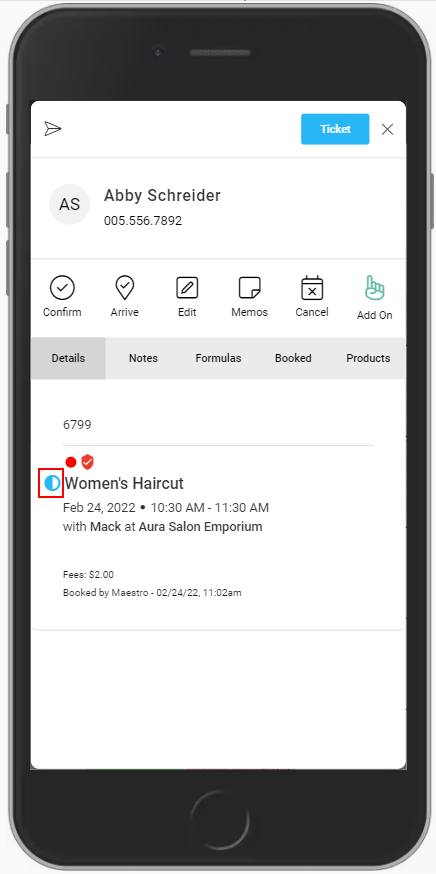
2. Select the "Adjust" icon.
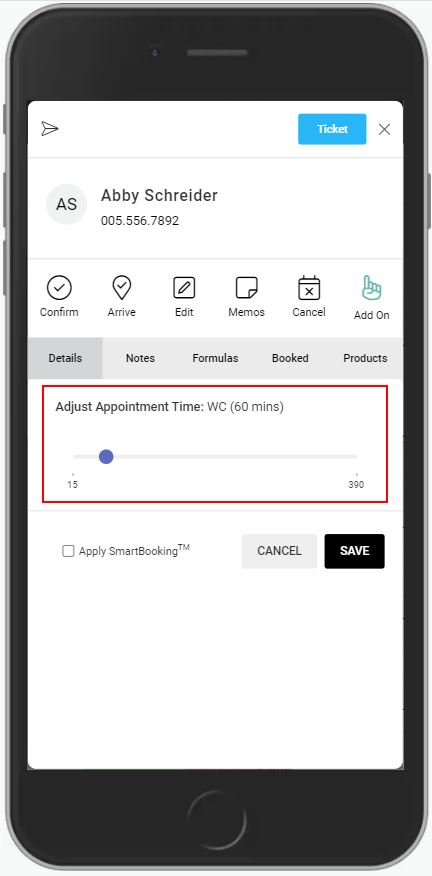
3. Move the slider to the desired appointment length.
NOTE: Color services will have adjustment for Application, Processing, and Finishing times.
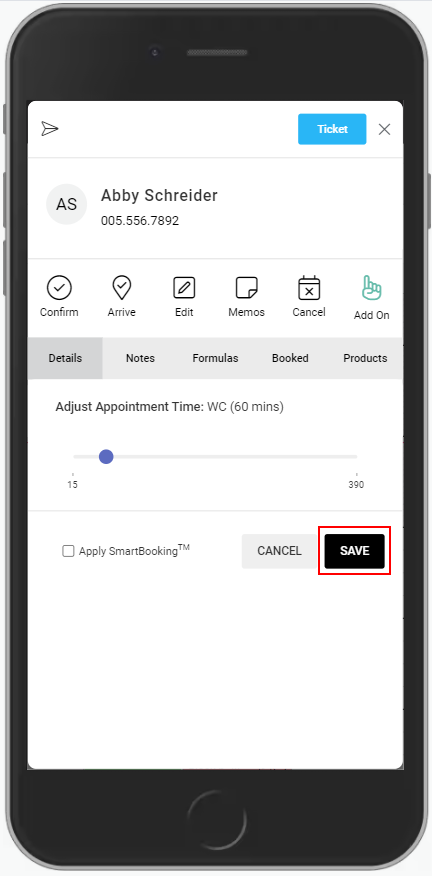
4. Select "Save".
5. The service timing has been adjusted.