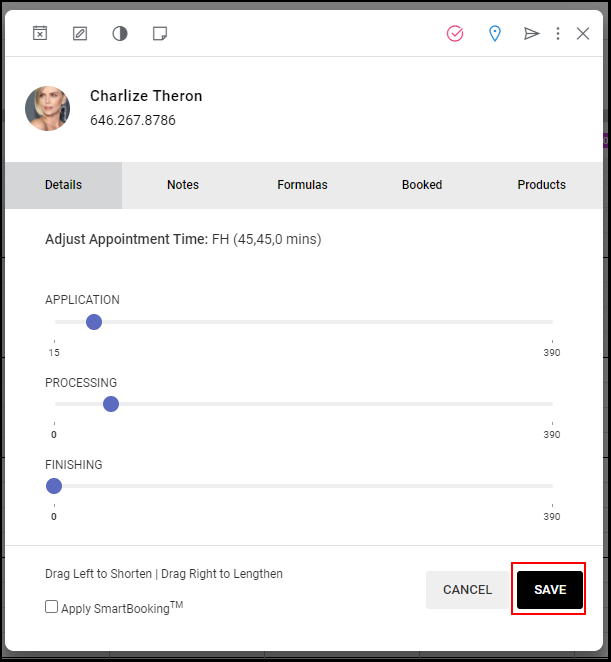
By using the Adjust function, appointments can be shortened or lengthened.
Related Topics:
Learn how to change appointment length on Mobile.
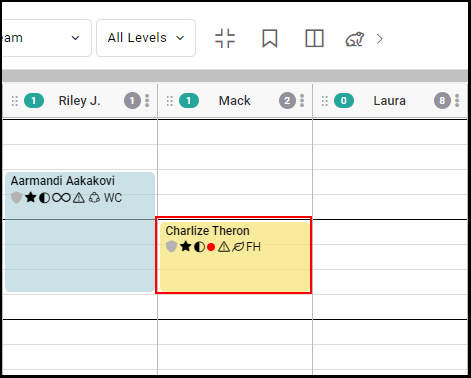
1. Select the body of the appointment to be adjusted
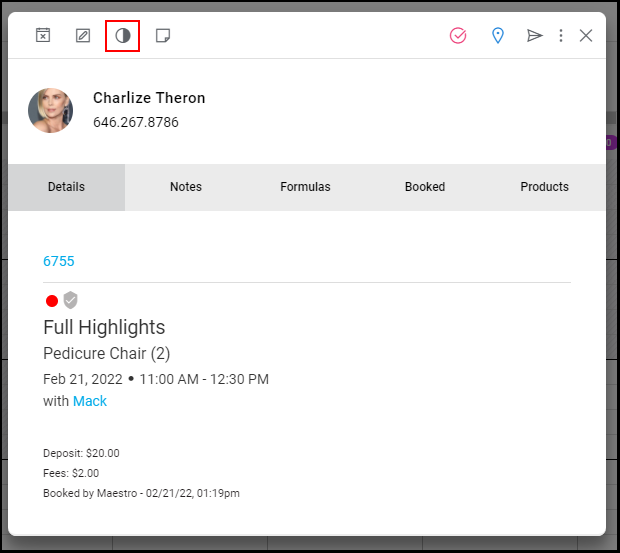
2. Select "Adjust".
3. Move the slider to the desired appointment length.
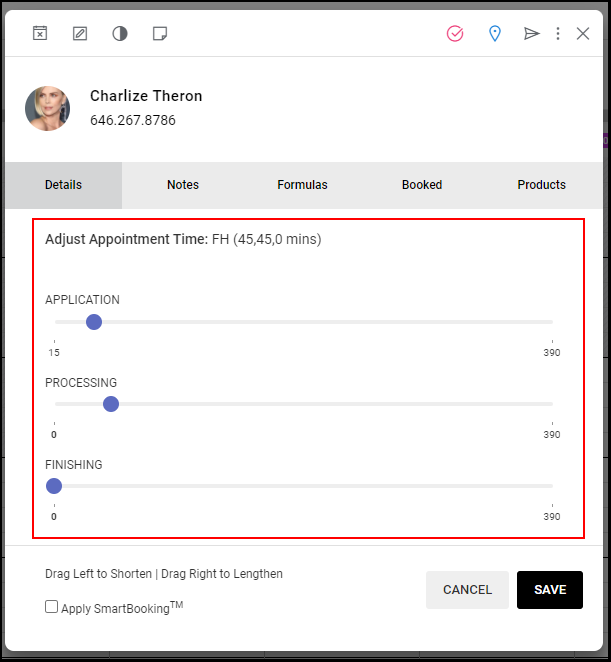
4. OPTIONAL: Select "Apply SmartBooking" if you wish to adjust all future appointment times for the client.
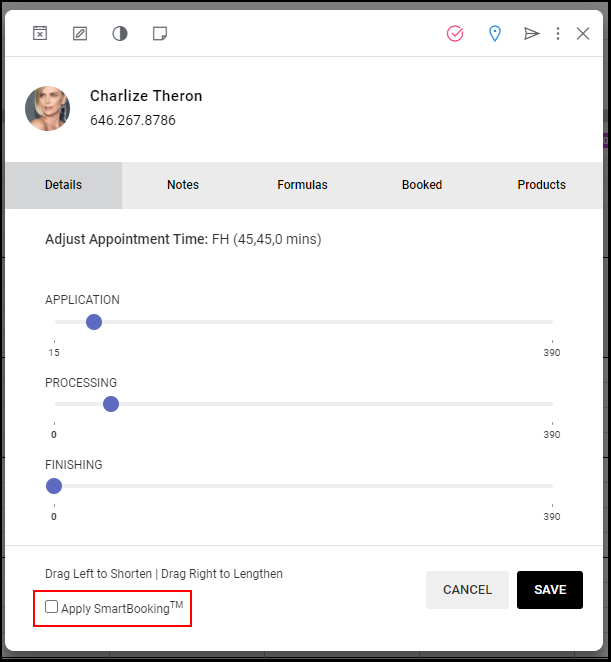
5. Select "Save".