Owners, Managers, Front Desk and Providers can access virtual pre-consultations
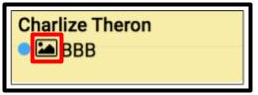
1. This icon will display when a guest has added a Virtual Pre-Consultation Image to their online appointment booking.
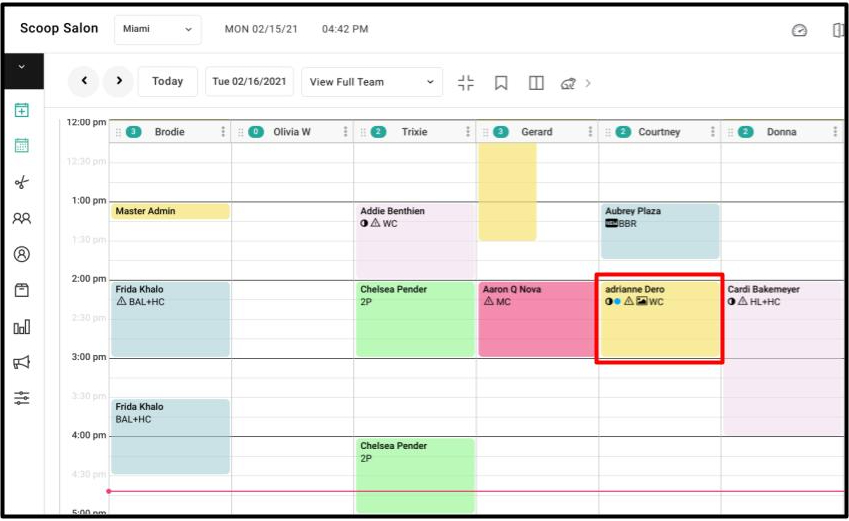
2. Select the client's appointment on the appointment calendar.
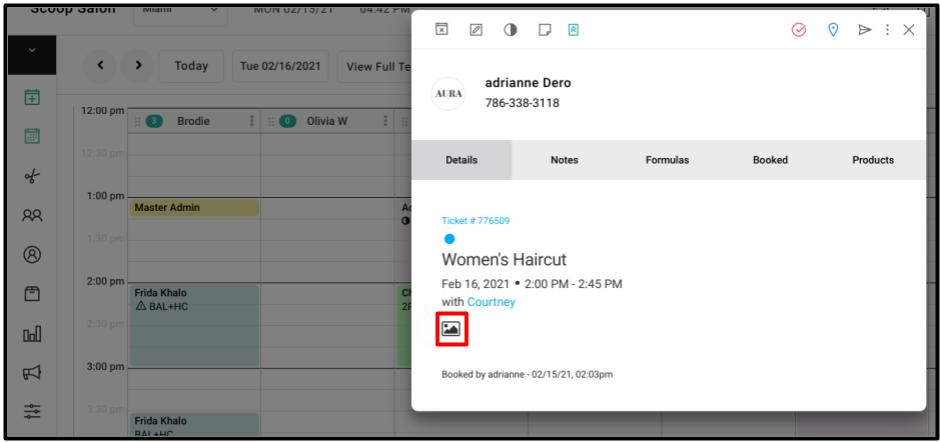
3. On the client model, click on the image icon.
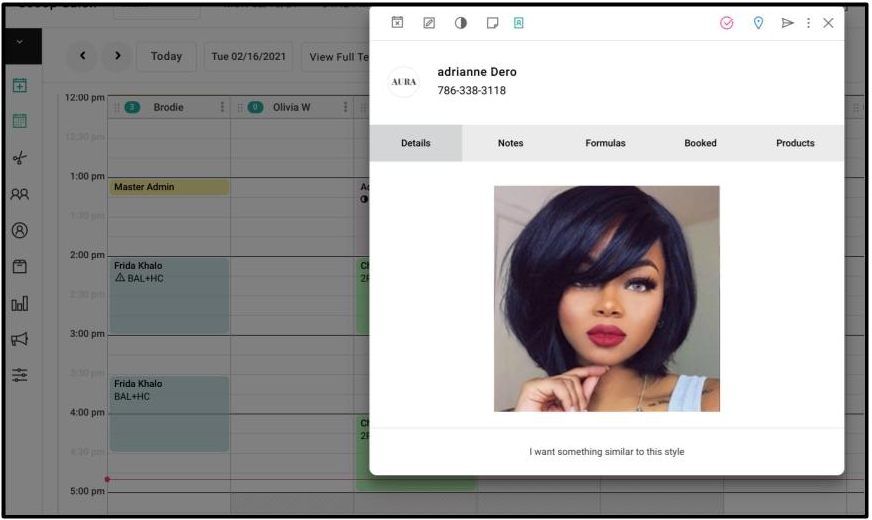
4. The image and message that the client added to the booked appointment will pop up.