Tickets are accessible via this method once the appointment is checked in.
1. Select the appointment.
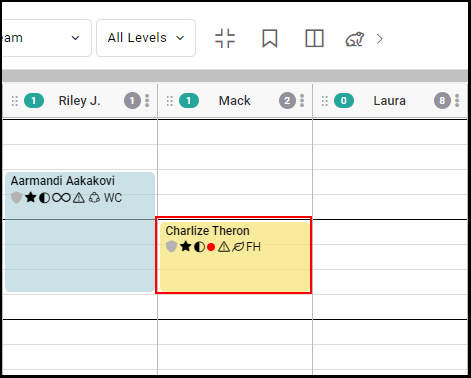
2. Select "Ticket".
NOTE: Client must be marked as "Arrived" prior to seeing the ticket.
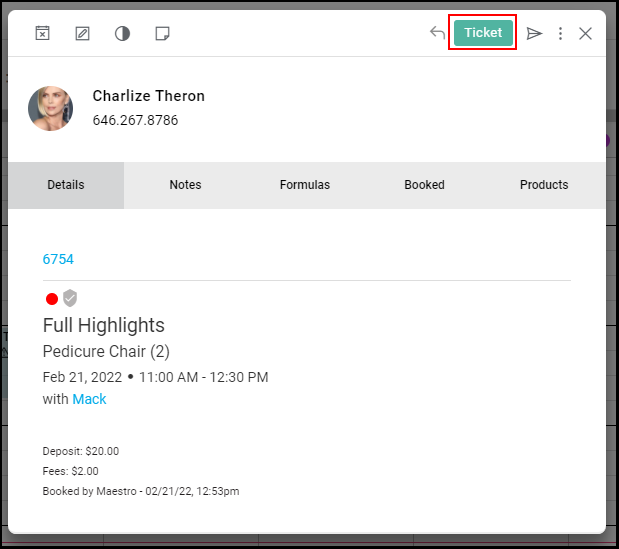
3. The Ticket is displayed.
Tickets are accessible via this method once the appointment is checked in.
1. Select the appointment.
2. Select "Ticket".
NOTE: Client must be marked as "Arrived" prior to seeing the ticket.
3. The Ticket is displayed.