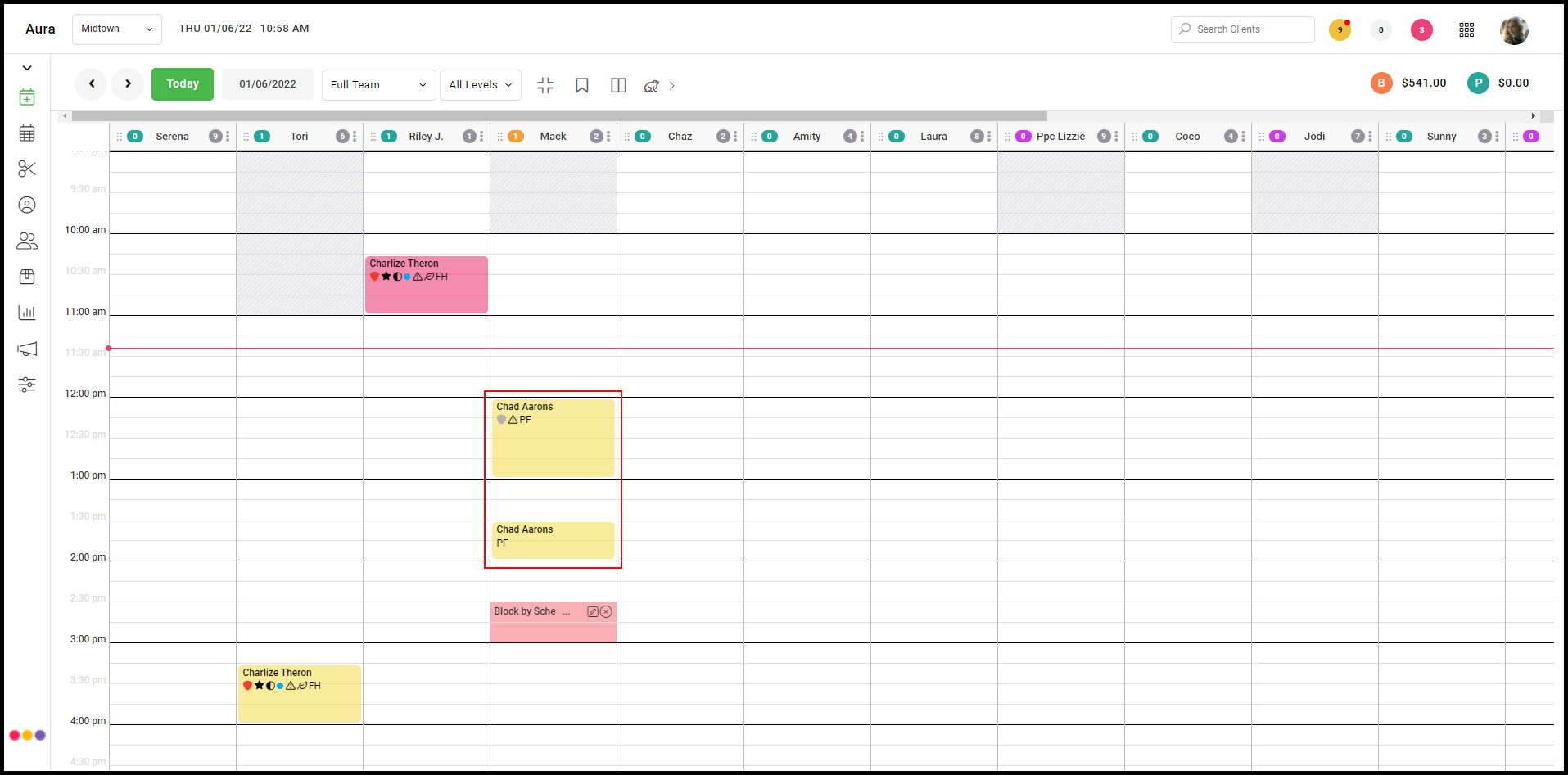
1. Select the body of an unconfirmed (yellow) appointment to view the appointment details.
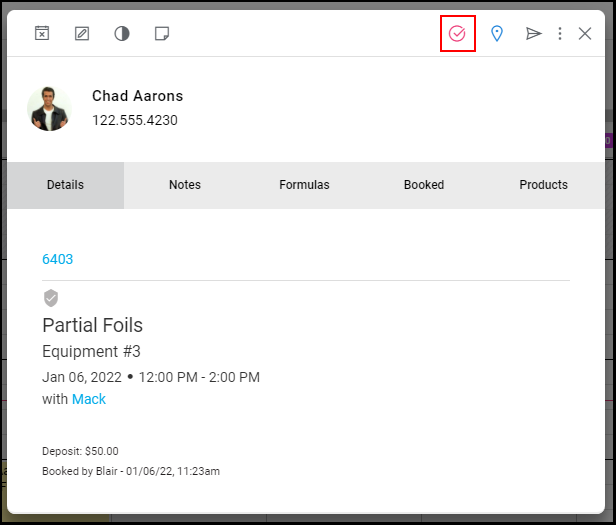
2. Select  to mark the appointment as confirmed.
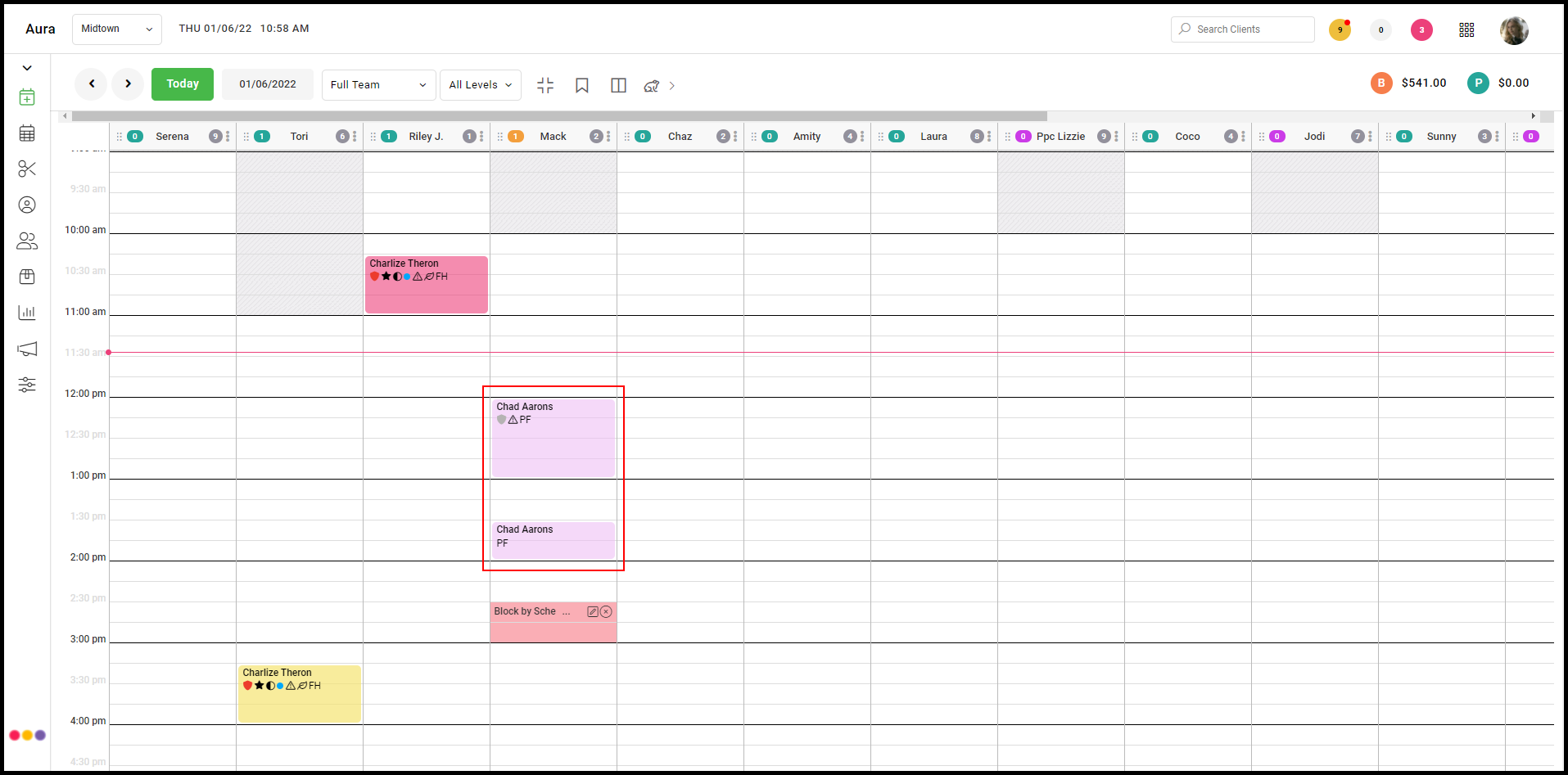
3. The appointment is now confirmed and is a purple in color.
Additional Notes:
- once confirmed, the client will not receive a confirmation text
- if the client confirms by responding to the confirmation text, it will turn light pink
- appointments may be unconfirmed by selecting again