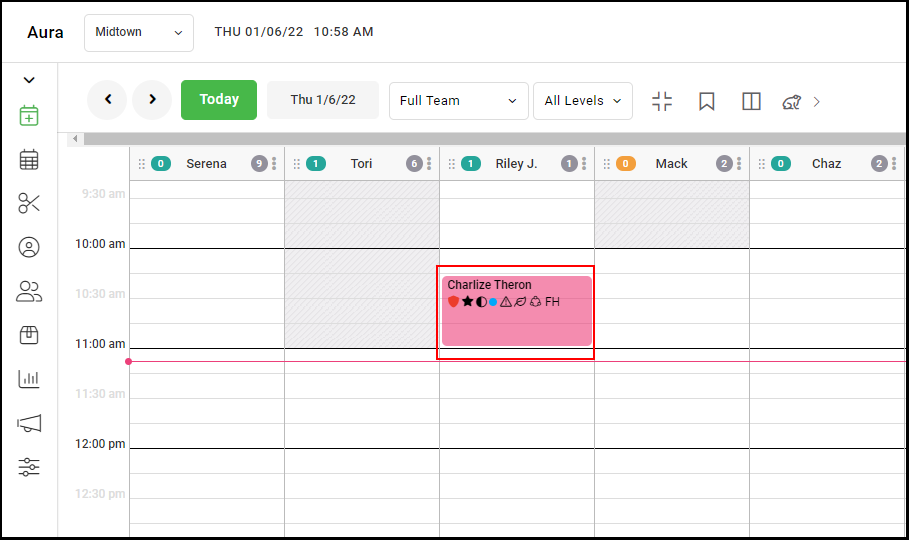
1. Locate the appointment on the books and click the appointment to open the appointment details.
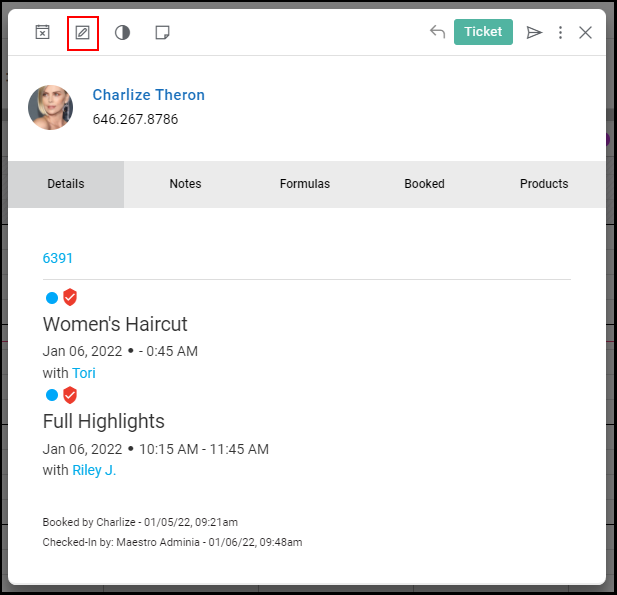
2. Select "edit" in the top, left-hand corner.
3. In the booking form on the left, "save and continue" will navigate between different services in the appointment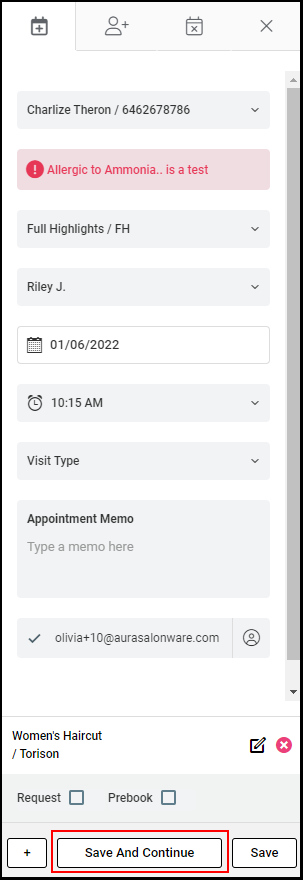
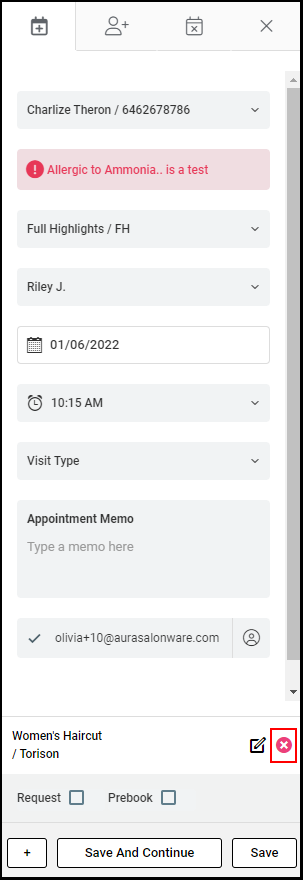
4. When the service you want to delete is shown immediately above the button, select the "x"
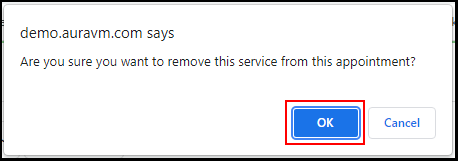
5. Select "Okay" in the pop-up to confirm the service's removal.
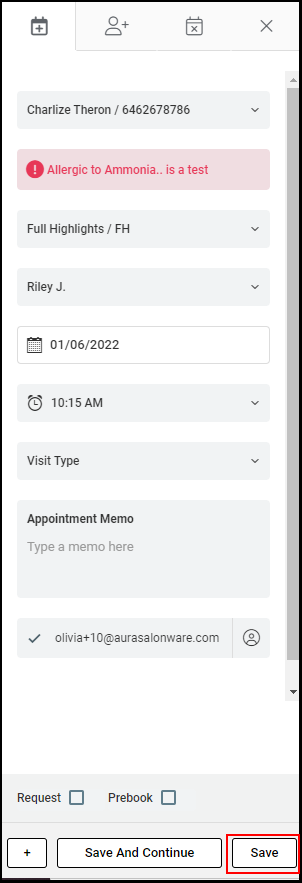
6. Select "Save"