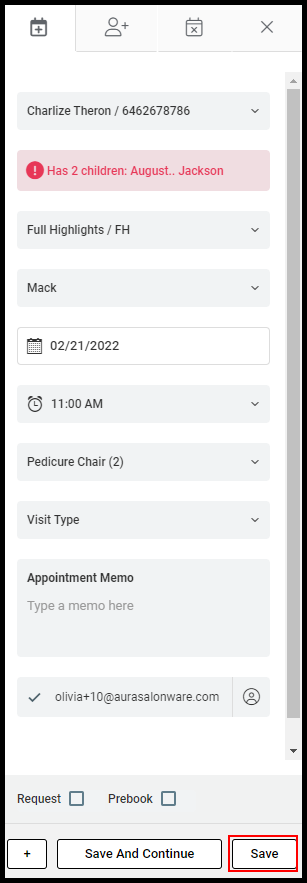
Via the method below, an appointment's Provider, Service, Date, Time, Client Note, and Appointment Memo can be changed.
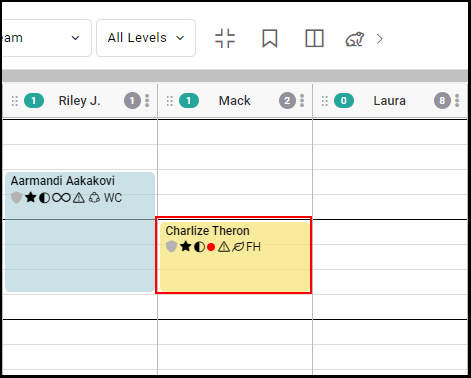
1. Select the appointment.
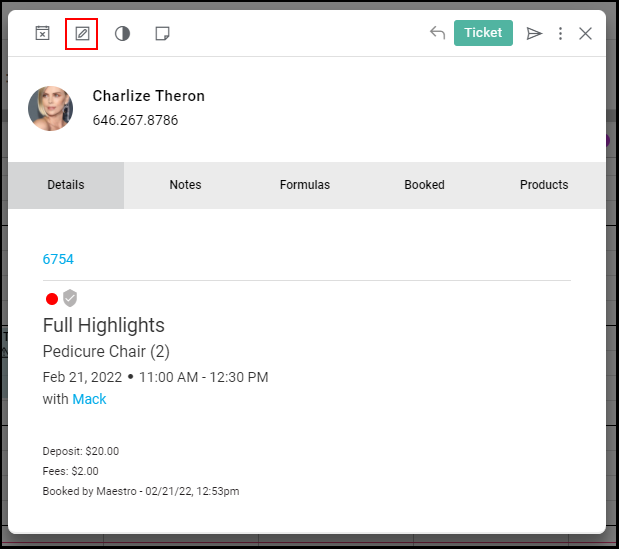
2. Select "Edit".
3. Change the Client if desired.
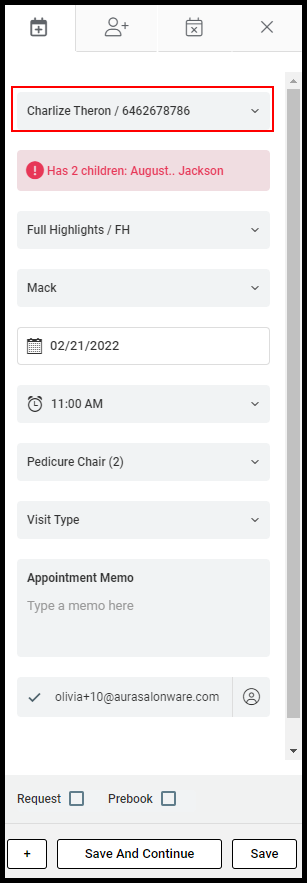
4. Change the Service if desired.
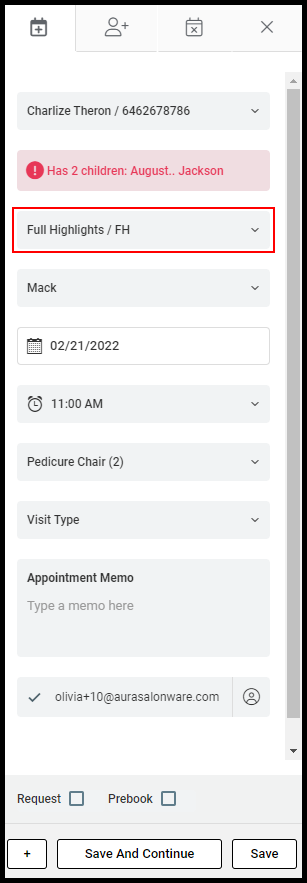
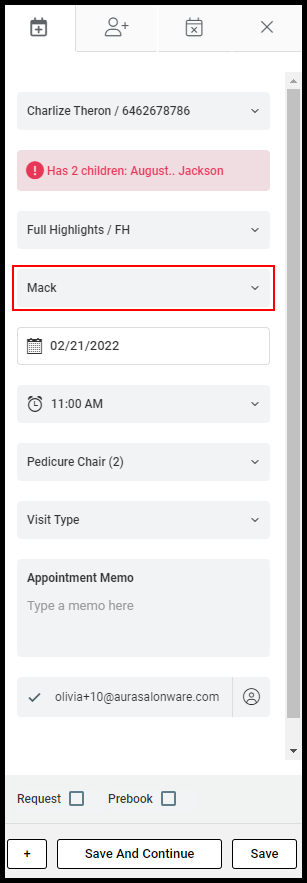
5. Change the Provider if desired.
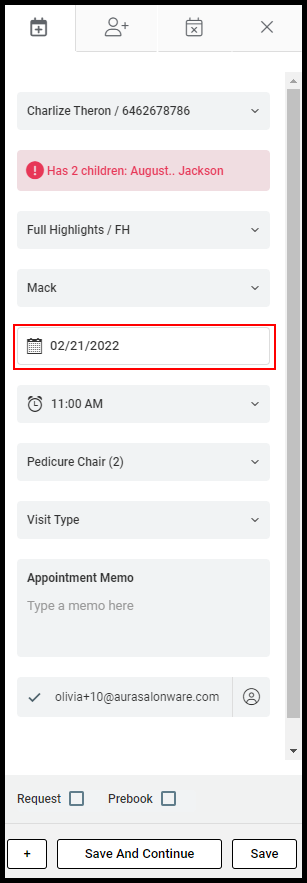
6. Change the Date if desired.
7. Change the Time if desired.
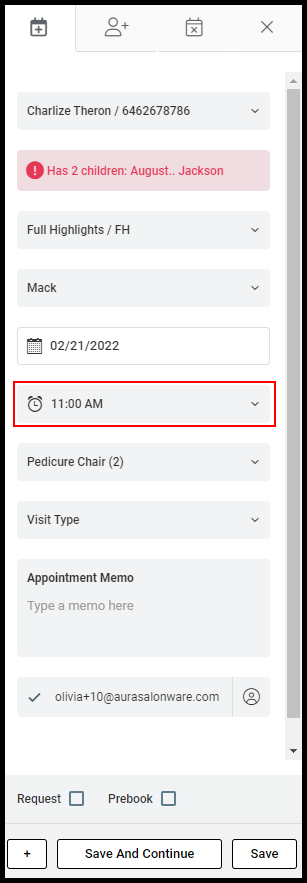
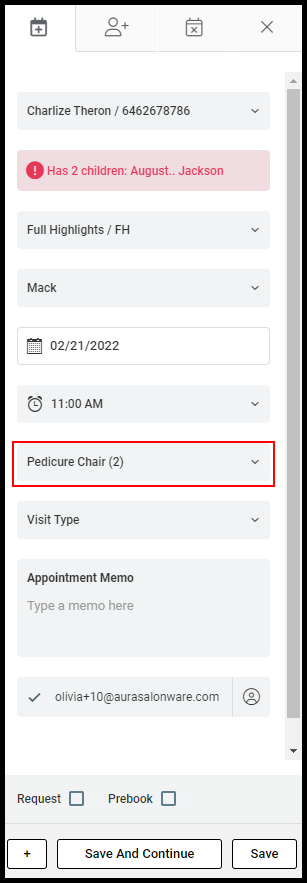
8. Change the Equipment if desired.
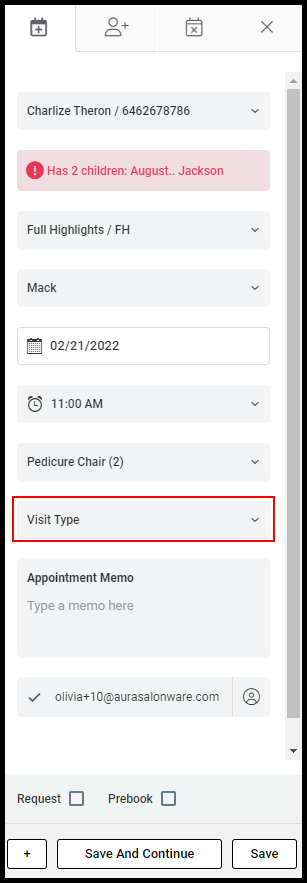
9. Change the Visit Type if desired.
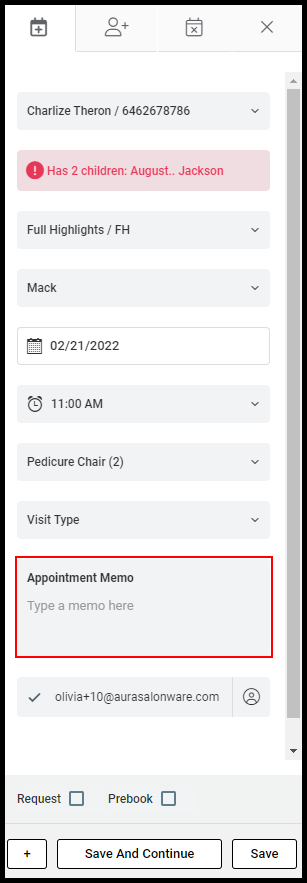
10. Edit or Add Appointment Memos.
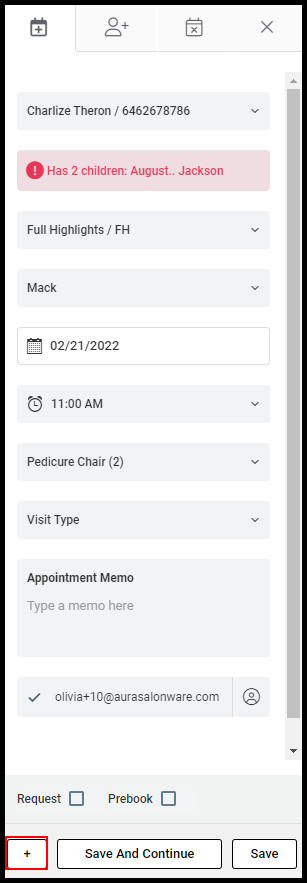
11. To add an additional service, select "+" on the bottom left. Complete the additional service details in the appointment editing window.
8. Select Save to update the appointment.