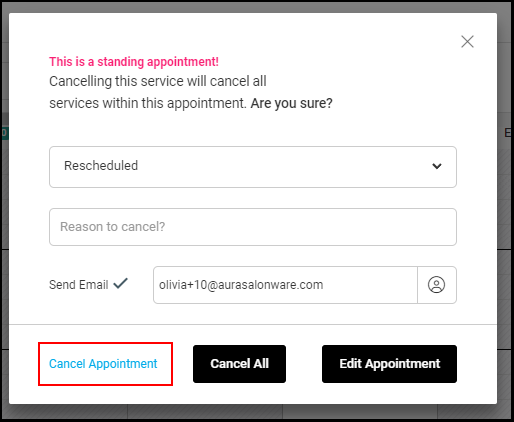
Click here to watch the video.
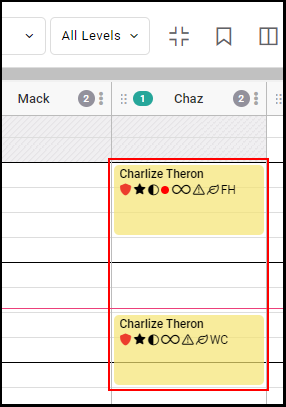
1. Find the appointment for the client on the appointment calendar and select it to see the appointment modal.
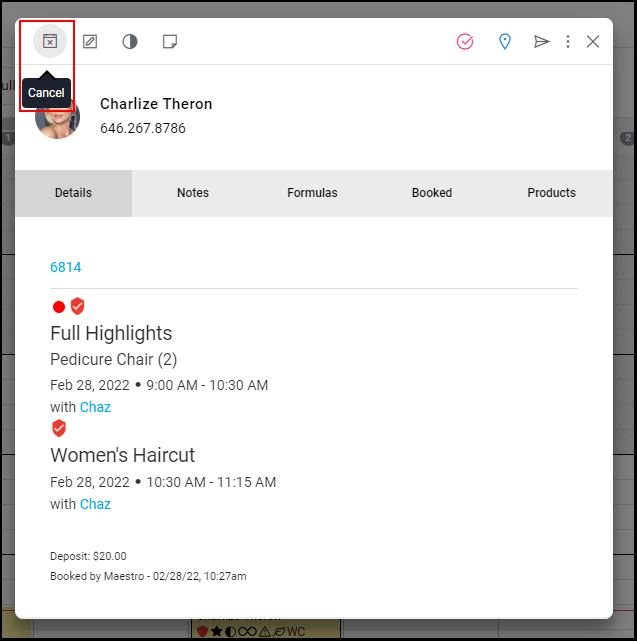
2. Select "Cancel" on the appointment modal.
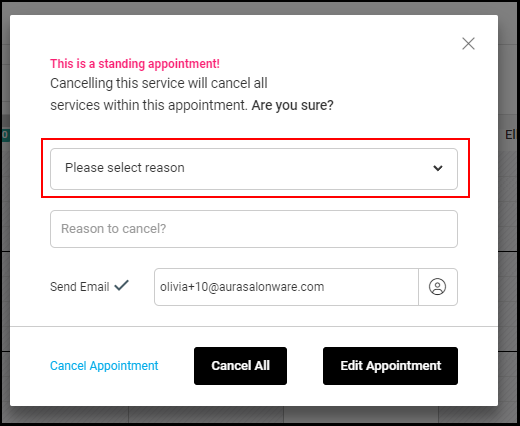
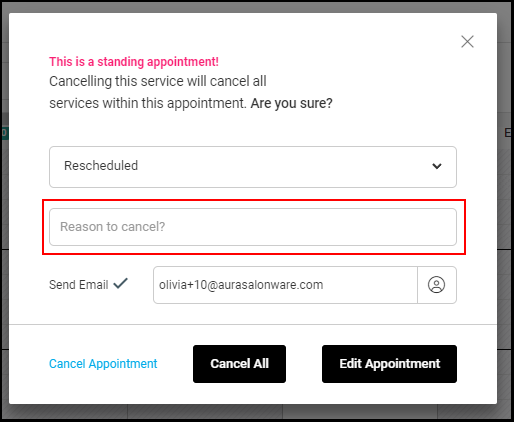
3. Select the reason why the appointment needs to be cancelled from the drop-down.
4. Type in the reason the client is cancelling the appointment if there is a reason.
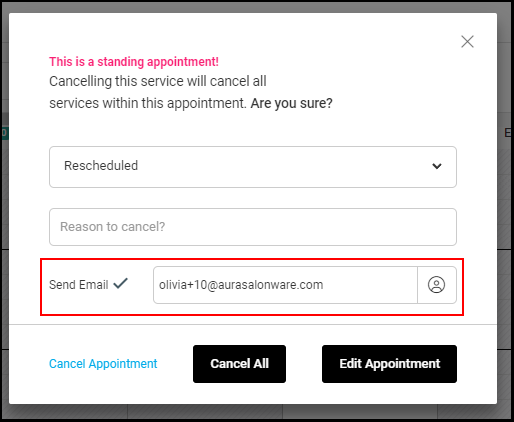
5. Select the "Send Cancellation Email" checkbox if the client should receive an email confirming their cancellation. De-Select the Send Cancellation Email checkbox if the client shouldn't receive an email confirming their cancellation.
6. Select "Cancel Appointment".
NOTE: The below appointment is a standing appointment. If you wish to cancel all standing appointments, select "Cancel All".