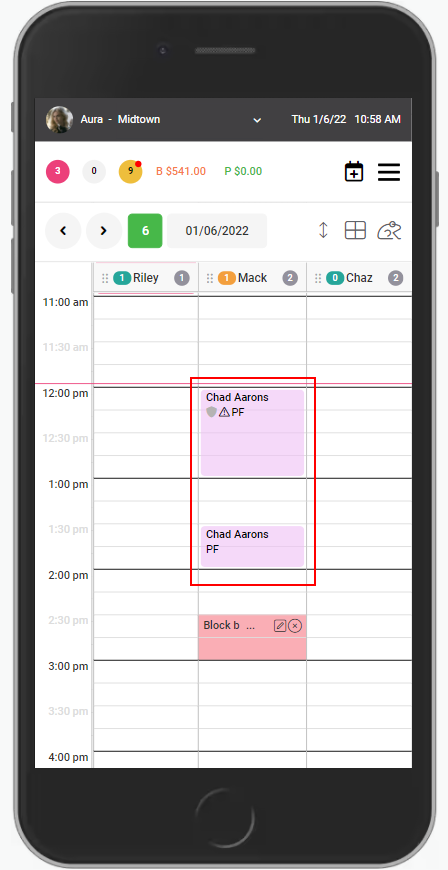
1. Select the appointment.
NOTE: Appointments that appear as light pink have not been checked in.
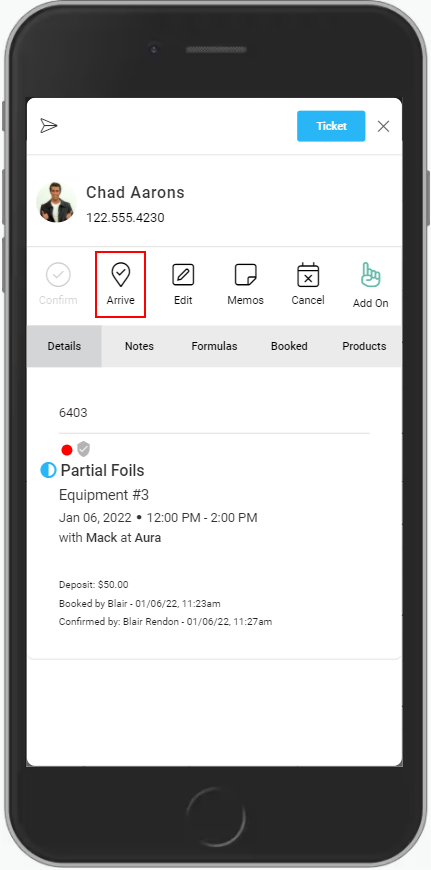
2. Select "Arrive".
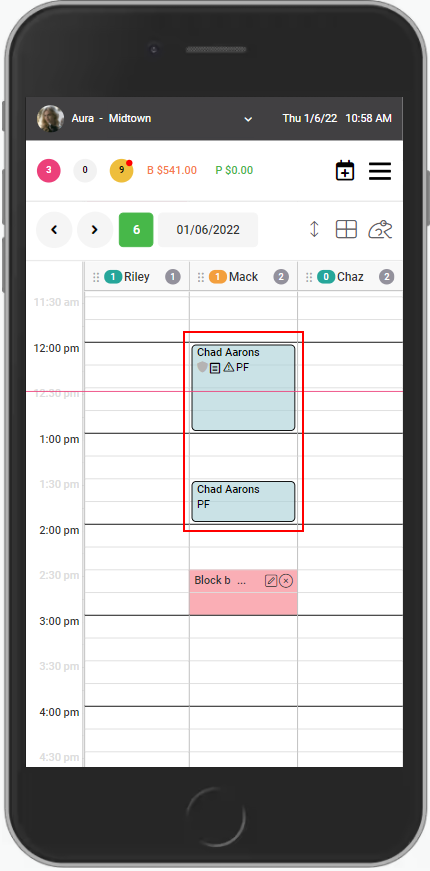
3. The appointment is denoted as "Arrived".
NOTE: The appointment color has changed to light blue.
1. Select the appointment.
NOTE: Appointments that appear as light pink have not been checked in.
2. Select "Arrive".
3. The appointment is denoted as "Arrived".
NOTE: The appointment color has changed to light blue.