Users with access to the client file can make a guest account into their own independent account from within the primary client's Client Profile.
Watch the video here.
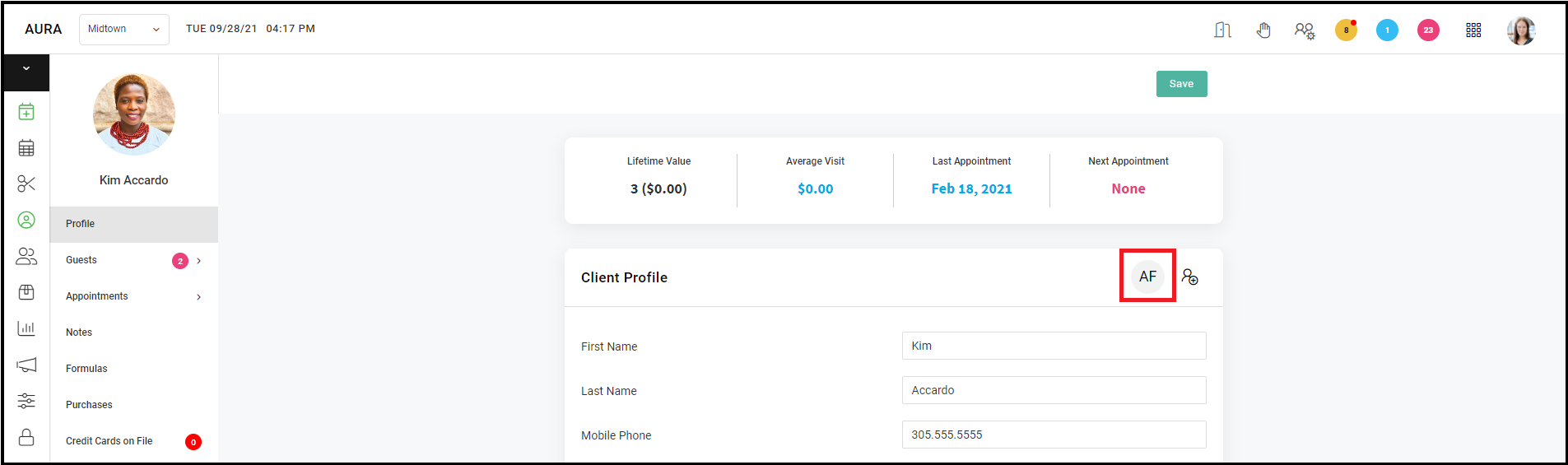
1. Go to the primary client's Client Profile and click on the guest account you'd like to make independent.
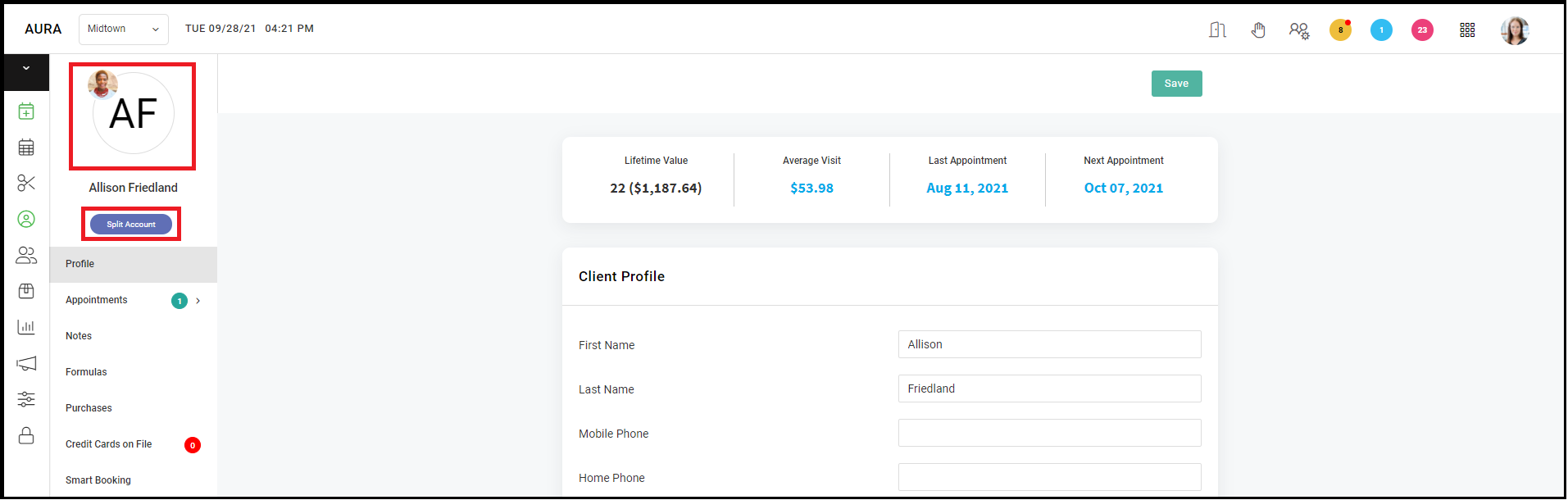
2. Both client profile images should appear as below. Click "Split Account" to split accounts.
3. Once the accounts are split, click "Save".
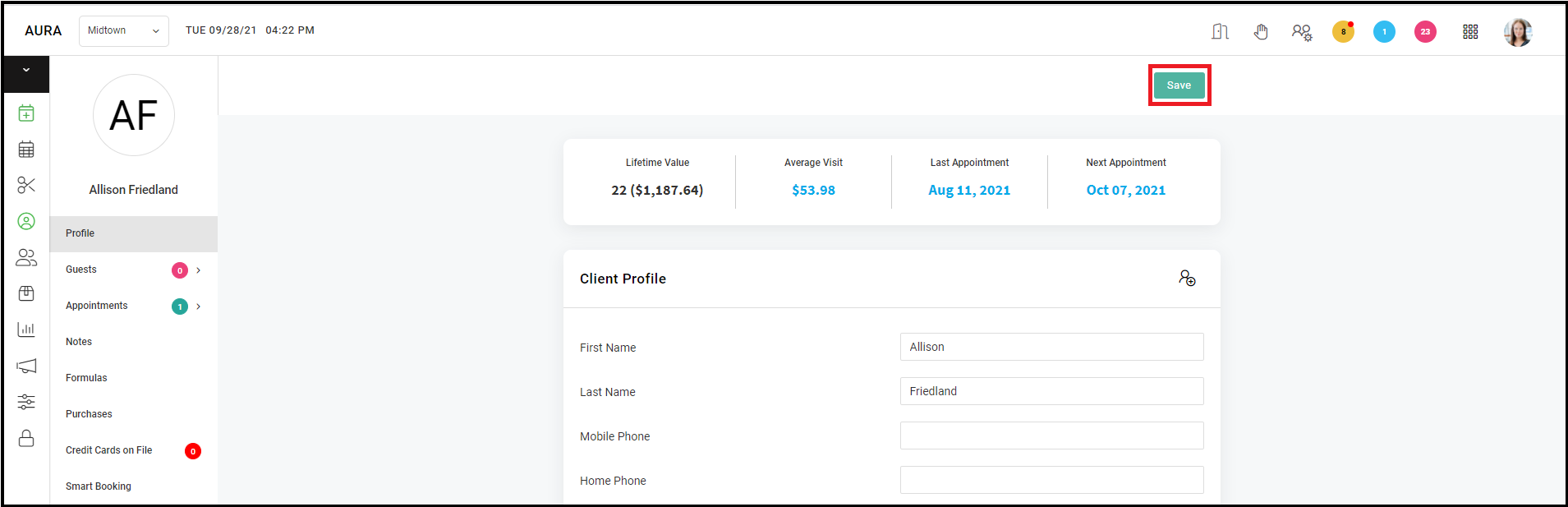
Note: Since the account is not a guest account any longer, ensure that an email and phone number is present on the new independent account so that they receive SMS and emails about appointments.