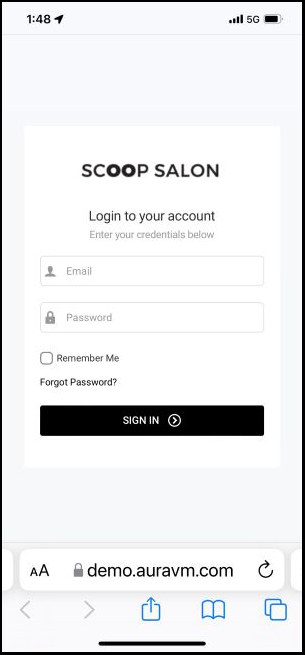
1. Go to [Salon Code].aurasalonware.com/admin using Safari on your mobile device
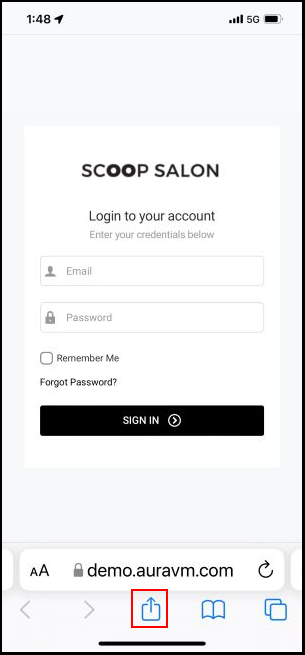
2. Tap the “Share” icon at the bottom of the screen.
NOTE: To save login credentials for easier login, enter your Email, Password, then select "Remember Me" prior to adding to home screen.
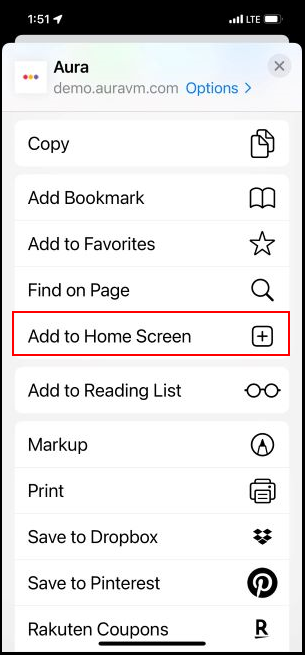
3. Select “Add to Home Screen” and name the shortcut. Then select "Add".
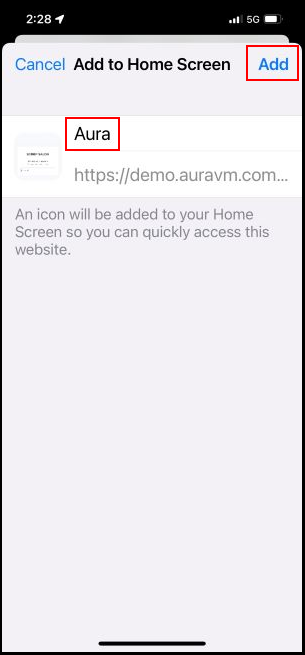
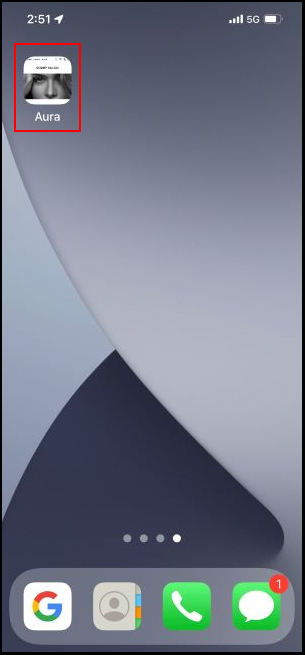
4. AURA is now accessible via the icon on the home screen.