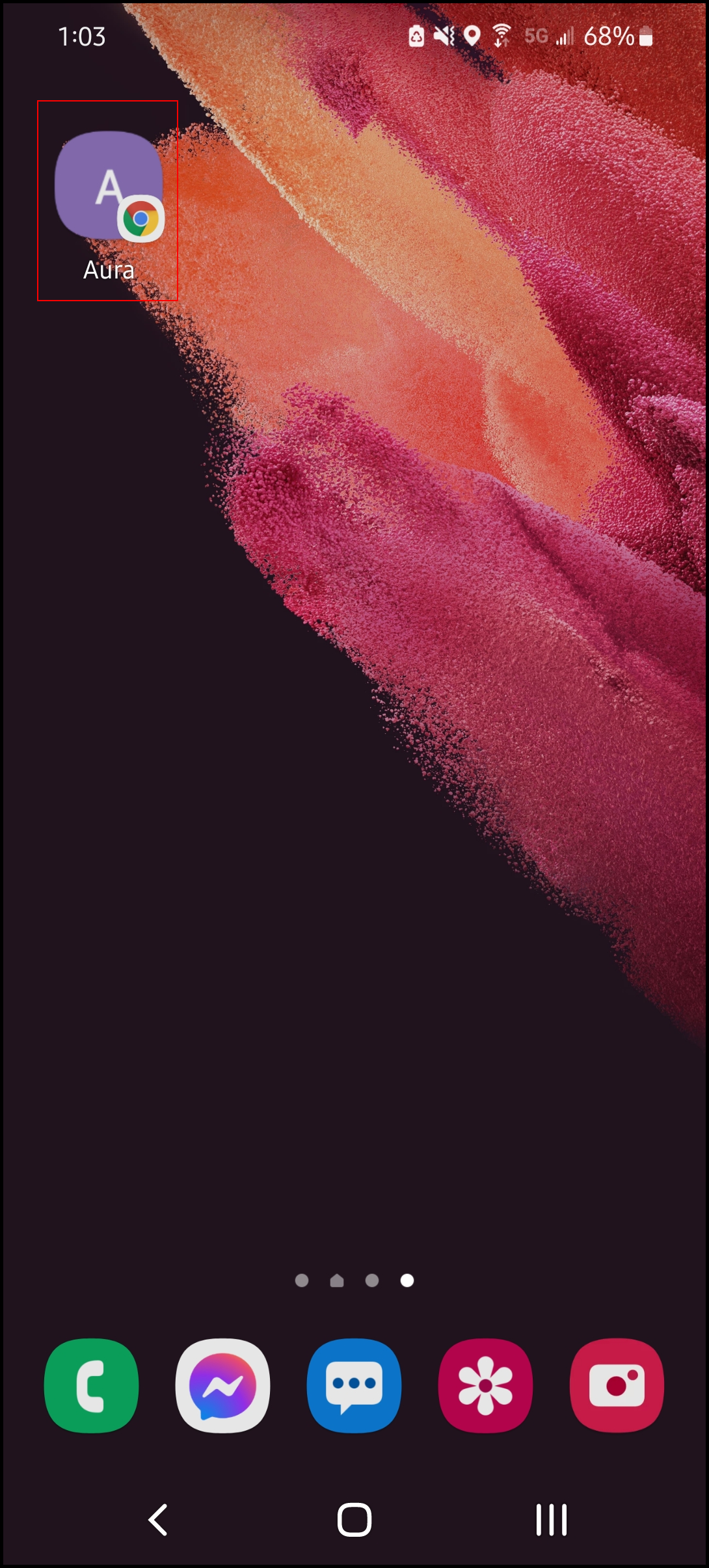
Please note that this process may vary per Android phone. Android phone manufacturers can customize their software. This example is from a Samsung Galaxy.
1. Go to [Salon Code].aurasalonware.com/admin using Google Chrome on a mobile device.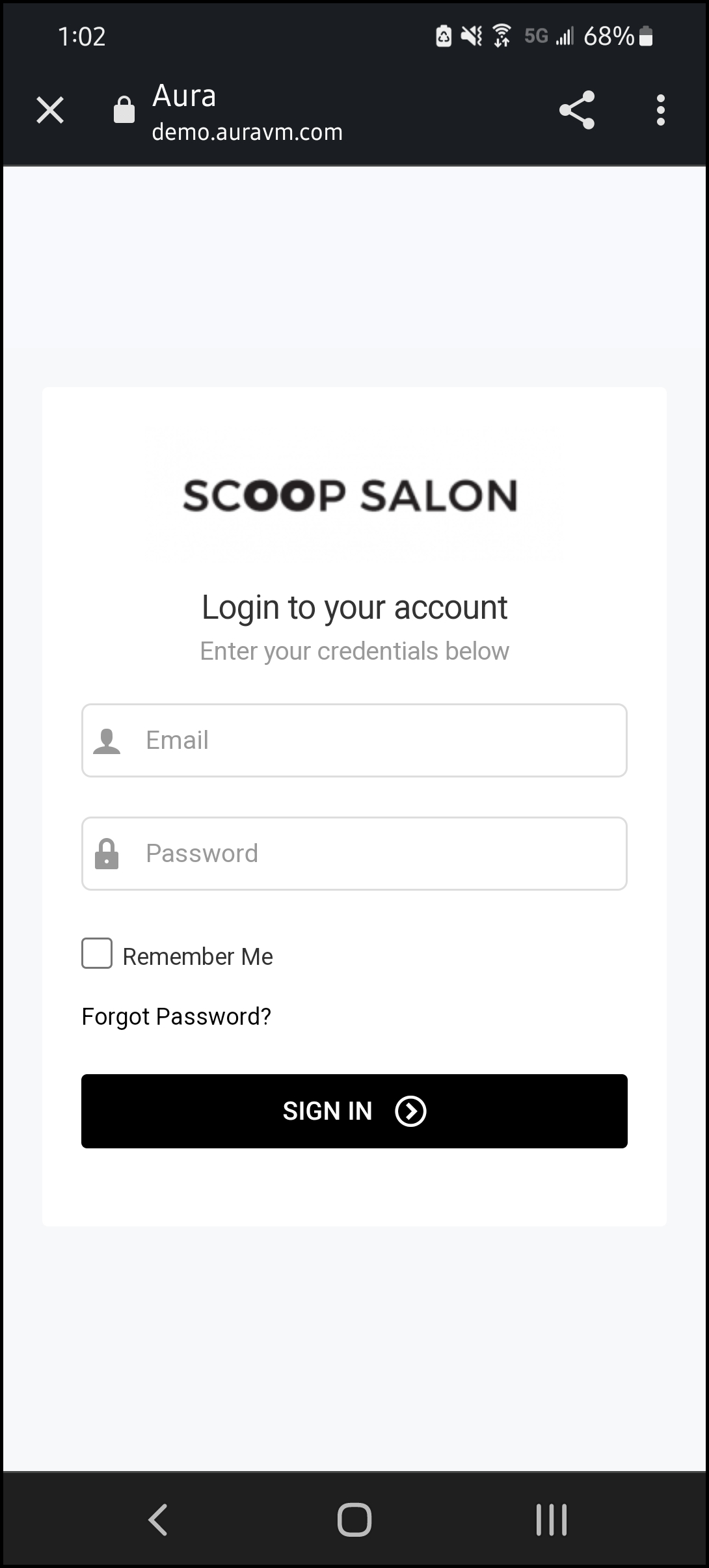
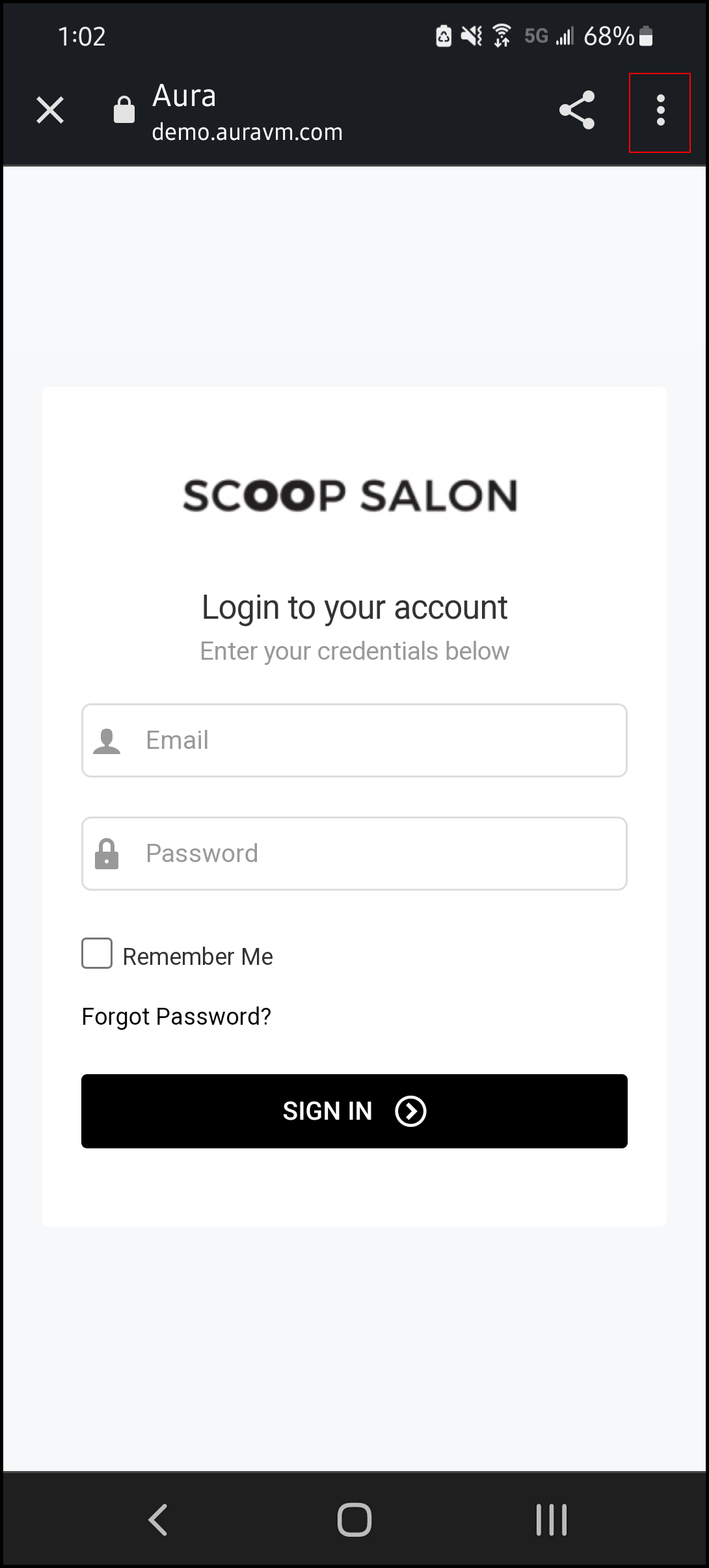
2. Tap the three dots in the top, right corner.
NOTE: To save login credentials for easier login, enter your Email, Password, then select "Remember Me" prior to adding to home screen.
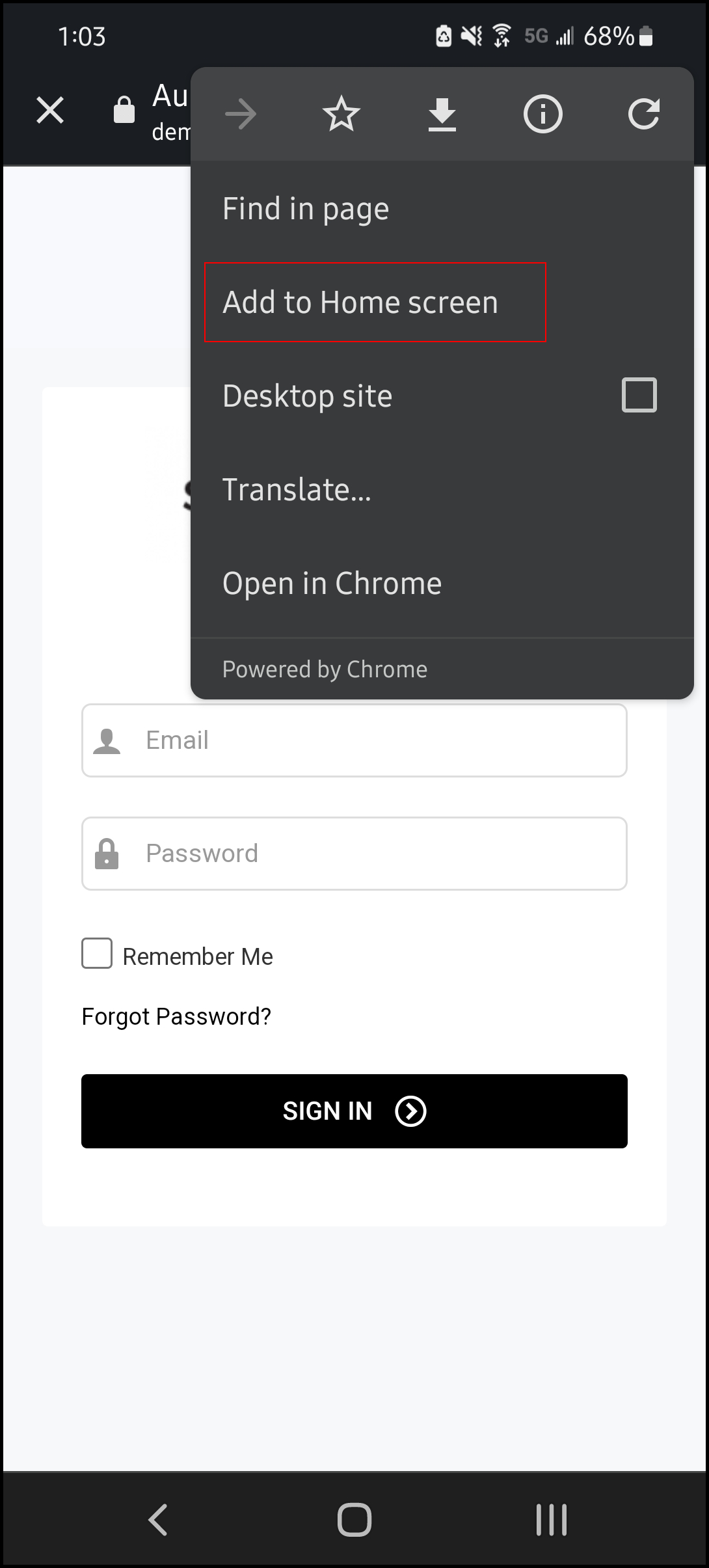
3. Select “Add to Home Screen”.
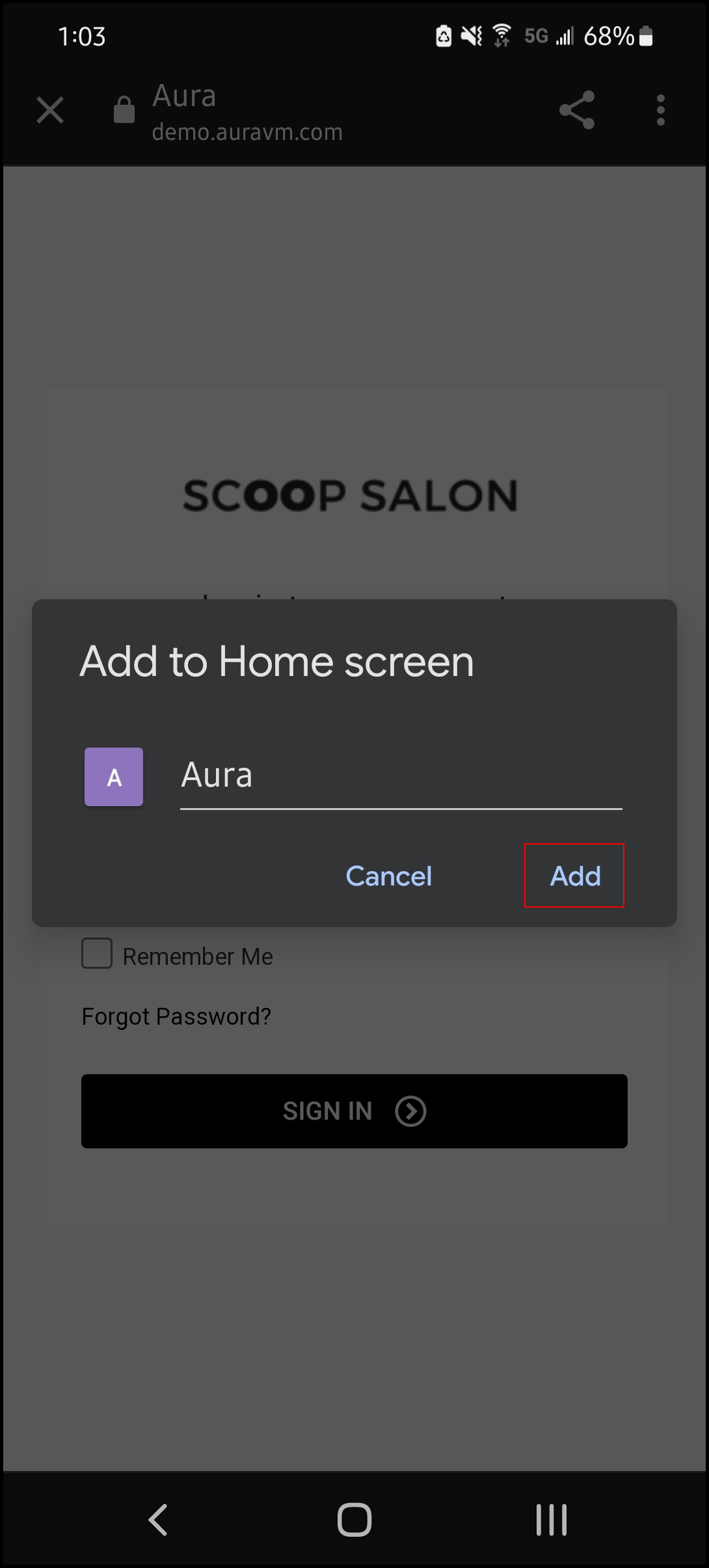
4. Select "Add".
5. AURA is added to the home screen.