Clients can easily discover and suggest add on services to their appointment, helping salons increase add-on revenue while creating a more personalized booking experience.
Salons can add up to four add-on suggestions to a service. You can also select the star icon next to a service to mark it as a Popular add-on, helping it stand out during the online booking process.
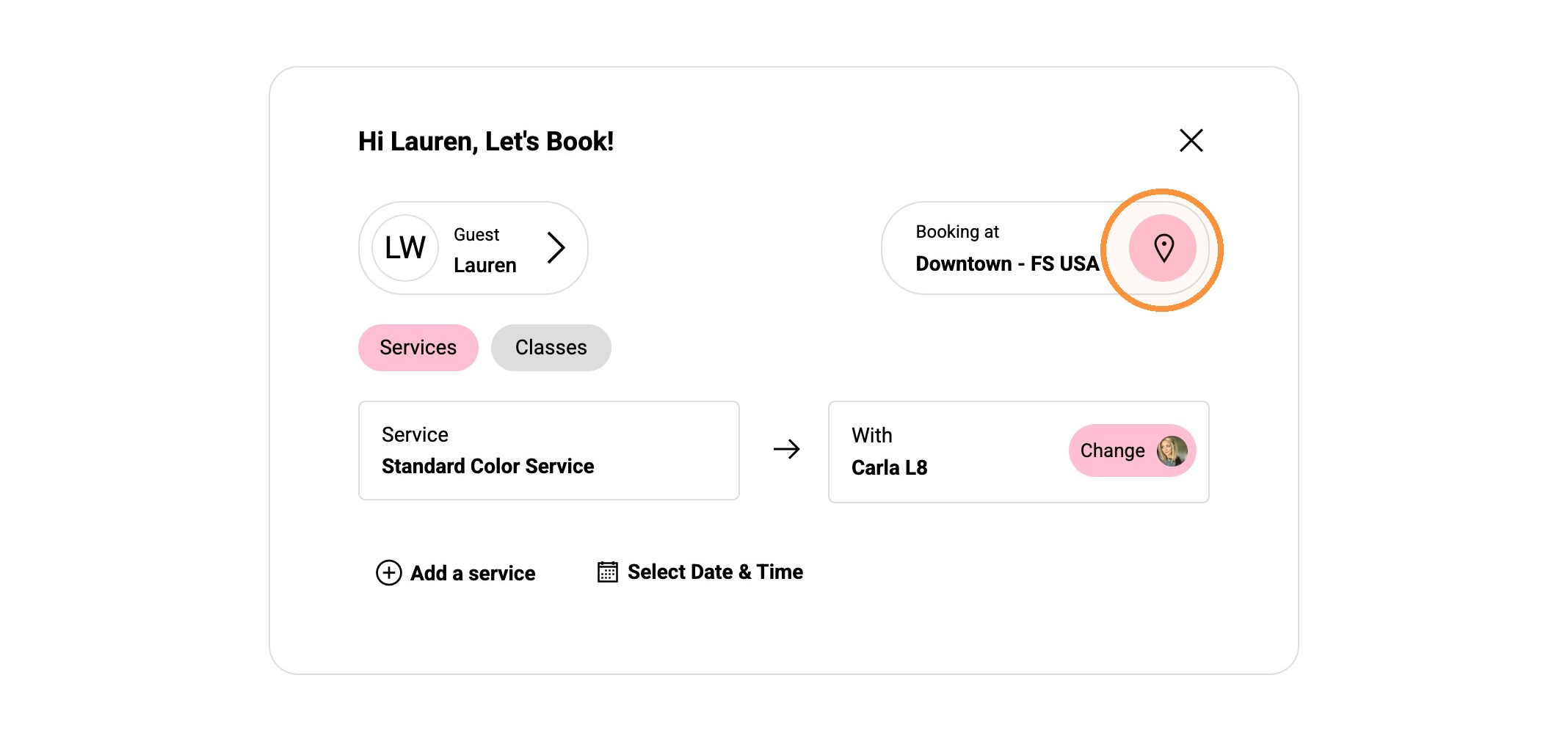
1. From the online booking form, select the location.
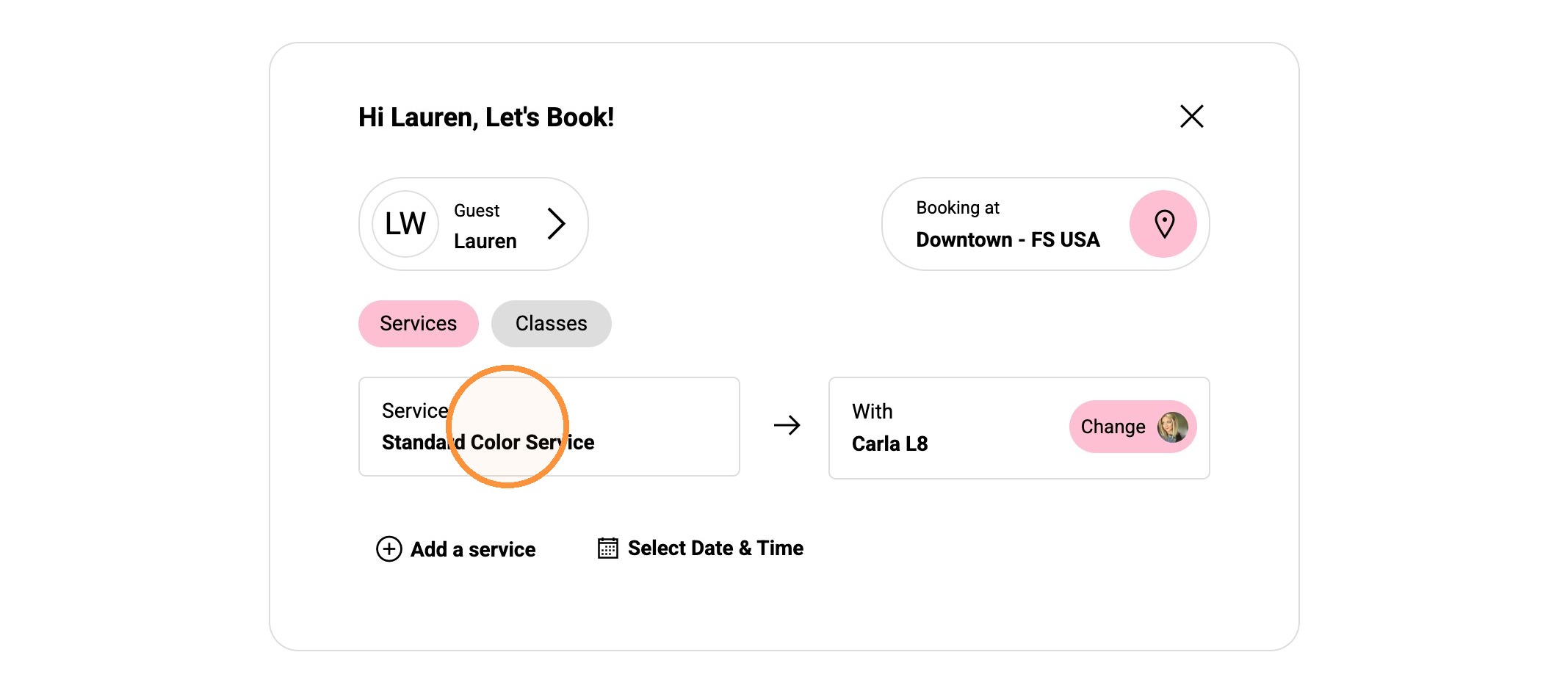
2. Select on the Service field.
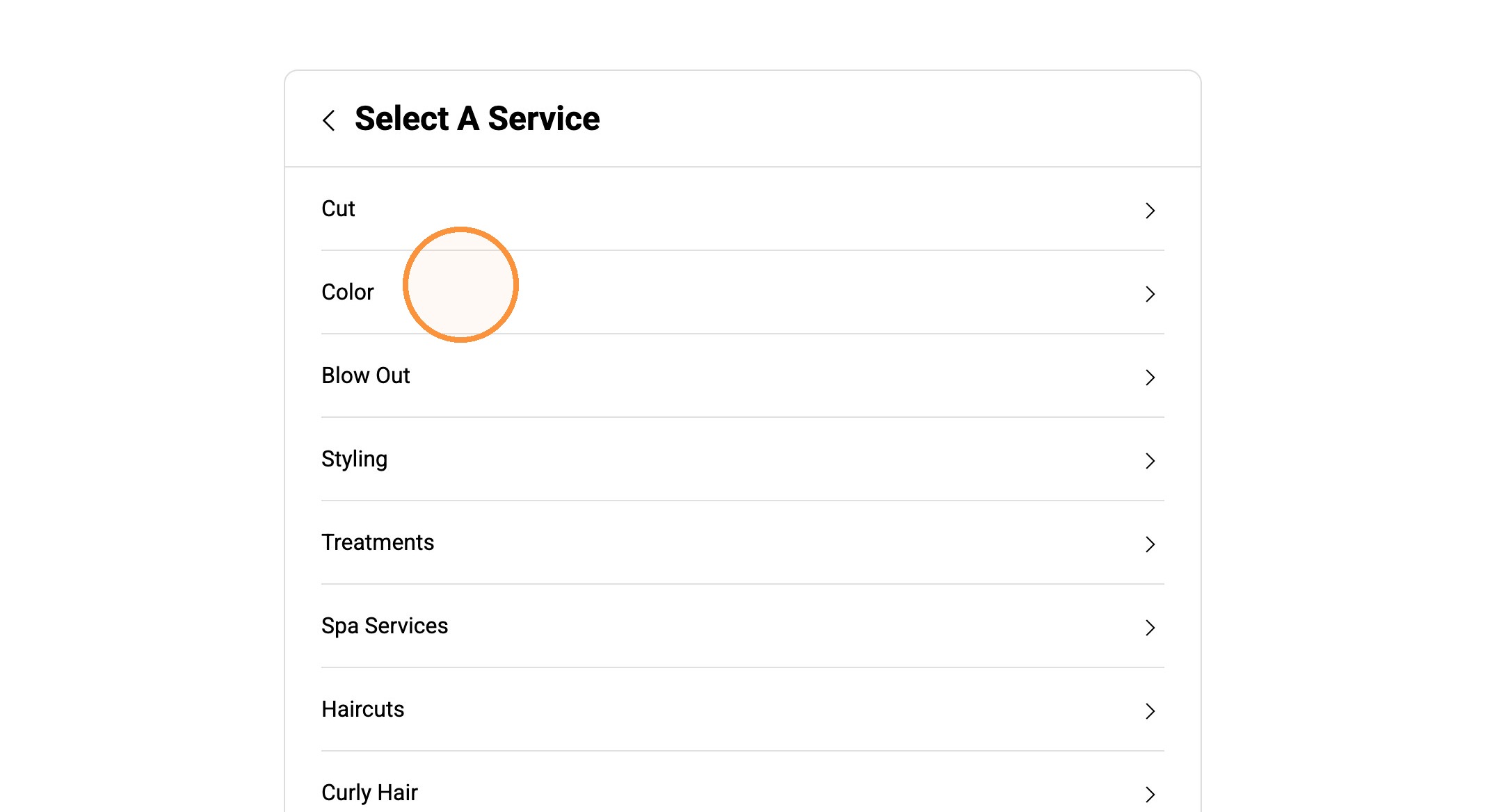
3. Select the category.
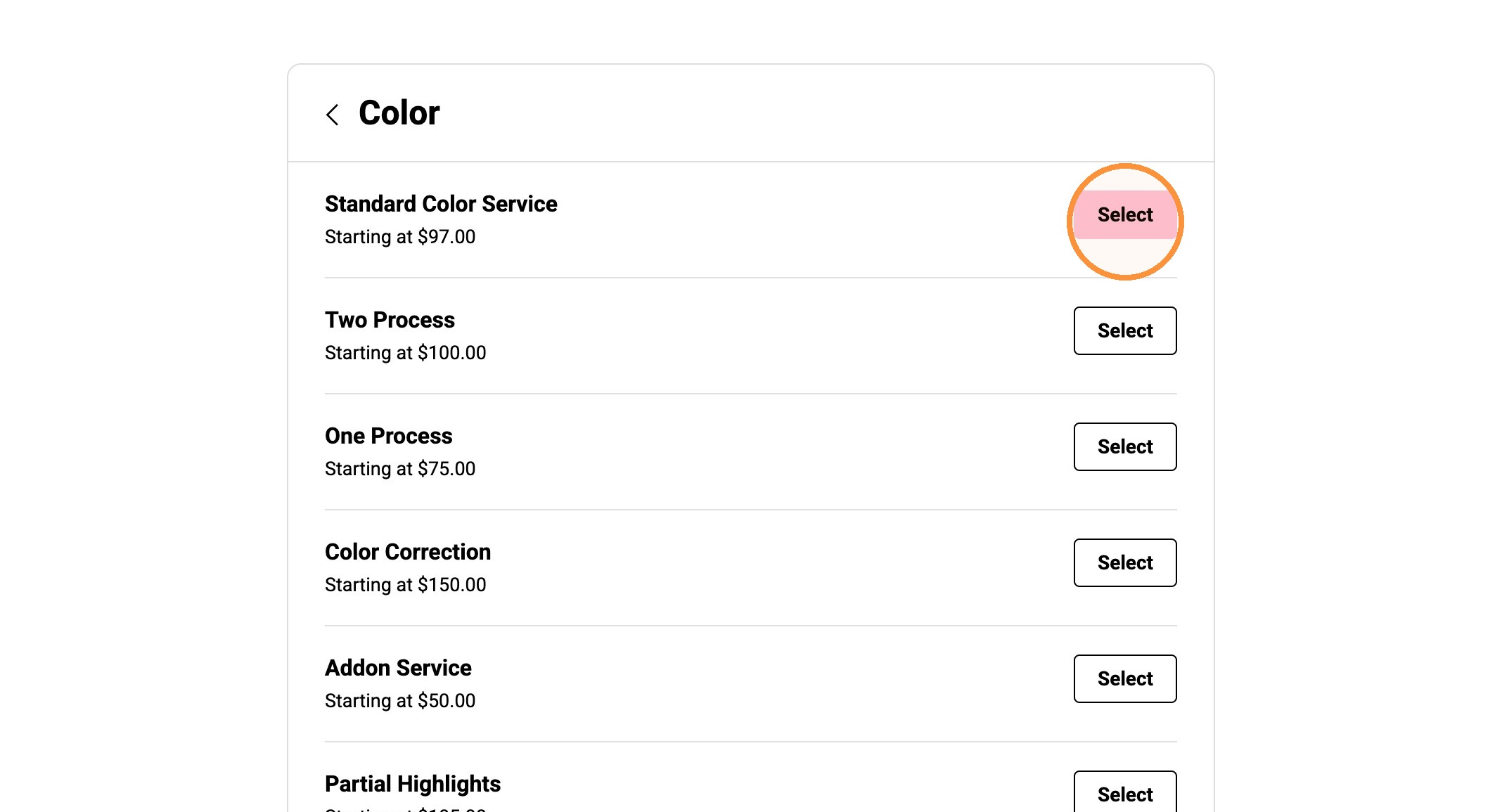
4. Select the Service.
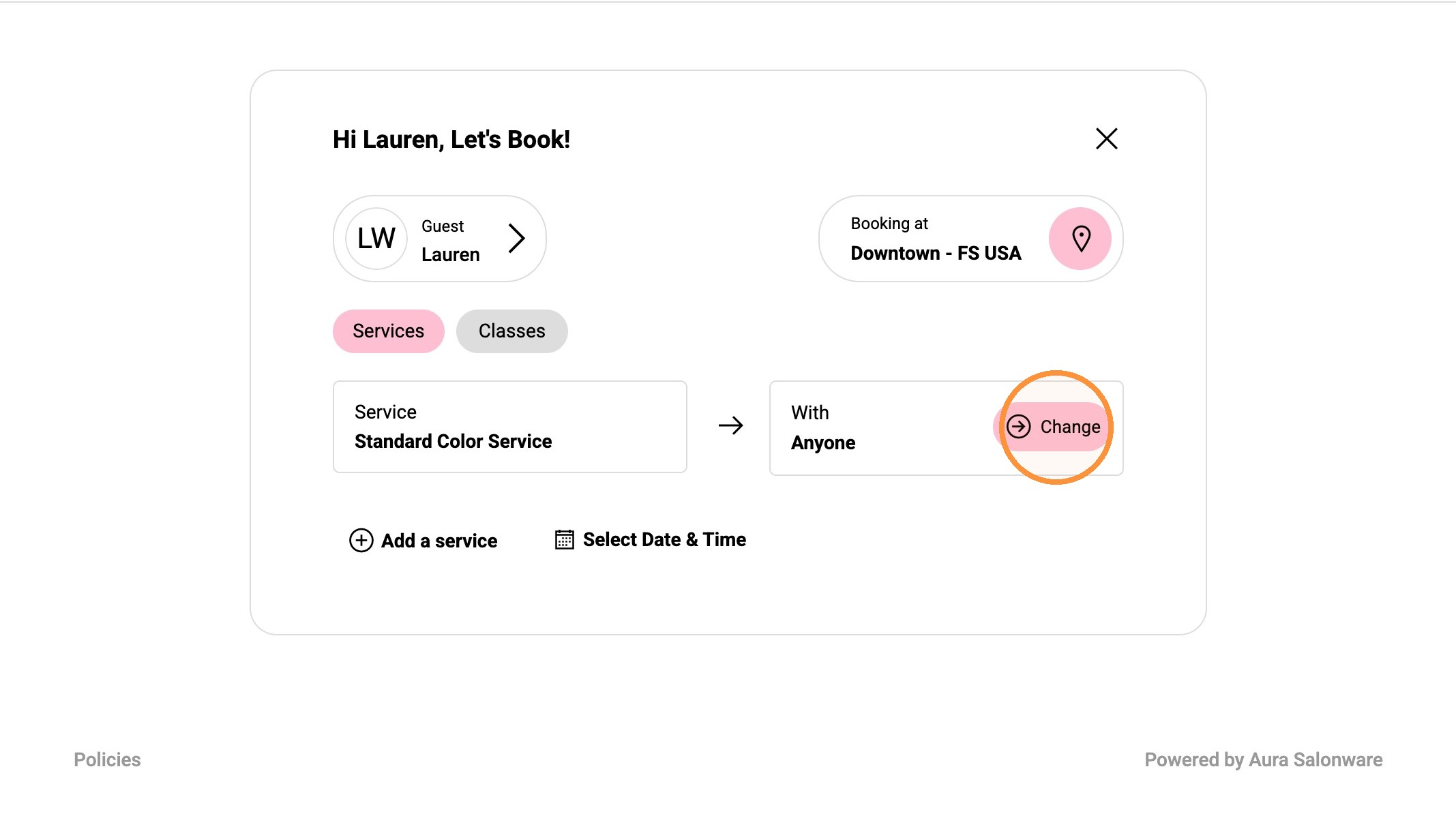
5. Select "Change" to select service provider.
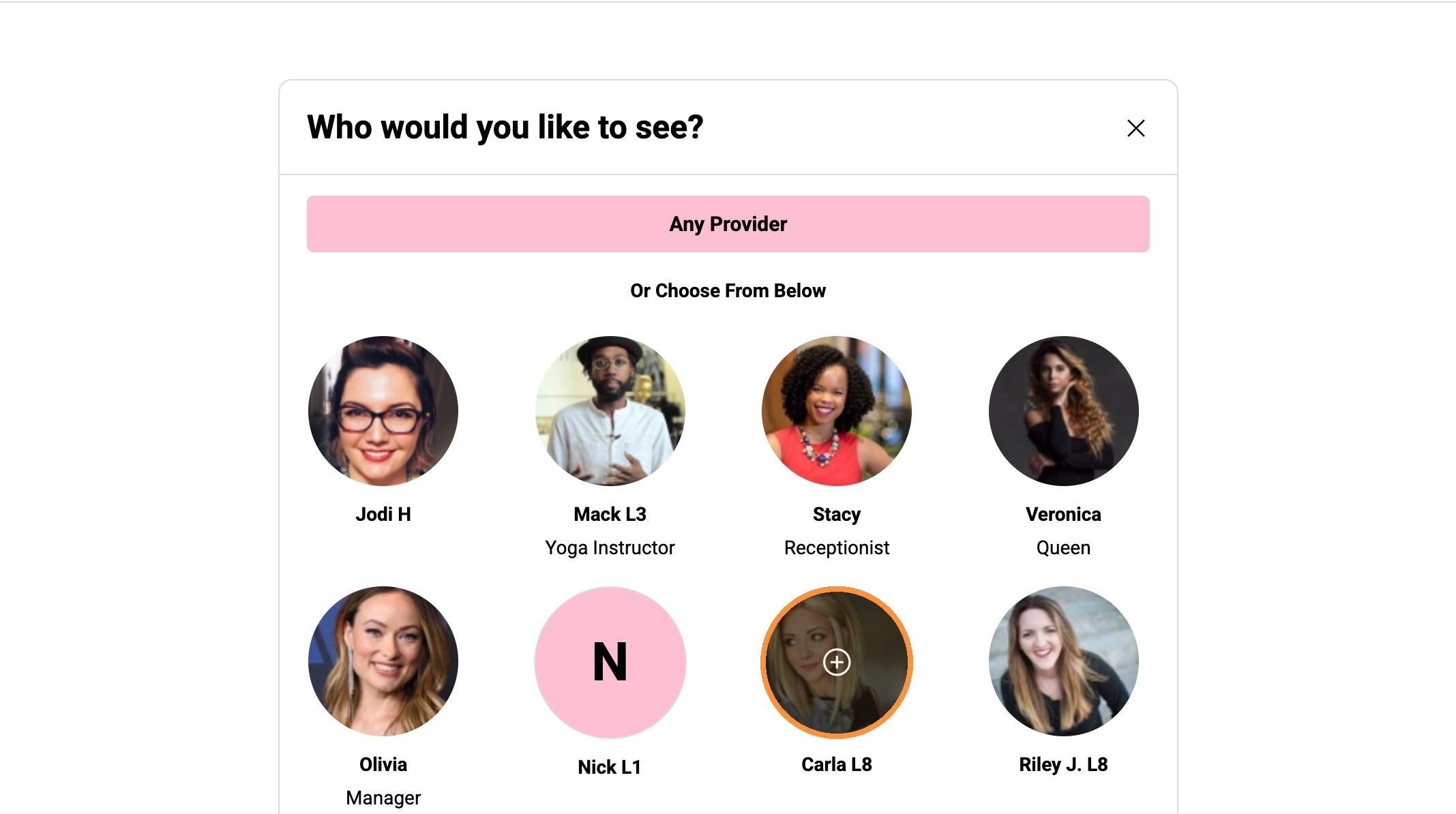
6. Select the service provider.
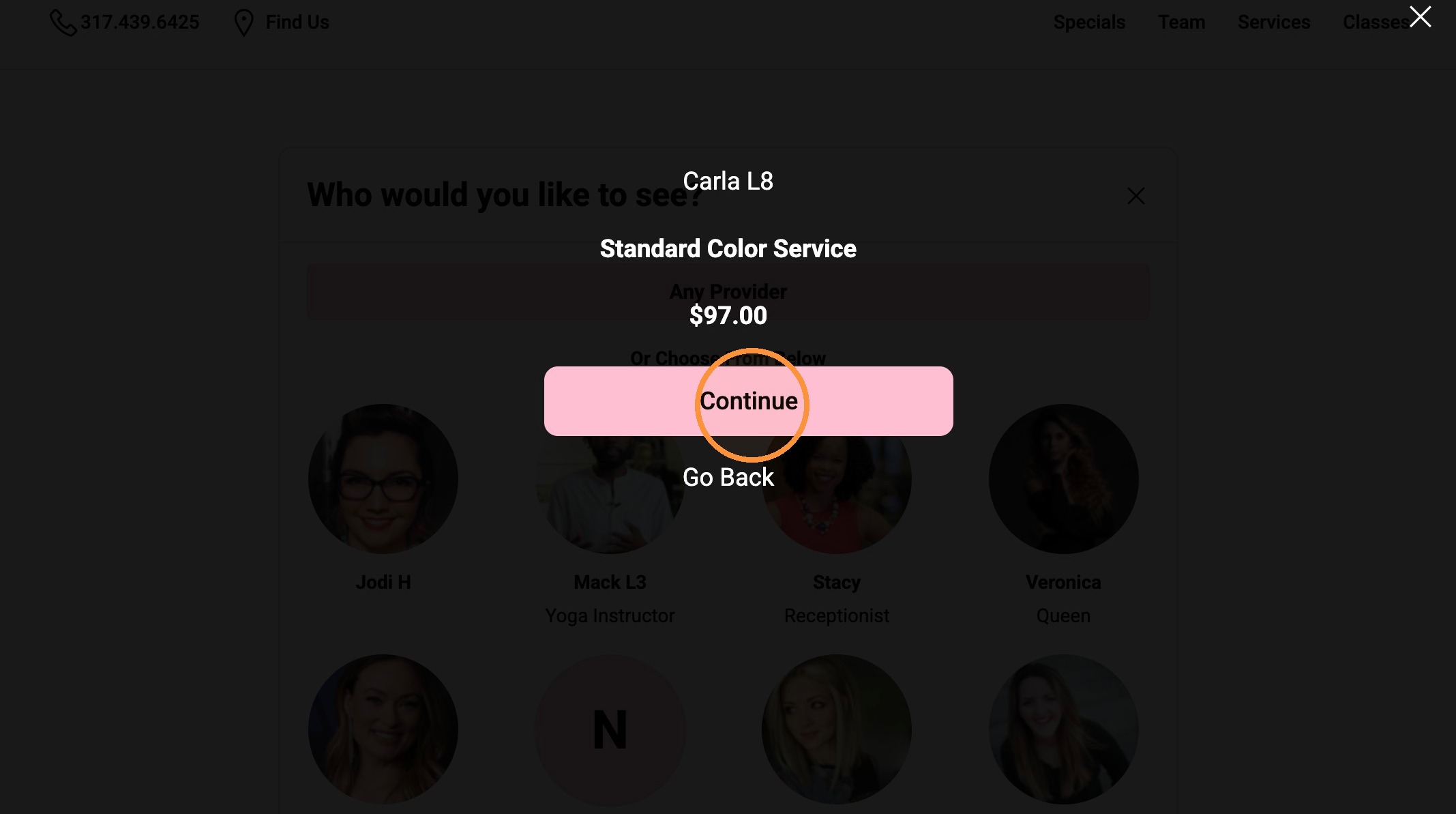
7. Click Continue.
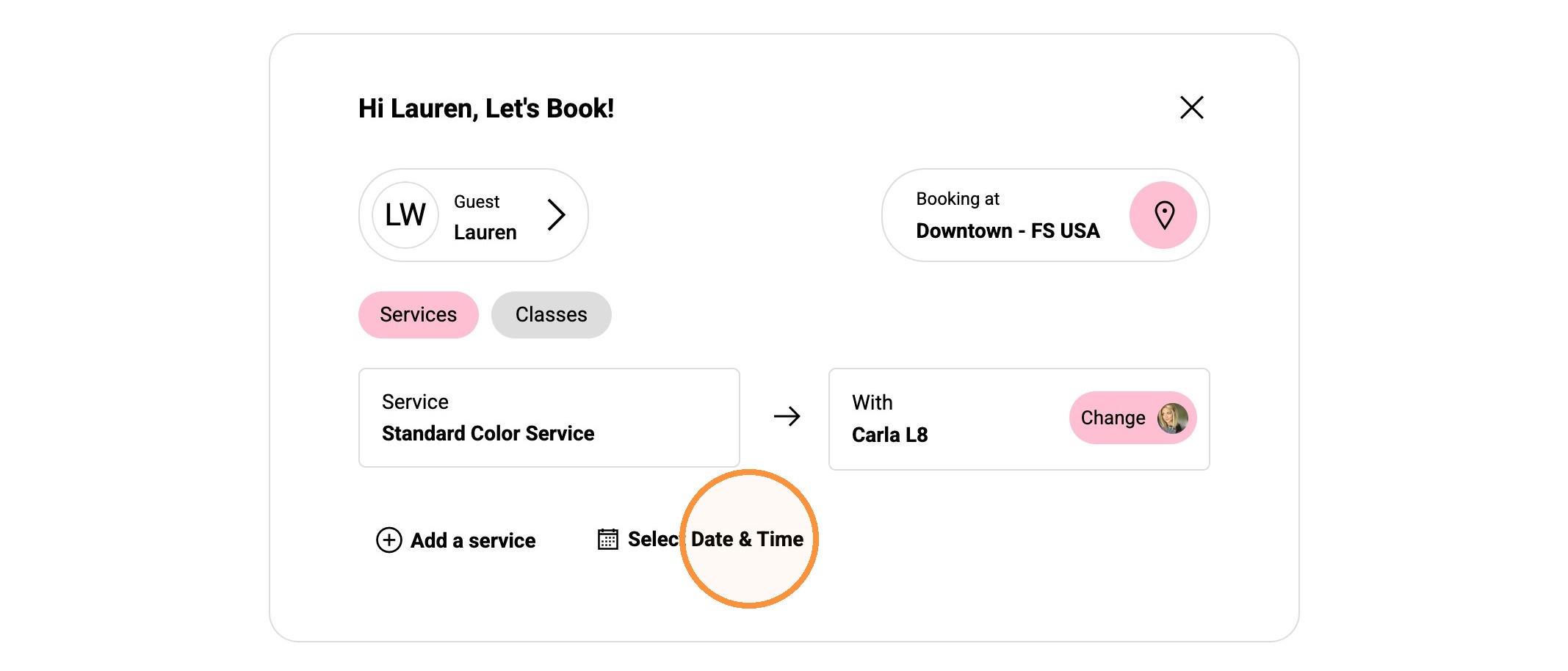
8. Click "Select Date & Time"
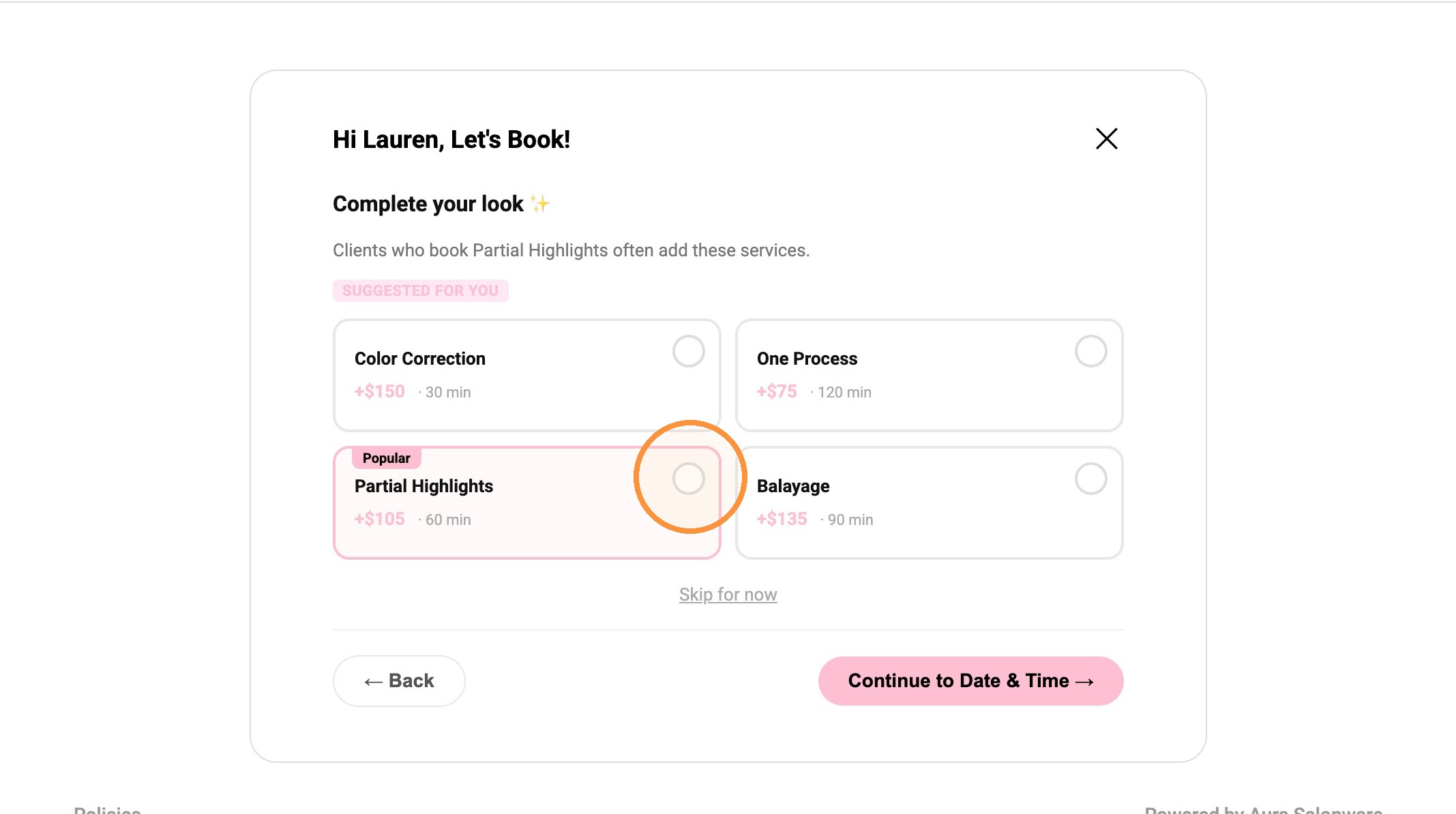
9. Add-on services will appear for client to select or "Skip for now".
10. Once the add-on is selected, click “Continue to Date & Time →”.
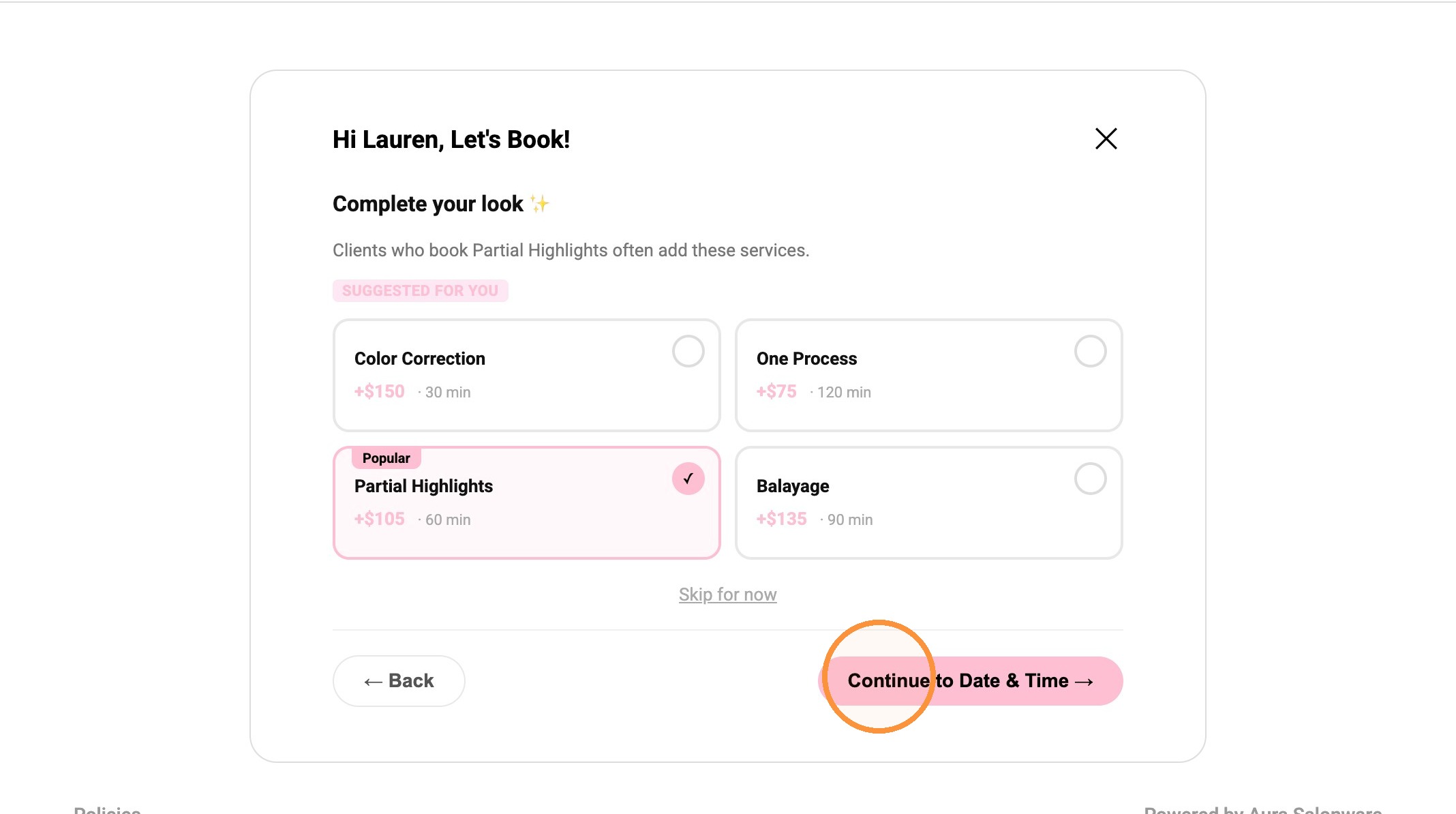
Tip: The salon can add up to four add on suggestions. During setup, select the star next to the service name to highlight the service as a "Popular" add on service.
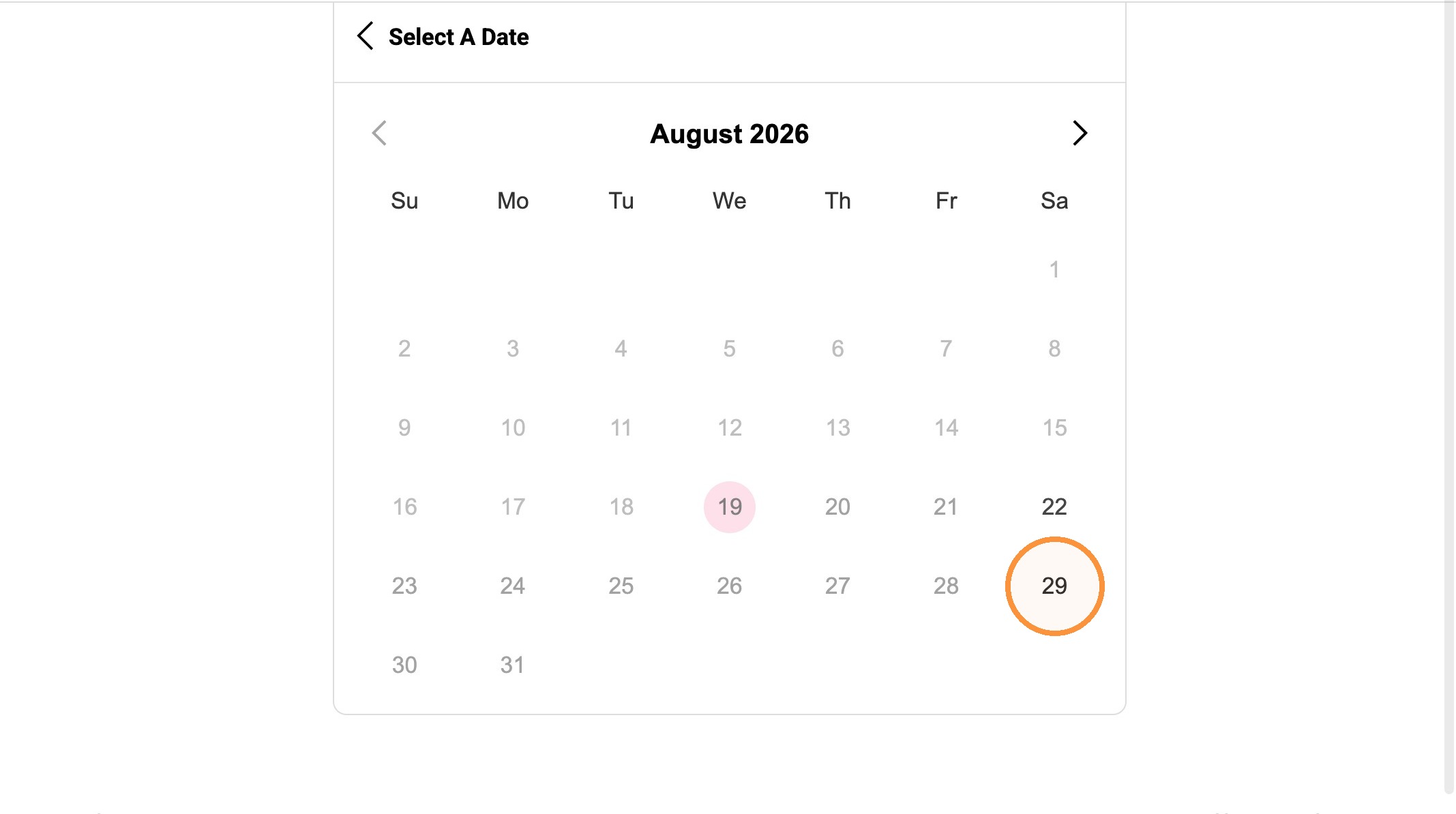
11. Select desired date.
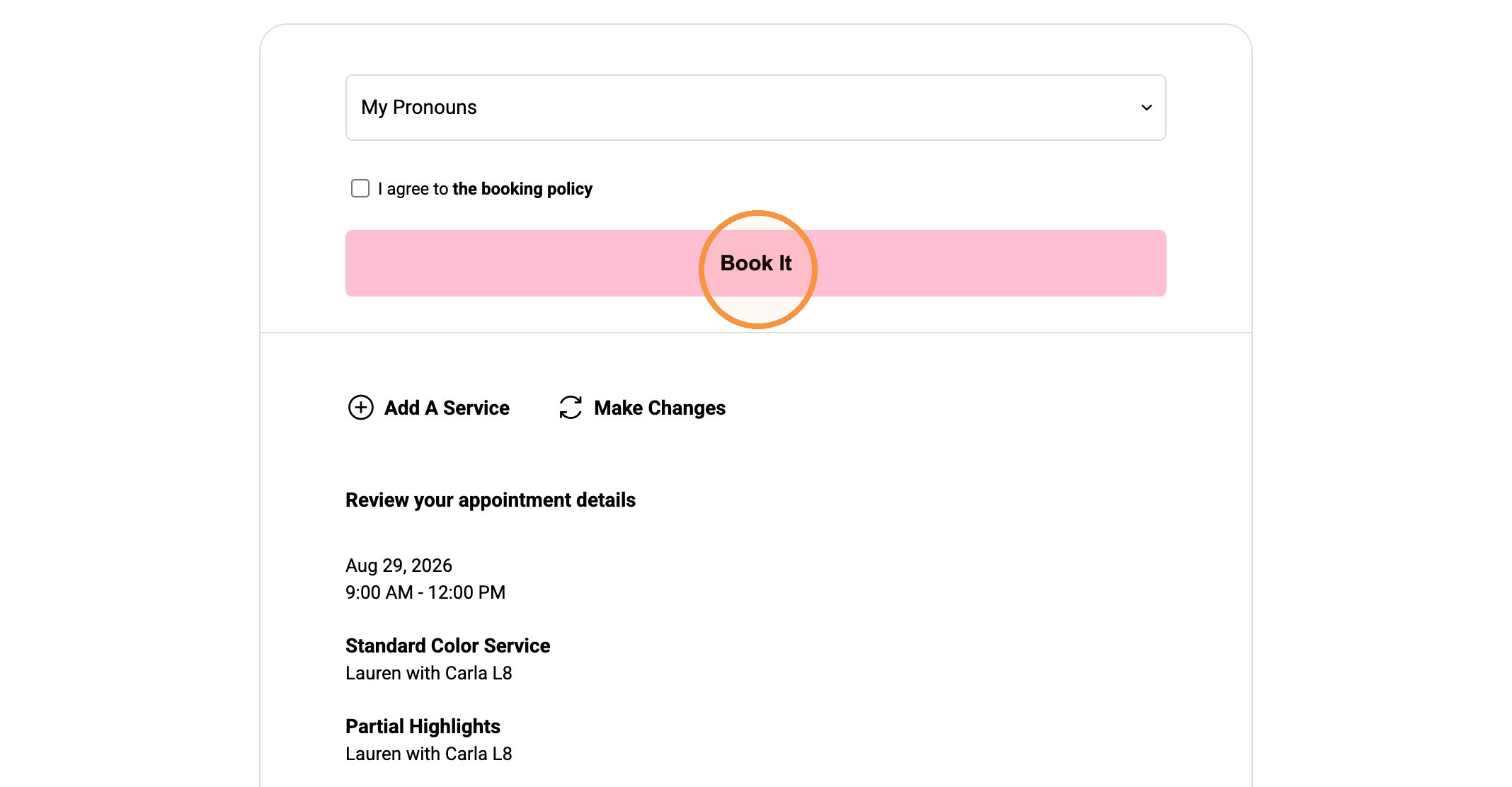
12. Select the booking policy agreement checkbox.
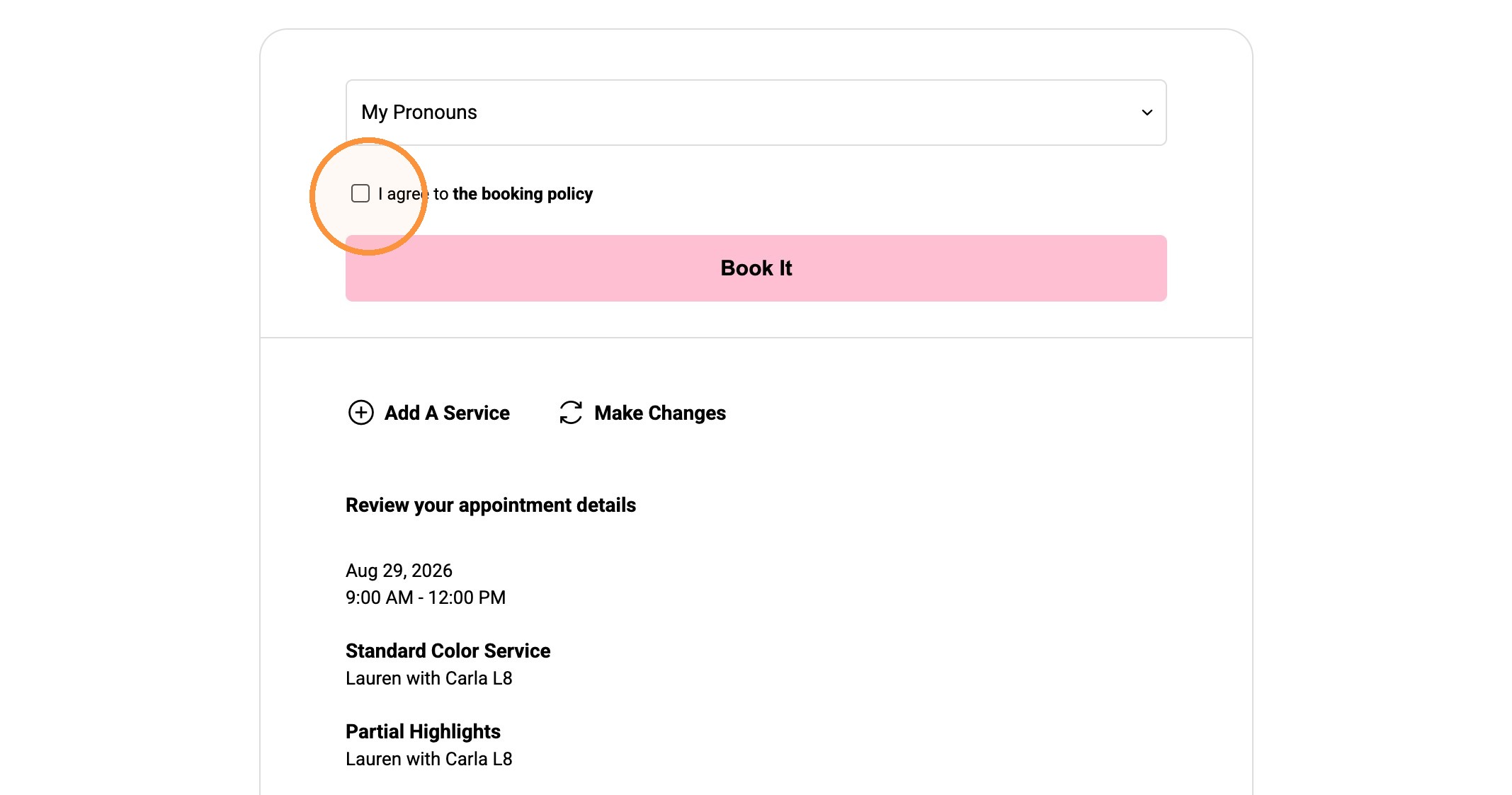
13. Click "Book It" to complete appointment.