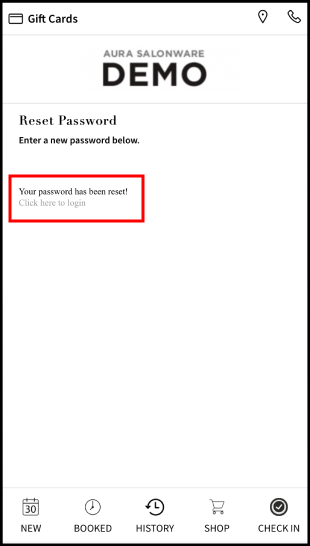
If a client's email is on file, but they have not set up their Aura password yet, they may do so by following these directions.
1. Go to [Salon Code].aurasalonware.com using Google Chrome on the mobile device and select "Sign In".
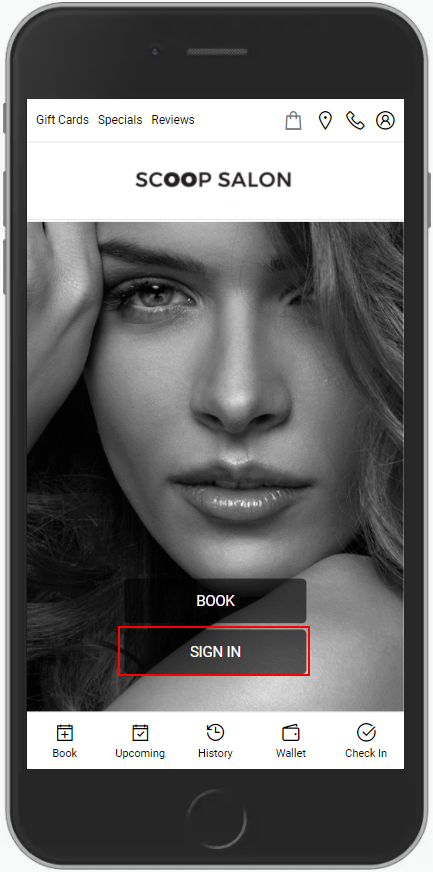
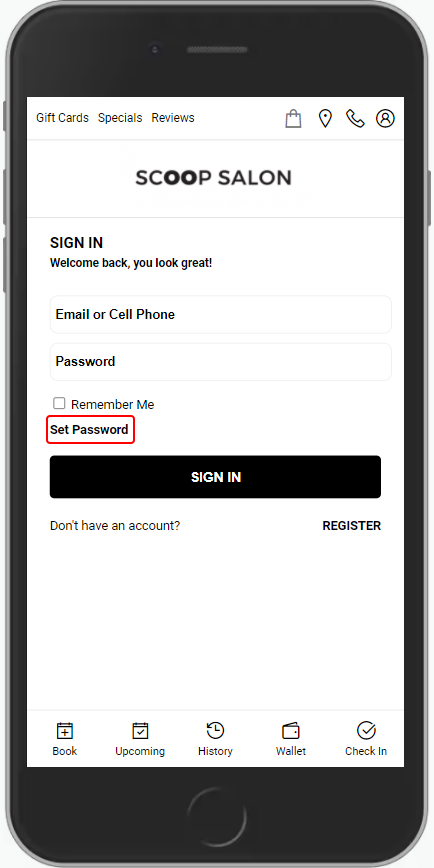
2. Select "Set Password".
4. Enter the email on file with the salon.
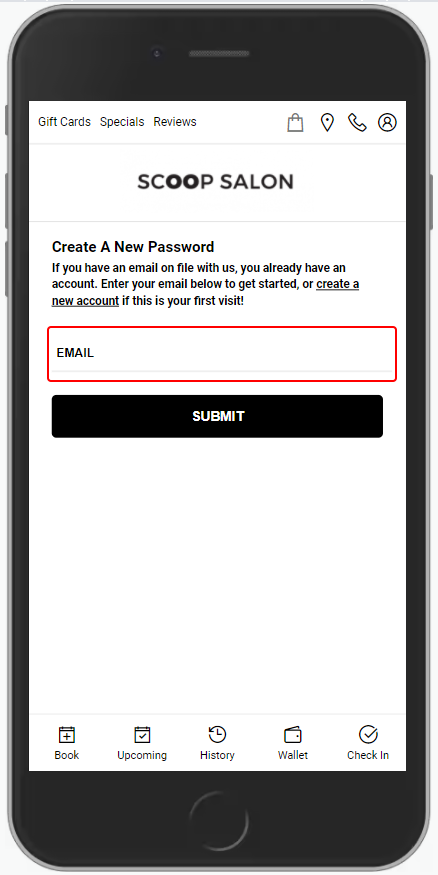
5. Select "Submit".
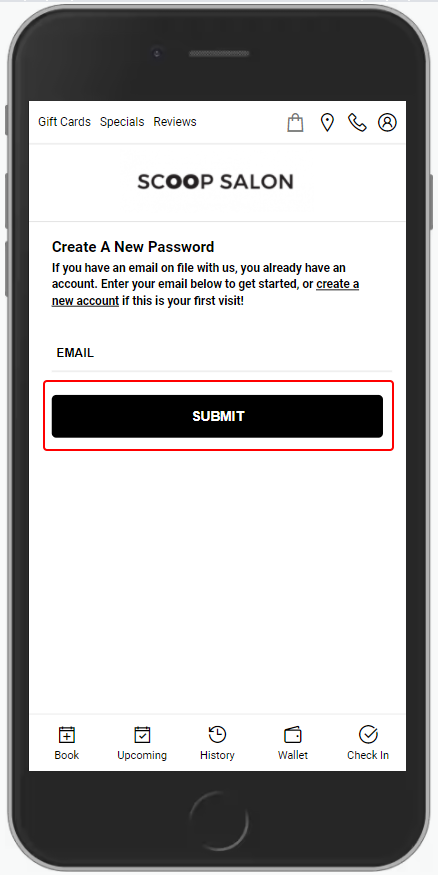
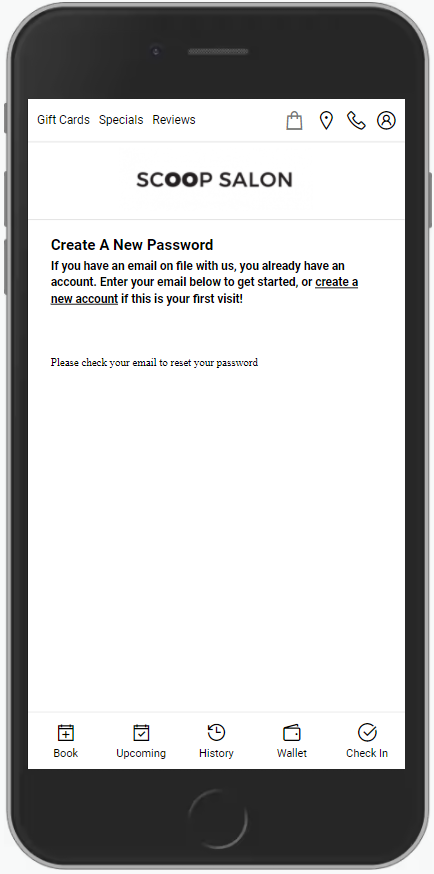
6. A password reset email is sent to the email on file.
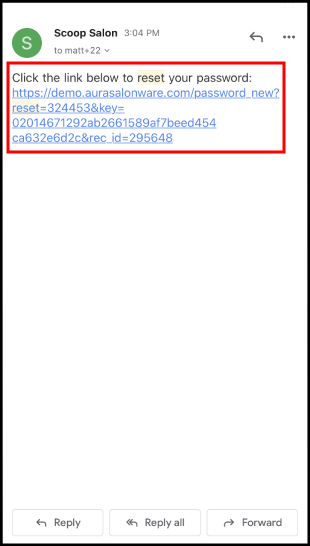
7. Navigate to the email and click the password reset link
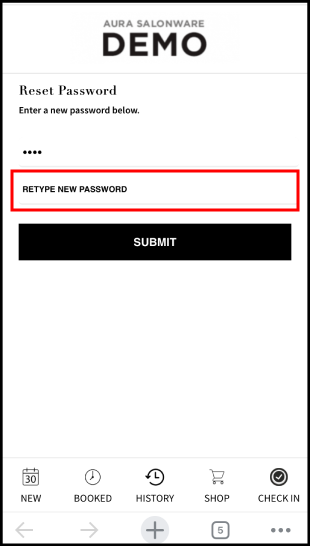
8. Enter the new password
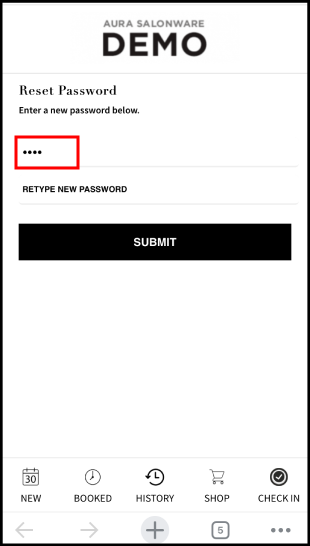
9. Confirm the new password
10. Select Submit
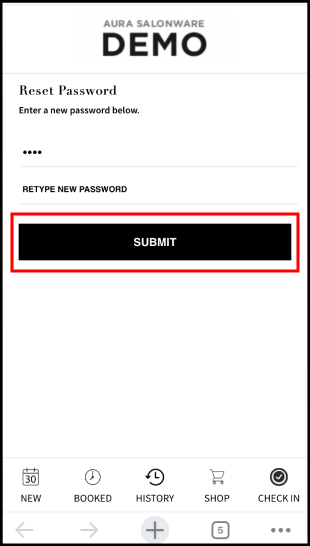
11. The password is now reset. Follow the link to log in to the account