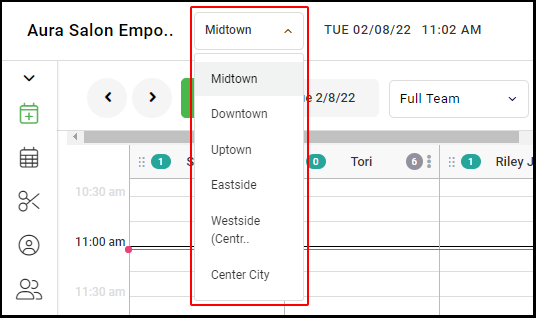
1. If your Salon has multiple locations, select the location on the top of the screen
NOTE: If your salon only has one location, skip this step and proceed to Step #2.
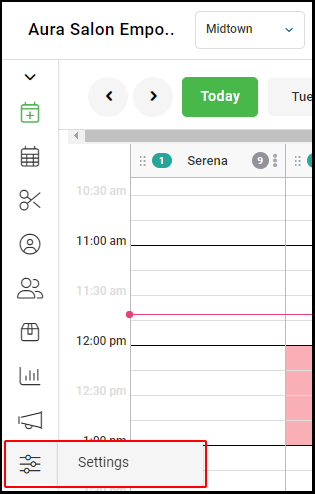
2. Select "Settings" on the left side menu.
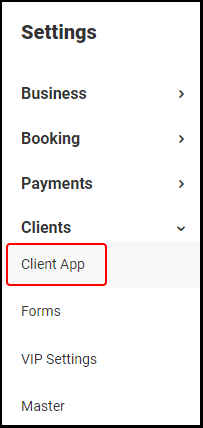
3. Select "Client App".
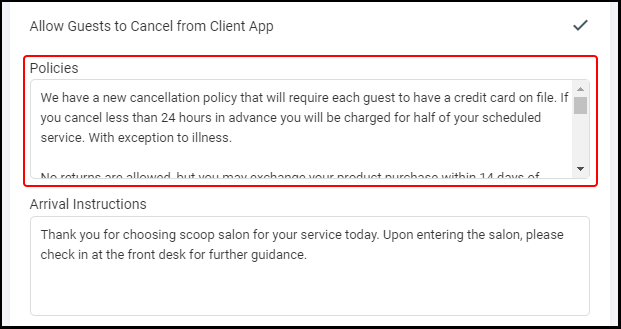
4. Under "Policies" enter your Policies, which will be shown on the Client App. Any information you desire can be put in this space, including your refund policy, and can be linked to from anywhere by the businesses' version of this url: [saloncode].aurasalonware.com/policies
5. Click "Save"
6. If you have multiple salon locations, repeat steps 1-5 for each location.