Owners can hide the tip line from the client app by activating "Hide Tip Line". The option to add a tip will still appear in the salon-side mobile and desktop apps, and receipts will still denote how much of a tip was left, even if the tip amount was $0. This feature stops the client from adjusting the tip amount before processing without employee approval.
Note: Multi-location salons must do this in each location
1. If your Salon has multiple locations, select the location on the top of the screen.
NOTE: If your salon only has one location, skip this step and proceed to Step #2.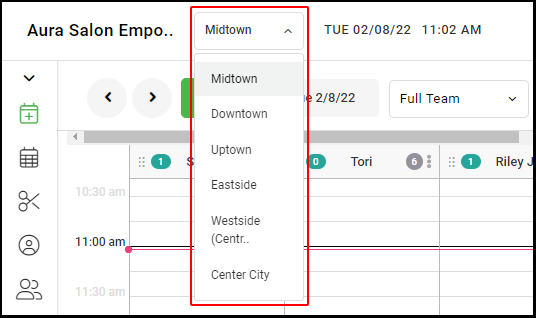
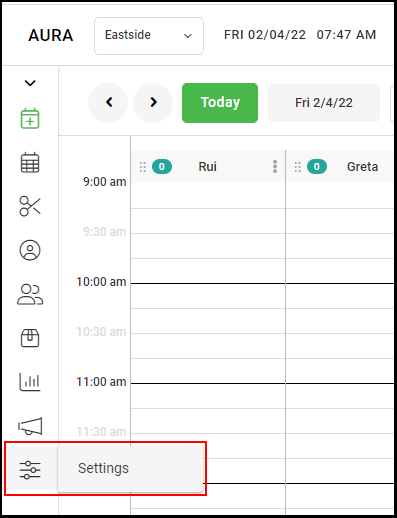
2. Go to "Settings" on the left side menu.
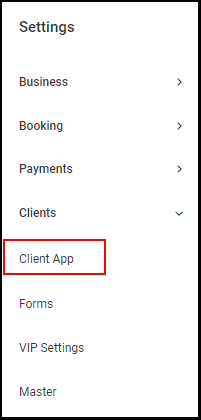
3. Select "Client App" within "Clients".
3. Select the drop-down adjacent to "Default Tip (%)" and select "Hide Tip Line".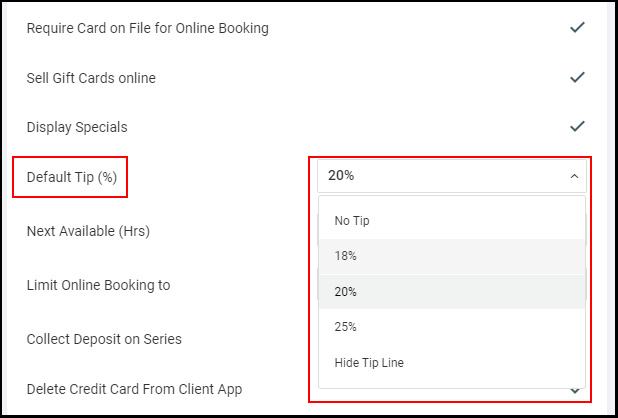
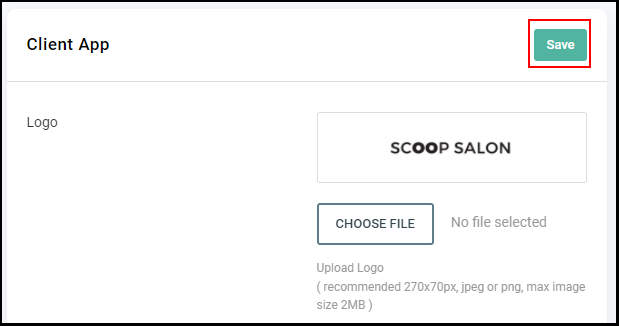
4. Select "Save".