Owners can allow clients to purchase gift cards online without signing in to an account. If disabled, clients are still able to purchase gift cards online after signing into their account.
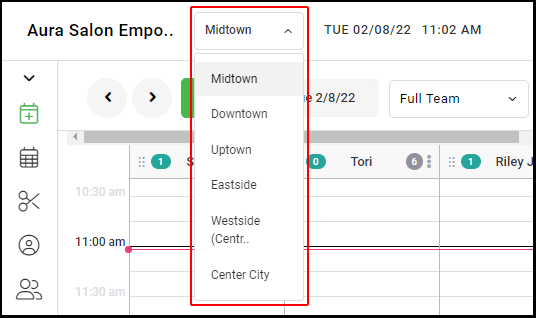
Note: Multi-location salons must do this in each location
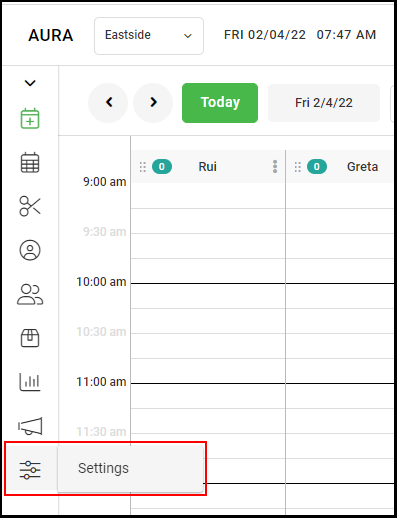
1. Navigate to "Settings".
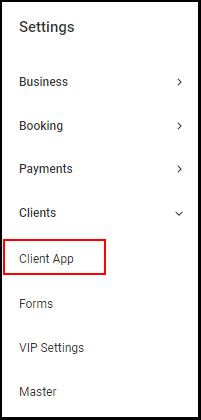
2. Select "Client App".
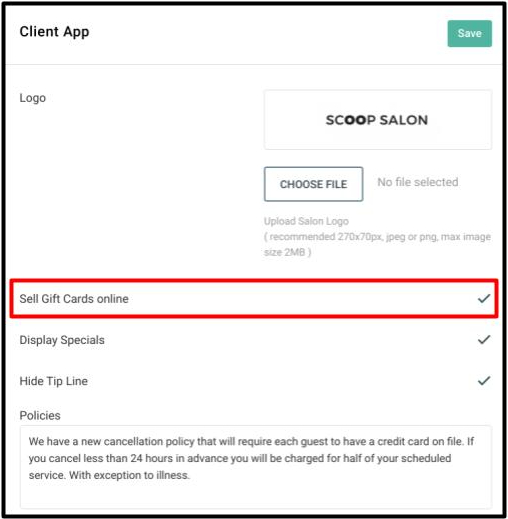
3. Check the box adjacent to "Sell Gift Cards Online".
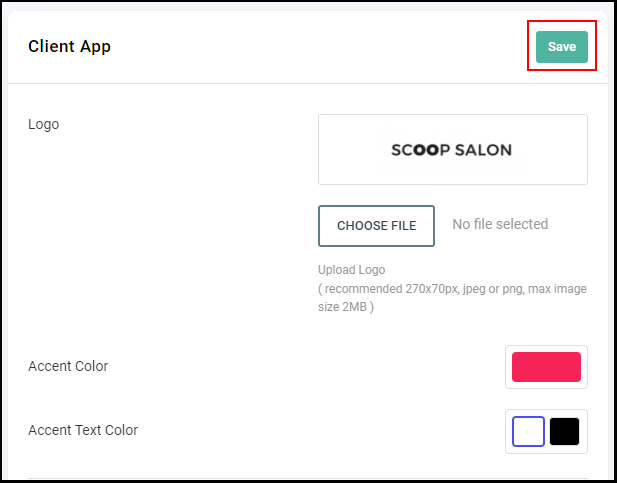
4. Select "Save".
5. Repeat this step in every salon location for multiple location salons.
NOTE: Gift card search does not search Gifted To field by name but it will search the gifted to field based upon the email or phone number the gift card was gifted to.