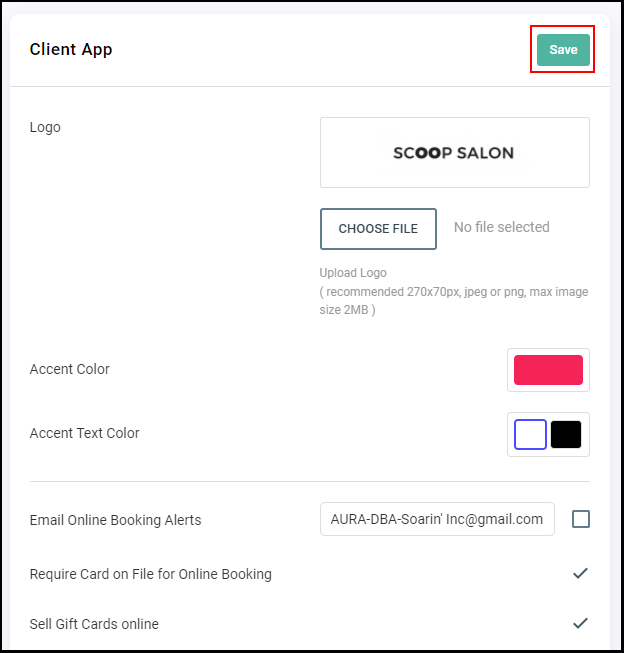
NOTE: By default, a Credit Card is required for online booking.
1. If your Salon has multiple locations, select the location on the top of the screen.
NOTE: If your salon only has one location, skip this step and proceed to Step #2.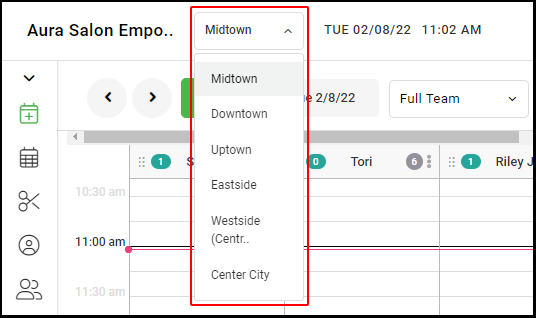
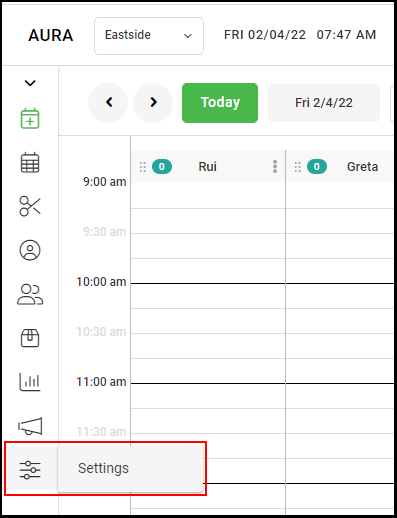
2. Go to "Settings" on the left side menu.
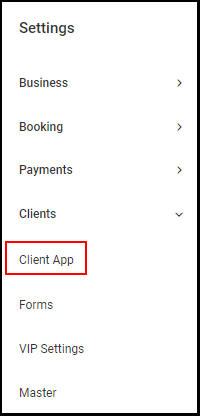
3. Select "Client App" under "Clients".
4. Select the check box adjacent to "Require Card on File for Online Booking".
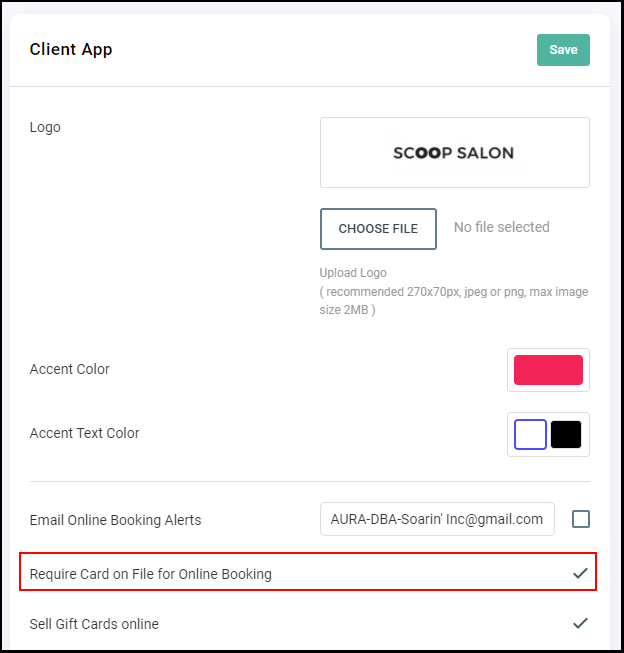
5. Select "Save".