It's in a new client's best interest to create a new account because it will allow the client to book online, check out faster while in the salon, purchase gift cards online, and so much more. A client's Aura account can be created before OR after a client books their appointment.
NOTE: If you are an existing guest, you should already have an account in the system. You may have to contact the salon to have them send you a password reset email in order to log in.
1. Navigate to [Salon Code].aurasalonware.com
NOTE: If you don't know what it is, it may be listed on their website or you may call and ask them.
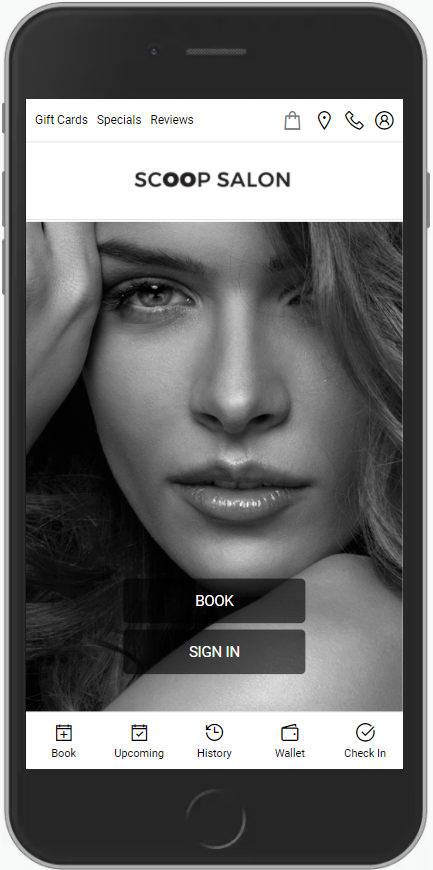
2. Click "Sign In".
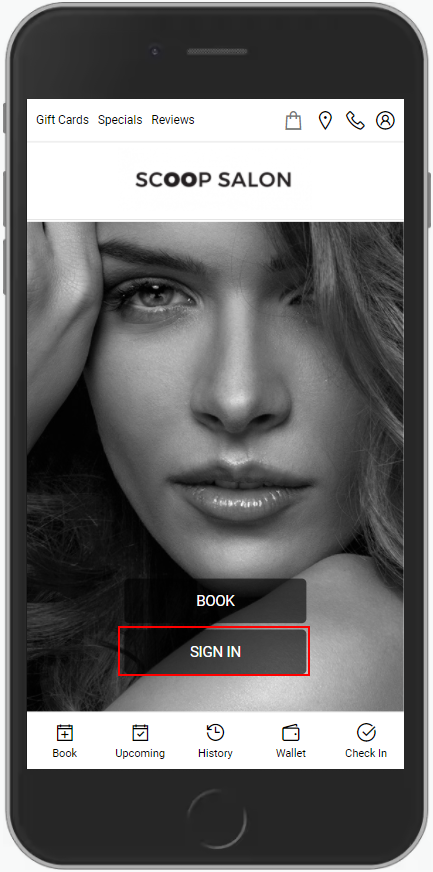
3. Click "Register".
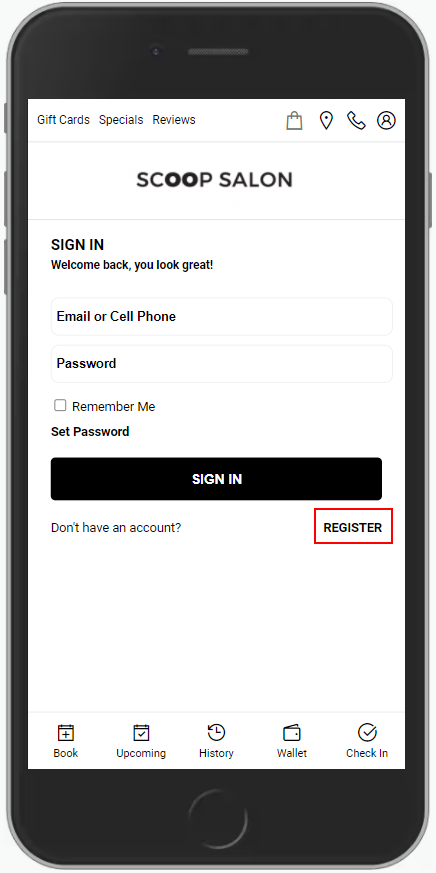
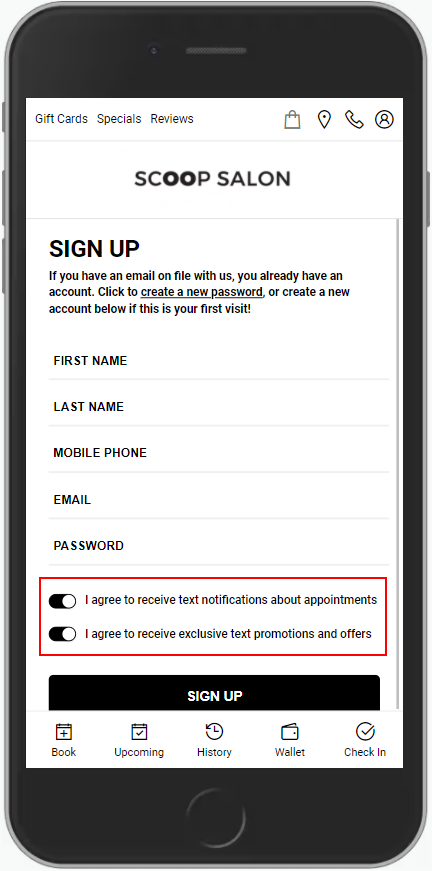
4. Enter your Name, Mobile Phone Number, Email and Password.
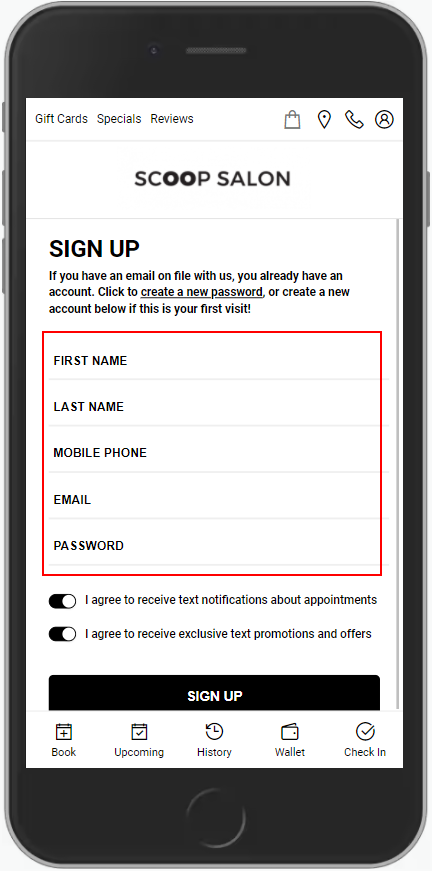
5. Agree to either be opted in or opted of receiving text notifications and/or text promotions and offers
6. Click "Sign Up".
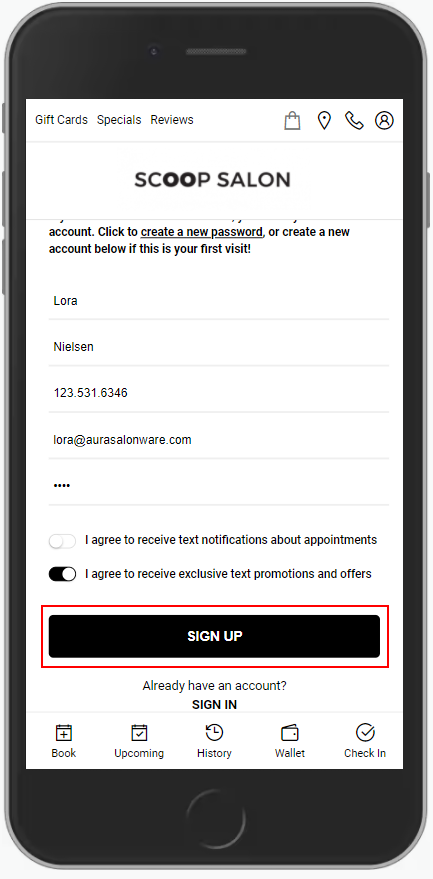
7. The client should now be able to book online, check in for appointments, purchase gift cards online, and check out among many other possibilities with the Client App.
NOTE: Booking an appointment through the client account will require the client to put a credit card on file. It is stored safely and encrypted on our web-based transaction processing companies servers. No employees of AURA or your salon can see your credit card information.