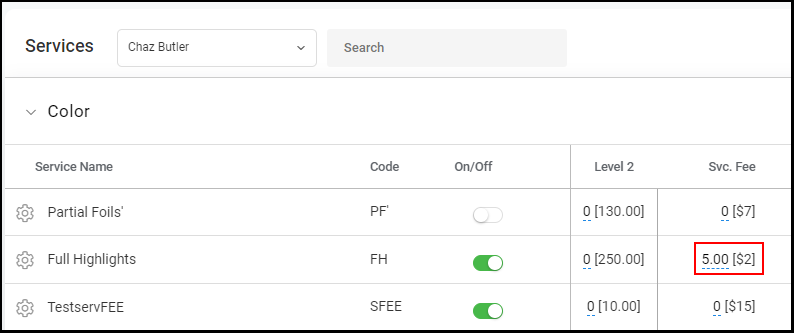
Owners and Managers can add a Customized Service Fee to a Provider's Services
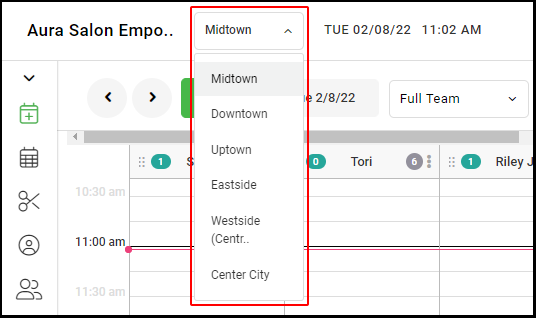
1. If your Salon has multiple locations, select the location at the top left of the screen.
NOTE: If your salon only has one location, skip this step and proceed to Step #2.
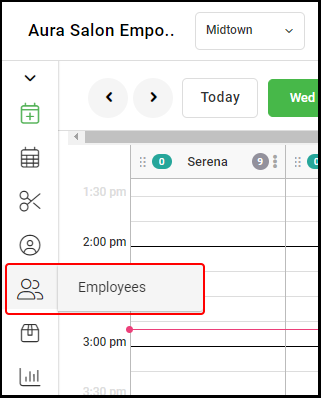
2. Select "Employees".
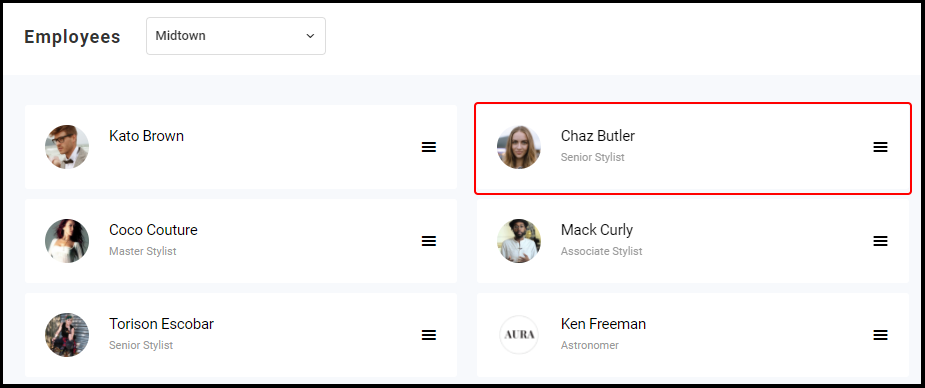
3. Select the Employee you want to set up or edit.
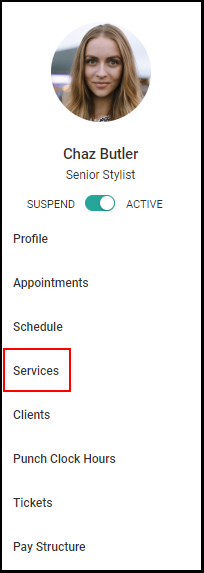
5. Select "Services".
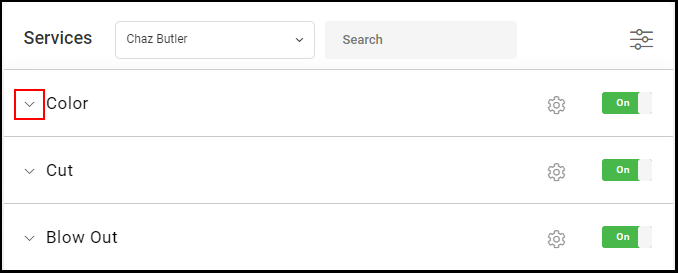
6. Select the arrow to expand the Provider's service category.
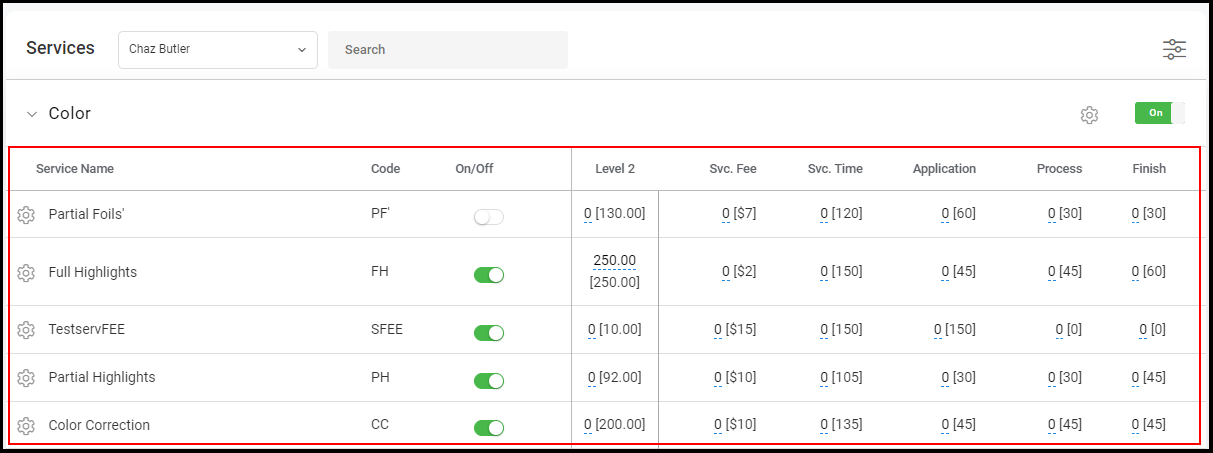
7. Select the "Service Fee" within the line item you wish to edit.
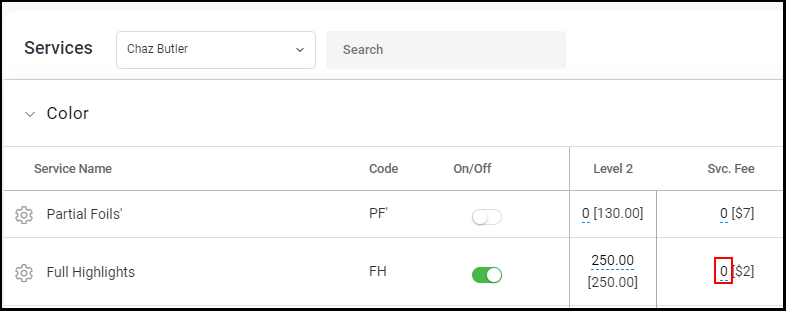
8. Type in the service fee amount that will apply to the Provider's service 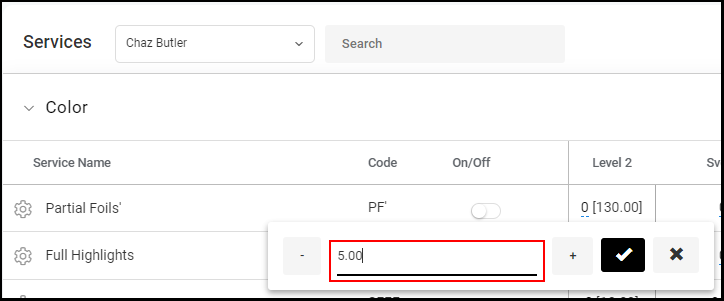
9. Select the check mark icon to save the customized service fee
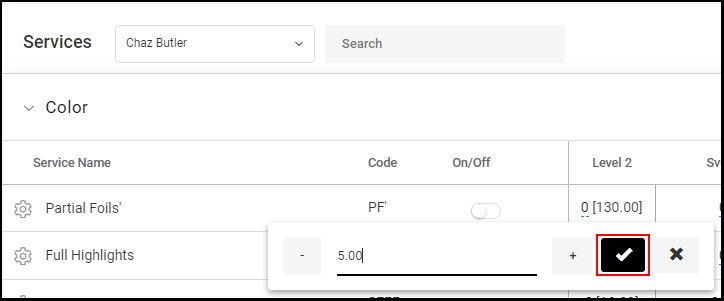
10. The new customized service fee will display.
NOTE: The price within the brackets depicts the salon's default service fee price.