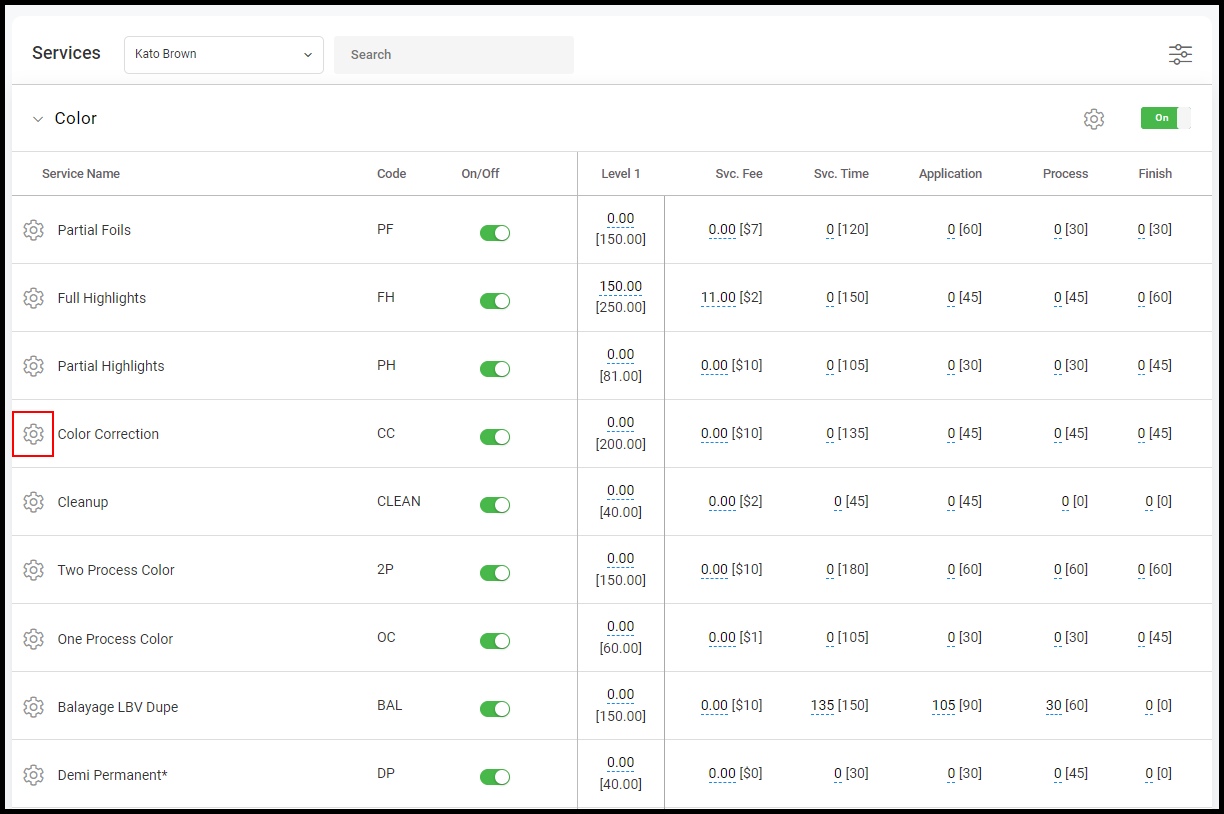
Online booking settings per provider per service allows for managers/owners to determine which services/service categories they would like to be enabled/disabled to be booked online for each provider.
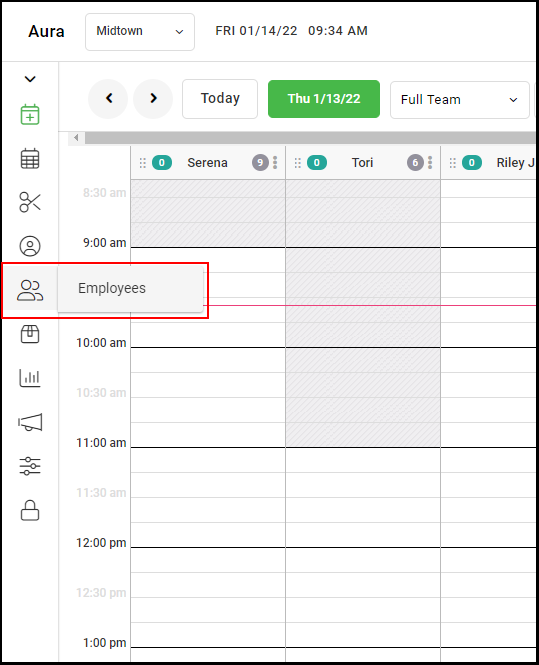
1. Navigate to "Employees".
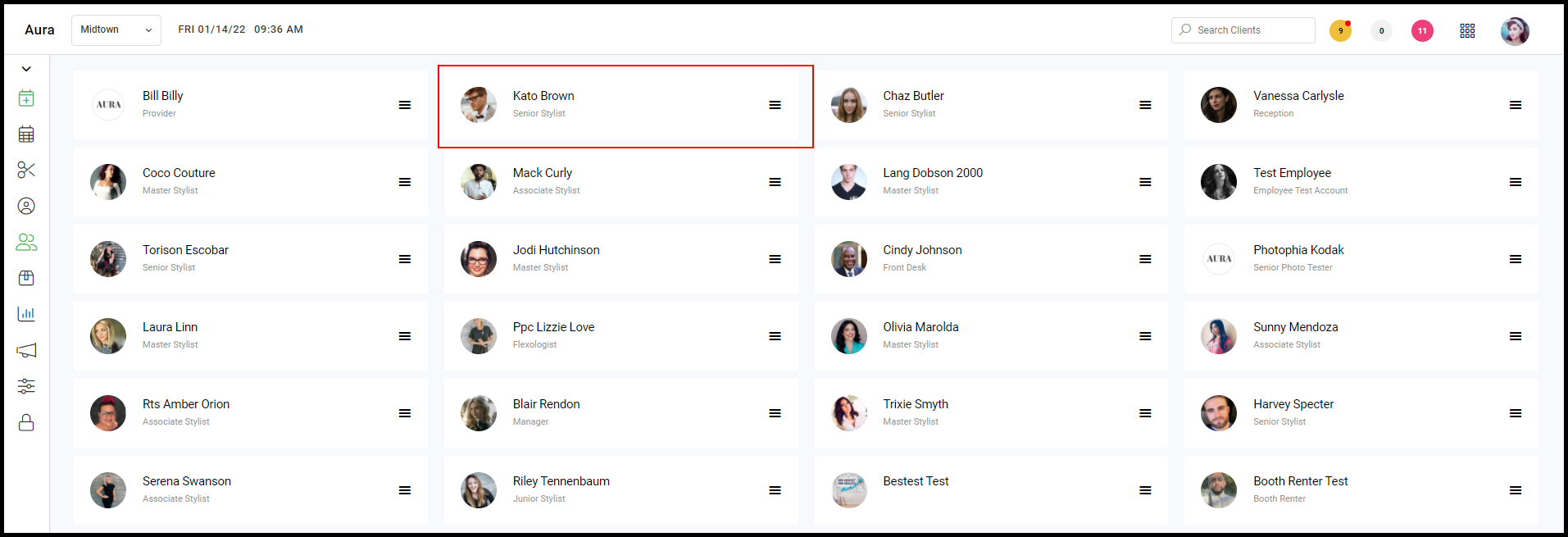
2. Select an employee.
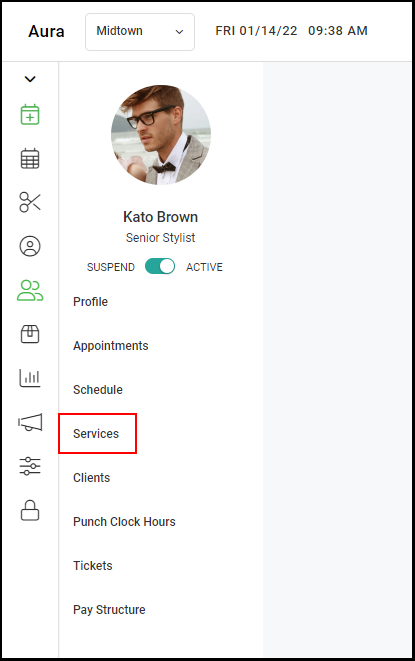
3. Select "Services".
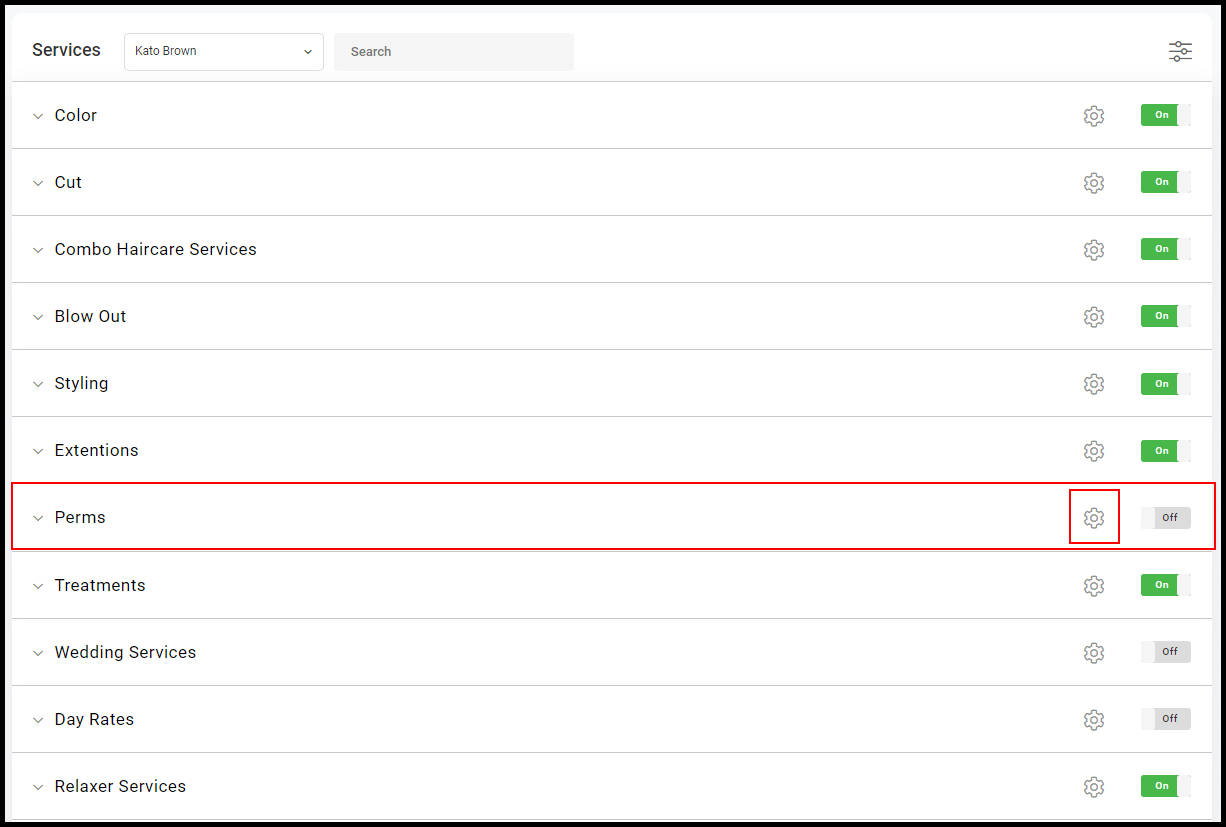
4. If you wish to disable online booking for a service type, such as Perms, select the Settings Dial adjacent to the service type.
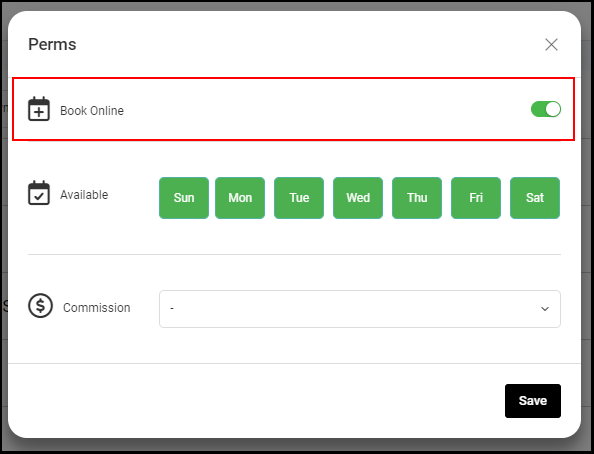
4.a. When the "Book Online" toggle is turned on (green), this will enable all services within that category from being booked online within the provider app.
5. If you wish to disable online booking for a specific service, such as Color Correction, select the drop down adjacent to the service type.
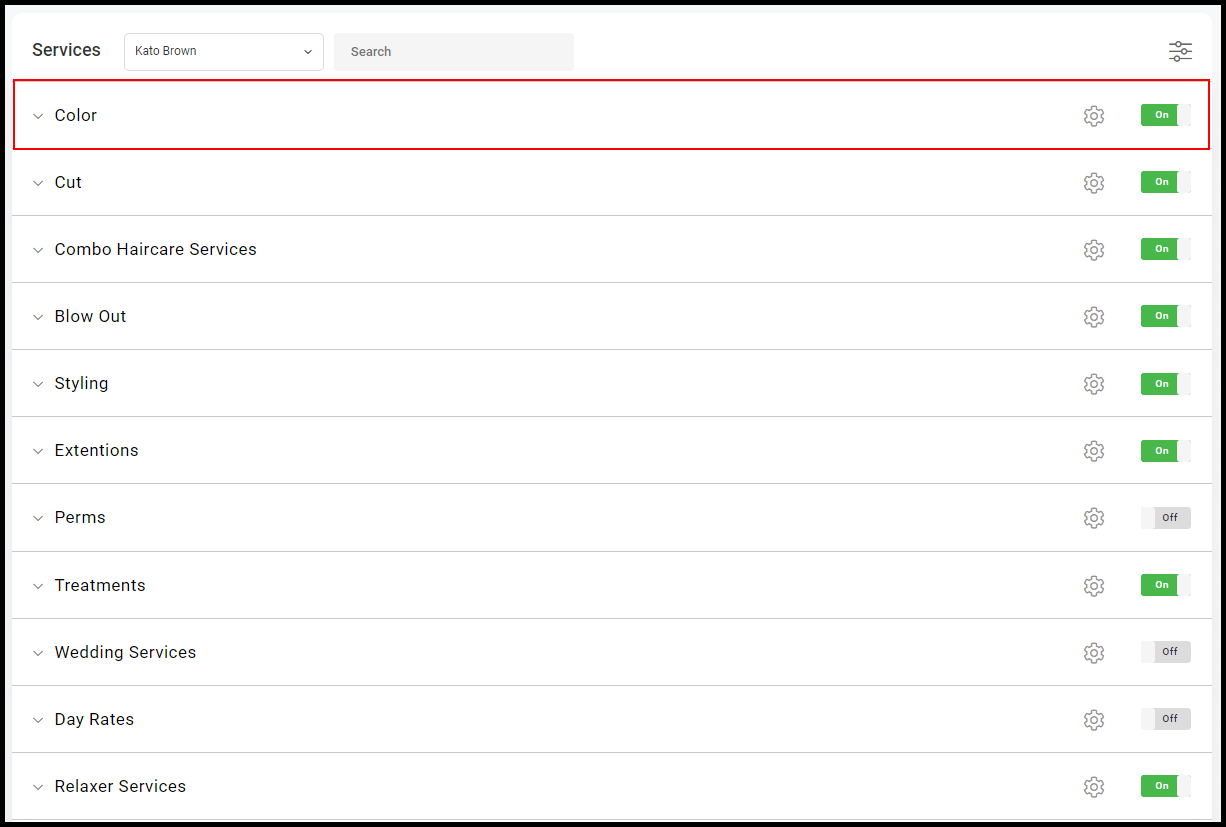
5.a. Select the Settings Dial adjacent to the service you wish to edit.
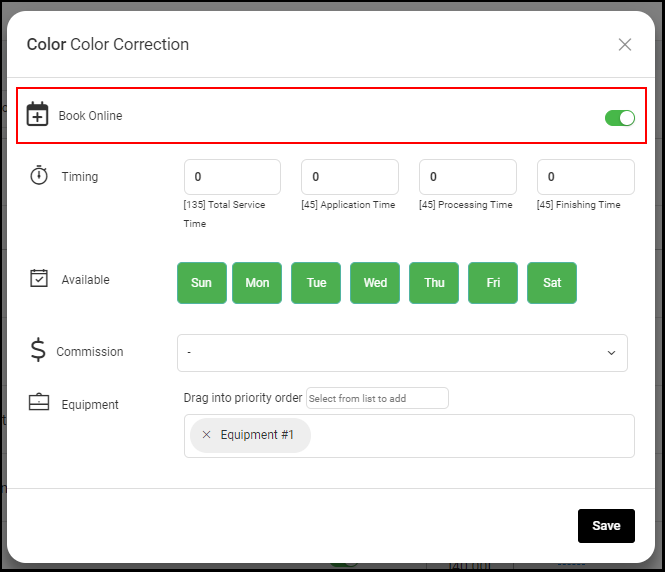
5.b. When the "Book Online" toggle is turned on (green), this will enable all services within that category from being booked online within the provider app.