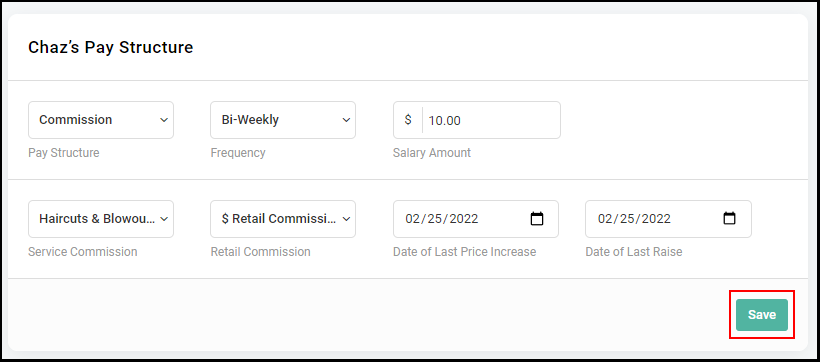
Owners and Managers can assign a specific pricing level for the services that the Providers provide. Before assigning a Provider a price level, Owners and Managers must set up pricing levels for the default service list. Find more information about this HERE
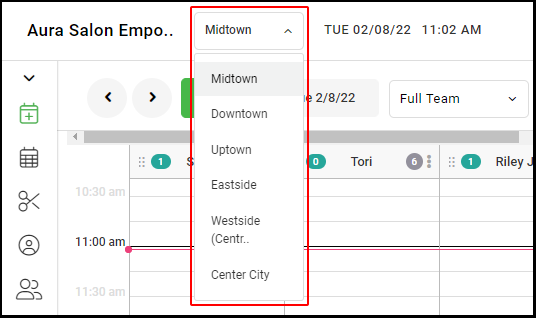
1. If your Salon has multiple locations, select the location at the top left of the screen.
NOTE: If your salon only has one location, skip this step and proceed to Step #2.
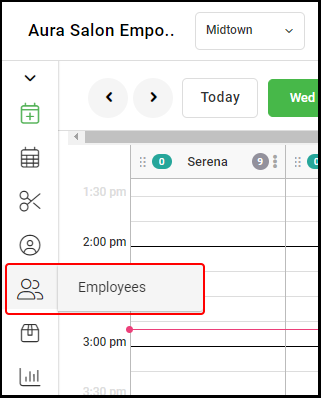
2. Select "Employees".
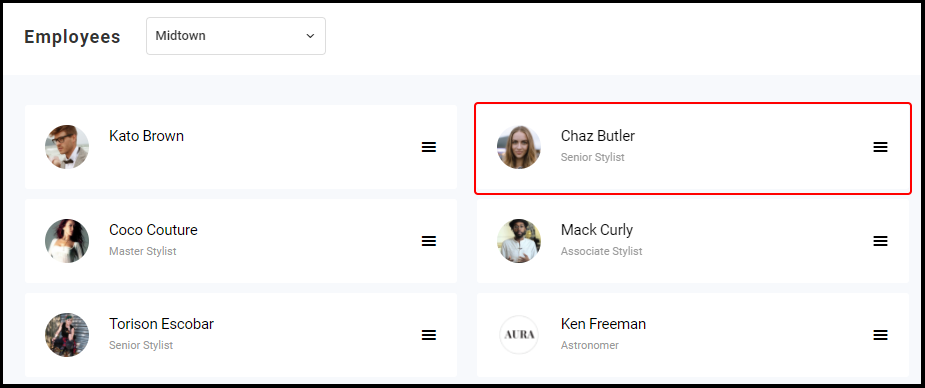
3. Select the Employee you want to set up or edit.
4. Select the price level for the employee from the drop-down within the Employee Profile.
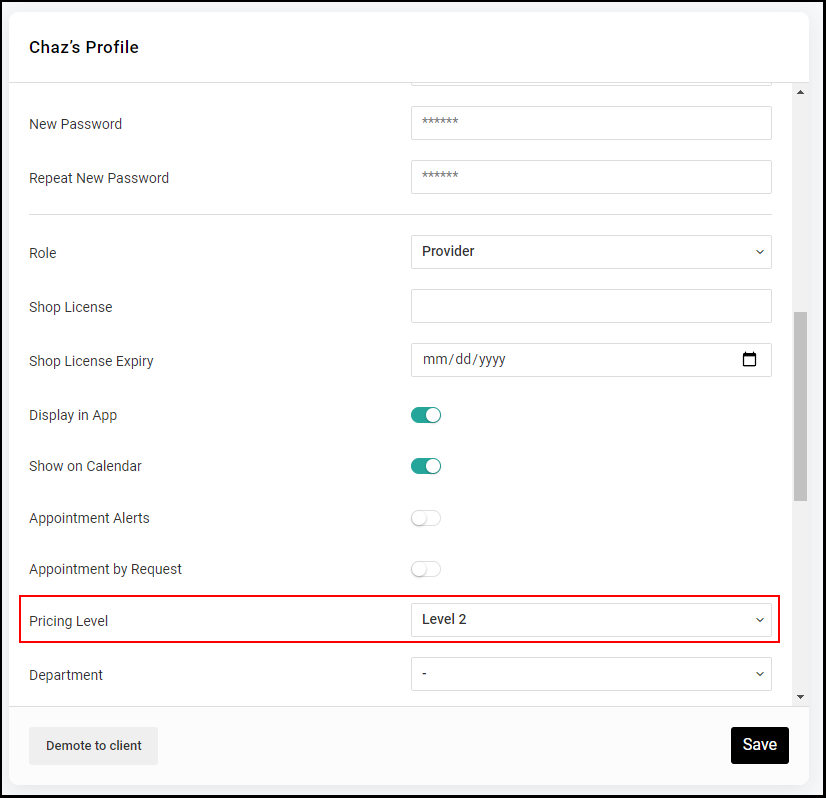
5. Click "Save".