Related Articles:
View Amount on Deposit
Client App: Booking a Service with a Deposit
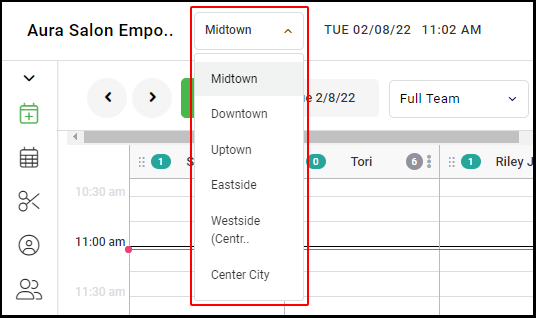
1. If your Salon has multiple locations, select the location using the drop-down menu on the top left of the screen upon logging in
NOTE: If your salon only has one location, skip this step and proceed to step 2
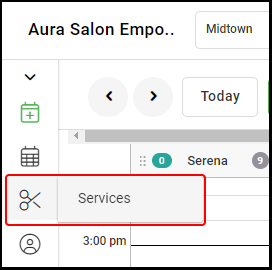
2. Select "Services".
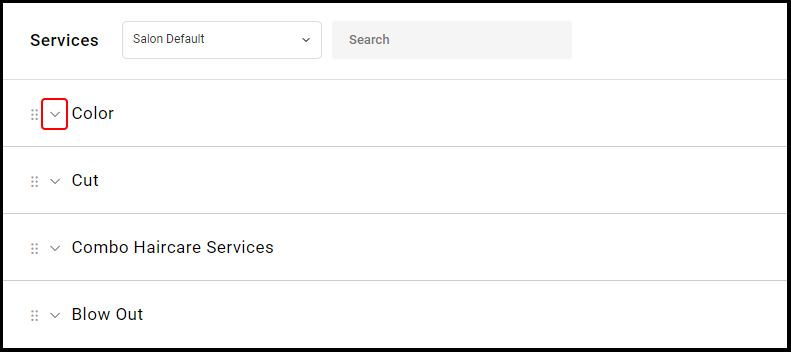
3. Select the drop-down for your chosen Service Category.
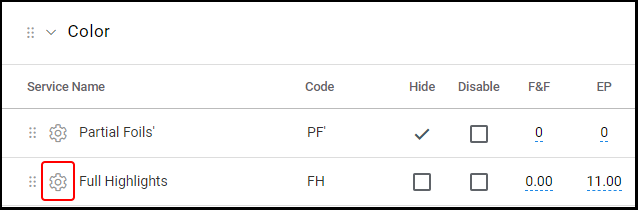
4. Select the Settings Gear Icon for a particular service you wish to edit.
5. Type directly into the "Deposit($)" box to set up the Deposit Fee for the chosen service.
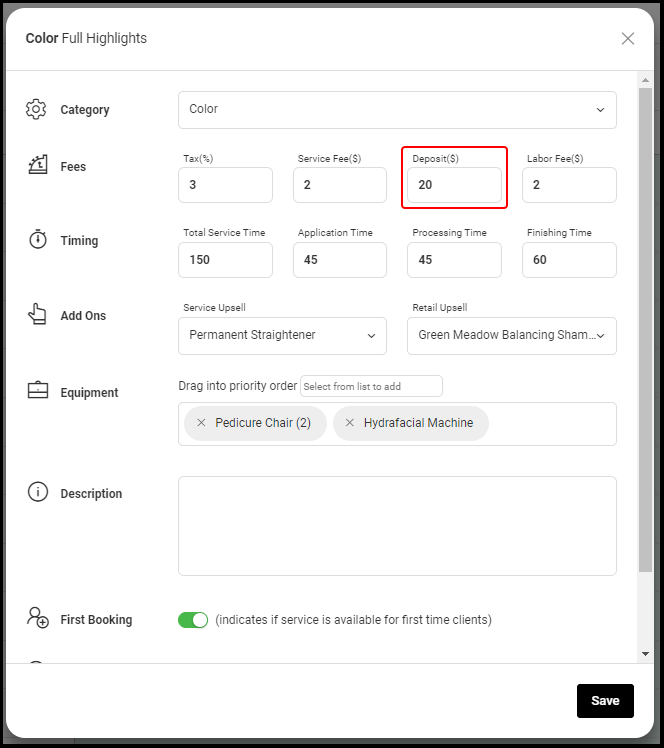
6. Select "Save".
7. Repeat steps #3 - #6 for each service that requires a deposit.