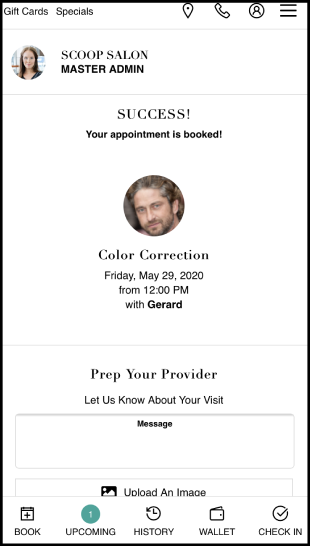
If a deposit amount is set, the client is required to pay a deposit before booking in the client app.
Click here to watch the video on taking deposits via booking by phone.
Related Articles:
Setting Up Deposit Amounts
Viewing Amount on Deposit
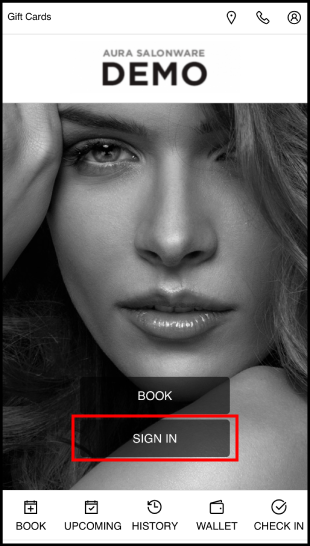
1. Navigate to [Salon Code].aurasalonware.com and select Sign In
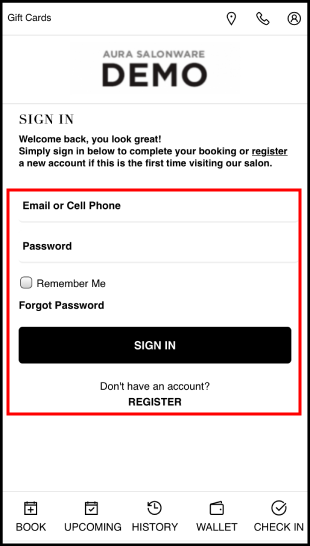
2. If an account exists, enter the Email or Phone Number and Password associated with it. or
Select Register to create an account if one does not already exist. or
Select Forgot Password if the business has an email on file but the client is new to AURA.
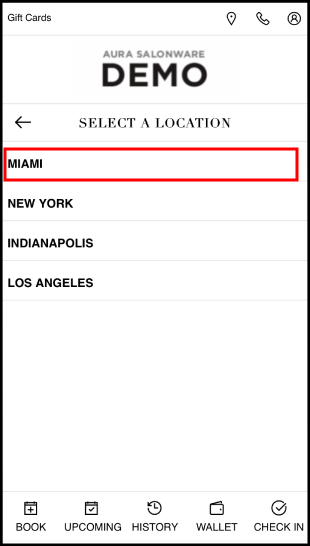
3. If the business has multiple locations, select Location
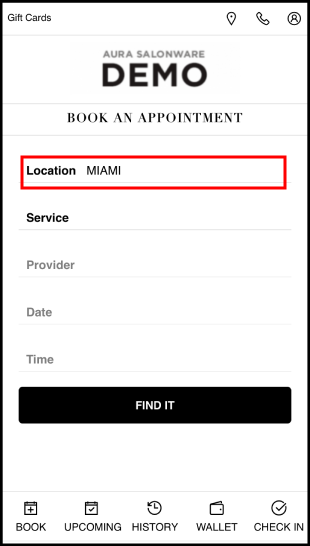
4. Choose the location
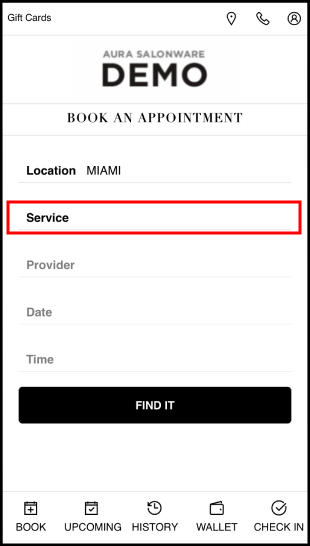
5. Select Service
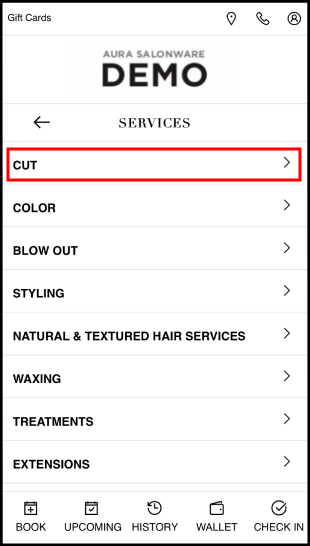
6. Select the Service Category
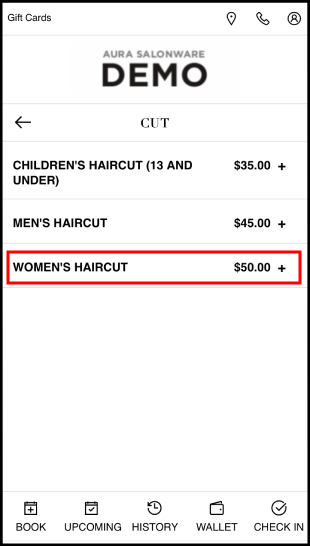
7. The starting price for services is displayed. Select the Service
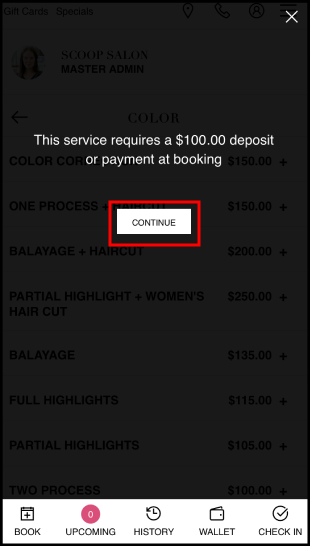
8. A prompt informs that a deposit is required. Select Continue
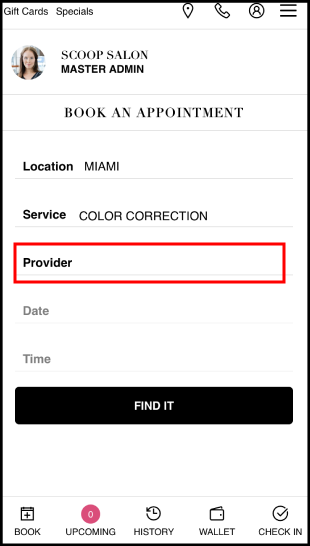
9. Select Provider
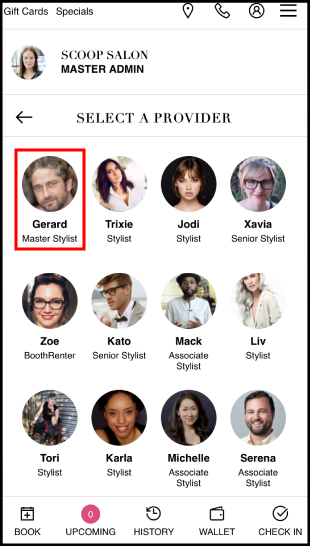
10. Select the Provider
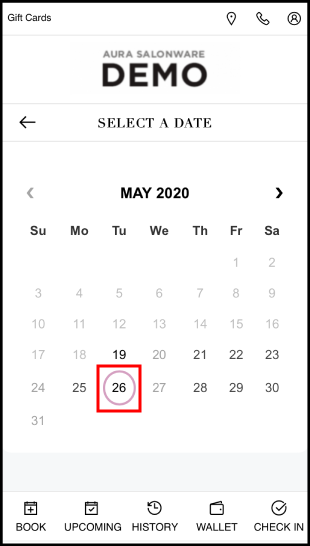
11. Select Date
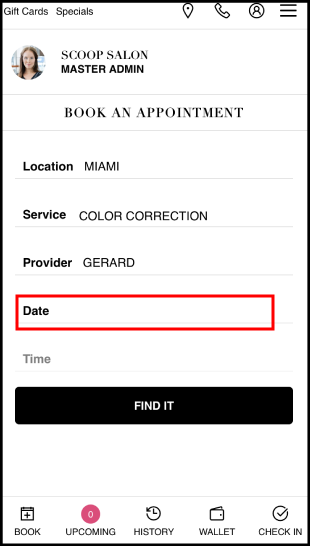
12. Select the Date
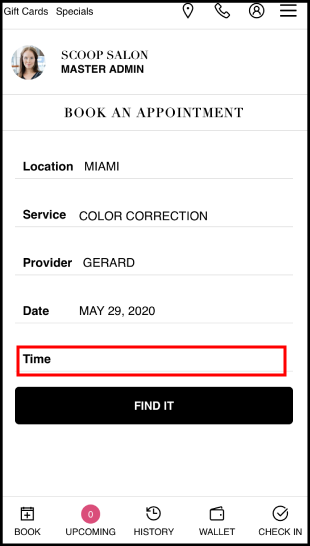
13. Select Time
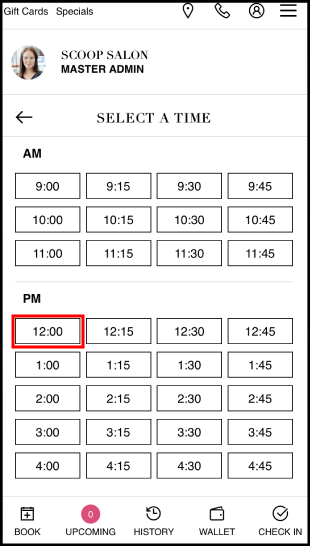
14. Select the Time
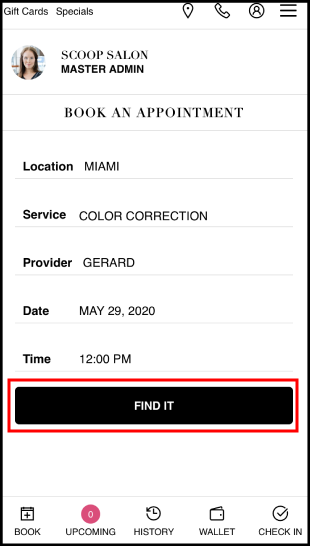
15. Select Find It
16. Book with Payment appears, reminding that a deposit is required. Select Book with Payment
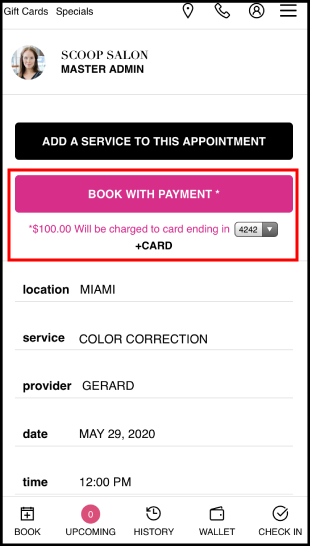
17. The card on file is charged and the appointment is booked