If your service providers accept only online appointment requests (not direct bookings), please follow the steps below to enable online booking requests.
1. Go to Employees
2. Select the employee you would like to enable online booking requests for
3. On the employee's profile, enable "Requests only for this provider" and save.
Once this setting has been saved, clients will only be able to request appointments for this provider through online booking.
4. When guests have submitted appointment requests, an orange badge will display at the top of the screen with the number of requests. Click on the orange alert and all online booking requests will display.
5. Click the button under the "Book" column to book the requested appointment. Click the "X" to delete the appointment request.
Note: If you have "Email Online Booking Alerts" enabled and configured in your client app settings, you will continue to receive email alerts for all new online booking requests.
Client App View
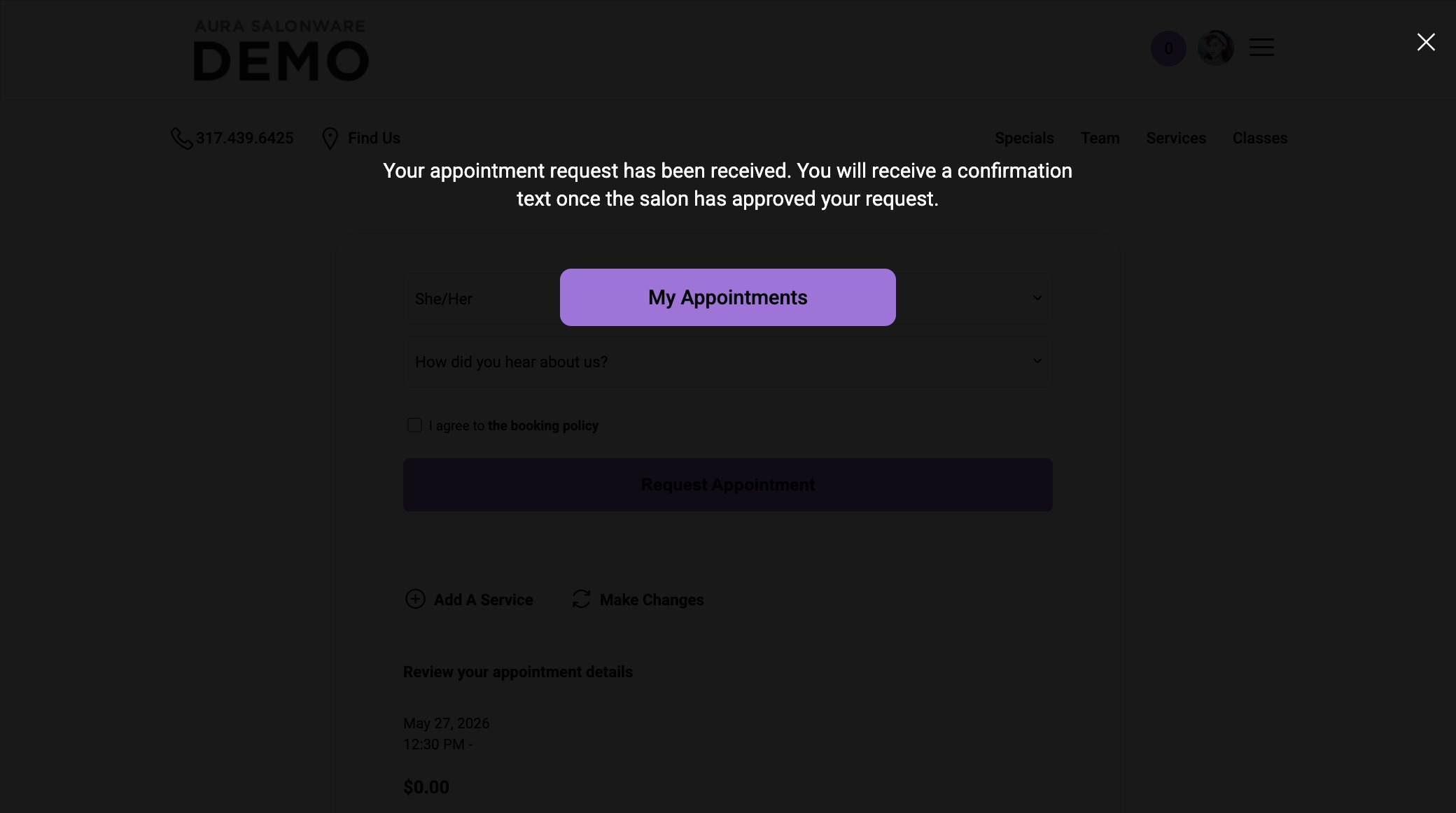
Request Appointment Confirmation Message
1. Request Appointment Confirmation Message
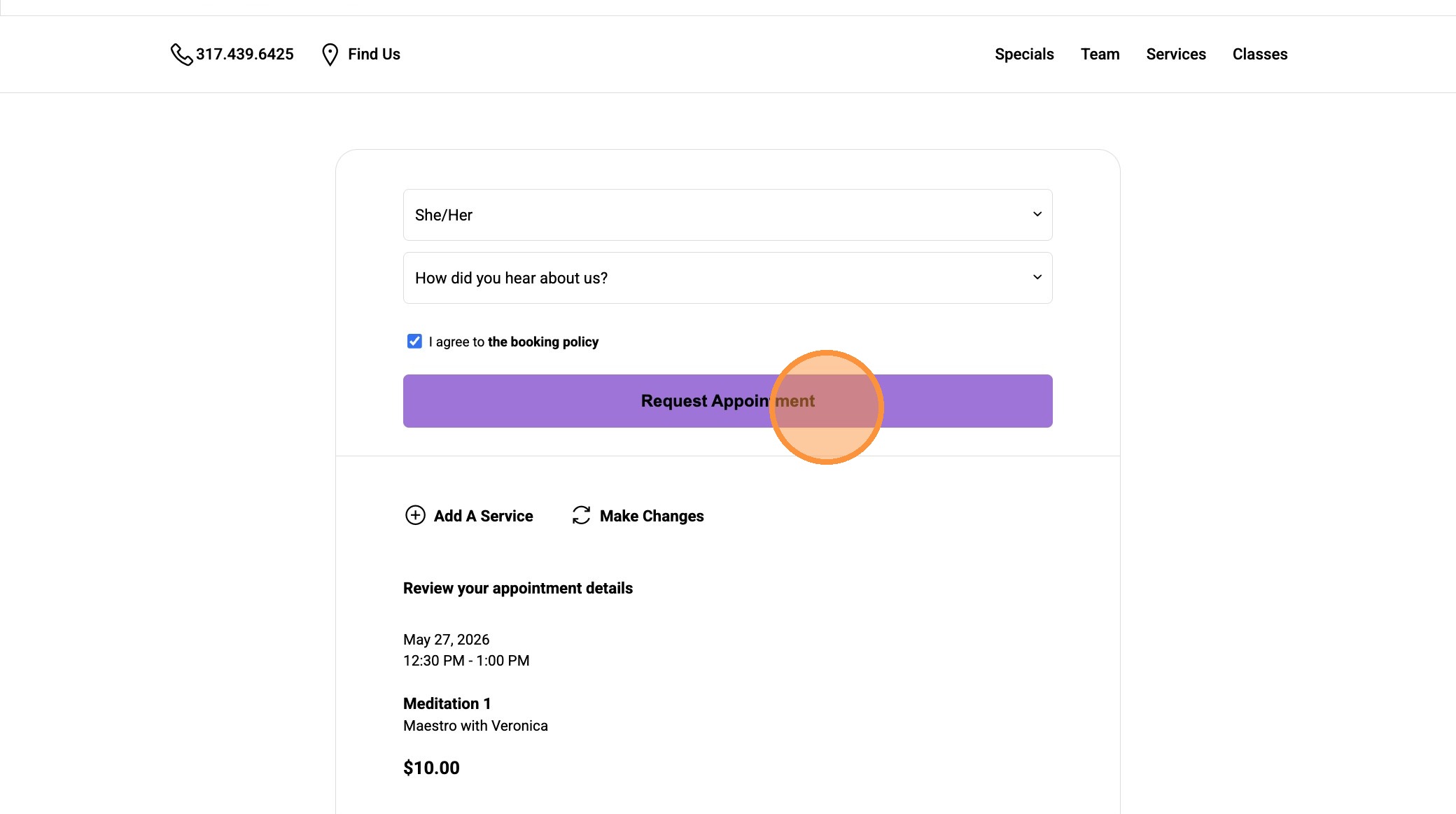
2. Client confirmation message:
"You will receive a text message once the salon approves your appointment."