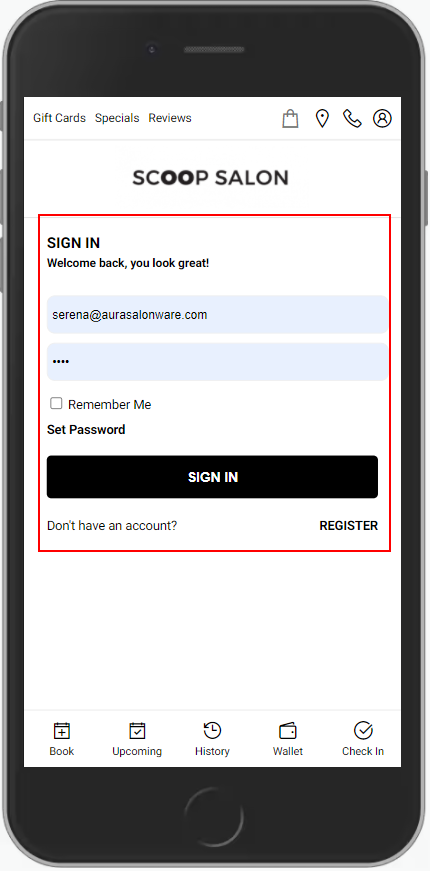
1. Navigate to [Salon Code].aurasalonware.com and select "Sign In".

2. Enter the Email or Phone Number and Password associated with the account.
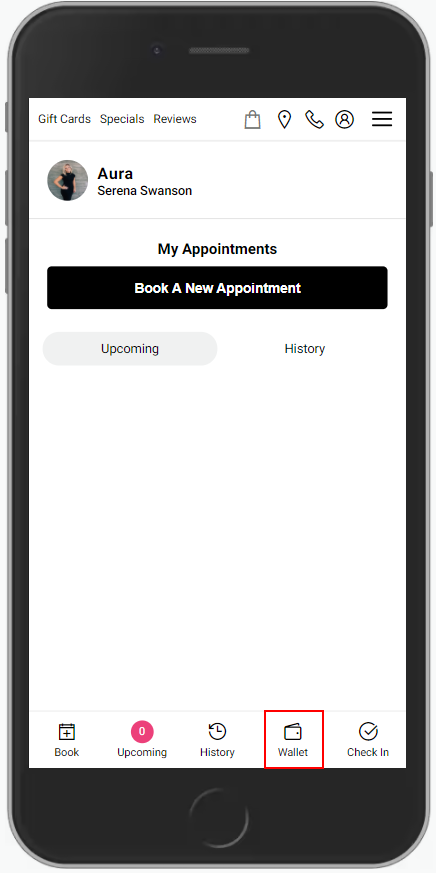
3. Select "Wallet".
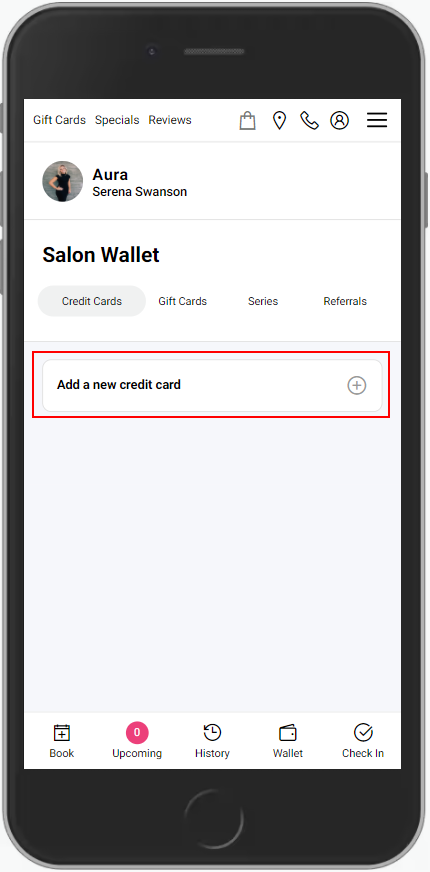
4. Select "Credit Cards".
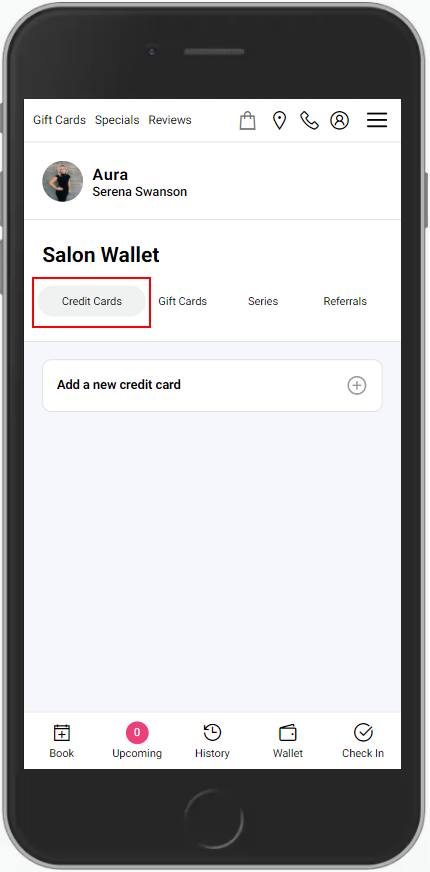
5. Select "Add a New Payment Method".
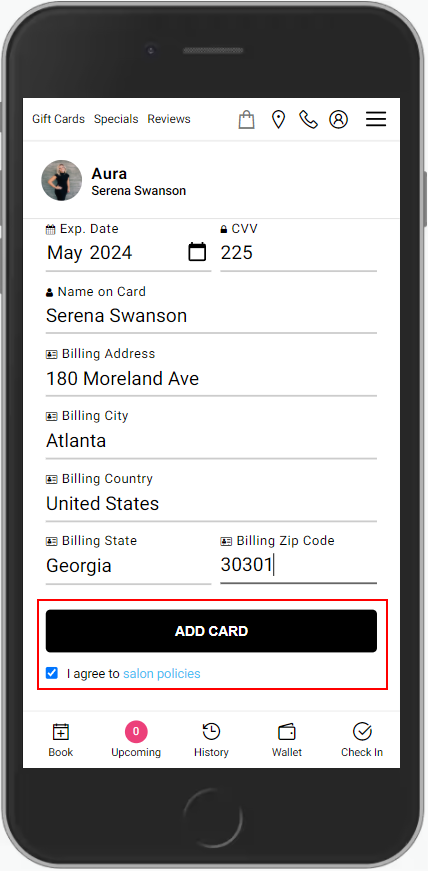
6. Enter the Credit or Debit Card Information in the appropriate fields.
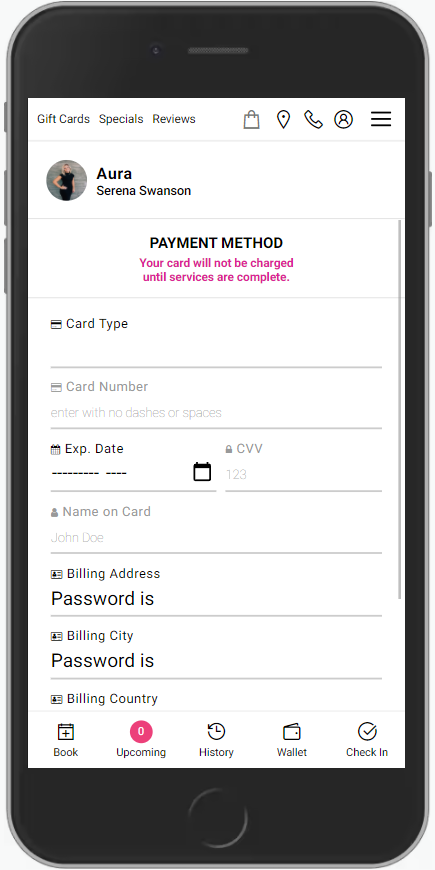
7. Check "I agree to salon policies" then select "Add Card".