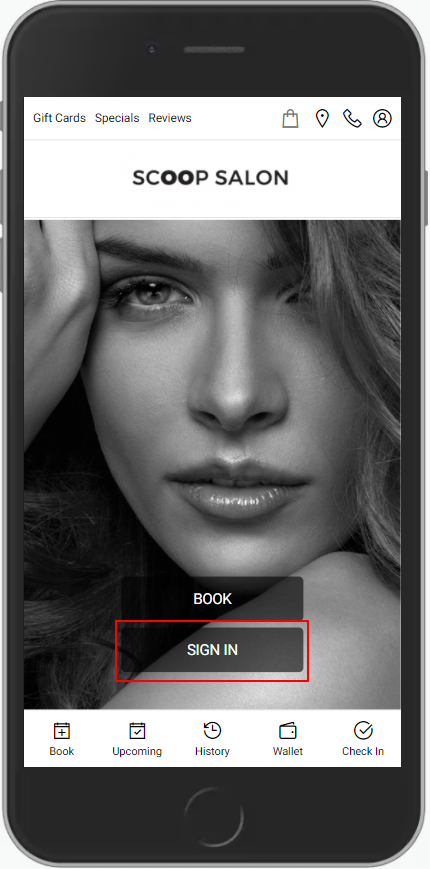
1. Navigate to [Salon Code].aurasalonware.com and select "Sign In".
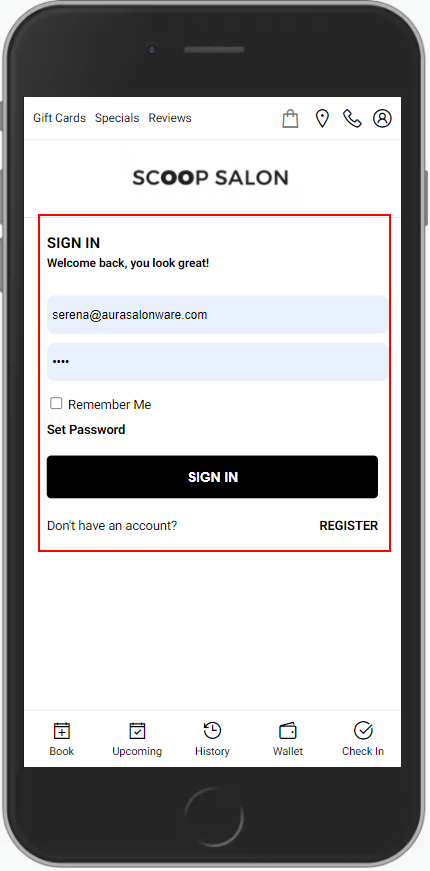
2. Enter the Email or Phone Number and Password associated with the account.
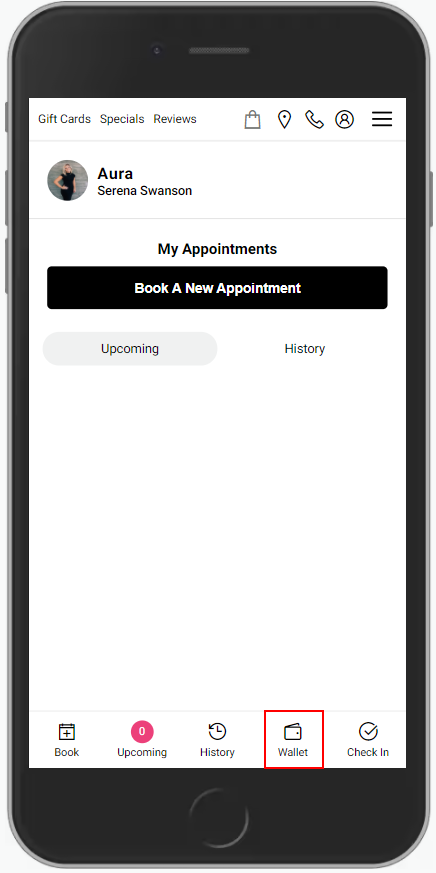
3. Select "Wallet".
4. Select "Gift Cards".
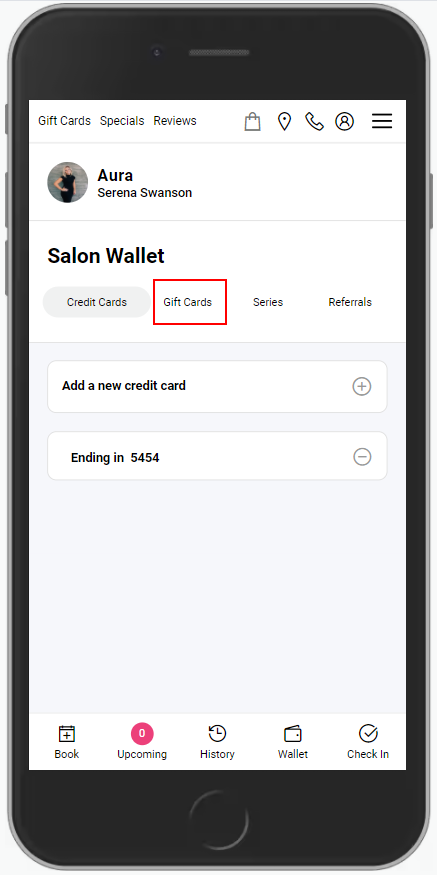
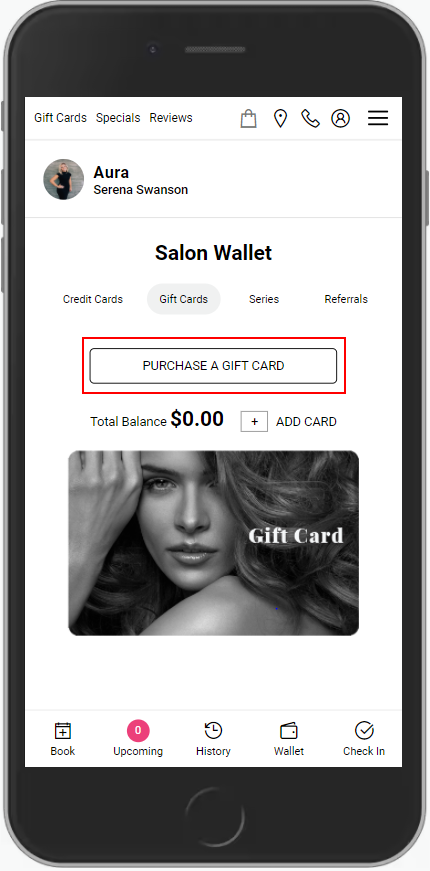
5. Select "Purchase A Gift Card".
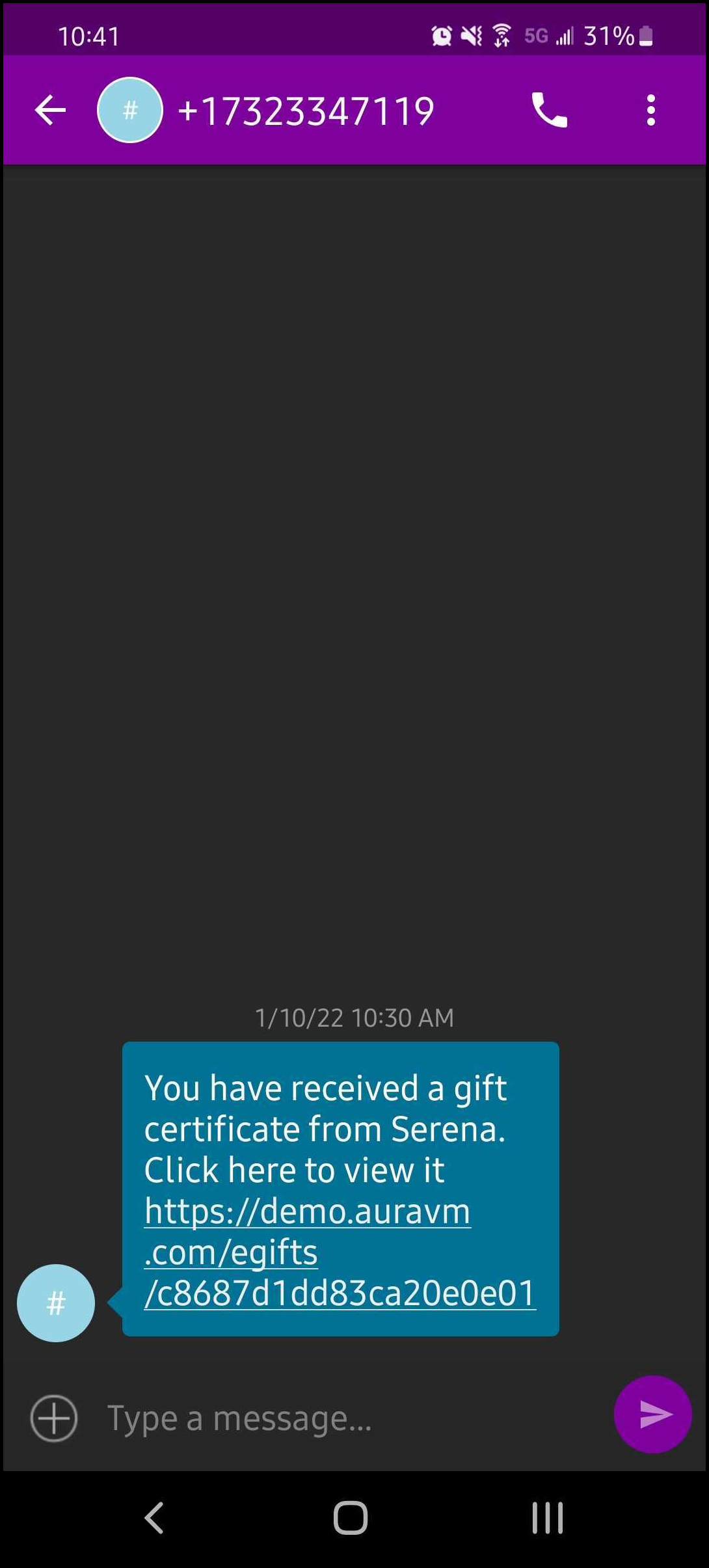
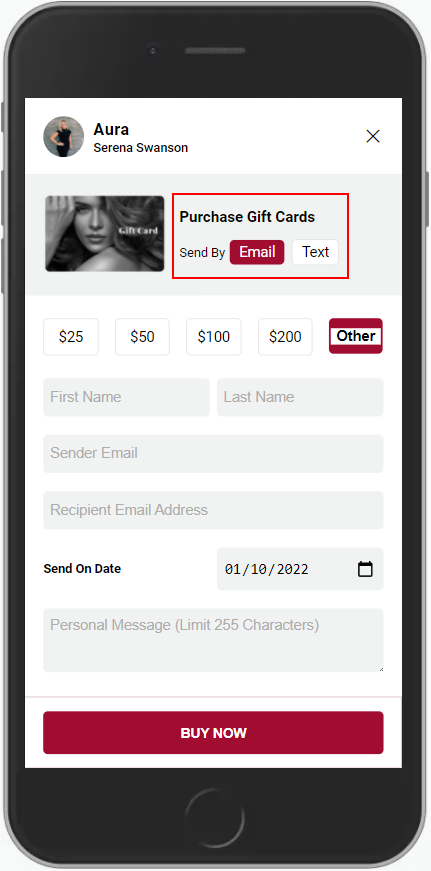
6. You can choose to have the gift card delivered by email or text.
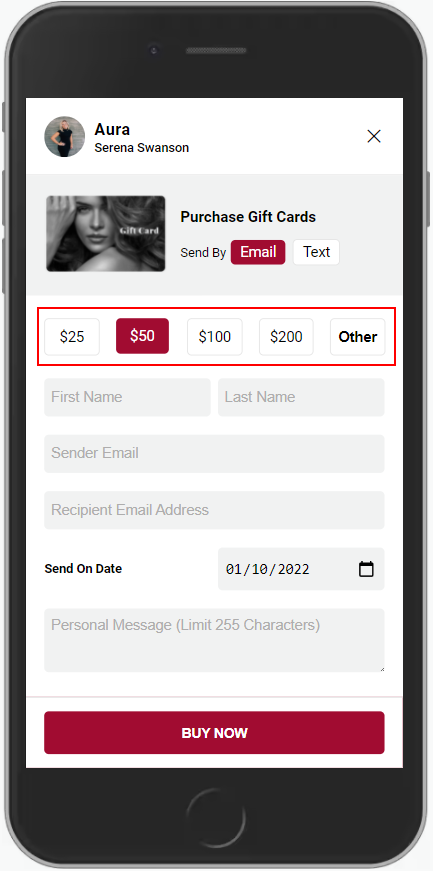
7. Choose the amount to purchase or select "Other" to type in a specific amount.
8. Enter your First and Last name in the name fields.
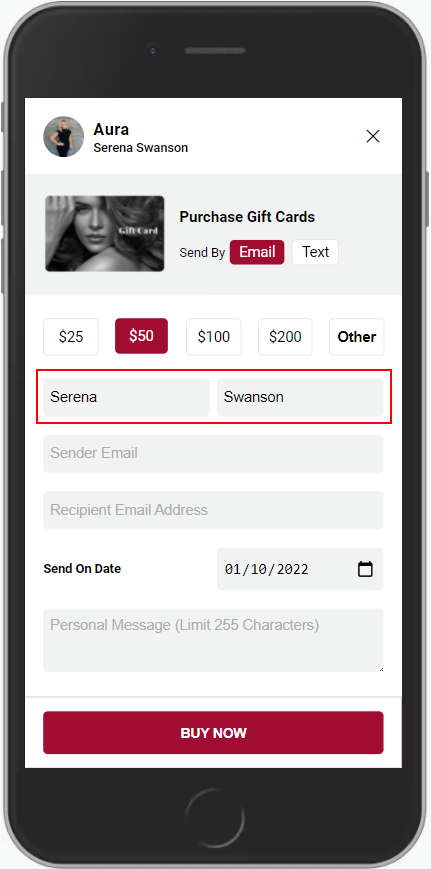
9. Enter your email.
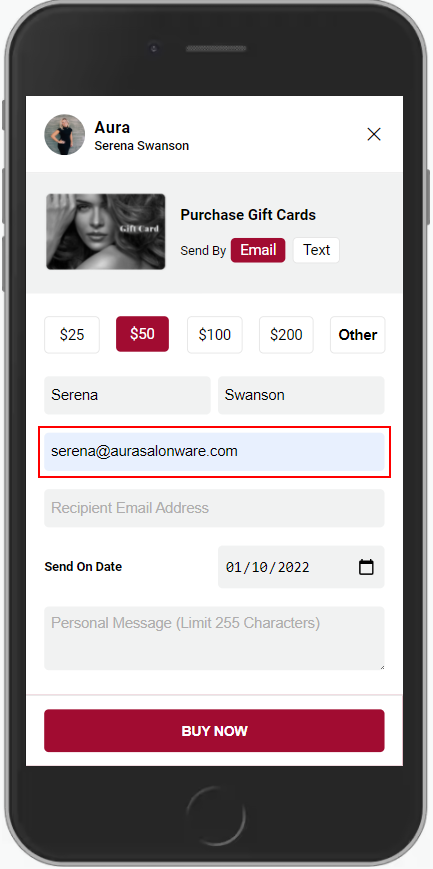
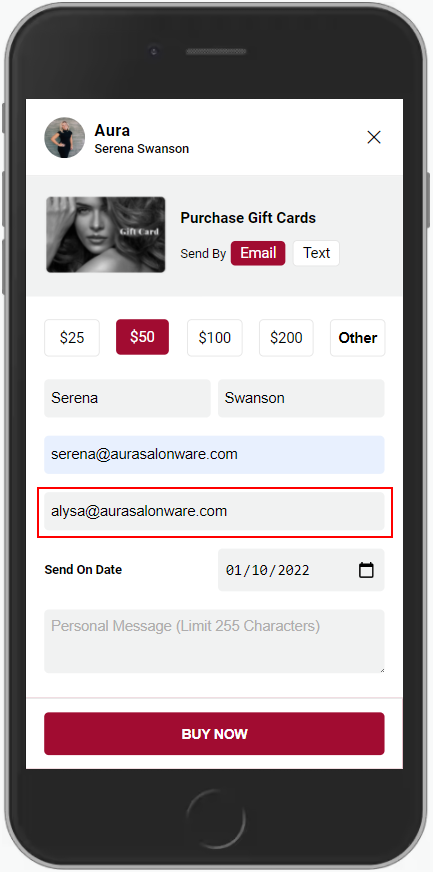
10. If you selected delivery via email, enter the recipient's email address. If you selected delivery via text, enter the recipient's mobile phone number. If it is for yourself, enter your email or phone number.
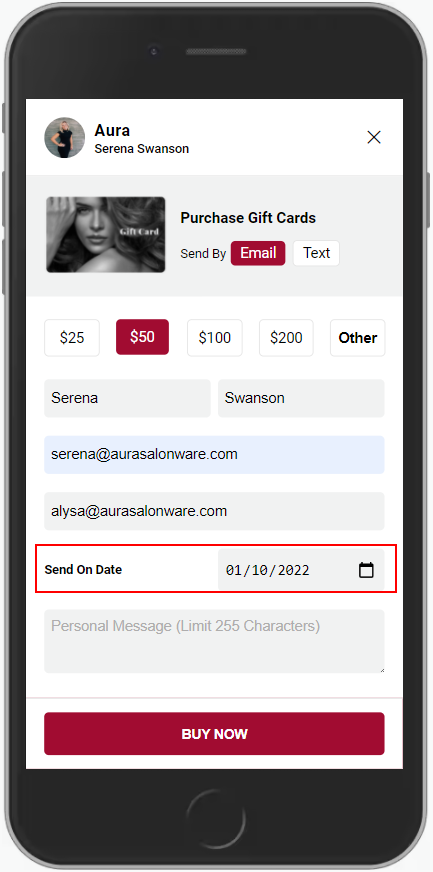
11. A send date of day-of or in the future can be selected using the calendar picker.
12. Enter a personal message if desired.
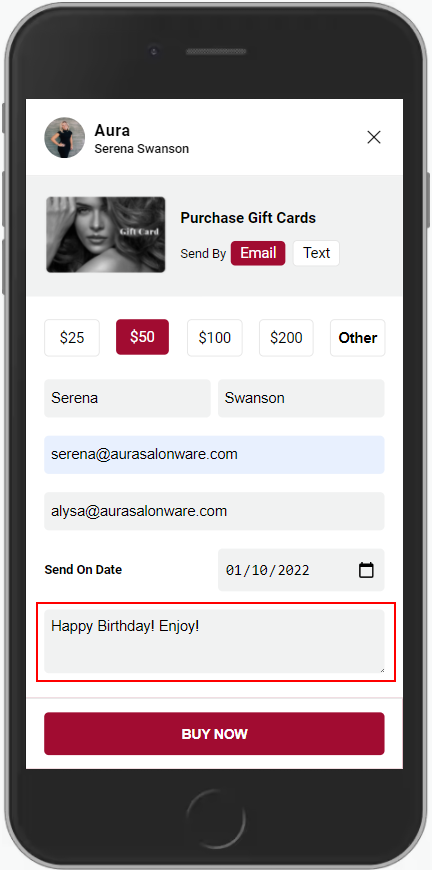
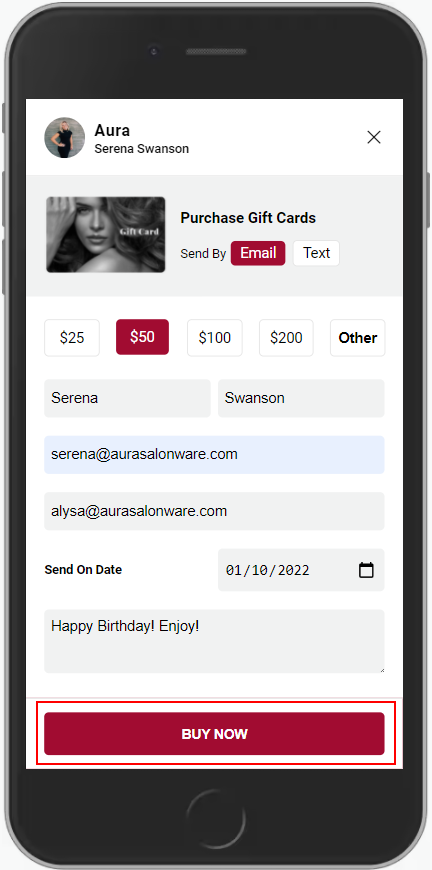
13. Select "Buy Now".
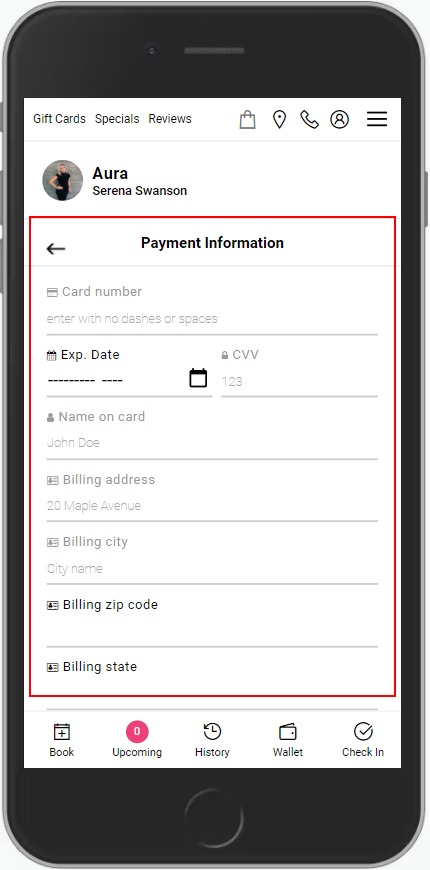
14. If there is a Card in the Salon Wallet, select "Use a Stored Payment Method". Otherwise, enter the correct credit card information. All fields are required and must match the information on the card.
15. Select "Purchase".
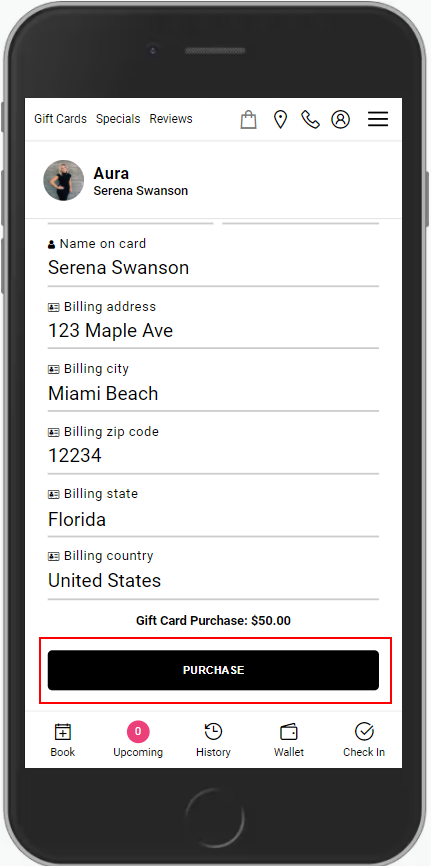
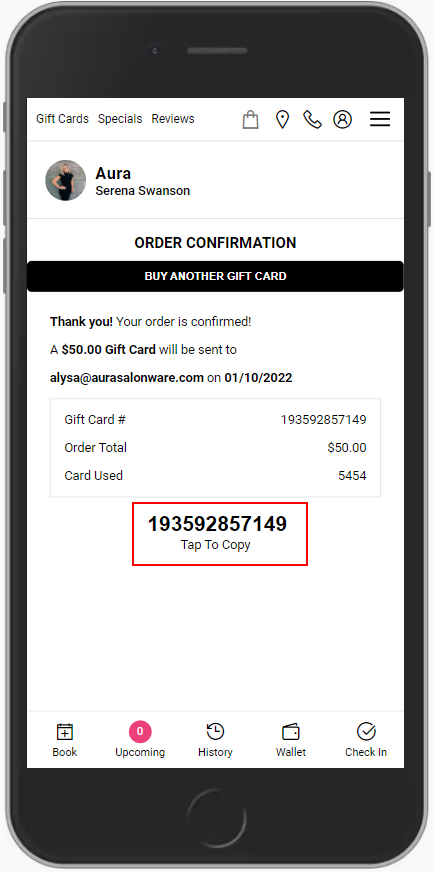
16. The purchase is confirmed and the gift card number is displayed.
17. The email that the recipient receives is shown below. Selecting "Click to retrieve your Gift Card" will show a digital version of the gift card and allow it to be added to a registered client's salon wallet.
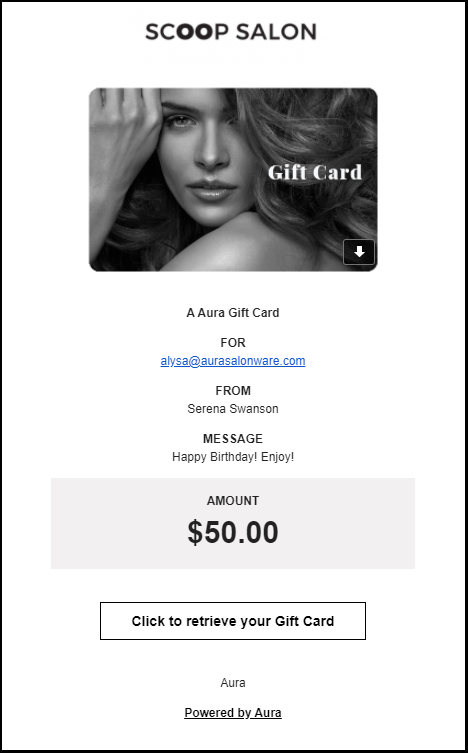
18. Sending the gift card as a text message links the receiver to their digital copy.