Clients can now purchase products directly from the salon and arrange for a scheduled pick-up through the client application. Note: This option is only available to clients at salons who have upgraded their Aura Account to include Curbside Pickup.
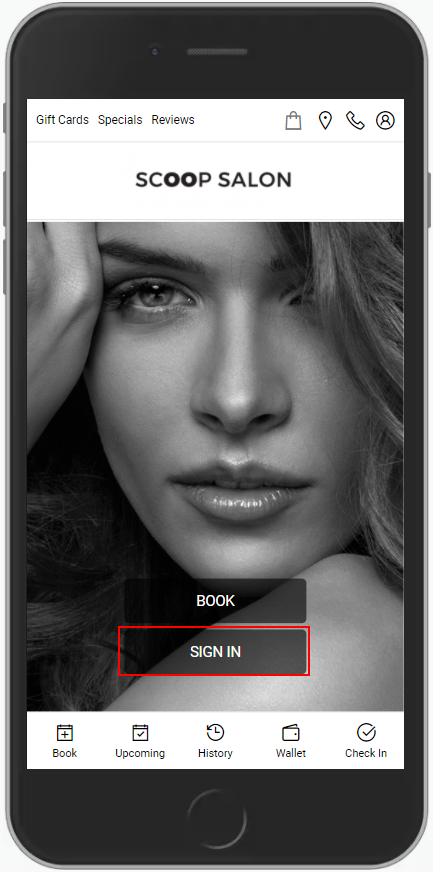
1. Clients login to the client application at [Salon Code].aurasalonware.com
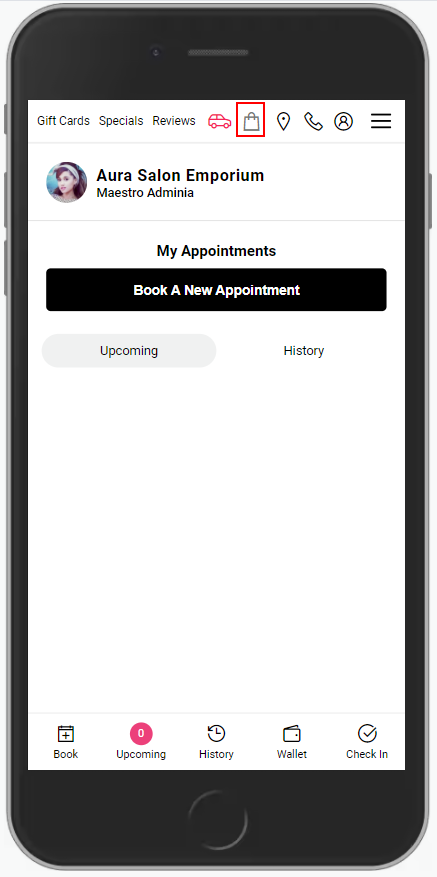
2. To purchase products, clients select the "Shopping Bag" icon at the top of the screen.
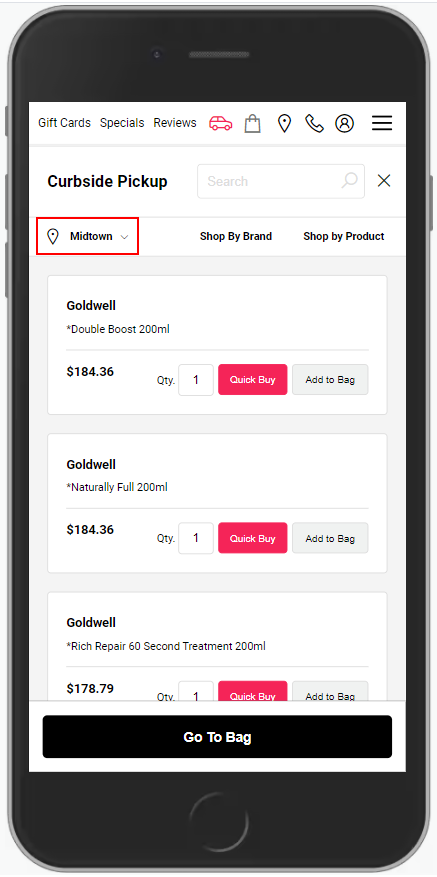
3. Clients should select their preferred location using the location drop down menu before adding products to the shopping bag.
NOTE: This only applies to Multi Location Salons
4. Using the search bar at the top right of the Curbside Pickup screen, clients can search for products by name, brand, category or line to add to their Shopping Bag.
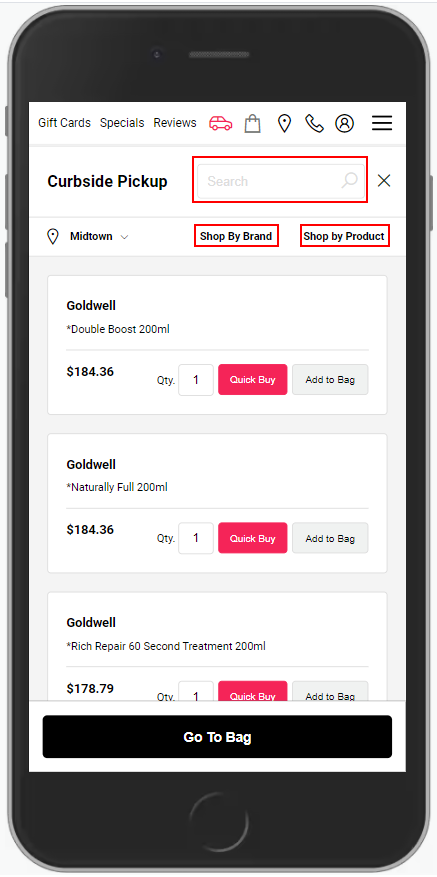
5. Clients can select their products and adjust quantities before selecting either "Add to Bag" or purchasing right away via the "Quick Buy" option.
NOTE: Available products are listed based on internal availability of inventory within the salon. The product is not deducted from the available inventory until the client has picked up their order.
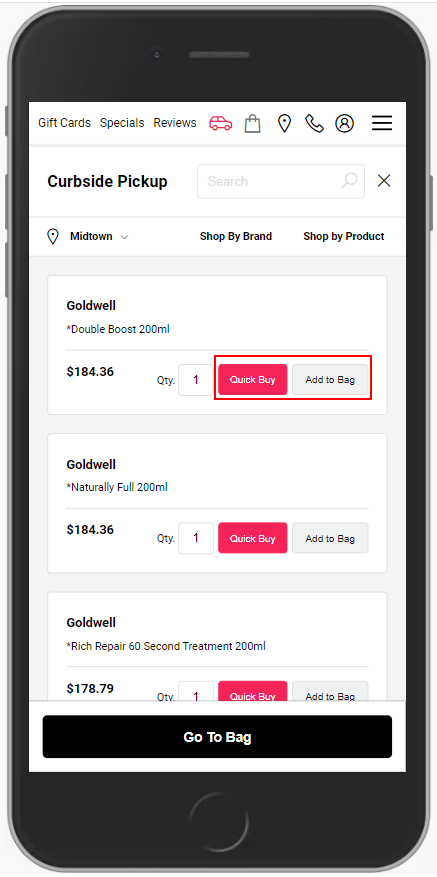
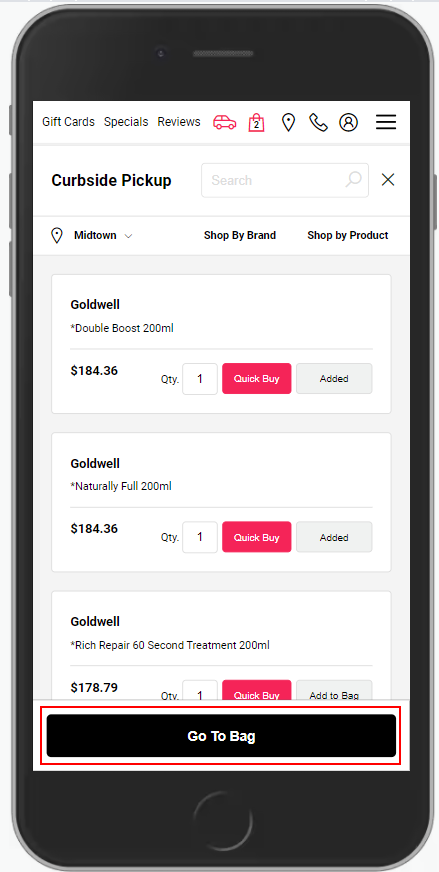
6. Clients will select the "Go To Bag" button to see the check out screen.
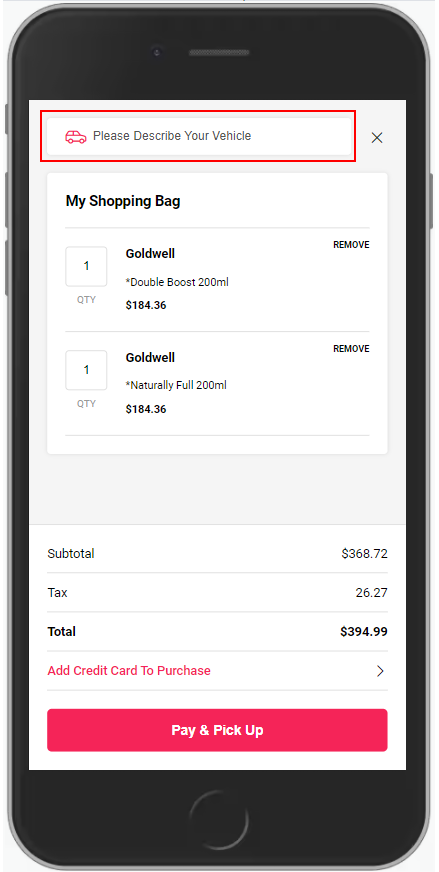
7. Clients will be prompted to describe their vehicle.
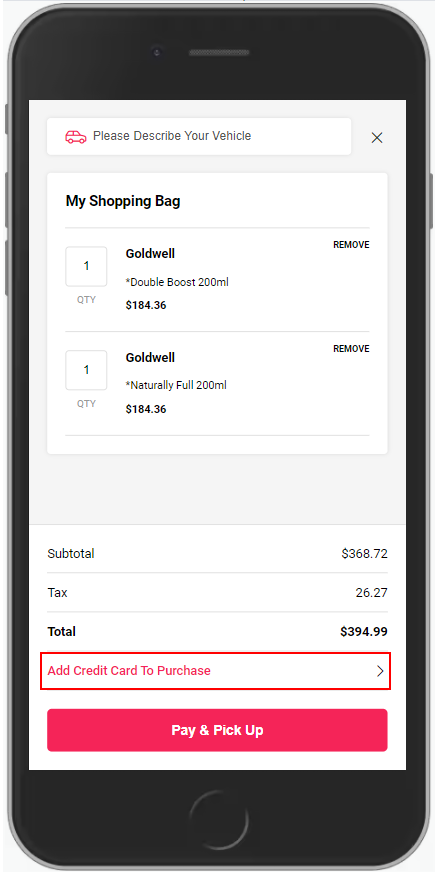
8. Client's will then "Add a Credit Card To Purchase". This will be the card that is charged for their Curbside Order.
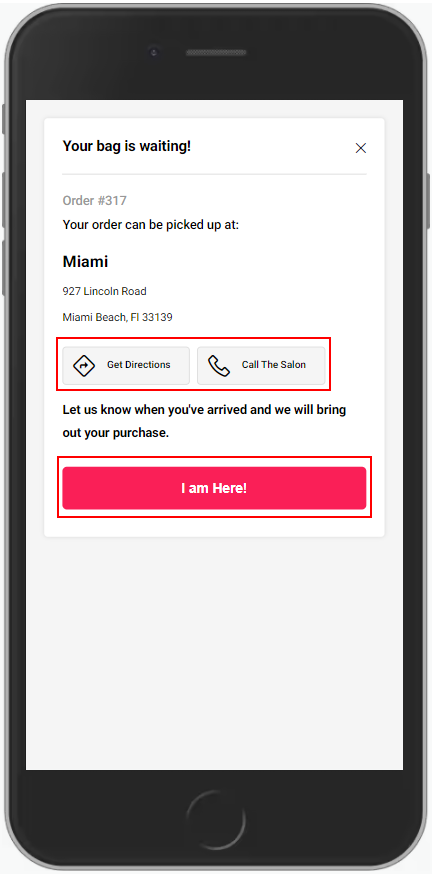
9. Once the client pays for their purchase, the final screen has a direction link, a call option and a button to mark themselves as arrived.
Note: if the client navigates away from this confirmation page, they will need to call the salon to announce their arrival.
8. Once the client arrives and picks up their order, the product is removed from the Salon Inventory.