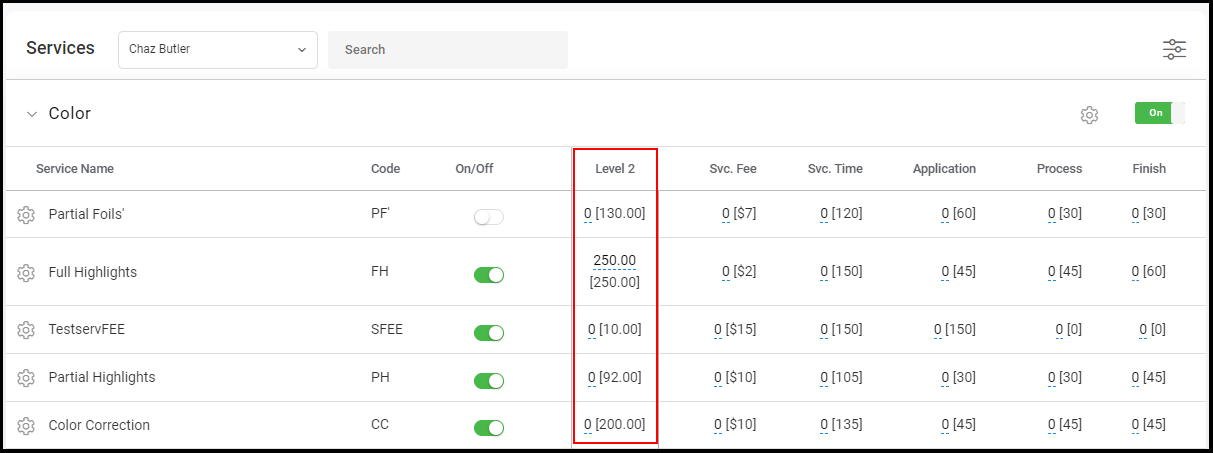
Every Provider has a default pricing level for the services that they provide.
Owners and Managers can set up different pricing levels for their default service list using this article. Owners and Managers can then assign pricing levels for their Providers using this article.
After assigning a price level to a Provider, the prices for the assigned level become the default pricing for each service in that Provider's service list.
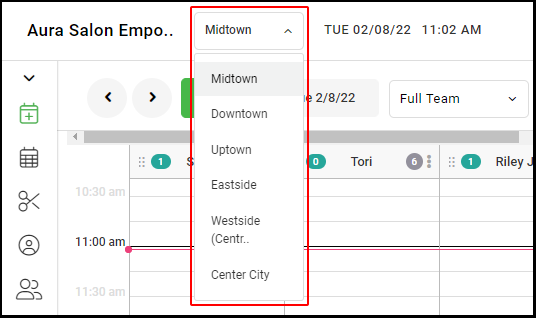
1. If your Salon has multiple locations, select the location at the top left of the screen.
NOTE: If your salon only has one location, skip this step and proceed to Step #2.
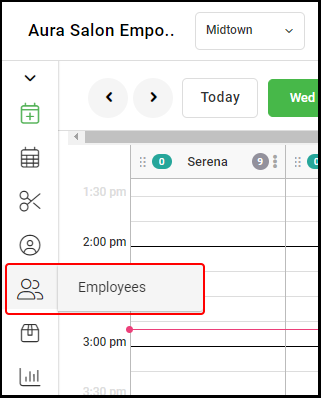
2. Select "Employees".
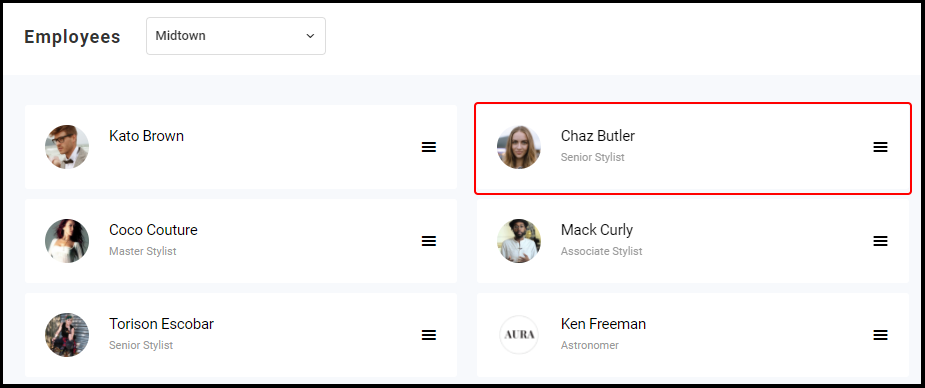
3. Select the Employee you want to set up or edit.
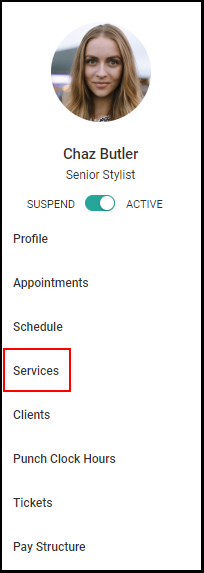
5. Select "Services".
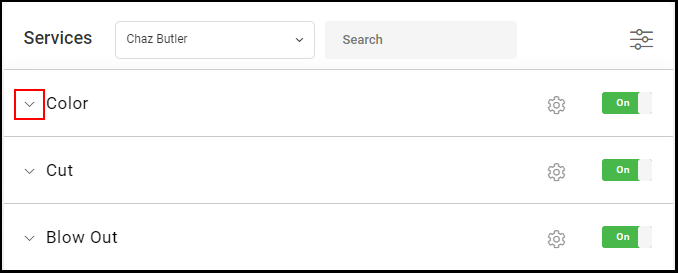
6. Select the arrow to expand the Provider's service category.
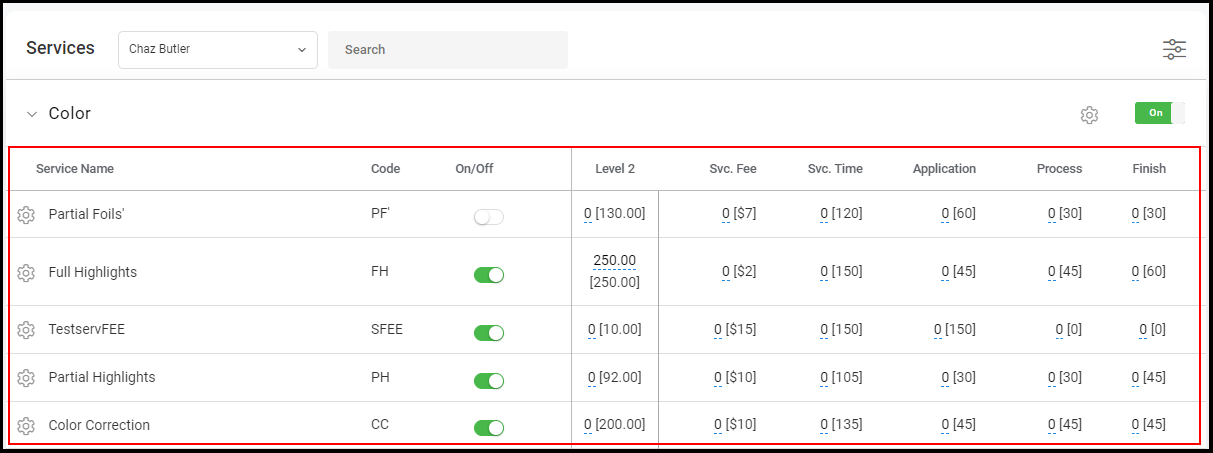
5. The prices for that Provider's level will be shown.