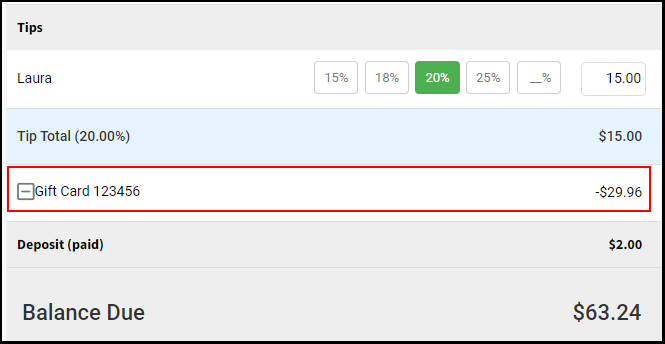
Owners, Managers, Receptionists, and Providers can redeem a gift card or promo card.
Click here to watch the video on selling/applying gift cards to a ticket.
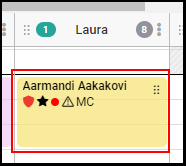
1. Select the appointment on the calendar.
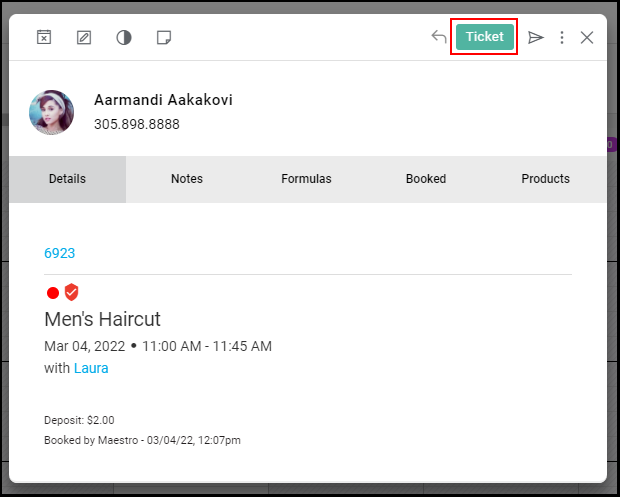
2. Select “Ticket”.
NOTE: The appointment must be marked as "Arrived" to access the ticket.
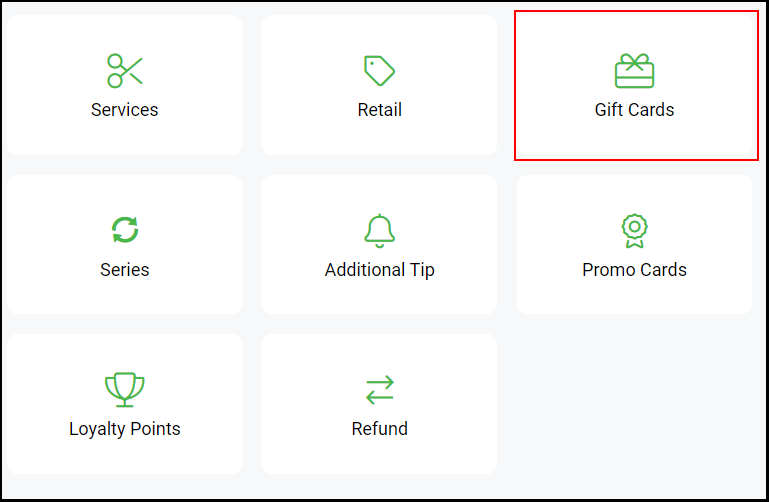
3. Select the "Gift Card" button.
4. Select "Redeem" on the top right corner.
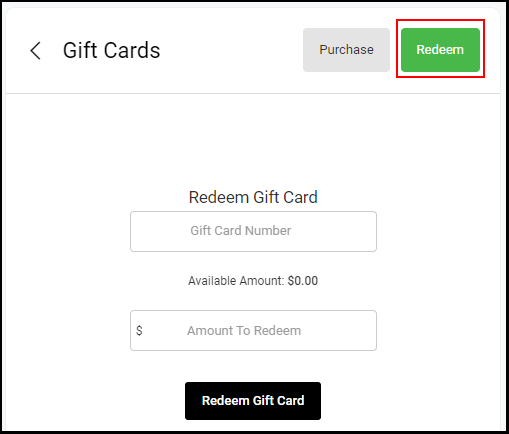
5. In the Gift Card Number field, scan or enter the Gift Card Number or Promo Card Number
NOTE: If scanning, simply place the cursor in the Gift Card Number field prior to scanning so that the barcode scanner knows where to input the number
NOTE: If the client doesn't know their gift card number, every client's gift card information is in their client profile.
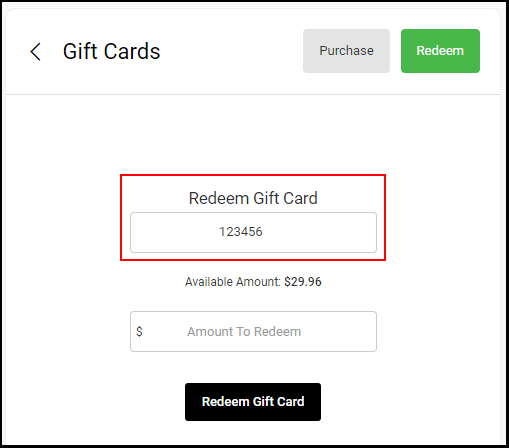
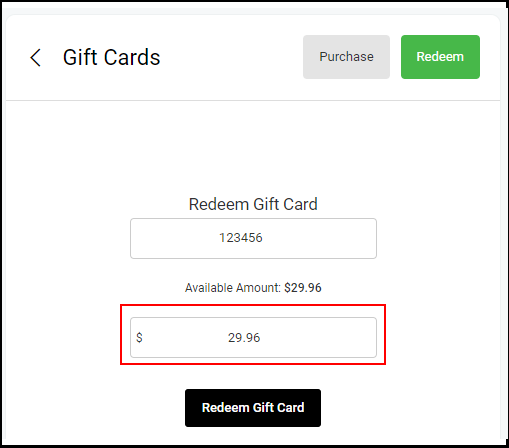
6. Enter the amount in the Amount to Redeem field
NOTE: The Gift Card’s available balance will display directly above the Amount to Redeem field
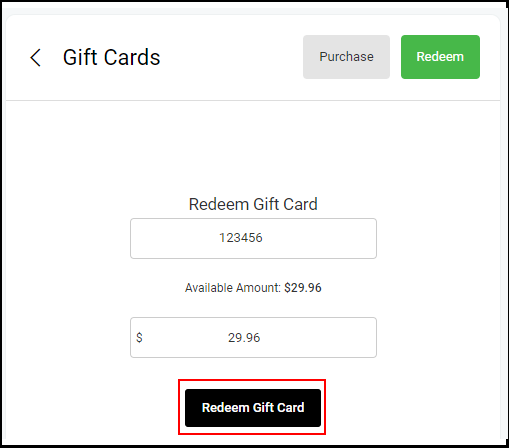
7. Select "Redeem Gift Card".
8. Proceed with the check-out process.
NOTE: Gift Card redemption displays on the ticket and the price is adjusted accordingly