Owners, Managers, and Reception may Merge Tickets.
NOTE: Merging can only be done via desktop.
NOTE: Walk-in tickets can now be merged with open tickets.
1. Navigate to "Open Tickets".
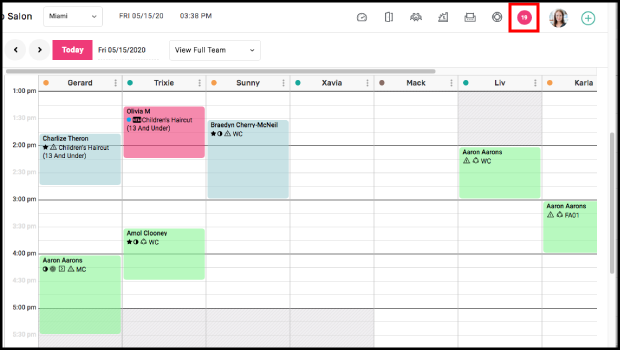
2. If an appointment is marked as Booked, Arrived, Ready to Pay, or taken Walk-Ins, their tickets display here.
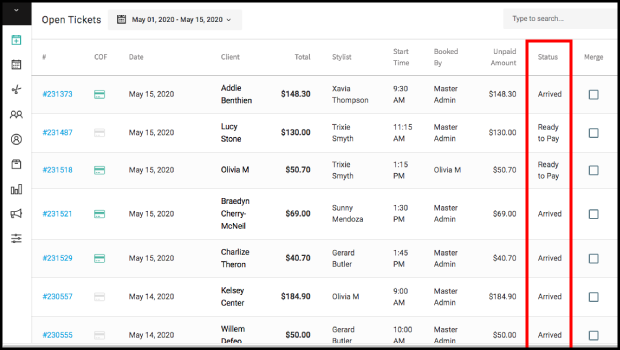
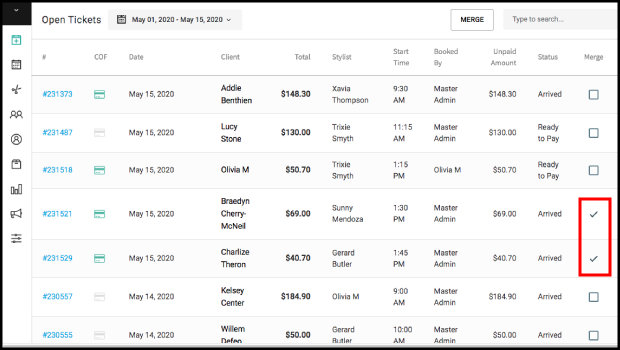
3. Select the checkbox next to tickets to be merged. There is no limit to how many can be merged. Each ticket must be from the same business day.
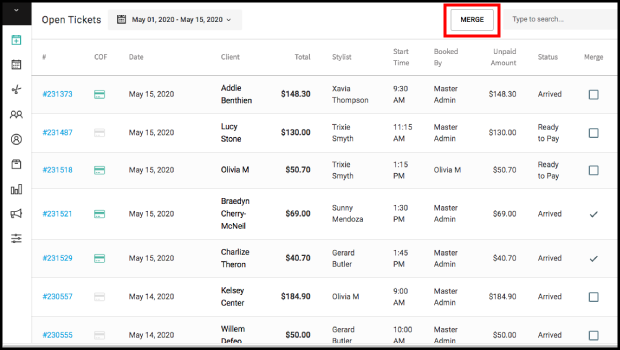
4. Select "Merge".
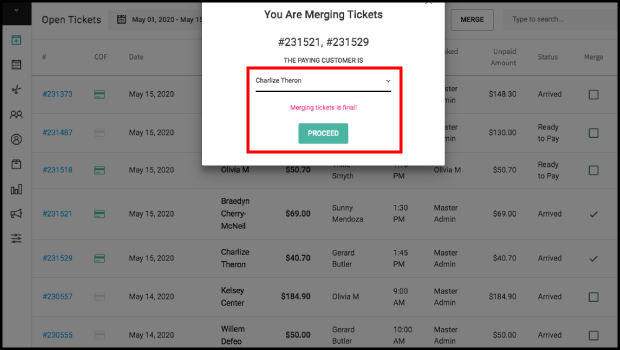
5. Select which account will be paying for the services and select Proceed. This is important if they will be paid via a card on file
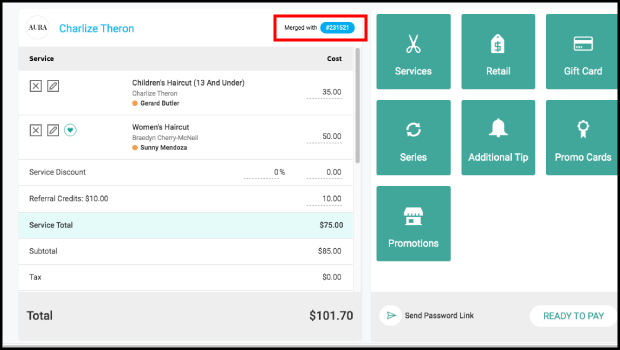
6. The merged ticket is displayed, and notification of the merger displays along the top of the open ticket.
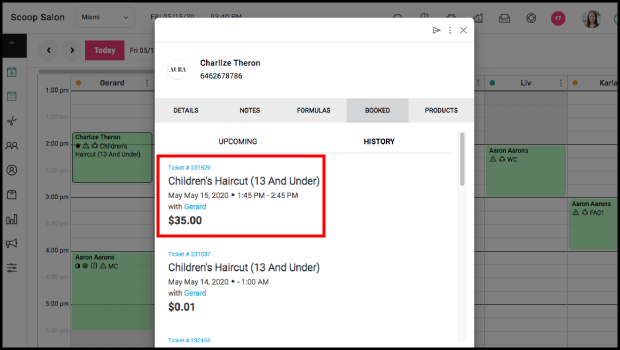
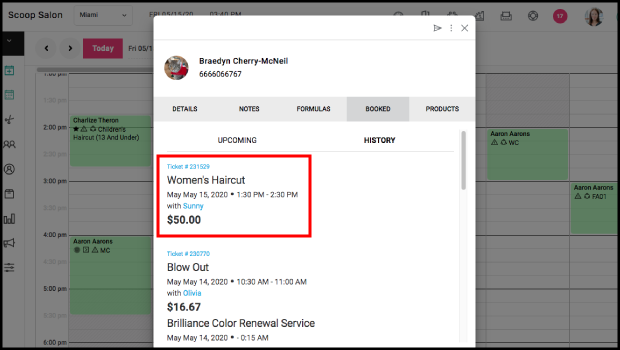
7. Until paid for, the appointments associated with the tickets will remain on the books in Arrived or Ready to Pay state. If accessing the merged tickets via the appointments, ensure you select the payer ticket.
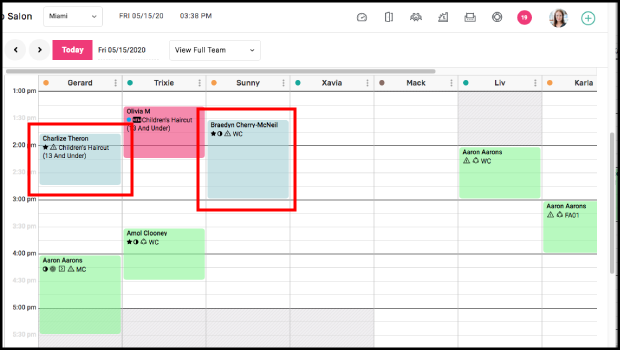
8. Once paid for, all appointments in the merge will be green.
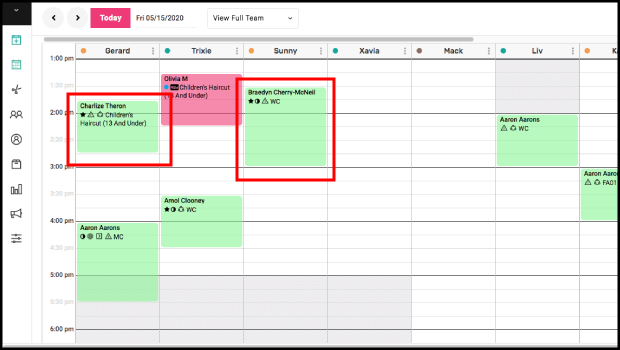
9. Each service is recorded in the appropriate client's history