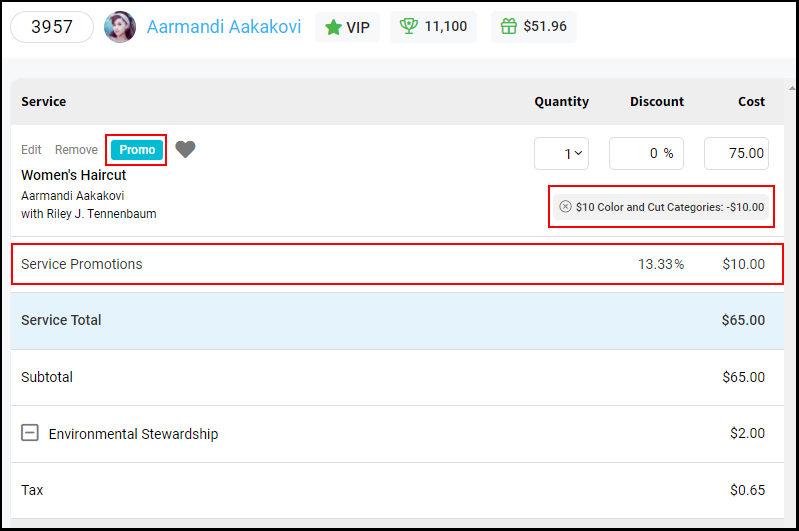
Owners, Managers, Receptionists, and Providers can add a promotion to an open ticket. Promotions can be added to each service on the ticket if there is more than one service, or applied to just one service on the ticket.
Click here to watch the video.
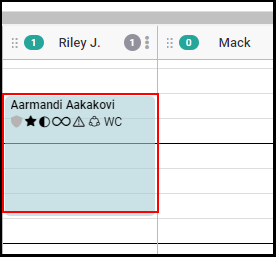
1. Select the appointment on the calendar
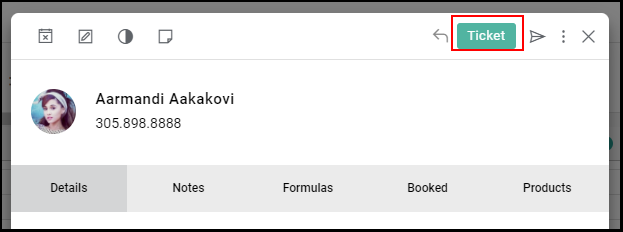
2. Select "Ticket" from the appointment modal.
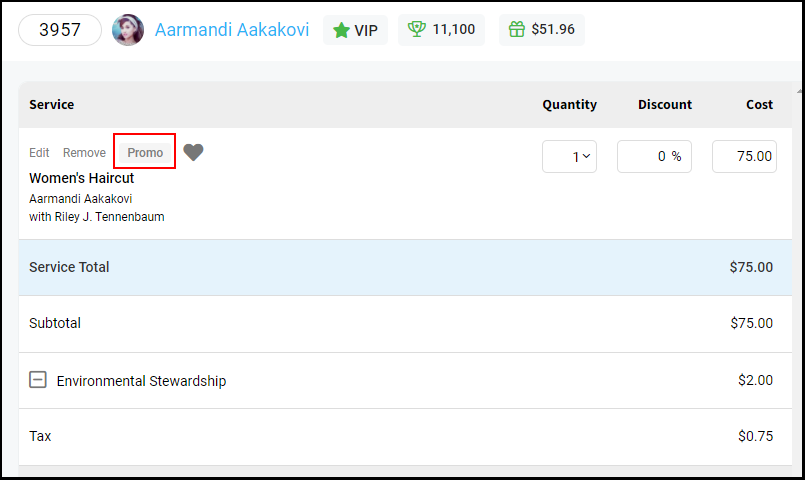
3. Select "Promo".
NOTE: If there is more than one service then additional promotions can be added if necessary.
4. The list of current promotions will display on the right side of the screen.
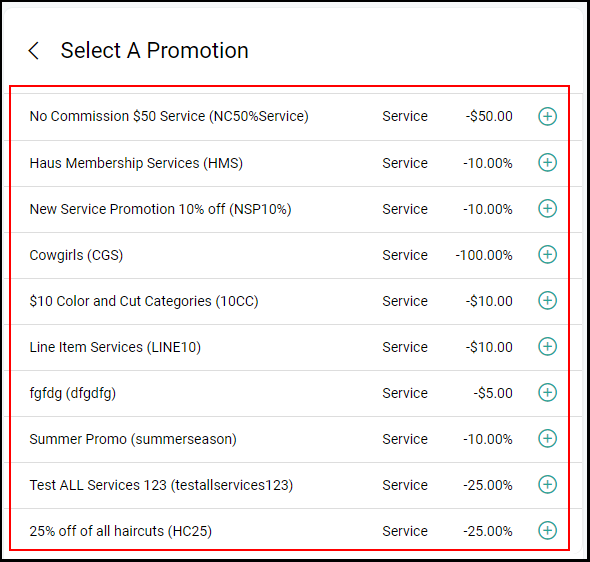
5. Select the desired promotion by selecting the "+" sign next to the promotion.
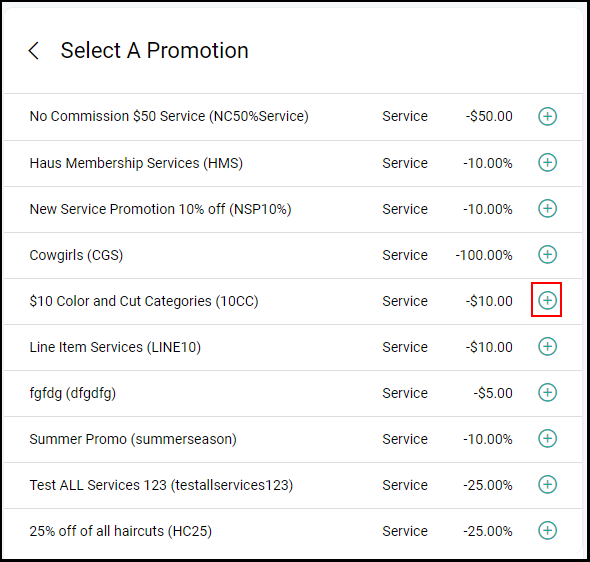
6. The Promotion will be added to the ticket and price will be adjusted accordingly. Proceed with checking out.