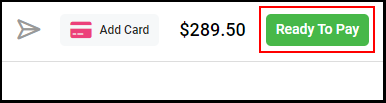
By selecting Ready to Pay in a ticket on the salon-side app, clients can pay for their services and retail via their app.
Tips:
-a walk-in ticket must have been created within the last 24 hours
-an appointment on the books must have been marked as "arrived" within the last 24 hours
-a client will not see "Checkout" in their client app IF they have an appointment they can check-in for. Arrive them for their current appointment first.
-the client must have access to the account associated with the ticket
-the client must have a card on file or add one to their account during checkout to pay
-if desired, the client may edit the tip amount and then the business may process payment via the admin application
1. In a ticket, select "Ready to Pay".
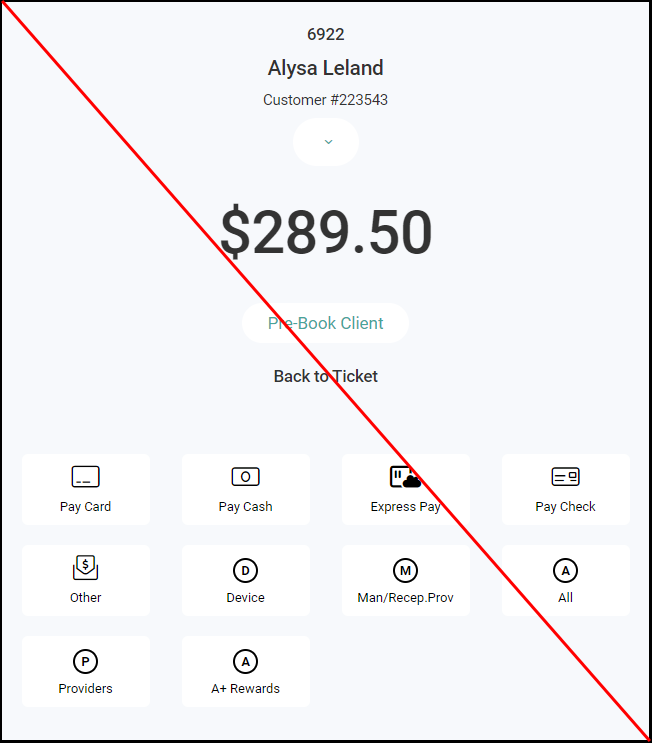
2. There is no need to do anything on the payment screen. Users can exit out of the Ready to Pay screen, as selecting Ready to Pay allows the client to check out the ticket within the Client App.
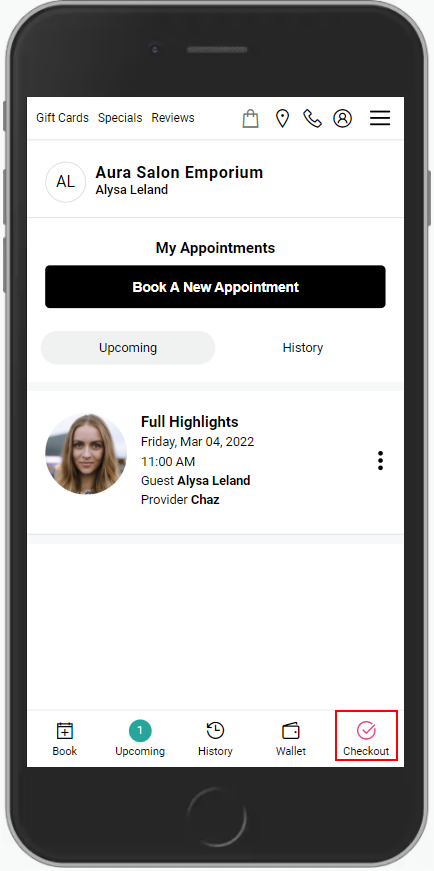
3. Once the ticket is selected as Ready to Pay on the salon-side, the client's app will show Checkout in the bottom-right corner with a pink check box.
4. The client can change or add a tip
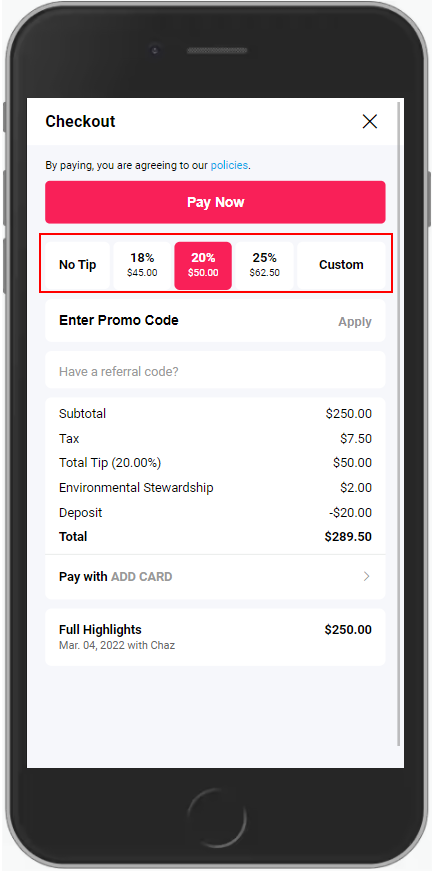
5. The client can enter an existing "Promo Code".
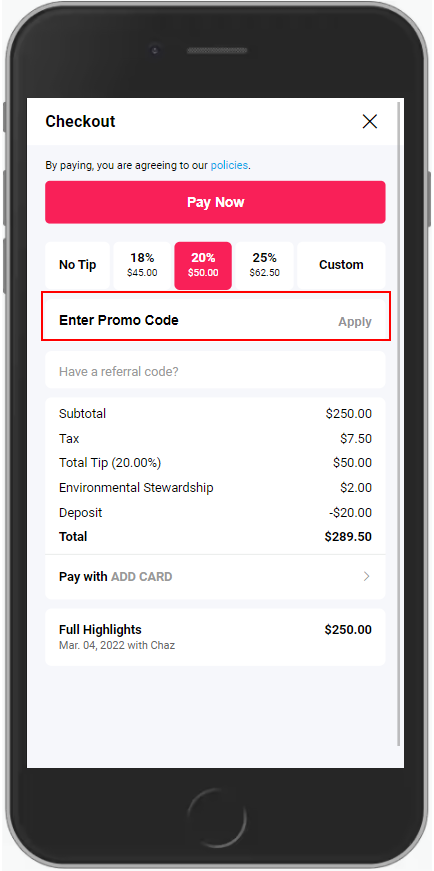
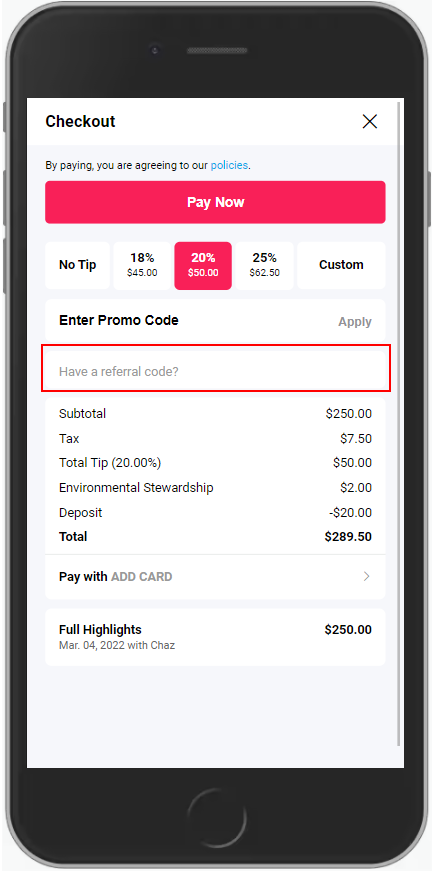
6. First time clients can enter a "Referral Code" given to them from an existing client if relevant.
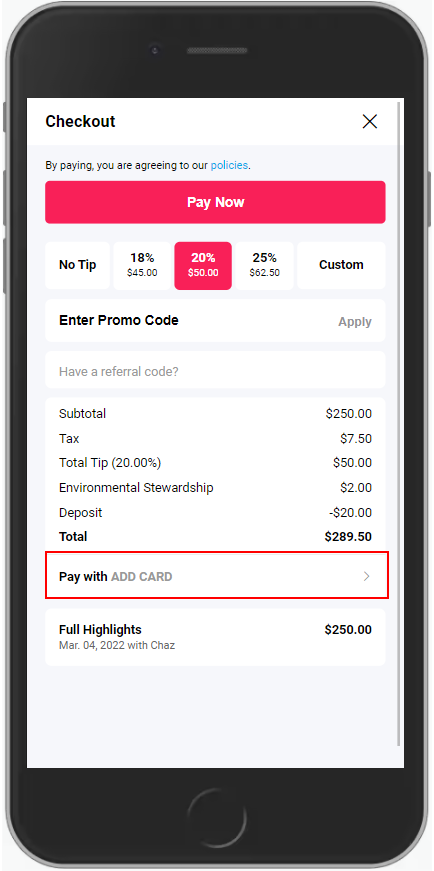
7. The client can enter a card on file, or select from existing cards on file if any.
NOTE: Entering a new card will add the card to the client wallet
8. The client selects "Pay Now".
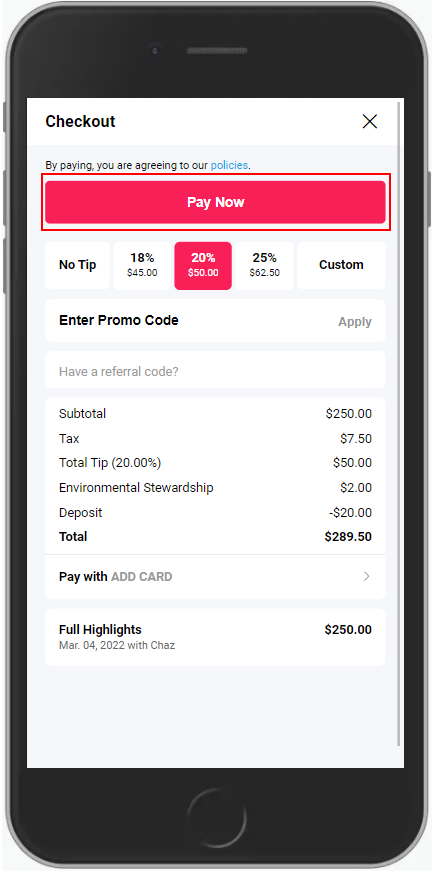
9. Payment is confirmed and the client can pre-book. A receipt is also sent to the client's email.