Payment can be split in the following ways:
1. Cash and any other payment type, including credit card.
2. A Gift or Promo card and any other payment type, including credit card.
NOTE: Payments cannot be split between two credit or debit cards. Two separate tickets would need to be made with the total of each being the amount to be charged to each card.
How to process a split payment for cash and another payment type:
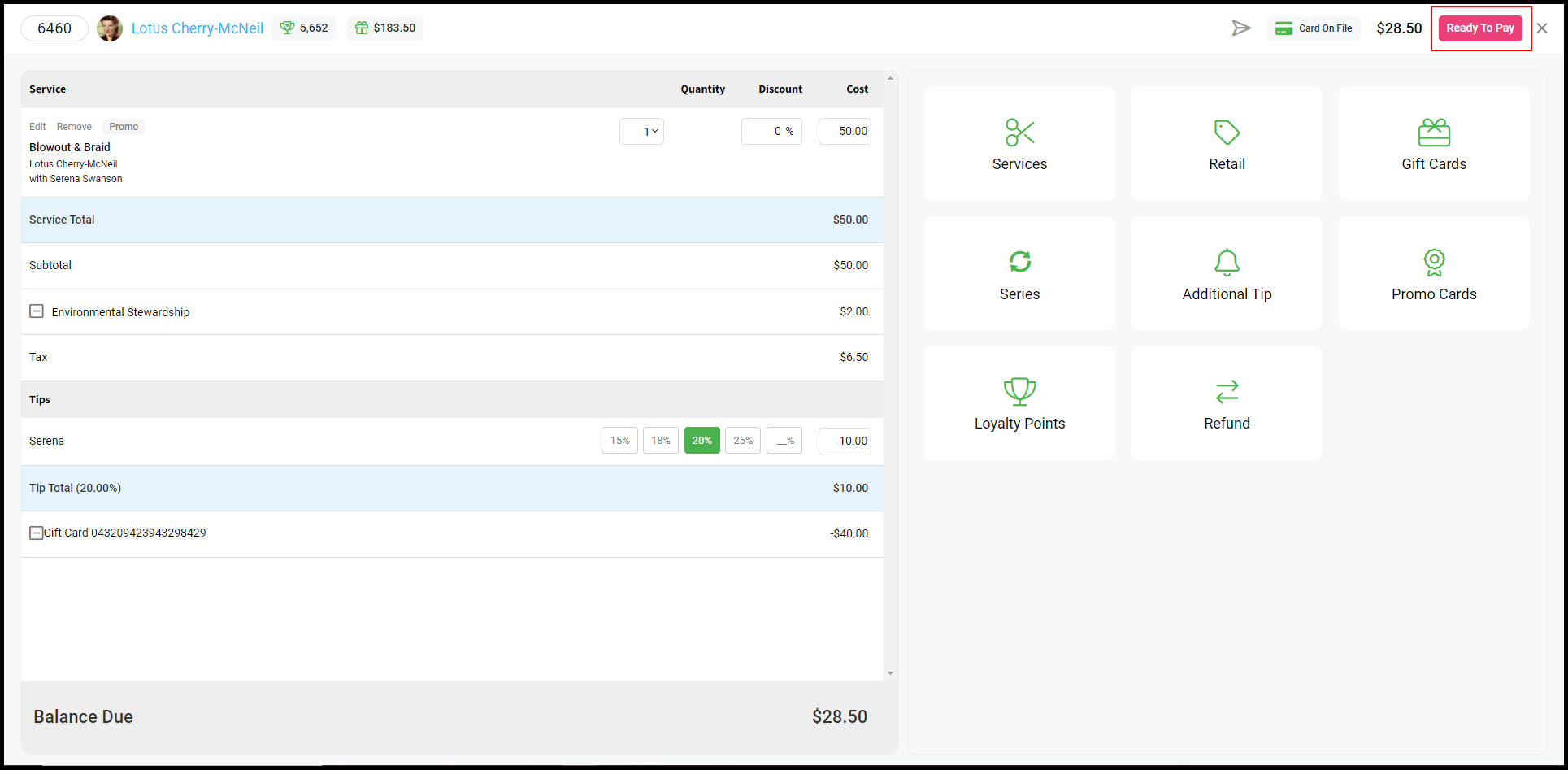
1. Select "Ready to Pay" on the ticket.
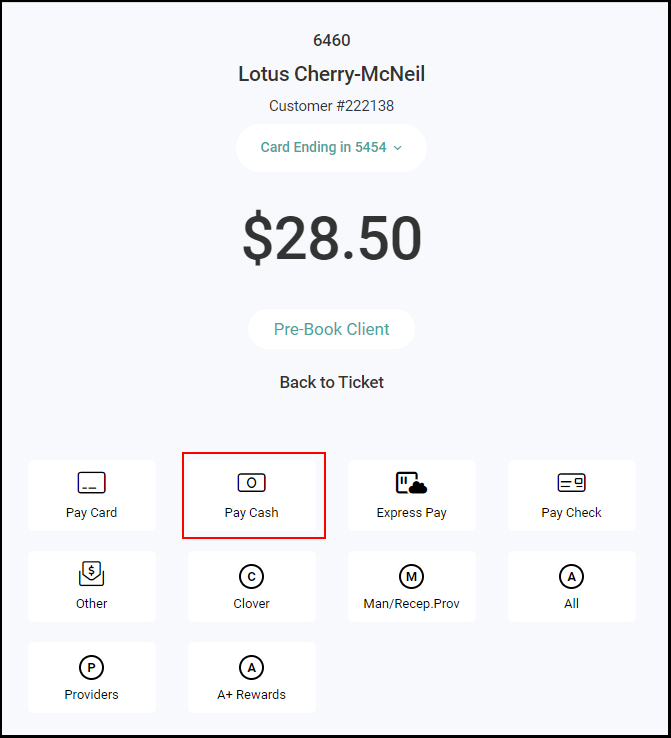
2. Select "Pay Cash".
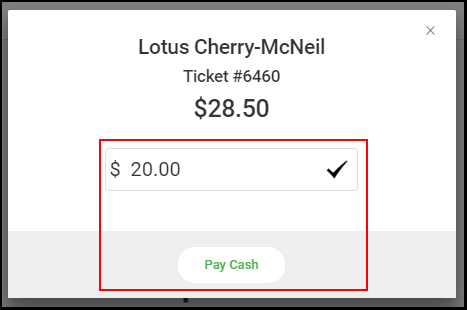
4. Enter the amount they wish to pay with cash, then select "Pay Cash".
5. The remaining amount owed is displayed.
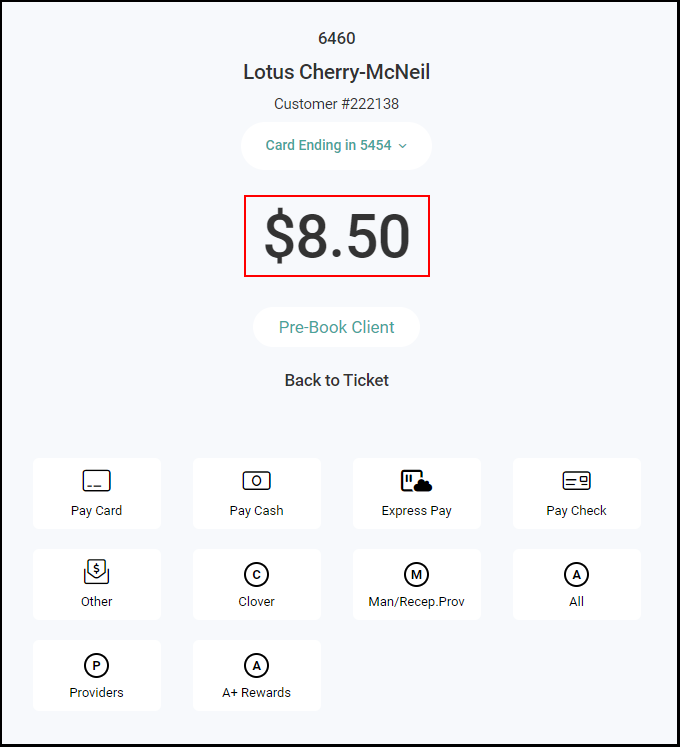
6. Select any payment type and process the payment.
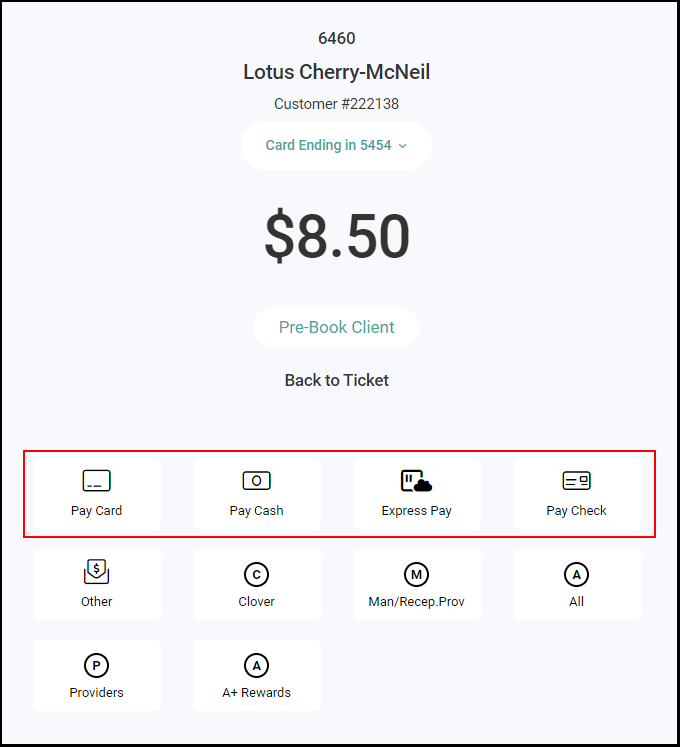
7. The ticket is paid in full.
How to process a split payment with a gift or promo card
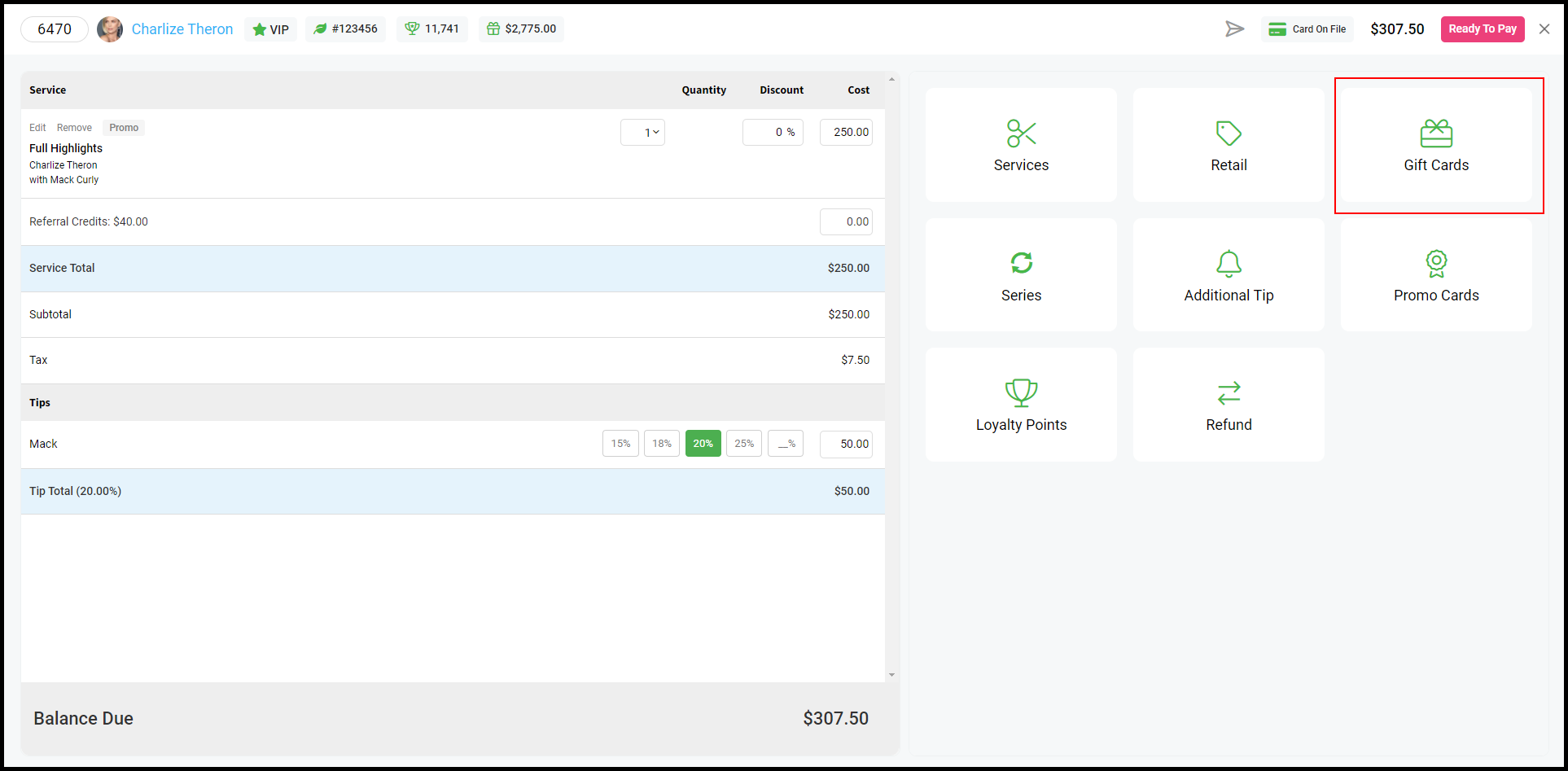
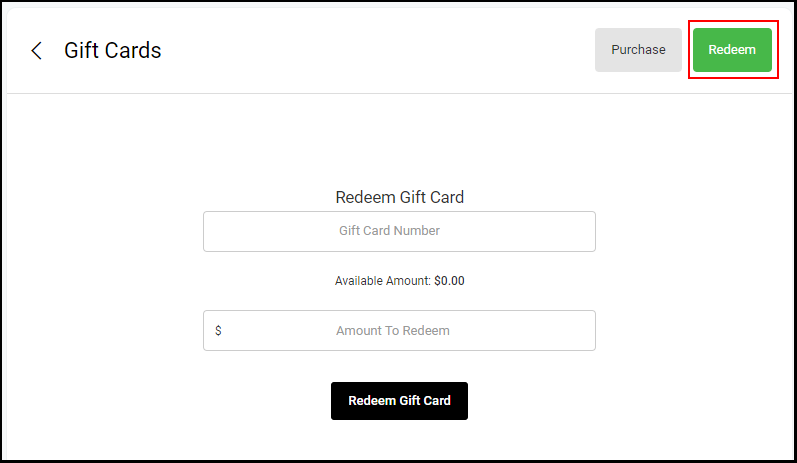
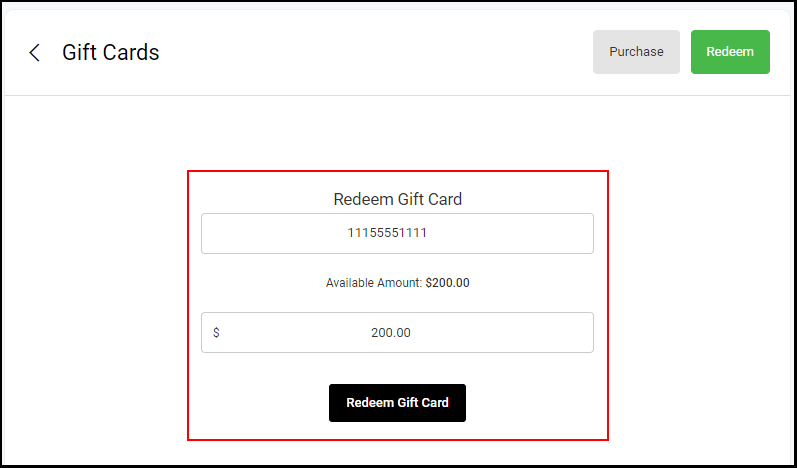
1. Apply the gift or promo card to the ticket using the "Redeem" function under "Gift Card".
NOTE: Detailed instructions for redeeming gift cards and promo cards.
2. Select "Ready to Pay".
NOTE: The total balance due has been adjusted to reflect the redemption of the gift card, the gift card has also been added to the ticket details.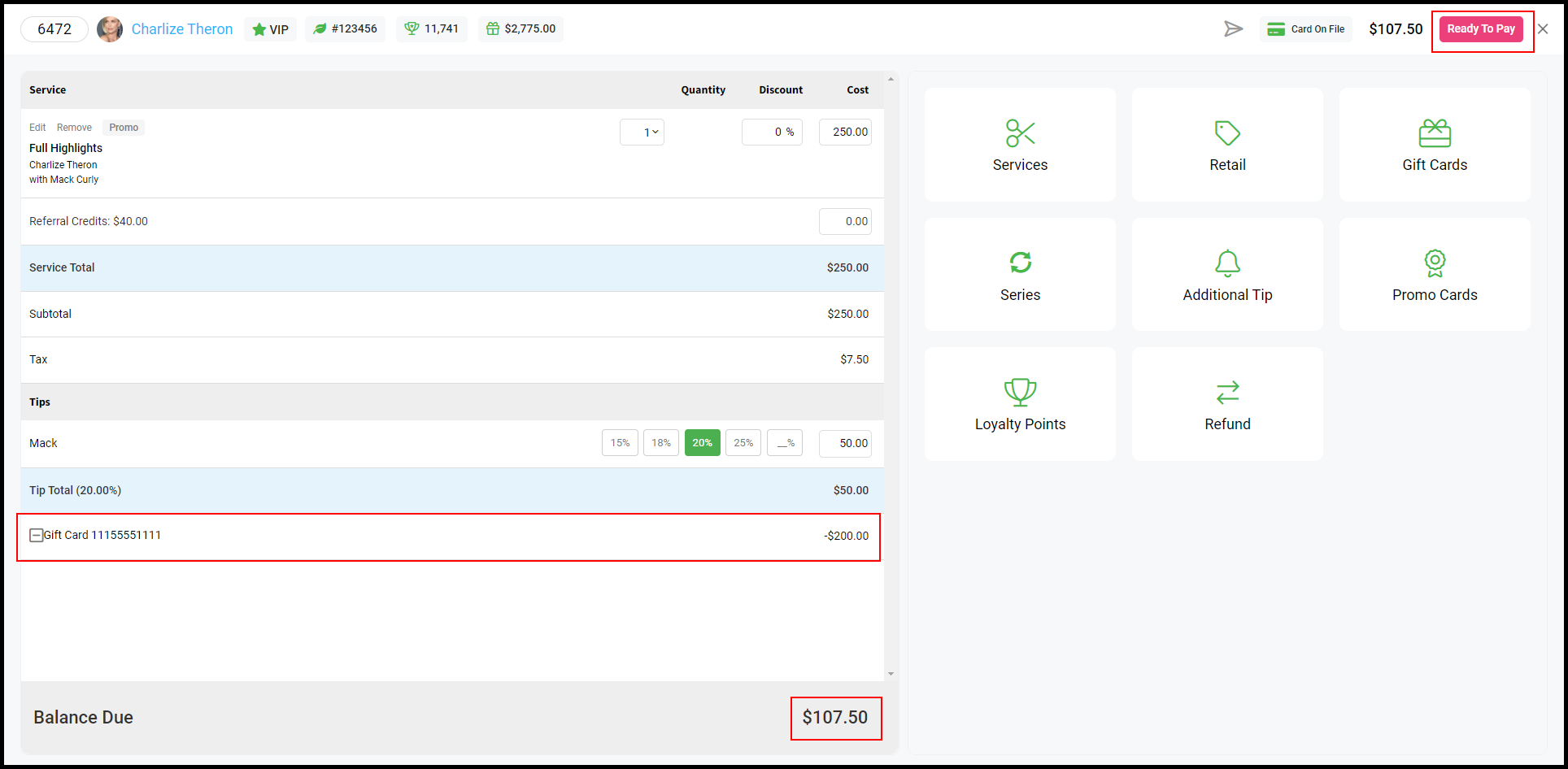
3. Select any payment type and process the payment.
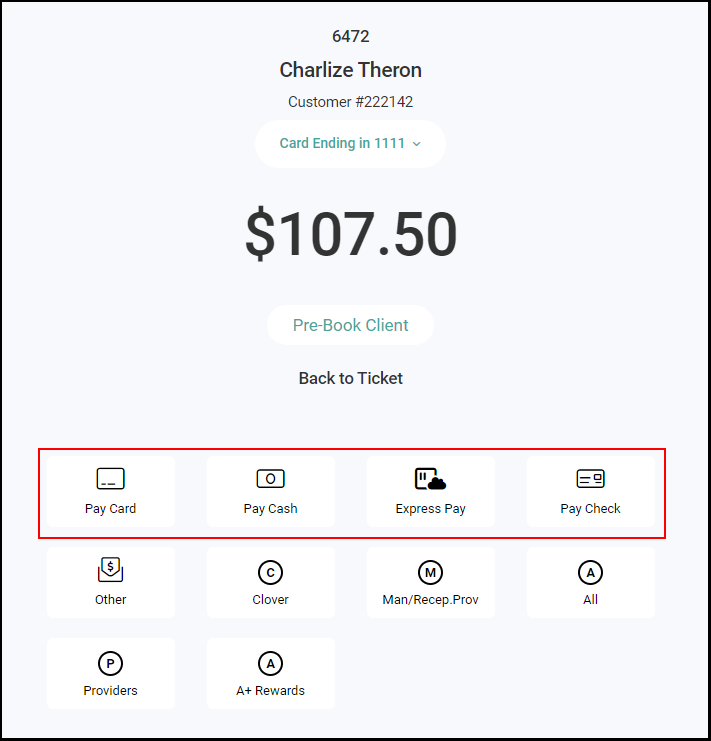
4. The ticket is paid in full.