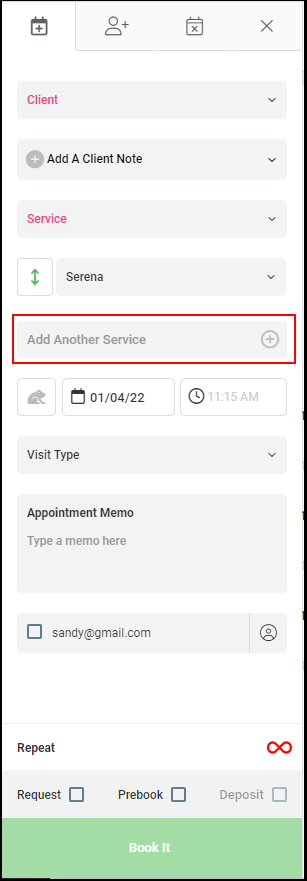
Click HERE to watch the video.
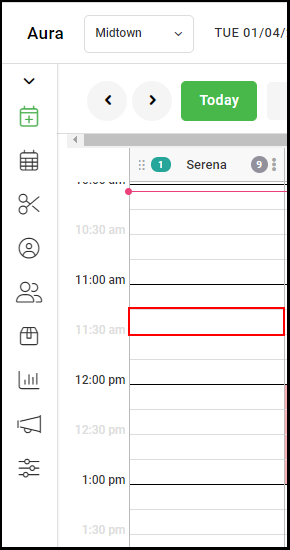
1. Select a start time on the calendar by double-clicking the time the appointment will take place.
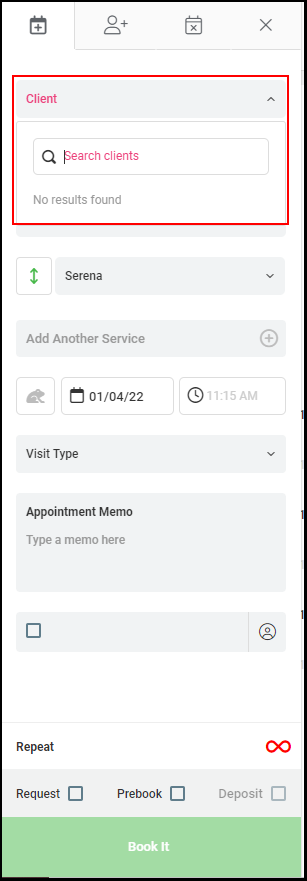
2. Select Client
NOTE: Clients can be selected by scrolling, typing client name, or entering the last four digits of the cell phone number
3. Select "Service".
NOTE: Services can be selected by scrolling, typing the service name, typing the service code
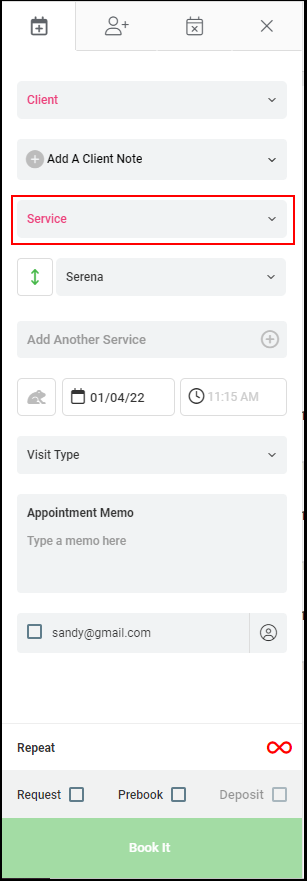
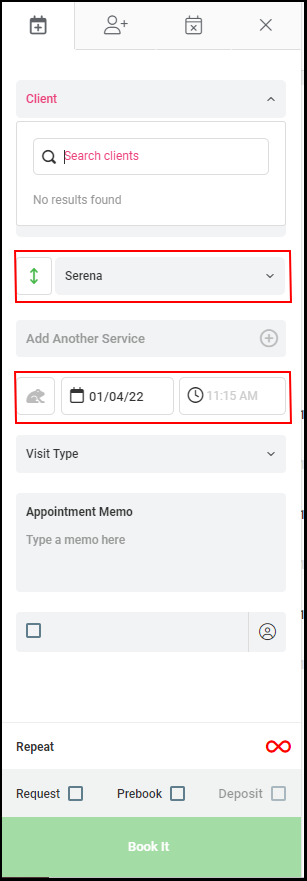
4. The Provider, Date, and Time will pre-populate with the selections from the calendar.
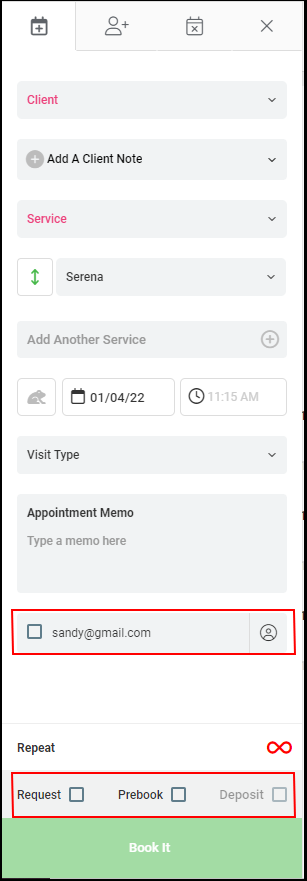
5. Check the Request, Prebook, Deposit, and Email to Client if applicable.
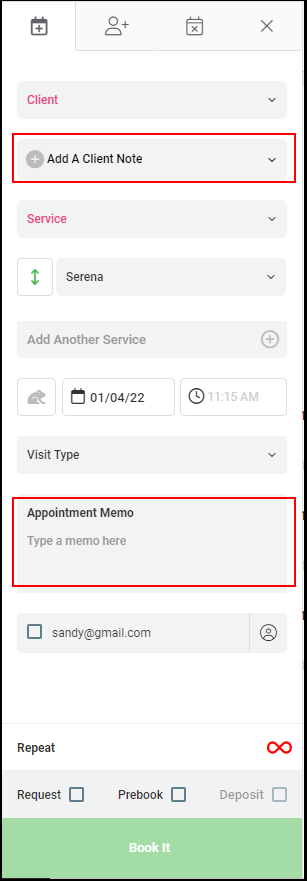
6. Enter a client note and appointment memo if applicable.
7. Click "Add Another Service" to add another service to the appointment or click "Book It".