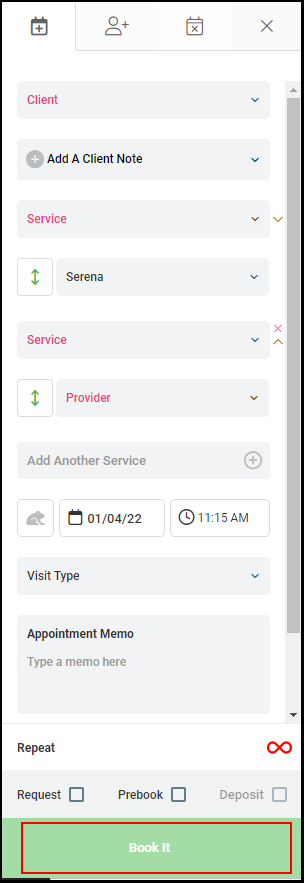
Click HERE to watch the video.
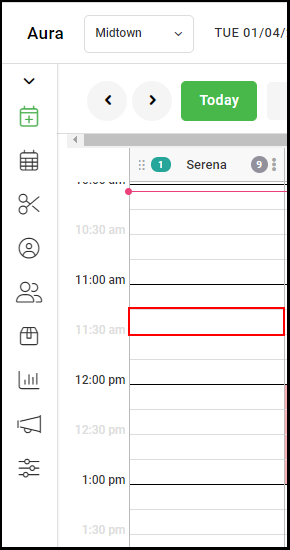
1. Select a start time on the calendar by double-clicking the time the appointment will take place.
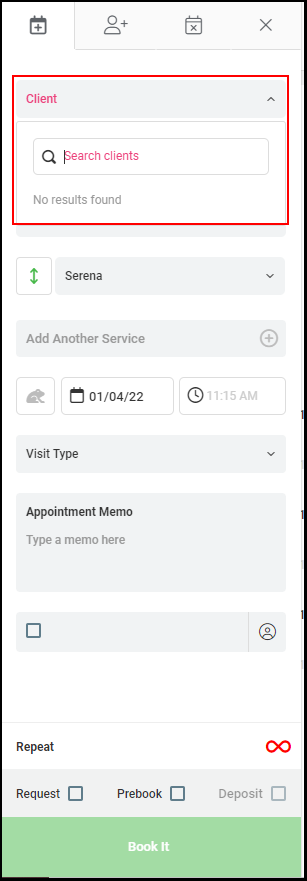
2. Select "Client".
NOTE: Clients can be selected by scrolling, typing client name, or entering the last four digits of the cell phone number
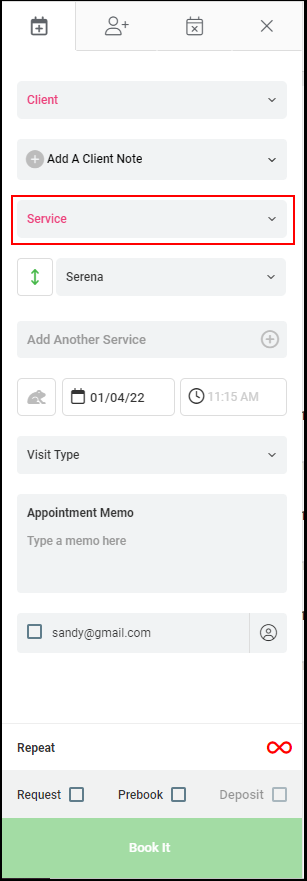
3. Select "Service".
Note: Services can be selected by scrolling, typing the service name, typing the service code
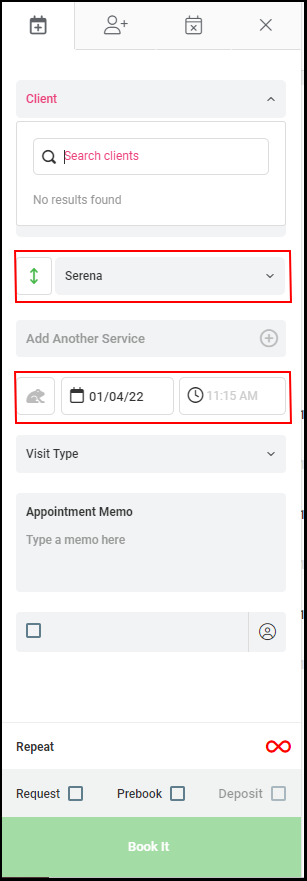
4. The Provider, Date, and Time will pre-populate with the selections from the calendar.
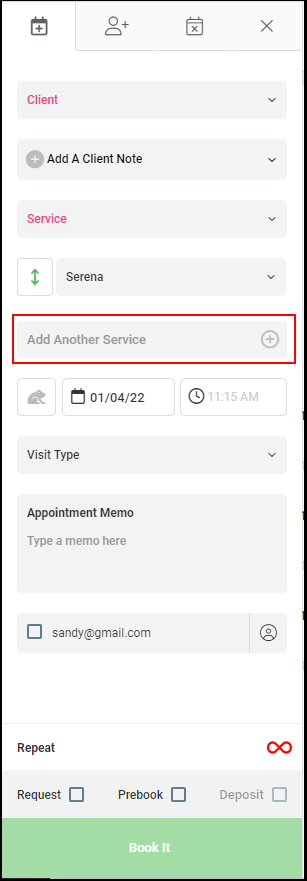
5. Click "Add Another Service" to add another service.
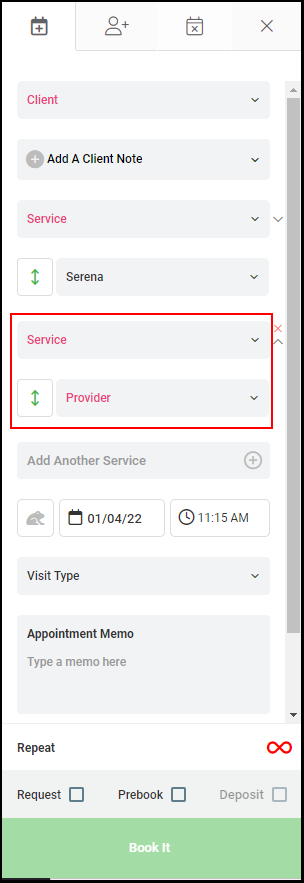
6. Enter the information for the additional service if applicable.
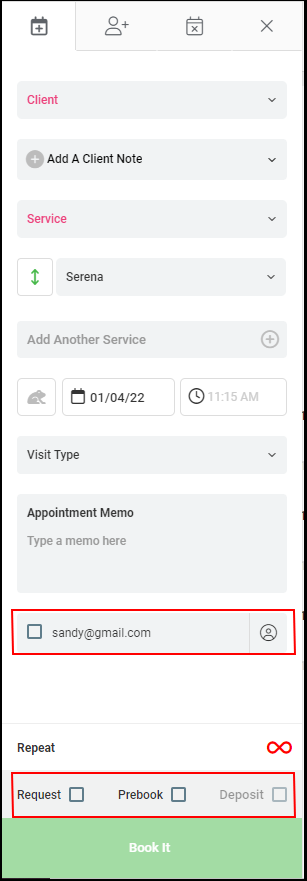
7. Check the Request, Prebook, and Email to Client if applicable.
8. Enter a client note and appointment memo if applicable.
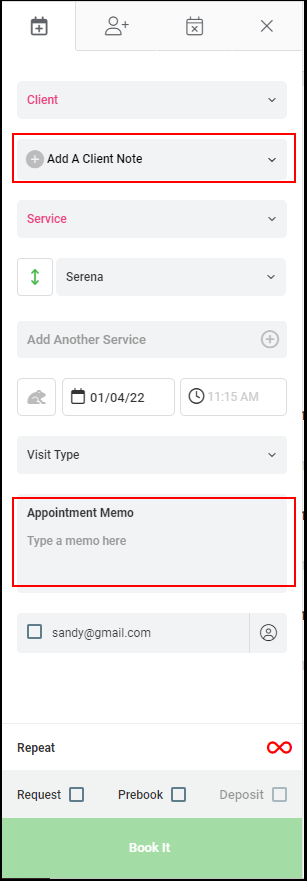
9. Select "Book It".