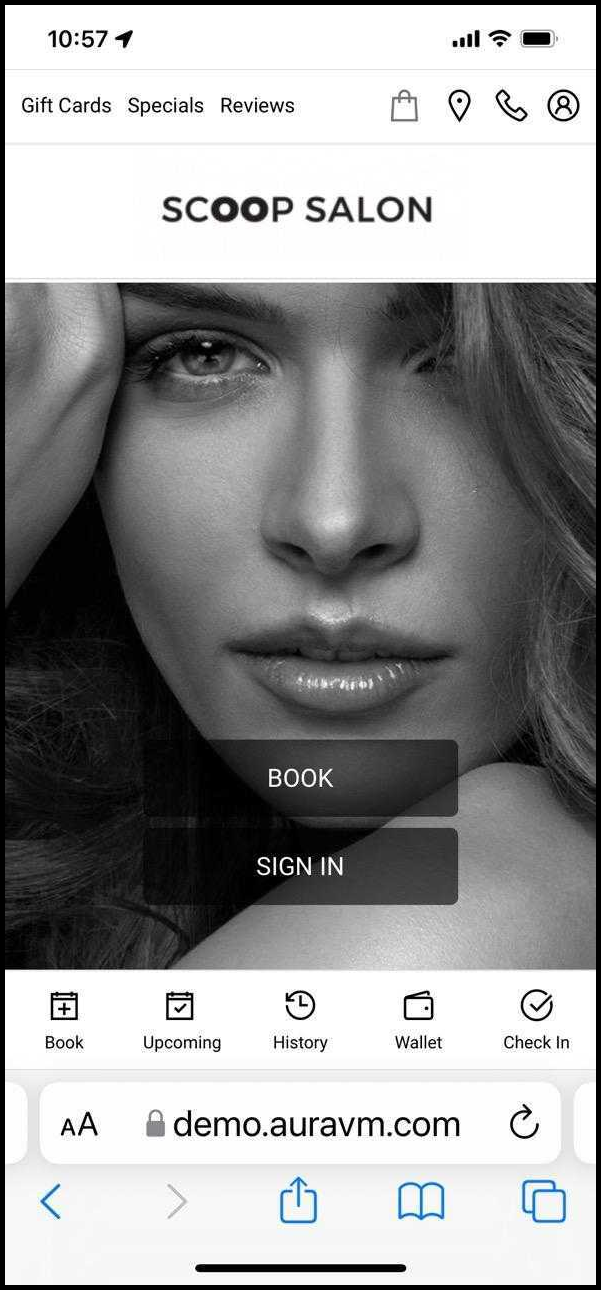
1. In Safari, Navigate to [Salon Code].aurasalonware.com
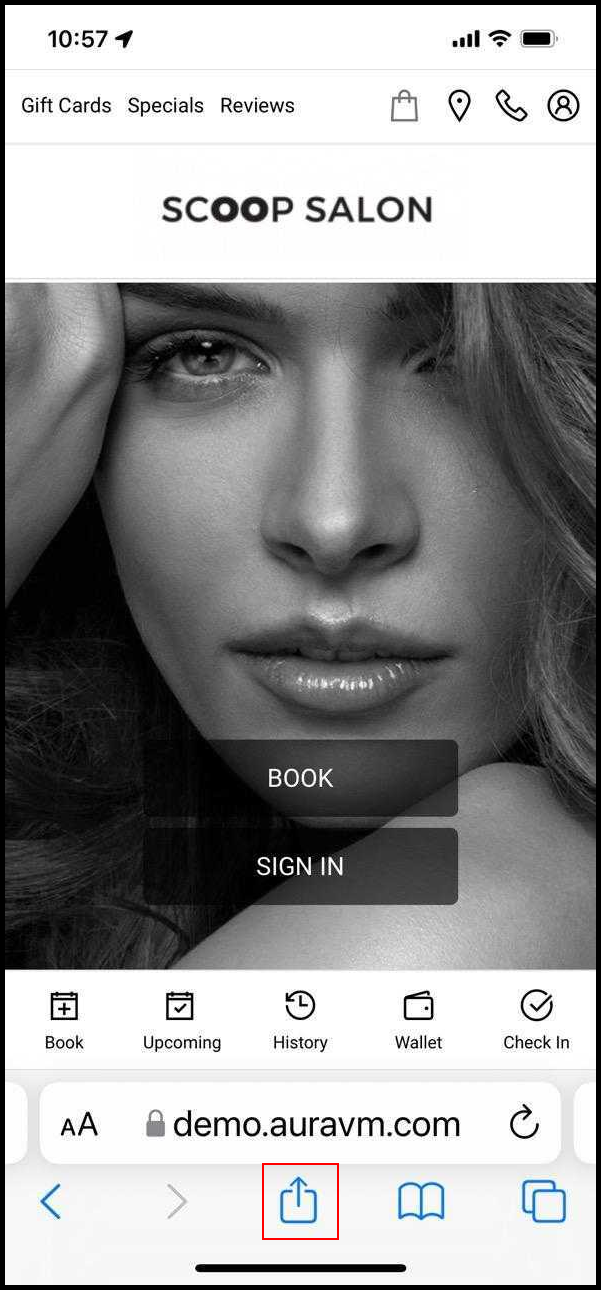
2. Click on the "share" icon at the bottom of the screen.
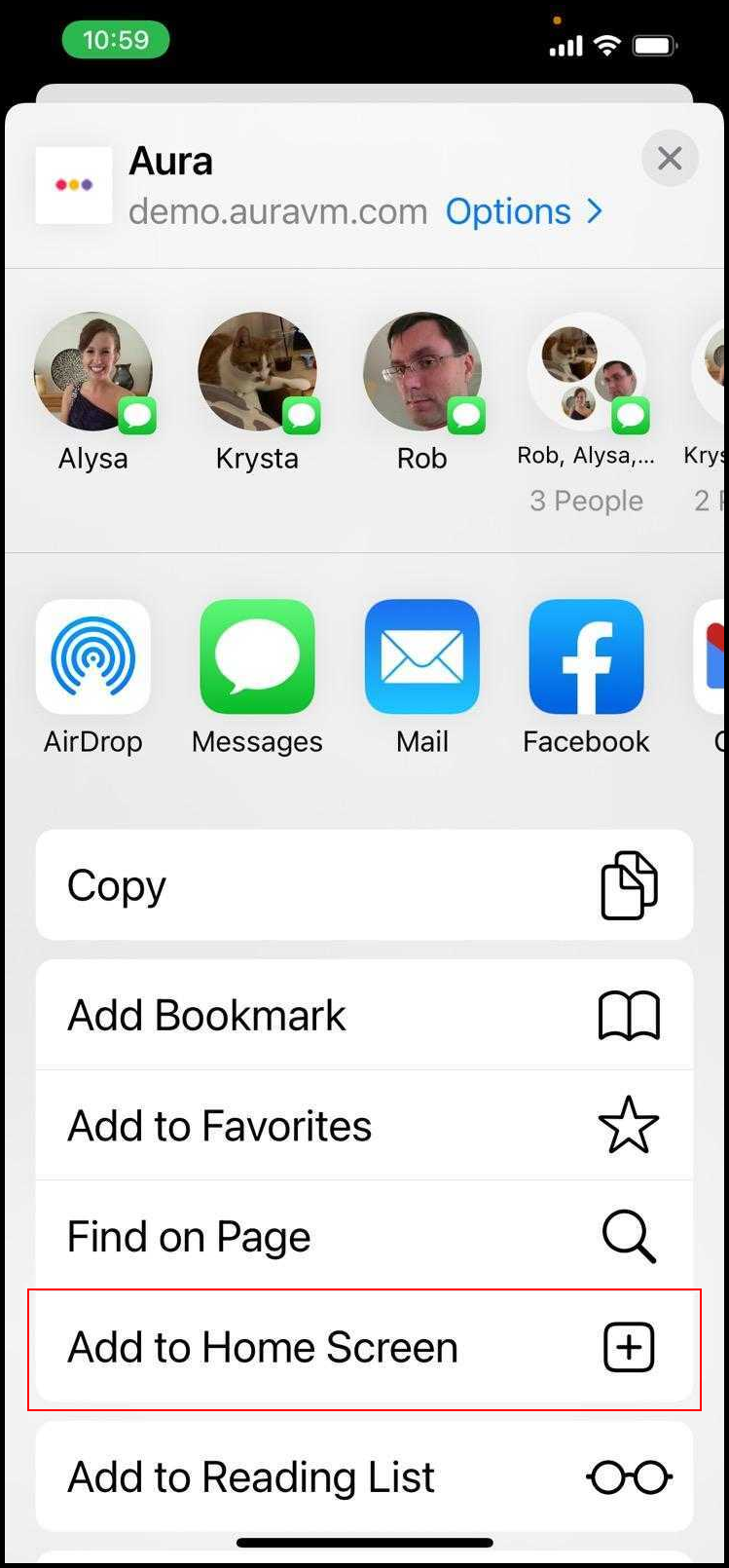
3. Select "Add to Home Screen".
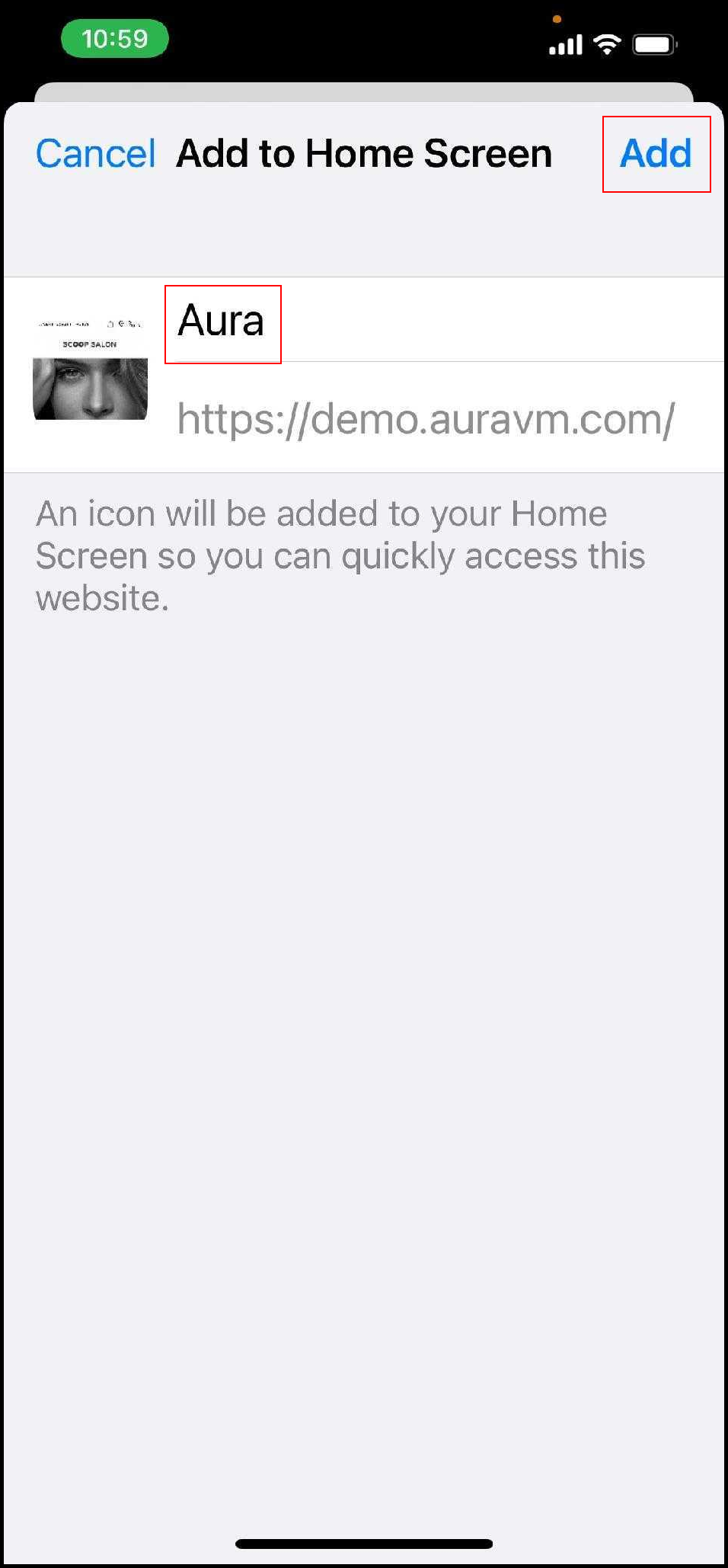
4. The application link will show up on your home screen page.
1. In Safari, Navigate to [Salon Code].aurasalonware.com
2. Click on the "share" icon at the bottom of the screen.
3. Select "Add to Home Screen".
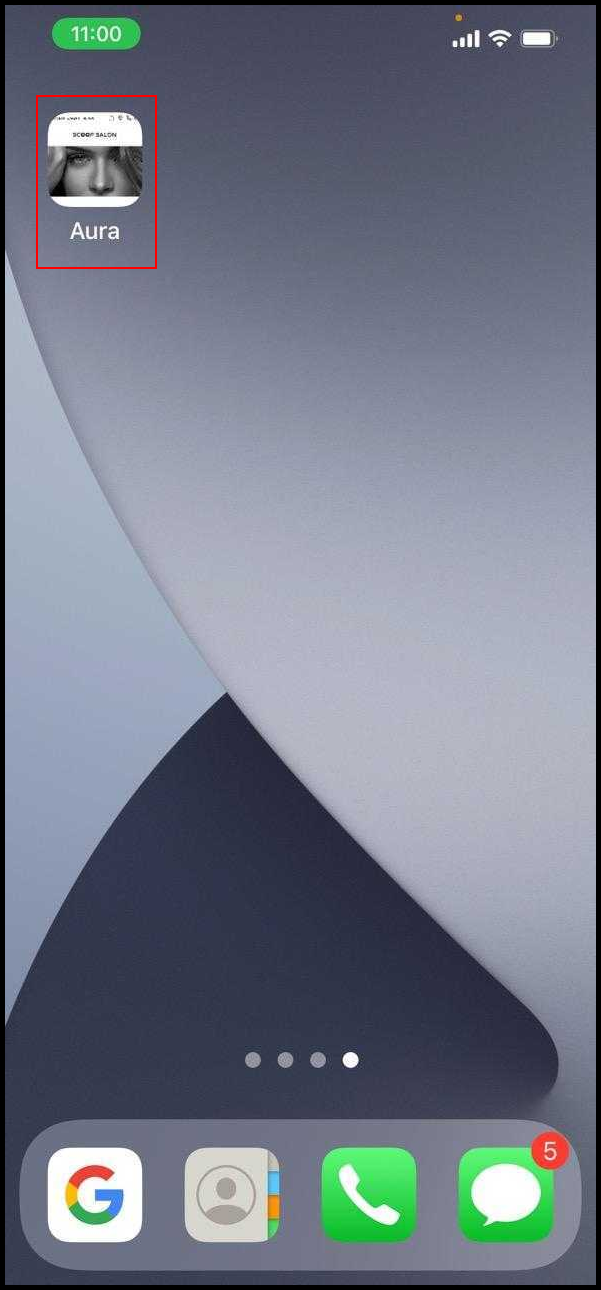
4. The application link will show up on your home screen page.