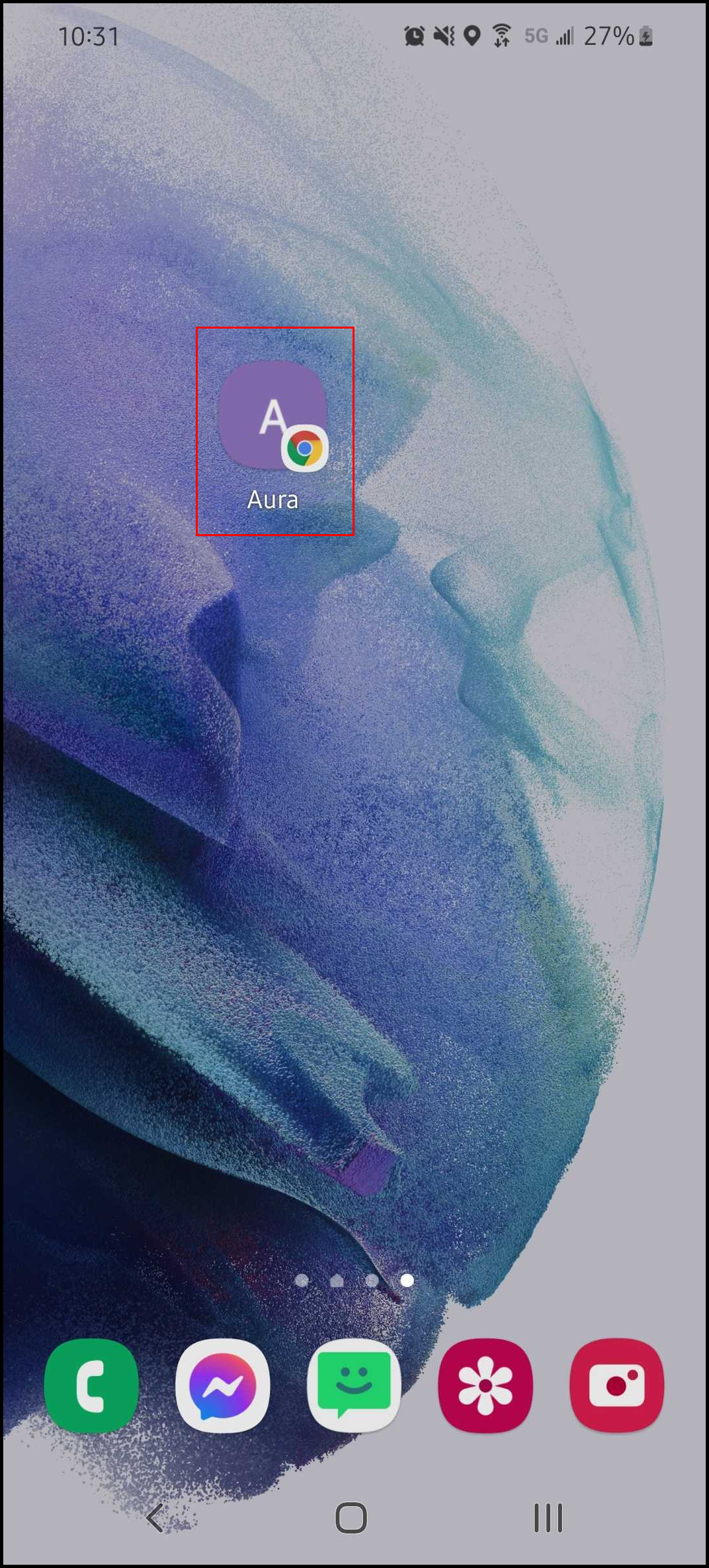
Please note that this process may vary per Android phone. Android phone manufacturers can customize their software. This example is from a Samsung Galaxy.
1. Go to [Salon Code].aurasalonware.com using Google Chrome on a mobile device.
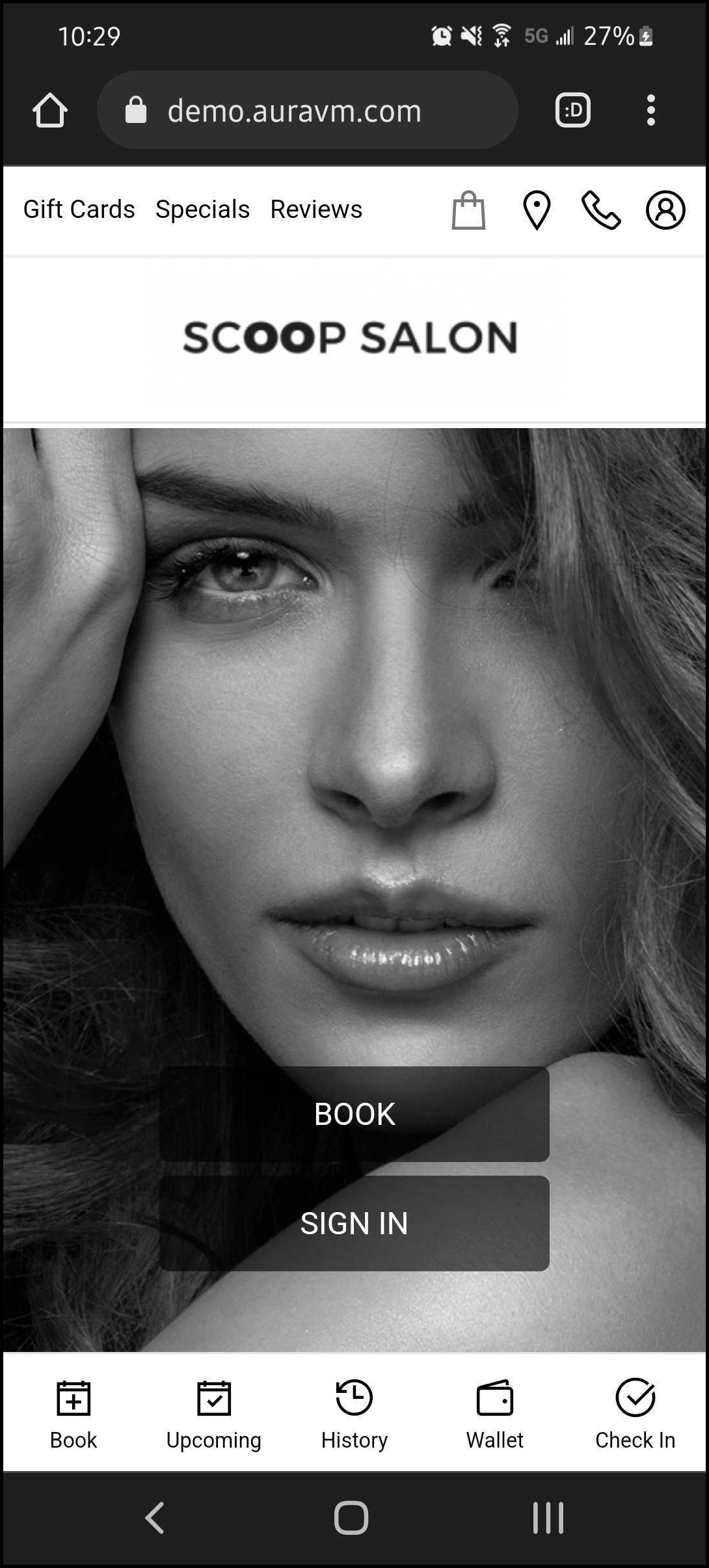
2. Tap the three dots in the top, right corner.
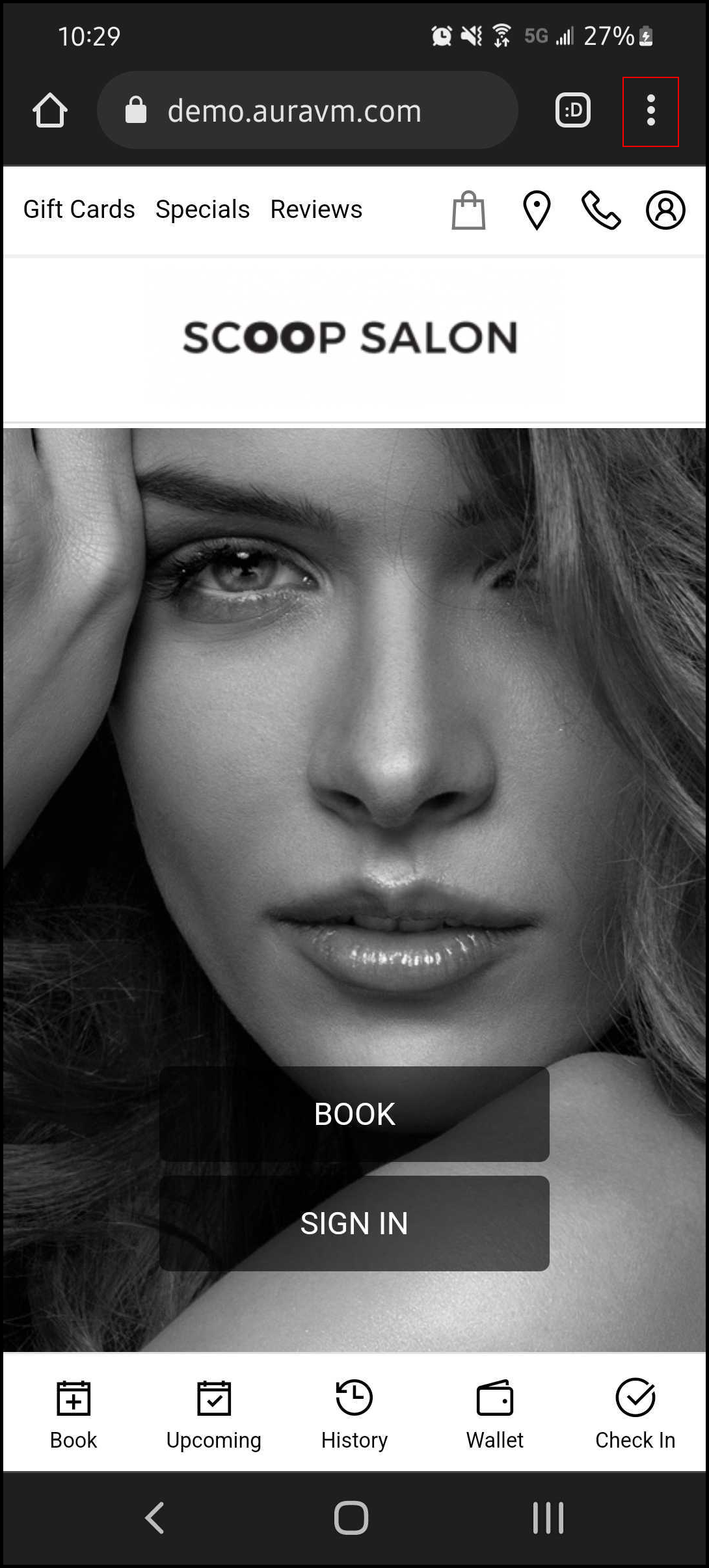
3. Select “Add to Home Screen”.
4. Select "Add".
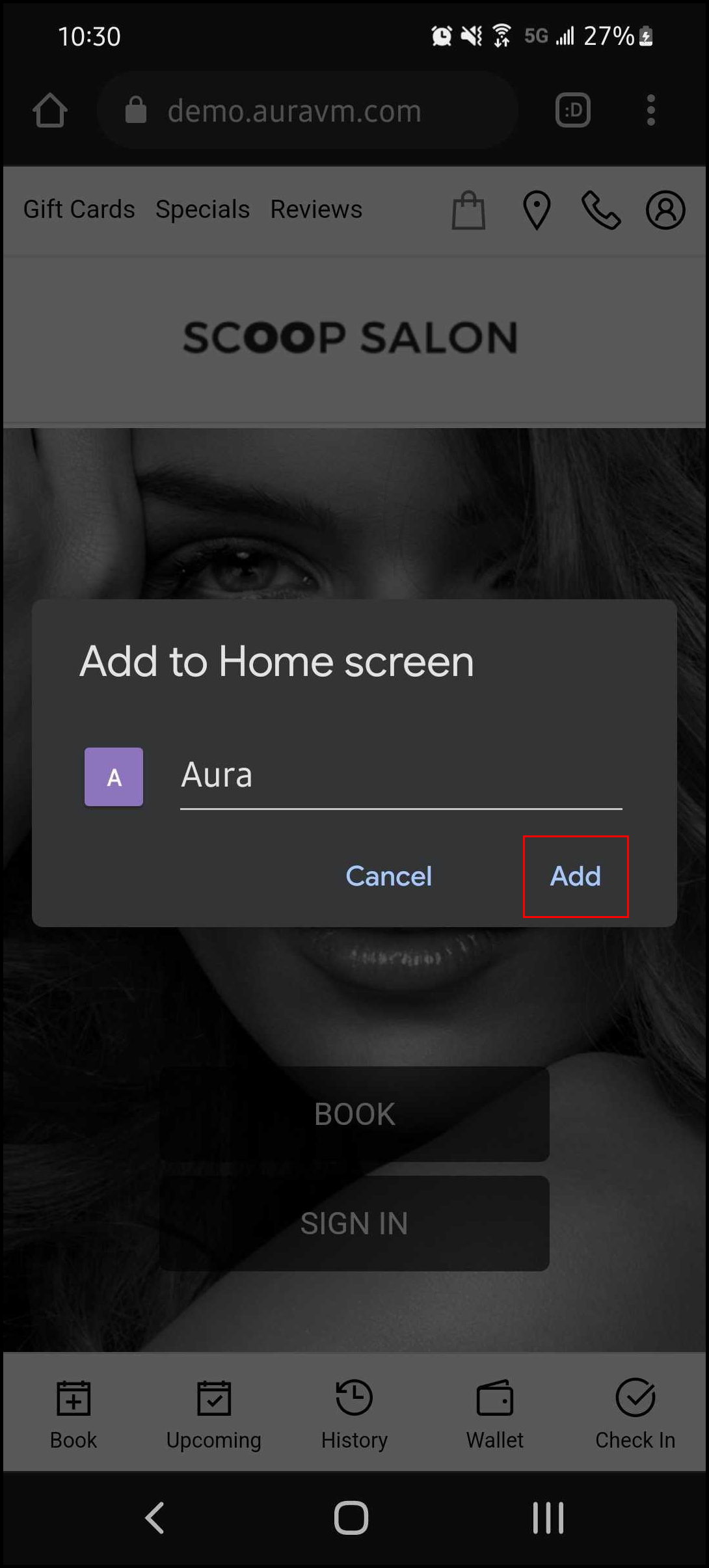
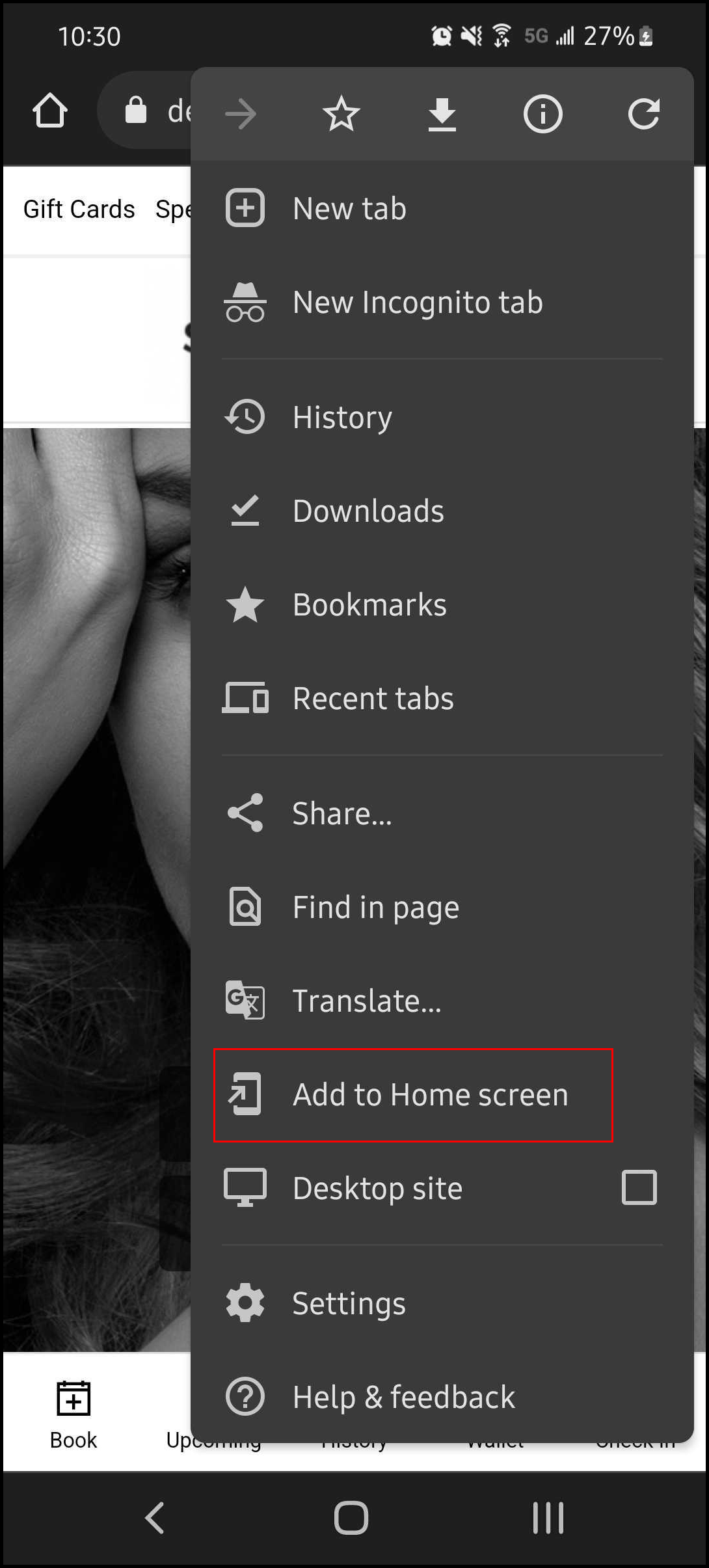
5. AURA is added to the home screen.