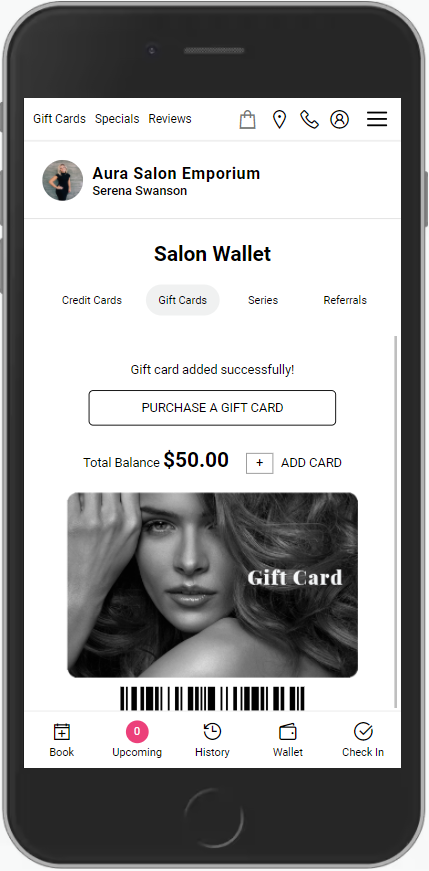
If a gift card has been purchased via not signing into an account, perhaps as a gift for an existing client, the gift card then can be added to the Salon Wallet of an account. Once added to the Wallet, the Gift Card will be tied to that Client Account.
NOTE: A gift card does not need to be associated with a client to be able to be used. The gift card number is sufficient for it to be redeemed.
NOTE: Gift card search does not search Gifted To field by name but it will search the gifted to field based upon the email or phone number the gift card was gifted to.
1. Navigate to [salon code].aurasalonware.com in a web browser. Google Chrome is recommended.
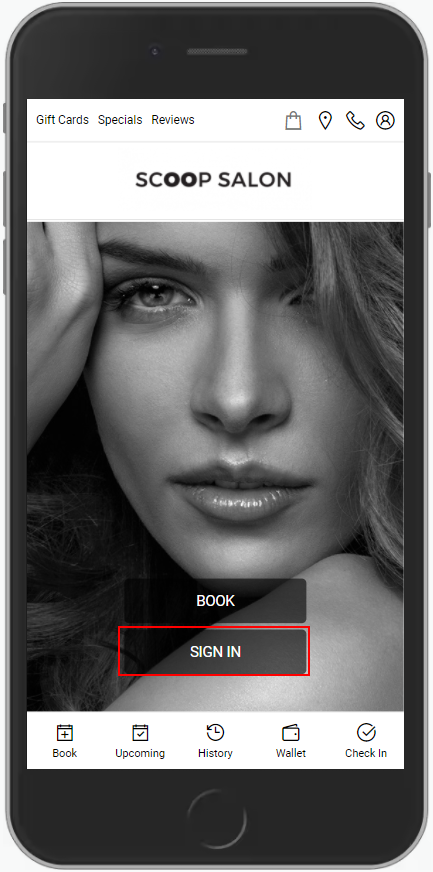
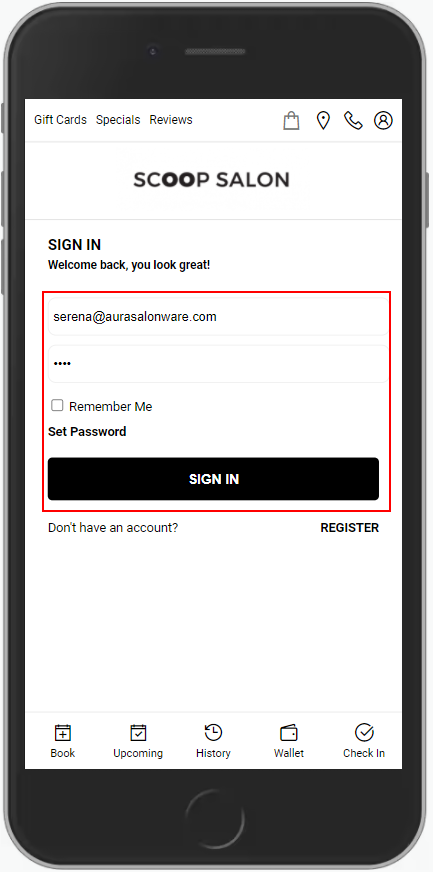
2. Enter the Users Email and Password and select "Sign In".
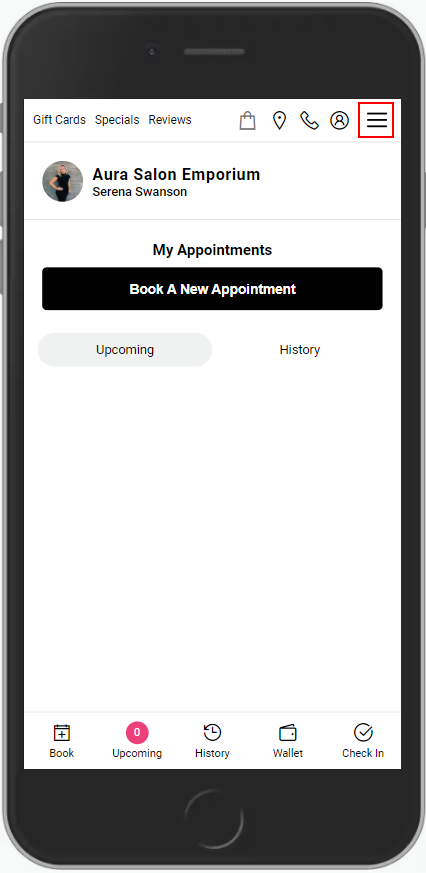
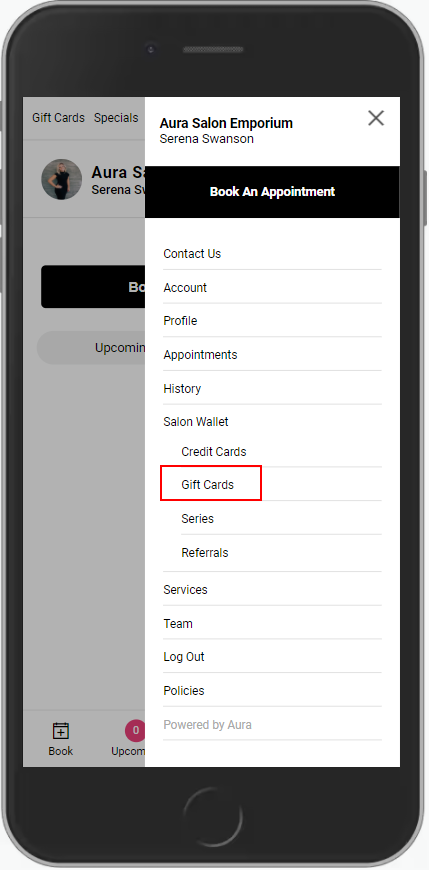
3. Select the "Menu" in the top, right corner.
4. Select "Gift Cards".
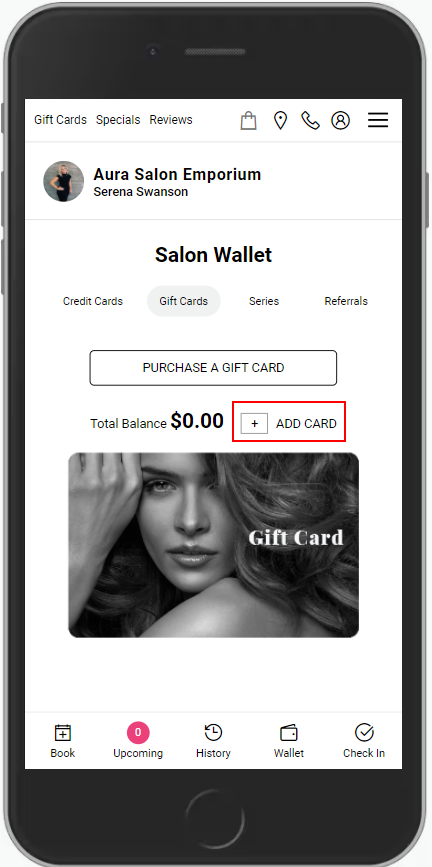
5. Select "Add Card".
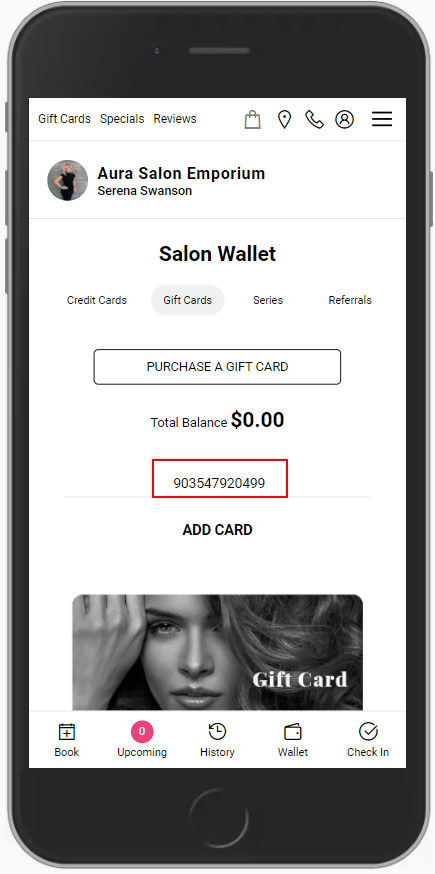
6. Enter the Gift Card number, provided during purchase confirmation and linked to via the receipt of an online gift card purchase
7. Select "Add Card".
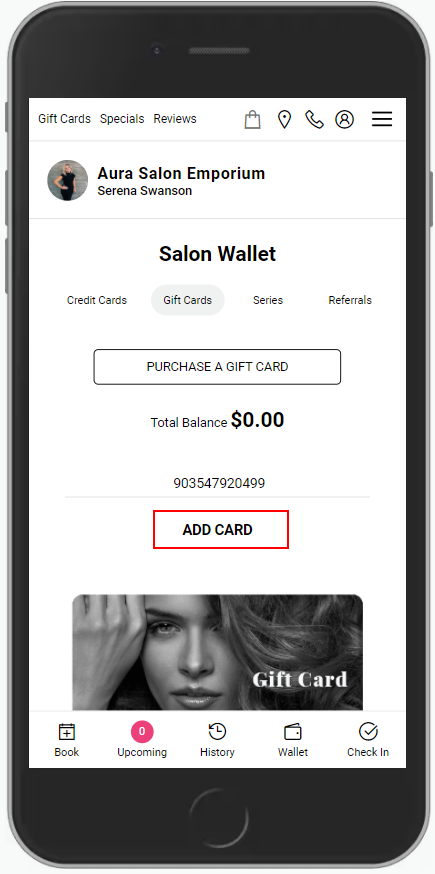
8. The card is added to the client account.