We are excited to announce the following AURA Salonware System updates!
2nd Confirmation Text
Separate settings can be made by an Owner or Manager so that a second confirm text is sent to clients with upcoming appointments.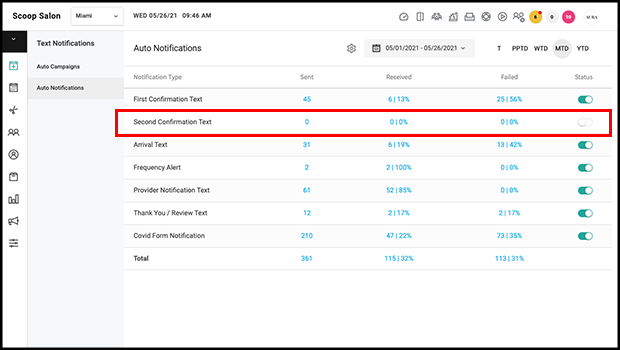
Voice Call Forwarding Number
Owners and Managers can input a phone number in Salon Settings > Profile. Once this number is input, calls to the Auto-Notifications and 2Way Texting number will be forwarded so that they can be handled by the Front Desk. Learn more here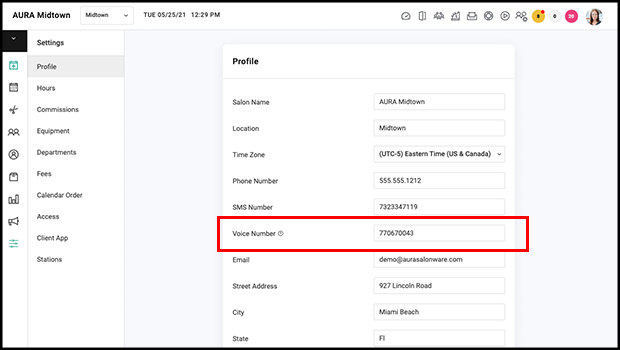
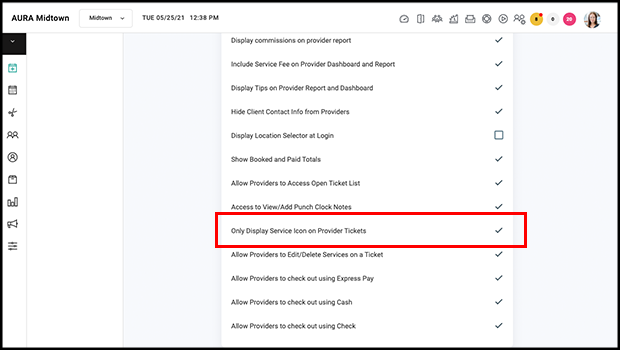
Only Display Services Icon in Provider Tickets
In Salon Settings > Access, Owners may set it so that only the services icon displays in tickets for Providers. Note that the Display Promo Card Button in Provider Tickets toggle operates independently so that Providers may be limited to only Services and Promo Cards access. Learn more here
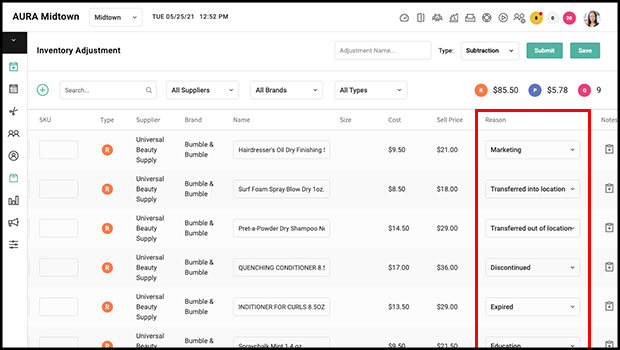
Additional Adjust Reasons on the Adjust Form
"Transferred into location", "transferred out of location", "discontinued", "expired", "education", "breakdown of gift set", "donated", and "marketing" are additional reasons on the Adjust form. Inventory counts that result in the addition or subtraction of product automatically create an adjustment denoted "count". Learn more about Inventory Adjustments here
Client Search Access
An easily accessed Client Search menu is in the top right when using AURA on a computer. Every access level can use this menu but abilities within it respect the business' Hide Client Data from Providers settings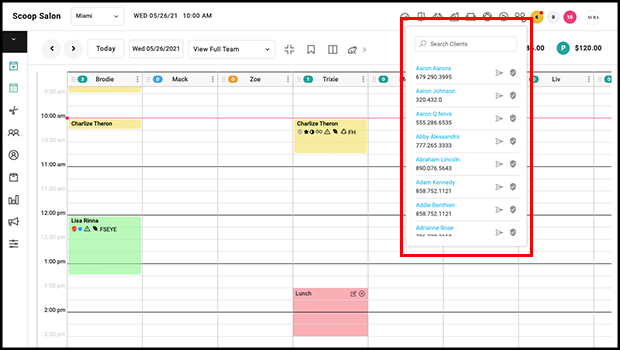
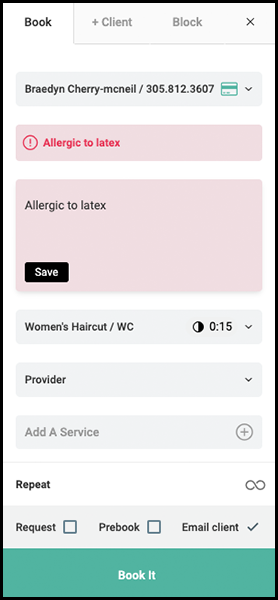
Client Note Access in Booking Form
Client notes can be viewed and edited below the client selector in the booking form.
Gift Card Image Uploader
Owners and Manager may upload a new image for their digital gift cards in Salon Settings > Profile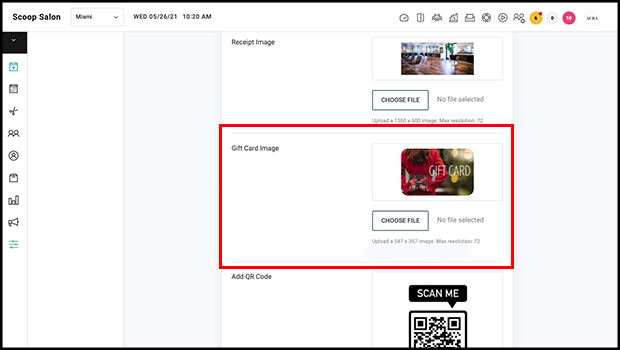
Payroll Settings
Payroll Settings are accessible in the Payroll Report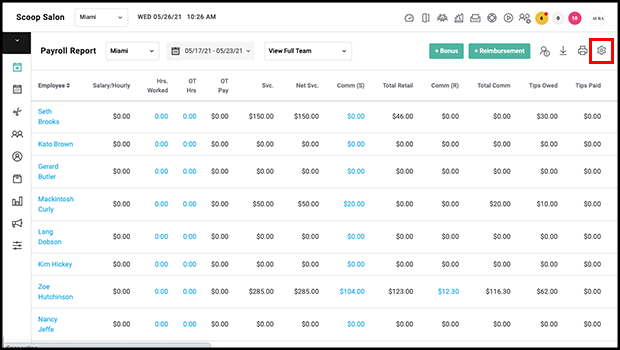
For more information regarding these new features or live support, contact support@aurasalonware.com