Clients may add a sub-account or book for any existing sub-accounts in the client application. The option to do so appears when booking an appointment. To learn about Guest Accounts in the Admin Application click here.
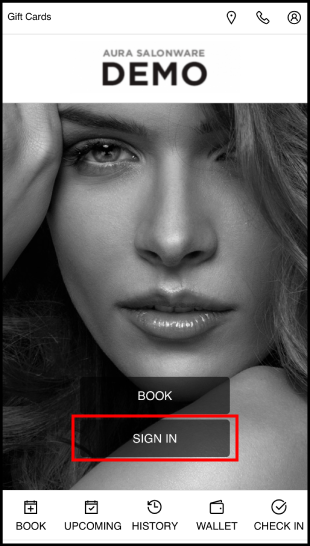
1. Navigate to [Salon Code].aurasalonware.com and select Sign In
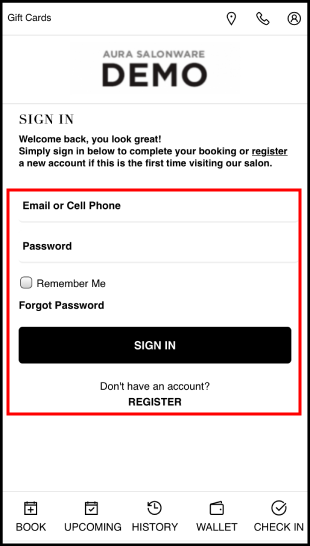
2. If an account exists, enter the Email or Phone Number and Password associated with it. or
Select Register to create an account if one does not already exist. or
Select Forgot Password if the business has an email on file but the client is new to AURA.
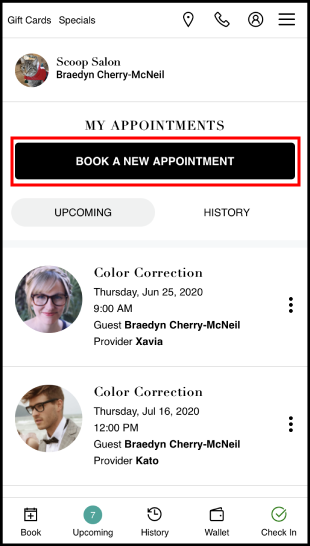
3. Select Book A New Appointment
4. Select Book For. The main account holder's name is displayed
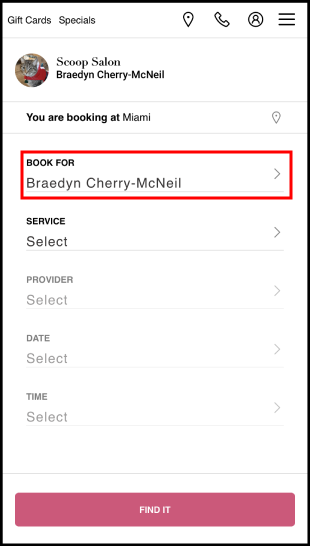
5. If booking for an existing sub-account, select their name
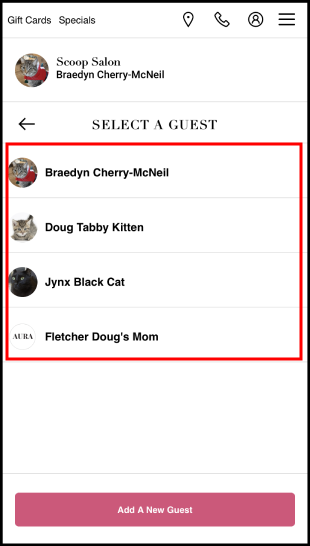
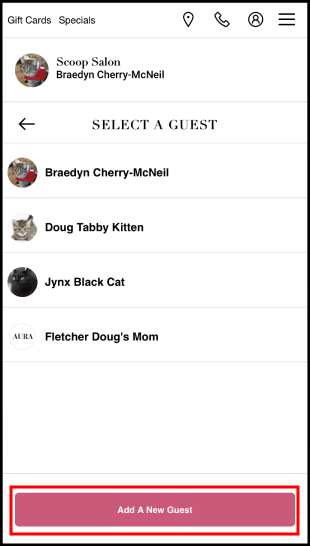
6. Select Add A New Guest to add a sub-account to the main client account
7. Enter the guest's information, upload a picture if desired and select Add Guest to My Account
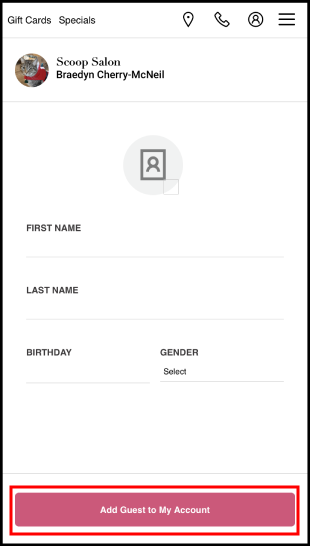
8. The guest is added and may be booked for