We are excited to announce the following AURA Salonware System updates!
Retention Report
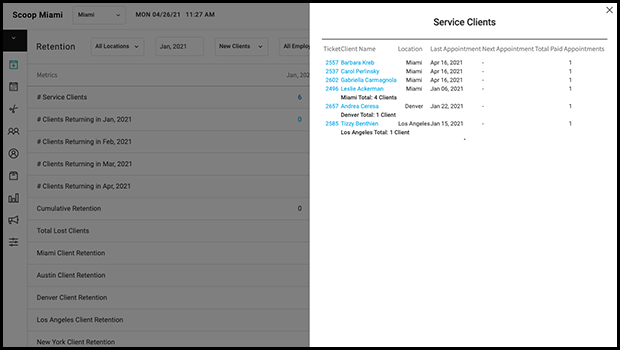
Measure new and existing client retention with AURA Salonware's Retention Report. Filter the report by enterprise, location, or provider. Owners and Managers have access to this report by going to Reports > Retention. Learn more here
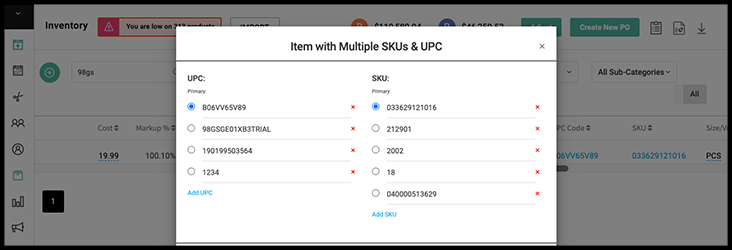
Multiple SKUs & UPCs for Products
Owners, Managers may add multiple SKUs and UPCs to products from the main inventory screen. All of the SKUs and UPCs are searchable on an open ticket, adjustment form and count form. Reception may do this if they have been allowed to access Inventory in Salon Settings > Access. Learn more here
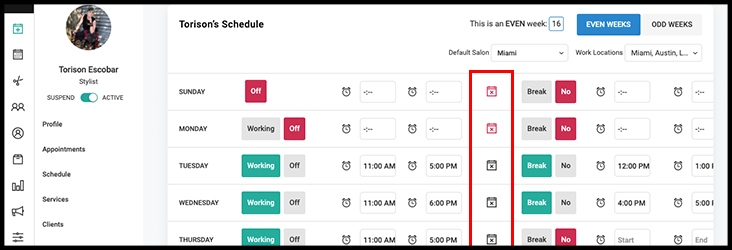
Hide or Show an Employee on the Calendar per Day
Employees may be hidden or shown on individual days of the week on the calendar by an Owner or Manager in the employee's schedule. Learn more here.
Provider Service Availability
An Owner or Manager may now choose which day of the week a provider offers a specific service or service category. Learn more here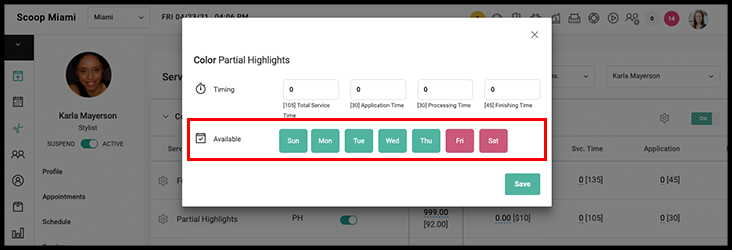
COVID Waiver
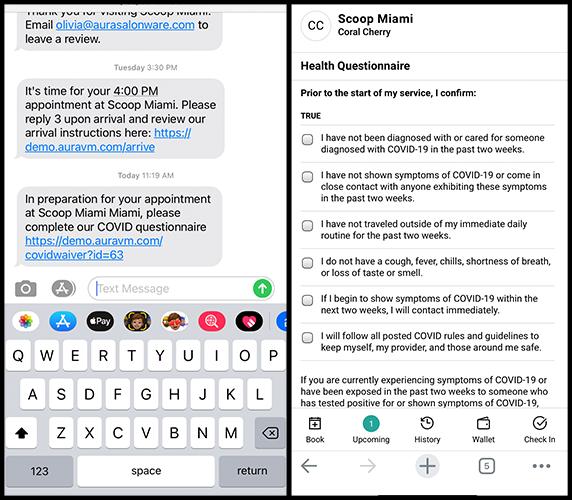
Send a COVID waiver link via SMS to your clients prior to their appointment. The form confirms their COVID-negative status. A completed form is denoted with a blue shield symbol in the Client list and on the client's appointment. Enable the COVID waiver as an Owner or Manager in Marketing > Text Notifications > Auto Notifications. Select the gear symbol to change the timing of the waiver SMS. Learn more here
Overtime Hours
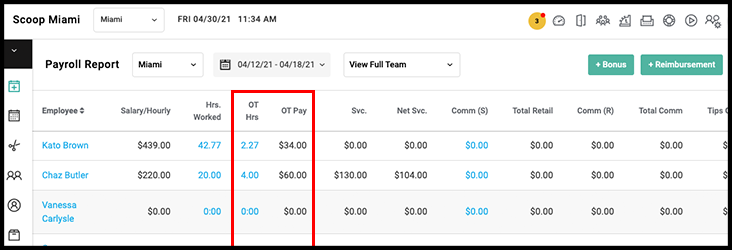
Calculate overtime hours by day or week by enabling overtime Salon Settings > Fees. Once enabled, overtime will be calculated and display on the payroll report.
Restrict or Allow Providers to Edit and Delete Services on a Ticket
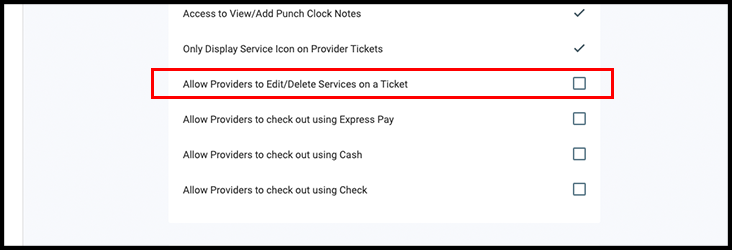
An owner can go to Salon Settings > Access and restrict or allow providers ability to delete and edit services on an open ticket. The default state of this setting is "allow"
Control the Ways Providers Can Check Out Clients
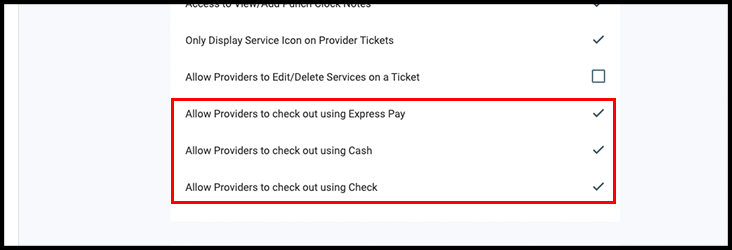
An Owner can go to Salon Settings > Access and restrict or allow providers ability to process tickets via Express Pay, Cash, and Check. The ability to restrict providers from utilizing the terminal exists currently
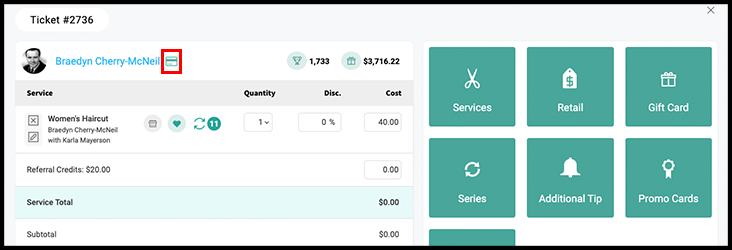
Card on File Indicator on Tickets
An indicator is adjacent to the client name on a ticket denoting if the client has a card on their Client File. It is gray if they do not have a card on file, and it is green if they do have a card on file or if another client's card is linked to them
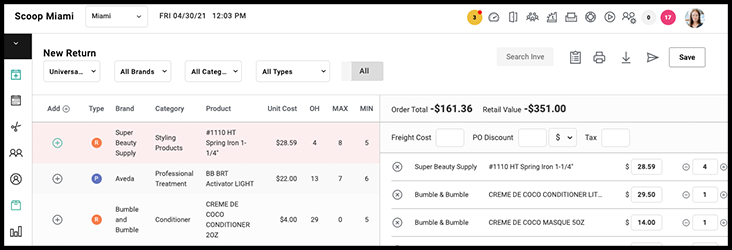
Return Order
A Return purchase order can be performed from the purchase order screen to keep track of products that are being returned to the supplier. It works in much the same way as a normal Purchase Order does except it will deduct the product from the on-hand quantity on your Product List under Inventory.
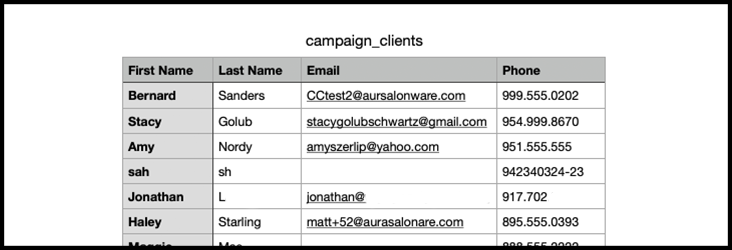
SENT Export Contains Client Mobile Numbers
The sent recipient download includes the client's mobile numbers.
For more information regarding these new features or live support, contact support@aurasalonware.com