We are excited to announce the following AURA Salonware System updates!
Waitlist
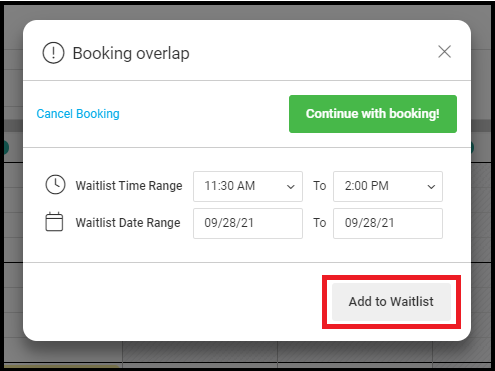
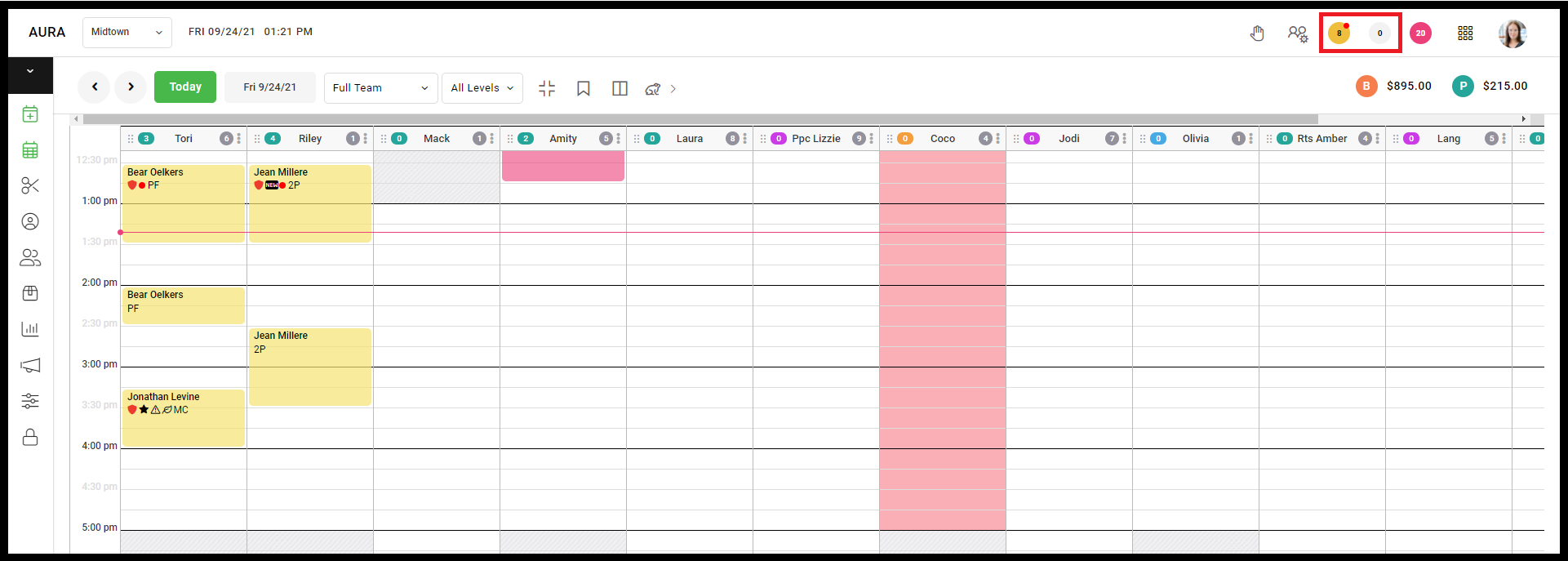
Owners, managers, and front desk associates can add clients to the waitlist by choosing an unavailable time when booking. Click ‘Add to Waitlist’. The hand symbol is used to view the waitlist, note that it can take up to 30 minutes for ‘Unavailable’ to change to ‘Available’.
Learn more here.
Note: In this release, you will be required to choose a specific provider. We're currently working on phase 2 which will allow them to choose alternate providers
Purchase Order Re-Design
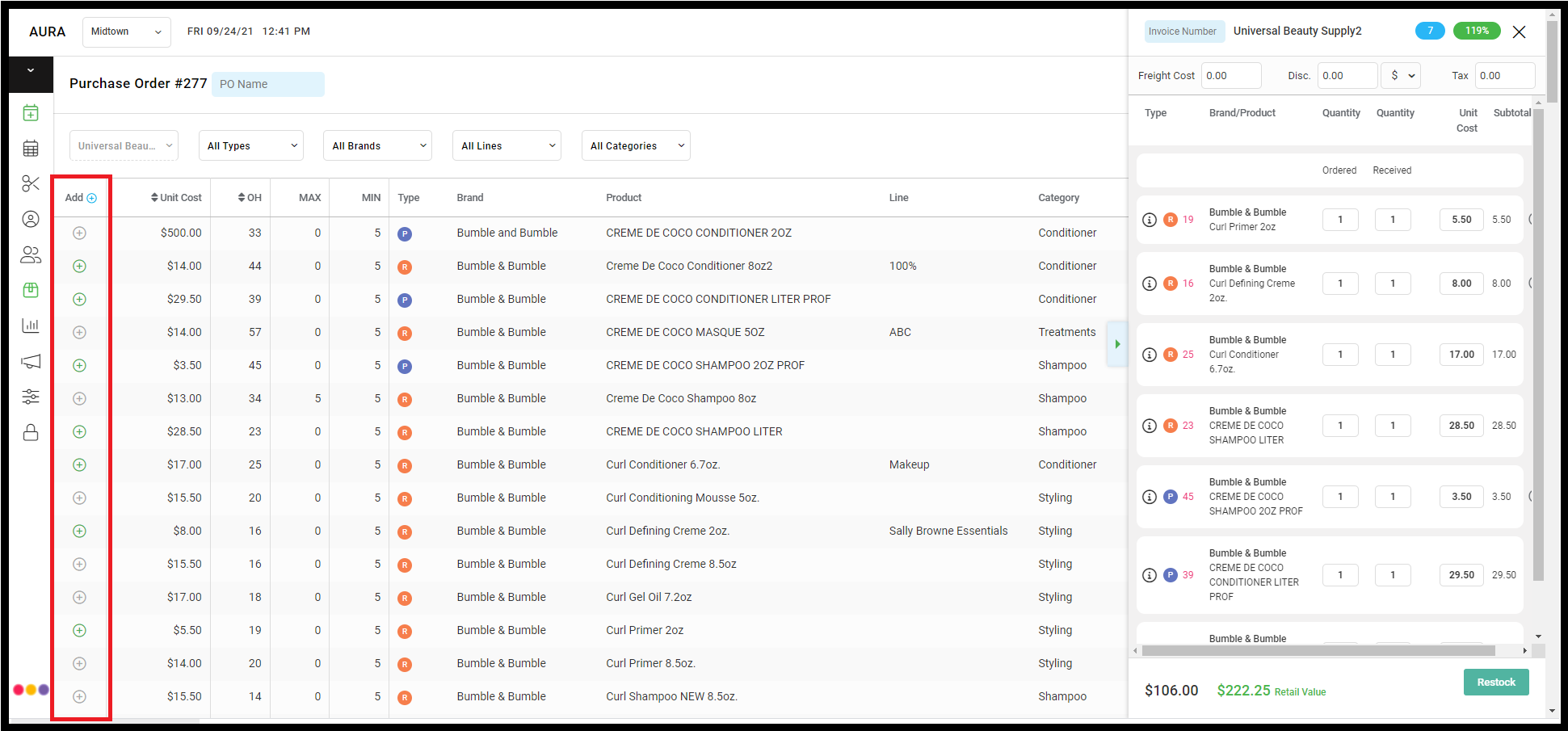
We streamlined the purchase order process and included more information (such as the SKU, UPC, Line, and much more) for efficient and accurate ordering.
Learn more about Purchase Orders here.
Custom Pay Types
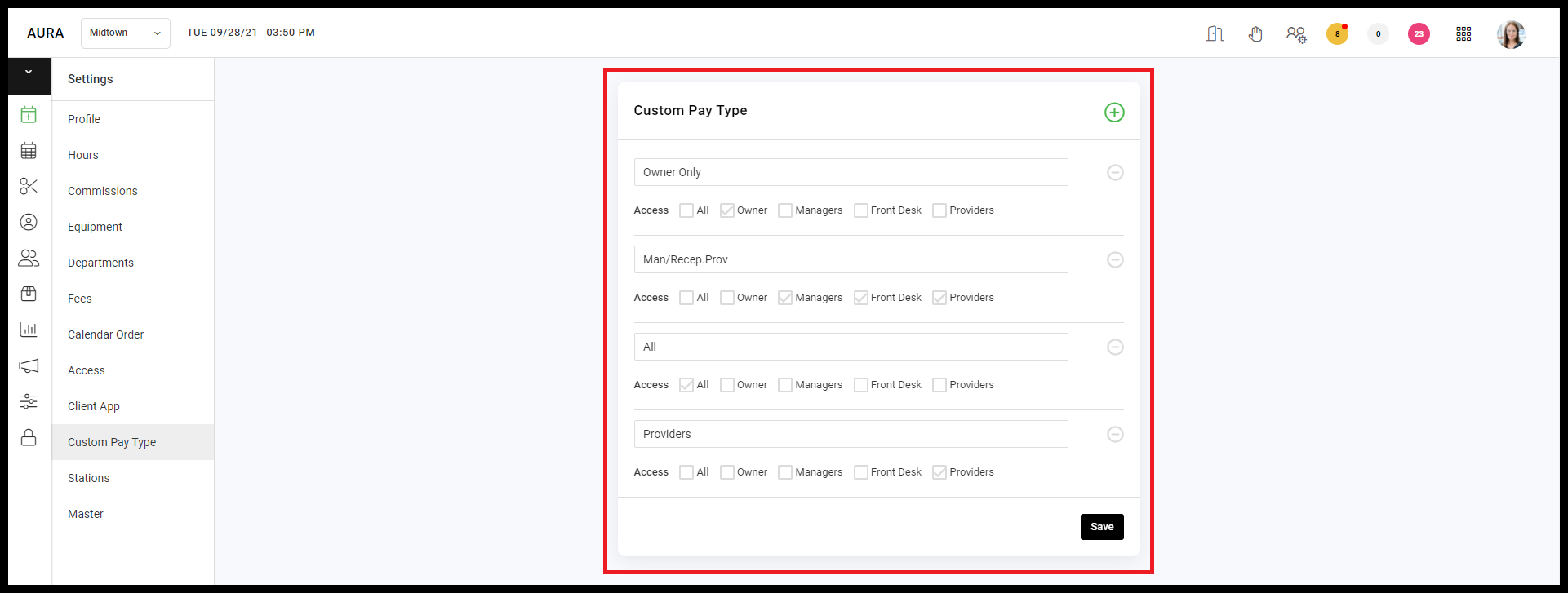
Owners and Managers can set Custom Pay Types under Master Settings > Custom Pay Types. Note the names may not be longer than ten letters/numbers. Tickets can then be processed under custom pay types.
Watch the video here.
Save Button Moved on Client File
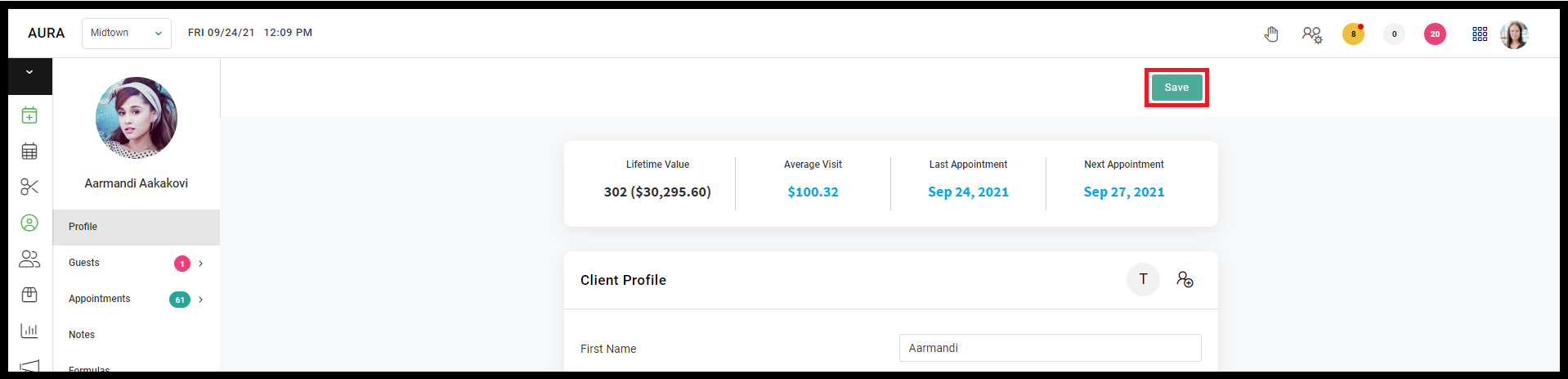
The Save button has moved to the top right of the client file when accessing AURA on a desktop computer. This will affect all access levels unless Providers are disallowed from accessing client data. The setting to allow or disallow Provider access to the client data is located at Salon Settings > Access > Hide Client Info from Provider."
Toggle for Provider Access to Curbside and Messages
Owners can enable or disable their provider’s access to Curbside and Messages on desktop, mobile, and tablet by going to Salon Settings > Access > and checking the box for ‘Allow the provider to access Curbside’ and ‘Allow providers to access Messages’. When these boxes are checked, providers will see current Curbside Orders and Unresponded Messages.
Learn more about Curbside here.
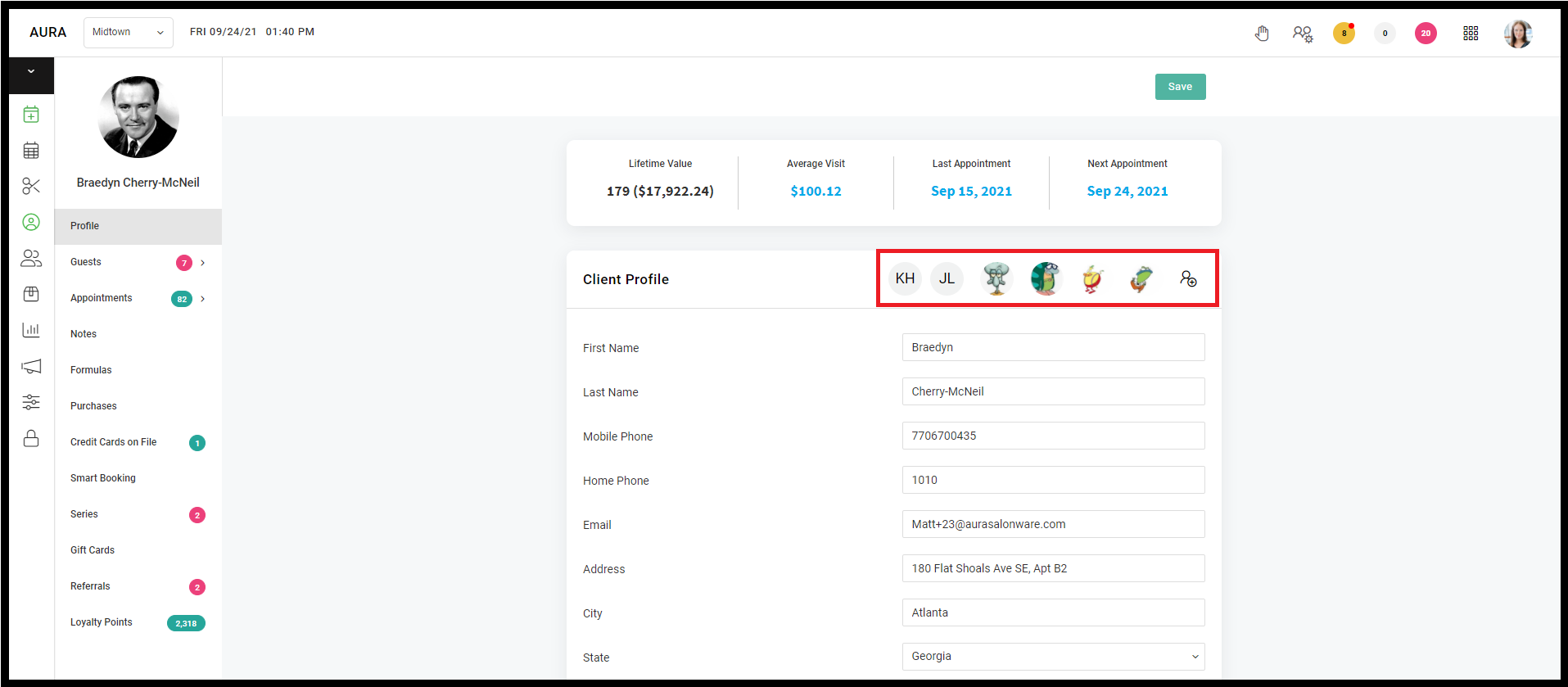
Split guest from client account
Users with access to the client file can now make a guest account into their own independent account from within the primary client's Client Profile. Since the account is not a guest account any longer, ensure that an email and phone number is present on the new independent account so that they receive SMS and emails about appointments.
Learn more about splitting a guest from a client account here.
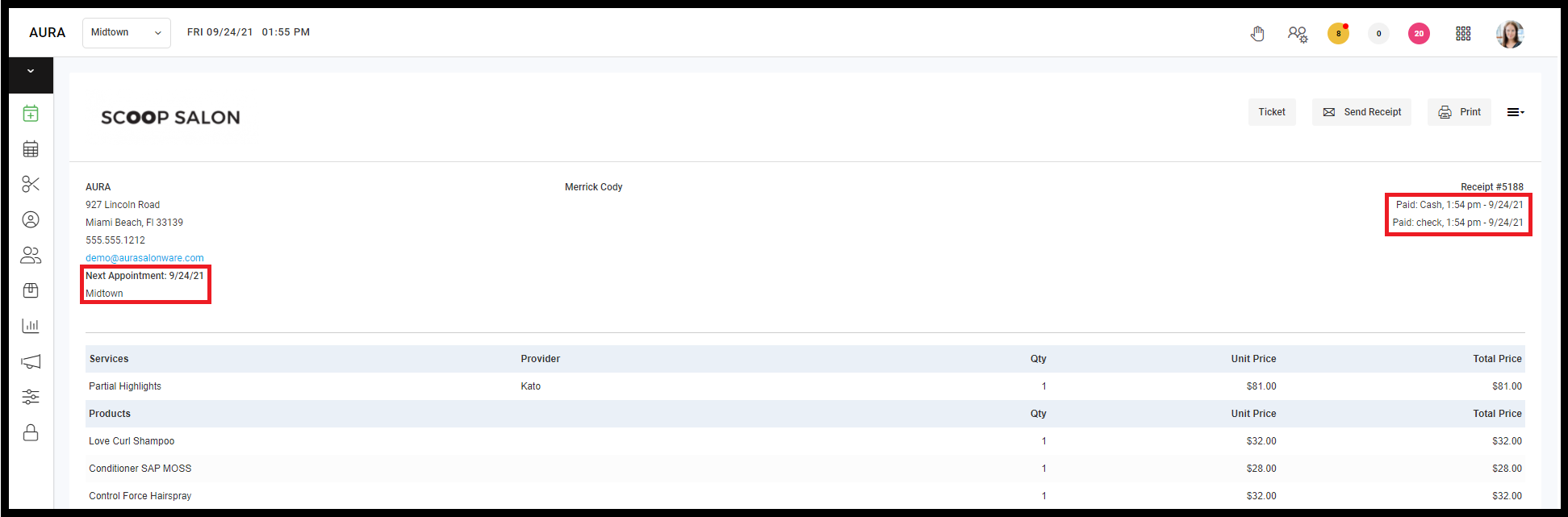
Aura Receipt
The receipt now shows the client's next upcoming appointment as well as each payment type used to pay for the ticket.
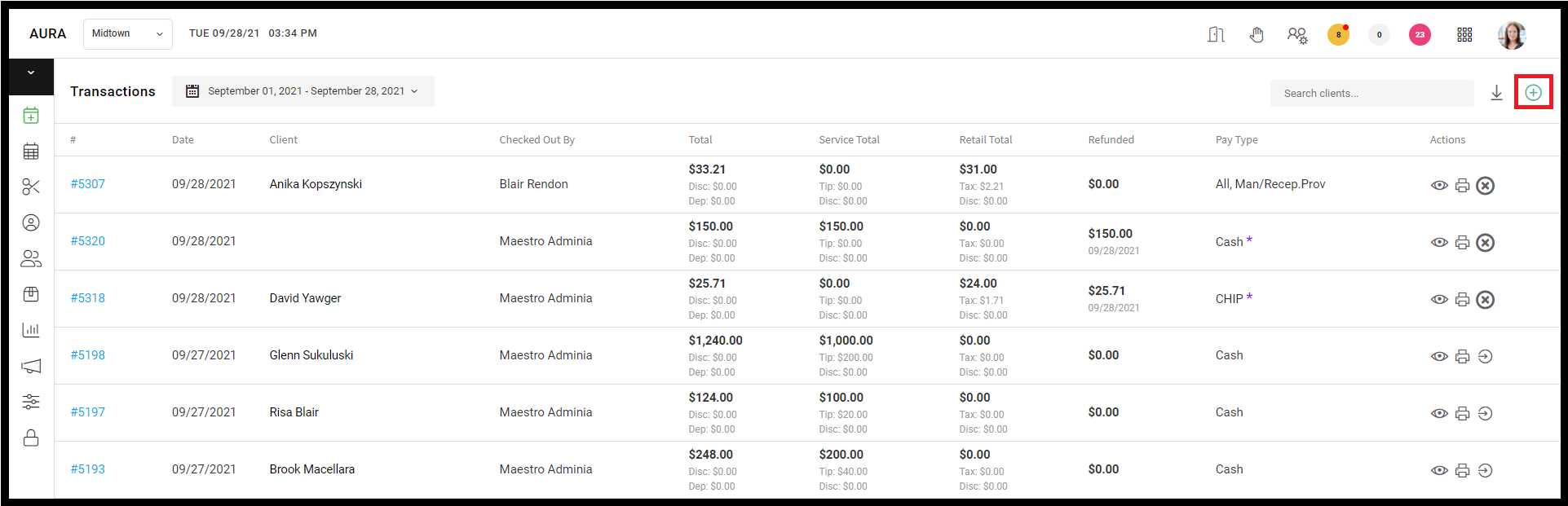
Manual Refunds
Owners and Managers have the ability to complete manual refunds without an original ticket.
Learn more here.
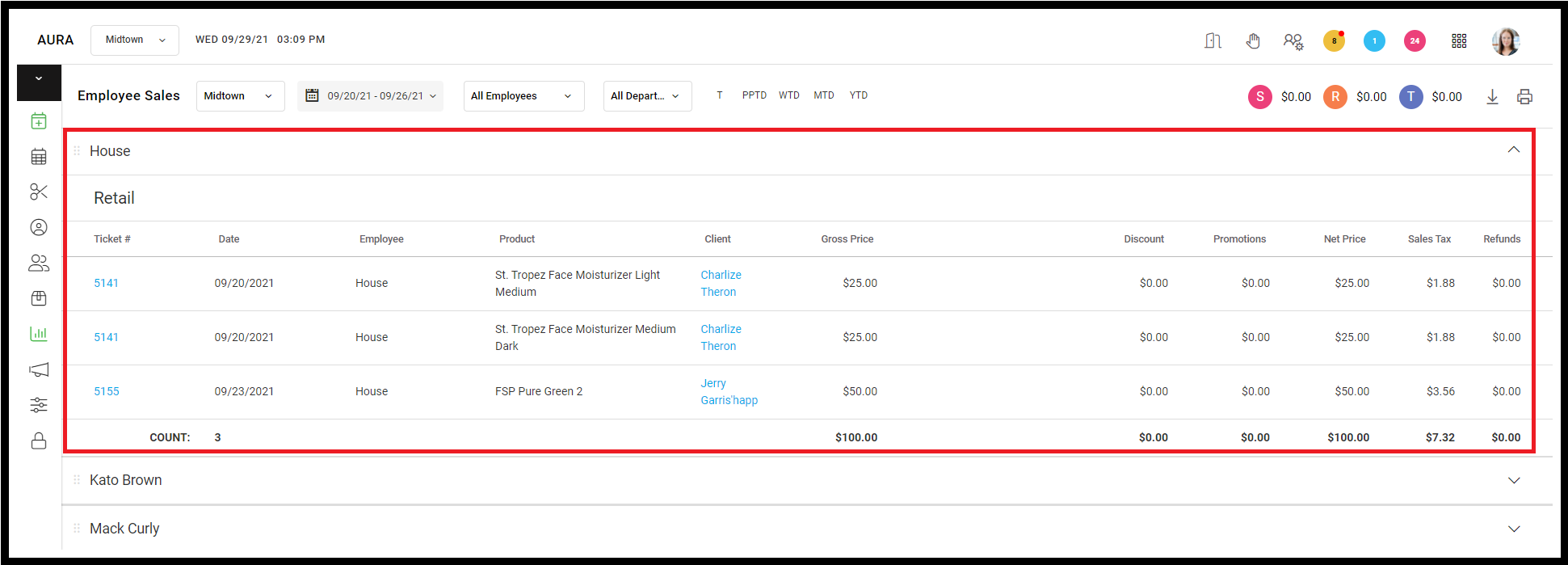
Add House Section to the employee sales report
Sales done under the House employee are shown on the Employee Sales Report. This report is accessible by Owners and Managers and House sales will only show if there are sales for House during the time period being displayed.
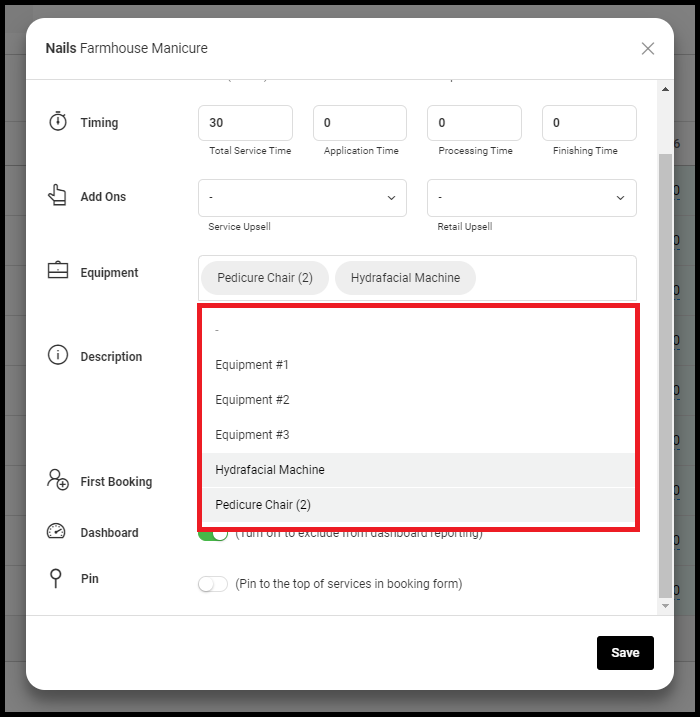
Equipment Prioritization
If a service can be performed by various pieces of equipment, assign all applicable equipment to the service from the Salon Default Service tab. From there, you may also prioritize the order in which the equipment should be booked. Equipment booking priorities can be set by salon or individual providers from their service list directly. When booking an appointment, the assigned equipment will display on the details tab of the appointment popup.
Watch the video here.
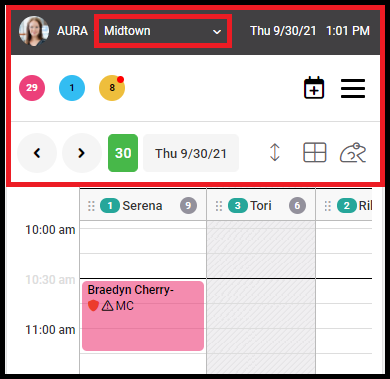
Mobile Admin UX Updates
When viewing the calendar on mobile devices, the salon location displays at the top of the page. Icons on the top of the page have been re-stylized for a cleaner look.
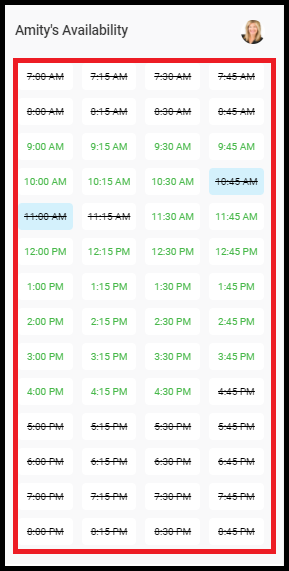
Booking Form UX
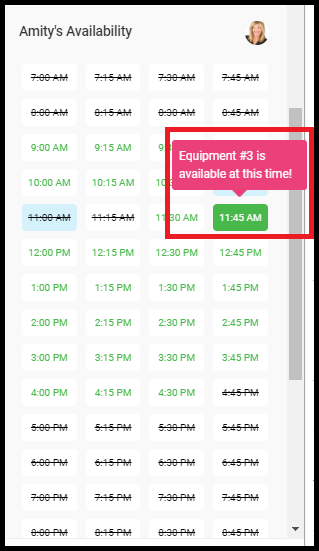
The booking form has been re-stylized as the provider availability has four columns. When hovering over a time, the tooltip shows equipment availability. These updates apply to desktop, mobile, and iPad users.
Watch the video here.
Level Badge on Calendar
In the appointment calendar, a badge to indicate the provider’s service pricing level appears to the right of the provider’s name.

Inventory Adjustments Summary
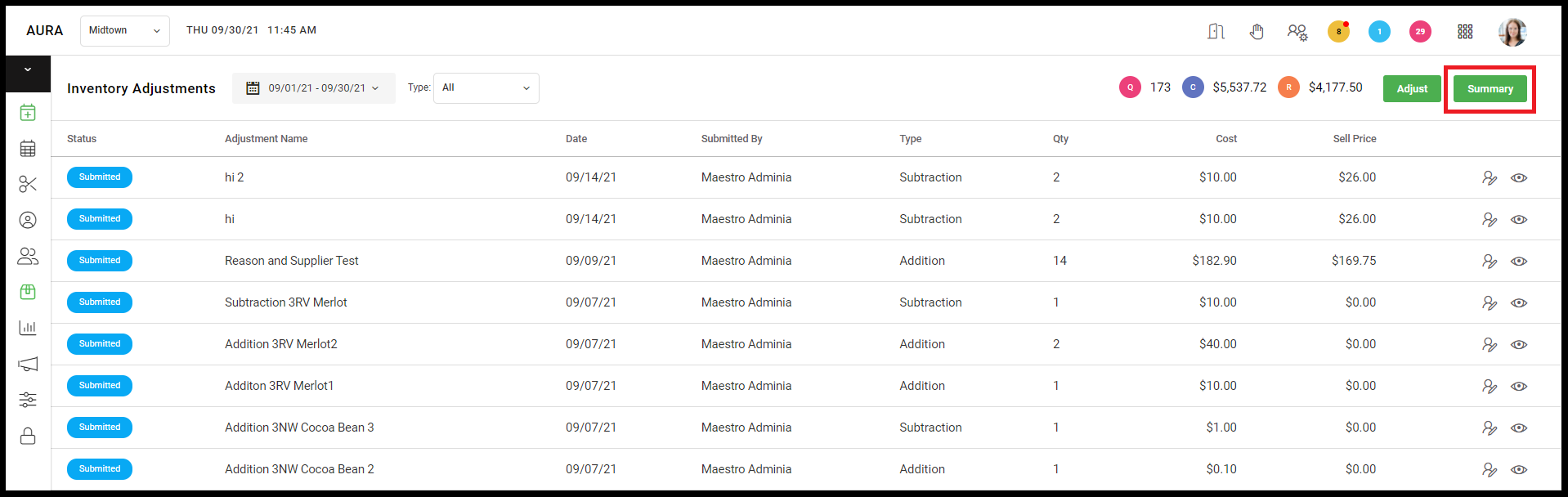
Owners and managers can view an inventory adjustment summary on a desktop computer by going to Inventory > Adjustments. This report includes a list of all positive and negative adjustment totals (cost, quantity and sell price) for any custom date range.
Watch the video here.
For more information regarding these new features or live support, contact support@aurasalonware.com